Hear Seed Audio 1.0
Documentary narration
Speech, warm and measured
Thriller voice-over
Speech, hushed and tense
Spice-market ambience
Sound effects, open-air bed
Thunderstorm
Sound effects, storm to a clap
Orchestral cue
Music, rising strings and brass
Lo-fi beat
Music, soft keys and vinyl
Seed Audio 1.0 use cases
One-pass video audio
Give a video clip its narration, sound design, and music in one generation. Describe the scene, who speaks, what happens, and the mood, and the model handles the full audio track.

Narrated explainers and tutorials
A composed voice with room tone and a light music bed in one output. The narration carries the content, and the model fills the acoustic space so it sounds placed and finished.
Short ads and promos
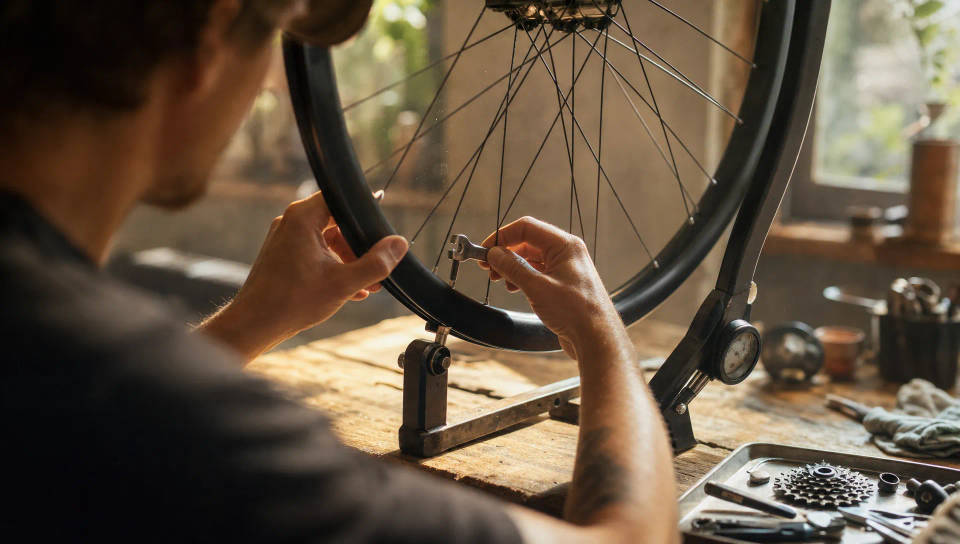
Spoken line, sound effects, and music as one ready-to-use track. Write the timing into the prompt, and the model hits the beat on the right word and fades the music on cue.

Scripted dialogue and audio drama
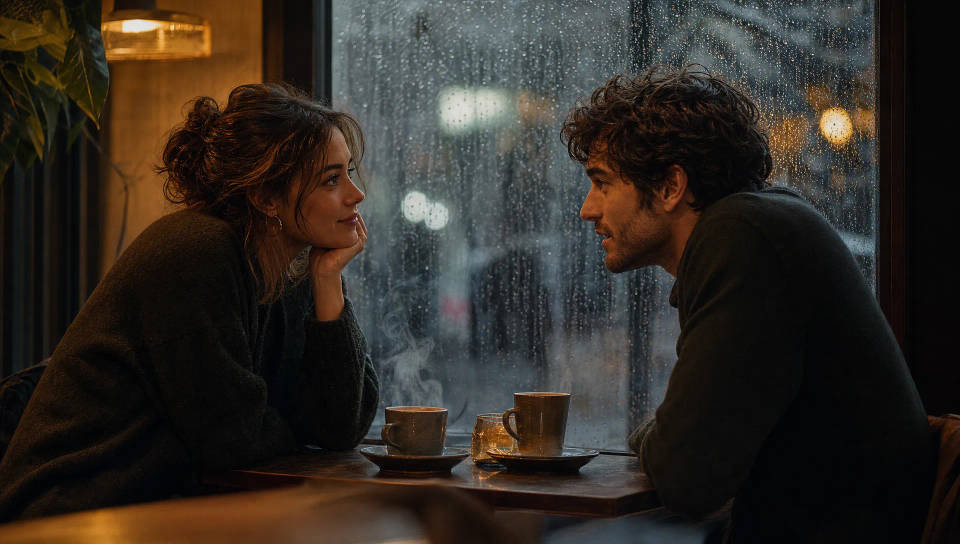
Multi-character scenes with distinct voices, accurate emotional delivery, and matching ambience, all in a single prompt. Write the script, describe each voice, and the model casts and directs.
Audiobooks and long-form narration
Narration, character voices, and sound design without a studio session, at a cost ByteDance puts near a tenth of human recording. Cast the narrator from a clip or a description, then work scene by scene.
Frame-accurate video dubbing
Put a timestamp on each line and the model fits the delivery to that exact window, so dialogue lands on the cut instead of near it. Works across all twenty supported languages.
How to write a Seed Audio 1.0 prompt
A strong prompt reads like a short scene brief, not a text-to-speech line, so the model can fit voice, music, and effects into one scene. Run through SCENE before you send.
| SCENE | Include | Example |
|---|---|---|
| Setting | Weather, location, context, acoustics | After-school hallway, distant footsteps, reverb |
| Cast | What each character is doing or wearing | Shouldering a backpack, waving from the door |
| Effects | Music mood and genre, sound effects | Deep war drums, low brass, a locker 'clack' |
| Notes on voice | Gender, age, accent, emotion, tone, speed | Teenage male, American accent, bright and cocky |
| Exact lines | What each character says, in quotes | 'Hey, Emma, you free Saturday?' |
Three habits separate strong prompts from generic ones.
Write long. The prompt limit is 3,000 characters, and the official examples use most of it. Description is not padding here: the environment, the score, and each character's delivery are all things the model renders, so every sentence you cut is a decision handed back to the model.
Write the sounds out. Onomatopoeia works. A backpack zipper "zzzip," a school bell "ring-a-ling" fading from near to far, a blade's "whoom, whoom" through the air. Spelling the sound is more reliable than naming it.
Match the languages. Write the prompt in the same language as the lines you want spoken. A French script briefed in English is the most common cause of a wrong-sounding accent.
School bell "ring-a-ling" fading from near to far, after-school hallway environment with distant footsteps, student chatter, occasional locker "clack," and hallway reverb. Jake (teenage male, American accent, bright youthful voice, sunny and cocky) says playfully and teasingly: "Hey, Emma, you free Saturday? My treat, that new amusement park!" A backpack zipper "zzzip." Emma (teenage female, American accent, sweet soft airy voice, shy) lowers her voice, flustered: "Uh, I still haven't finished my homework." Jake coaxes, dragging his words: "You can do it Sunday, it's just half a day!" Emma mutters, softening: "But it's due Monday." Jake says gently: "I'll do it with you, then we head out, deal?" Emma can't help laughing, conceding shyly: "Fine, just half a day, okay?" Jake, excited: "Deal!" Ends with both footsteps fading away.
Controlling timing to the second
Seed Audio 1.0 supports accurate time control. Put a timestamp at the front of a line, in the form [start:end], and the model fits that line's delivery into the exact window. It speeds up, slows down, and places pauses to make the line fit.
Ryan (young adult male, warm voice) calls out anxiously, slightly out of breath: "[5.5s:8.0s] Maya! Wait, you're really leaving tonight?" Maya (young adult female, soft voice) answers softly, forcing herself to stay composed: "[8.5s:11.5s] I have to. I've spent years chasing this, I can't walk away now."
This is what makes the model usable for dubbing. Pull the in and out points for each line from your timeline, write them into the prompt, and the returned track drops onto the picture without stretching or trimming. Leave the timestamps off and the model paces the scene naturally instead.
Casting voices from reference audio (TA2A)
There are two ways to get a voice into a scene. In T2A, you describe it and the model casts it. In TA2A, you upload reference audio and the generated voice follows the recording.
There is also a simpler voice cloning mode that sits outside scene work: upload a single clip, and the cloned voice becomes available for straight text-to-speech. Reach for it when you just need a voice to read a script. Reach for TA2A when that voice has to sit inside a scene alongside music, effects, and other characters.
TA2A takes up to three reference clips of up to 30 seconds each. Tag each clip to a character inline, so the model knows which voice belongs to which speaker, then write the scene exactly as you would for T2A.
[Ambient street sounds: passing cars, distant chatter, a faint breeze.] Marcus (a male voice, smooth and confident, warm playful broadcaster tone, clear articulation, the actor is <<TGT_SPK1>>), upbeat and inviting, says: "Hey there! Quick question, what's the most embarrassing thing that's ever happened to you?" Tyler (a younger male voice, slightly nervous, expressive with a light laugh, the actor is <<TGT_SPK2>>), letting out a long groan and a pained laugh, says: "Oh, you do NOT want to know. Okay, fine, but this stays between us." Marcus (the actor is <<TGT_SPK1>>), leaning in, intrigued, says: "Now I HAVE to hear it. Go on." [Both burst out laughing; street ambience swells and fades out.]
Three things to get right in a TA2A prompt: what content to generate, which reference audio to use, and what each reference audio is for. Reference clips are selected as @Audio1, @Audio2, and @Audio3, either uploaded for the current job or picked from your asset library and reused across a series.
Square-bracket cues like [Ambient street sounds: passing cars, distant chatter] are a clean way to open and close a scene without attaching the sound to a speaker.
Prepare reference clips against the CLEAR checklist:
- Clean recording, with little background noise
- Length under 30 seconds per clip
- Emotion aligned to the delivery you want
- Accent consistent within each clip
- Room tone steady across clips
With no clip at all, describe the voice in text, giving age, accent, and pace rather than "nice" or "professional." A character image also works: the model derives a matching voice from apparent age and character, which is useful for fictional or animated speakers.
How to use Seed Audio 1.0
Getting a finished track takes four steps.
- Write the scene brief. Describe the setting, the cast, the music and effects, each voice, and the lines, following the SCENE checklist above. Up to 3,000 characters.
- Set the voices. Describe them in the prompt for T2A, or upload up to three reference clips and tag them for TA2A. A character image works too.
- Add timing if you need it. Put
[start:end]timestamps on lines that have to hit an exact window. - Generate. One pass returns the voice, music, and sound effects together, already mixed, up to two minutes long.
For anything longer than two minutes, an audiobook chapter or a full episode, work scene by scene and keep the same voice reference across generations so the cast stays consistent.
FAQs
T2A, text prompt to audio, builds everything from your description: the environment, the music, the sound effects, and each character's voice. TA2A, text prompt plus audio to audio, adds up to three reference recordings that you tag to specific characters, so those voices follow the recordings instead of a written description. Everything else about the prompt is the same.
Yes. Beyond T2A and TA2A there is a voice cloning mode: upload one audio clip, and the cloned voice becomes available for straight text-to-speech. ByteDance documents it as a single-clip clone. If the voice needs to appear in a full scene with music, effects, and other speakers, use TA2A instead, which takes up to three reference clips and tags each to a character.
Put a timestamp in the form [5.5s:8.0s] at the start of a line and the model fits that line's delivery into exactly that window, adjusting pace and pauses to make it land. It is the feature that makes the model practical for dubbing, where audio has to match picture. Lines without timestamps are paced naturally.
Twenty: English, Chinese, Japanese, Korean, Mexican Spanish, Castilian Spanish, Indonesian, German, Brazilian Portuguese, French, Thai, Vietnamese, Malay, Filipino, Italian, Russian, Dutch, Polish, Turkish, and Swedish. Write the prompt in the same language as the script for the most consistent result.
Yes. Describe each character's voice inline as you write the scene, and the model gives each speaker a distinct voice, emotion, and pacing in a single generation, along with the ambience and effects around them. In TA2A mode you can tag up to three of those characters to reference recordings.
Up to two minutes of audio per pass, from a prompt of up to 3,000 characters. Generation is non-streaming: the model renders the complete mixed track rather than returning audio in realtime. Longer productions are built scene by scene.
It is one of the strongest fits for the model. A single prompt covers the narrator's voice, the character voices, and the sound design around them, so a scene arrives finished rather than as separate tracks to mix. Keep the same voice reference across chapters and the narrator stays consistent through the book.
Significantly. Ordinary text-to-speech picks a voice and reads text aloud. Seed Audio 1.0 moves from text-to-speech to reference-to-audio: one prompt describes the environment, the score, the effects, and every character's voice, and the model returns the whole scene mixed together. The difference in scope is an entire audio production versus only the voice.