Seedance 2.0 Mini features and capabilities
Seedance 2.0 Mini is the fast, low-cost tier of ByteDance's Seedance 2.0 video line. It keeps the multimodal, multi-shot approach of the line but optimizes for volume, with output comparable to Seedance 2.0 Fast so the savings come from efficiency rather than a visible drop in quality.
Seedance 2.0 Mini is a new tier, so these are its expected features and may change as it rolls out.
| Feature | What it does | Best for |
|---|---|---|
| Lower cost per clip | Runs at about half the cost of Seedance 2.0 | High-volume output, testing many variants |
| Faster generation | Renders quickly for tight iteration loops | Batch work, deadline turnaround |
| Multimodal references | Guides a shot with image, video, and audio references | Directed shots, style matching |
| Consistent characters | Holds a character across a multi-shot sequence | Series, lookbooks, short stories |
| AI camera control | Directs zooms, pans, and tracking in plain language | Intentional motion on quick drafts |
Lower cost per clip
Mini runs at about half the cost of Seedance 2.0, so the same budget covers far more generations and prompt variants. That is the whole point of the tier: it makes it practical to explore many directions rather than commit to one expensive render.
Faster generation
Render times are short enough to iterate, so you can block a shot, judge it, and re-run a variation without a long wait between takes. Fast turnaround is what turns a single idea into a batch of options in one sitting.
Multimodal references
Guide a shot with image, video, and audio references alongside a text prompt, the same multimodal inputs as Seedance 2.0. A reference steers the look and motion, so a quick draft still lands close to the direction you have in mind.
Consistent characters
Supply a reference and Mini holds the same character, look, and style across a multi-shot sequence, not just a single isolated clip. That is what lets a short story, a lookbook, or an ad hold together scene to scene while you iterate quickly.
AI camera control
Direct the camera in plain language, zooms, pans, and tracking shots, so motion feels intentional even on a fast draft. Naming a single clear move per shot reads as a real camera rather than random drift.
Seedance 2.0 Mini use cases
High-volume social shorts
Generate vertical clips for Shorts, Reels, and TikTok in batches, fast and cheap enough to post daily. Low cost per clip means the whole feed comes from one afternoon of prompts.
Ad variations worth testing
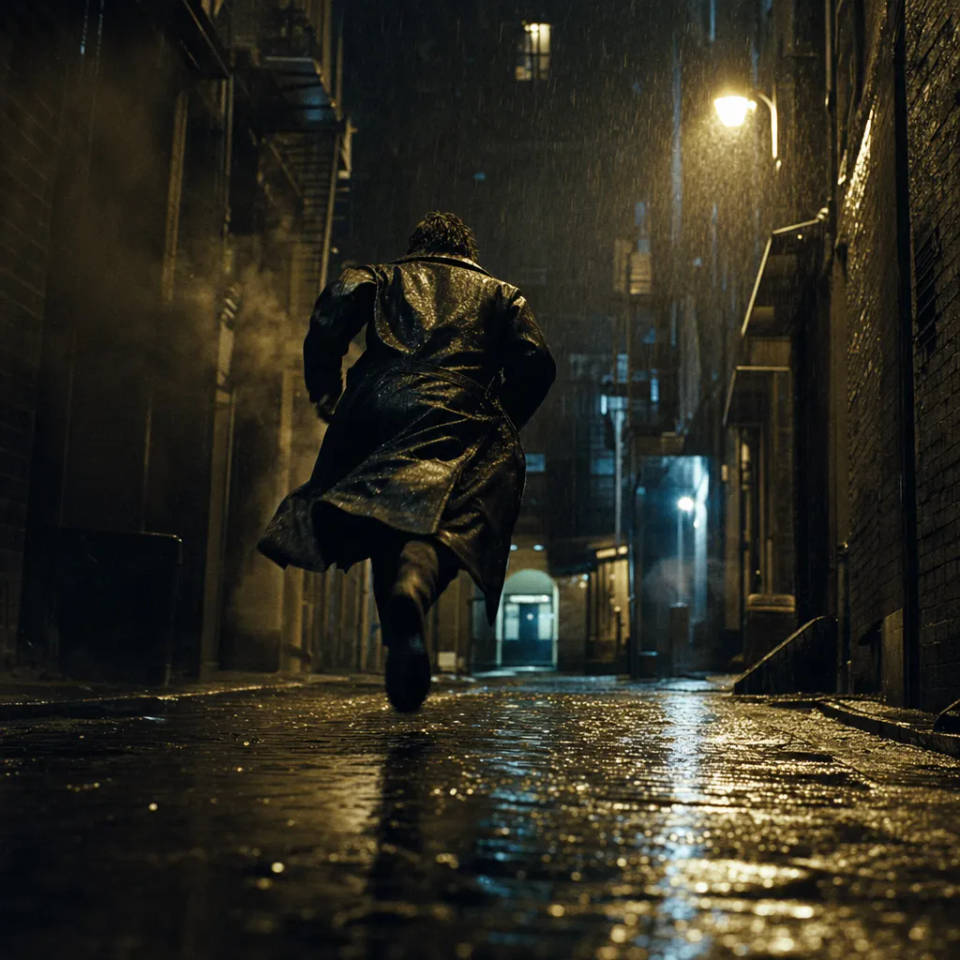
Spin up several cuts of the same product spot, compare them side by side, and keep only the one that lands. The savings come from testing directions instead of committing to a single expensive render.

B-roll and nature clips in bulk
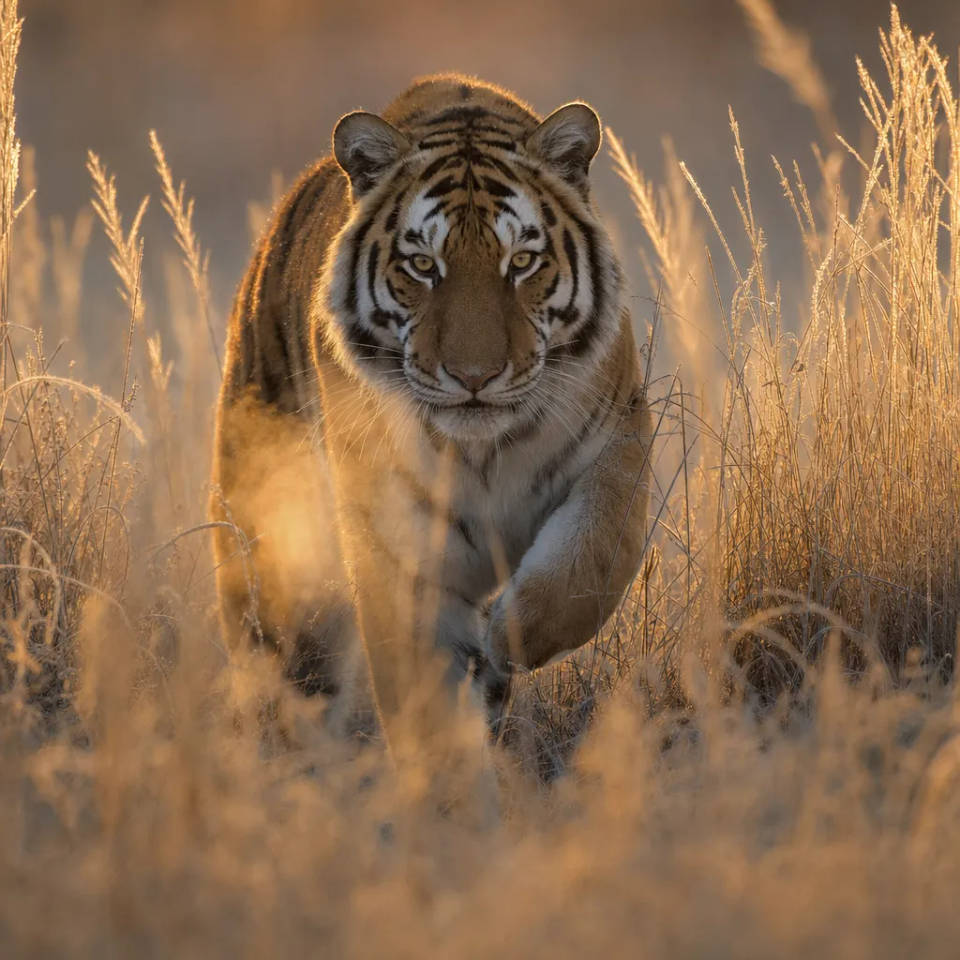
Fill a project with short atmospheric shots without burning the budget on any one of them. When you need twenty establishing clips rather than one hero shot, the cost per clip is what matters.
Fashion and lifestyle cuts
Hold the same character across a multi-shot sequence with a reference image, so a lookbook or lifestyle reel stays consistent scene to scene while you iterate quickly.

Draft a scene before a hero render
Block out motion and pacing on the fast tier to lock the direction, then graduate the winning shot to a higher-fidelity model for the final. Cheap drafts, expensive polish only where it counts.
Everyday creative concepts
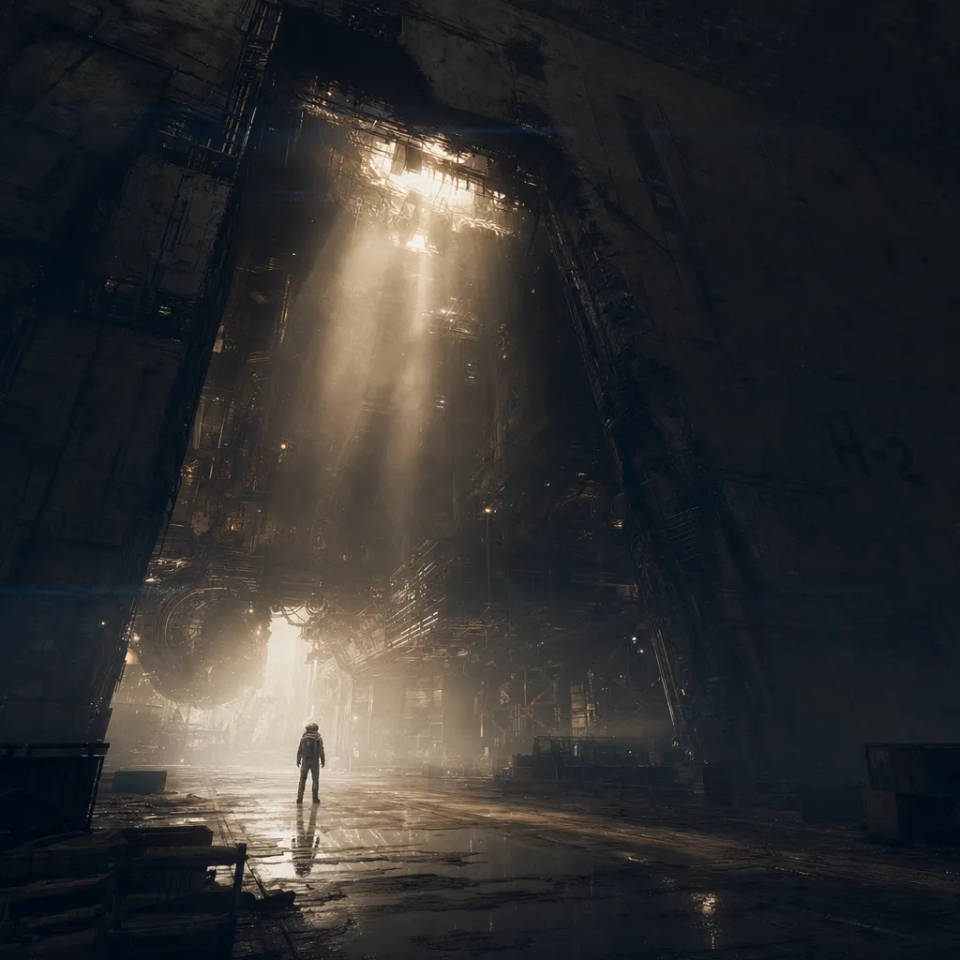
Routine, repeatable video work where speed and cost per clip add up over time. Test a surreal idea, keep what works, and move on without a long render or a big spend.

How to get the best out of Seedance 2.0 Mini
Mini is the tier built for volume, so the workflow is about testing many directions cheaply and keeping only the winners. A few practices carry most of the quality:
- Generate in batches. Run several prompt variants at once and judge them side by side instead of polishing one clip in isolation.
- Change one variable per take. Swap only the camera, the light, or the action between variants, so each batch teaches you what moved the result.
- Keep clips short. A tight beat costs less and reads cleaner than crowding several actions into one clip.
- Hold a character with a reference. Supply an image so the same subject carries across a multi-shot sequence, not just a single clip.
- Direct the camera in plain language. Name a zoom, pan, or tracking move so motion feels intentional even on a quick draft.
- Graduate the keeper. Once a direction is locked, re-run the winning shot on a higher-fidelity tier when a final needs the extra polish.
For the full capability list and specifications, see the Seedance 2.0 Mini model page.
Seedance 2.0 Mini prompt guide
Mini rewards a short, specific shot brief. Because you will run several variants, keep each prompt tight so it is easy to change one thing at a time. Run through SPACE before you send.
| SPACE | Include | Example |
|---|---|---|
| Subject | Who or what is in frame, described concretely | A courier weaving through market stalls |
| Performance | The motion: what the subject does, and how | He darts left, dust kicking up behind |
| Ambience | Setting, time of day, and light | A crowded bazaar at midday, hard sun |
| Camera | Shot type plus one move | Handheld follow, a quick whip-pan |
| Extra cues | Audio, pacing, and transitions | Market chatter, a punchy five-second cut |
Weak vs strong prompts
Name the camera, move one variable at a time, and keep each take to a single short beat.
| Focus | Weak | Strong |
|---|---|---|
| Camera | A person running | Handheld follow on a courier weaving through market stalls, a quick whip-pan as he cuts left |
| One variable per take | A different version | The same shot, changing only the light to golden hour |
| Length | A long, busy clip | One five-second beat: he vaults the crates, then stops |
Common mistakes
- Crowding one clip: keep one short beat per take, which reads cleaner and costs less.
- Changing everything between variants: move one variable so you learn what actually worked.
- Skipping the reference: attach an image to hold a character across a multi-shot sequence.
- Polishing a draft: draft on Mini, then graduate the keeper to a higher-fidelity tier for the final.
