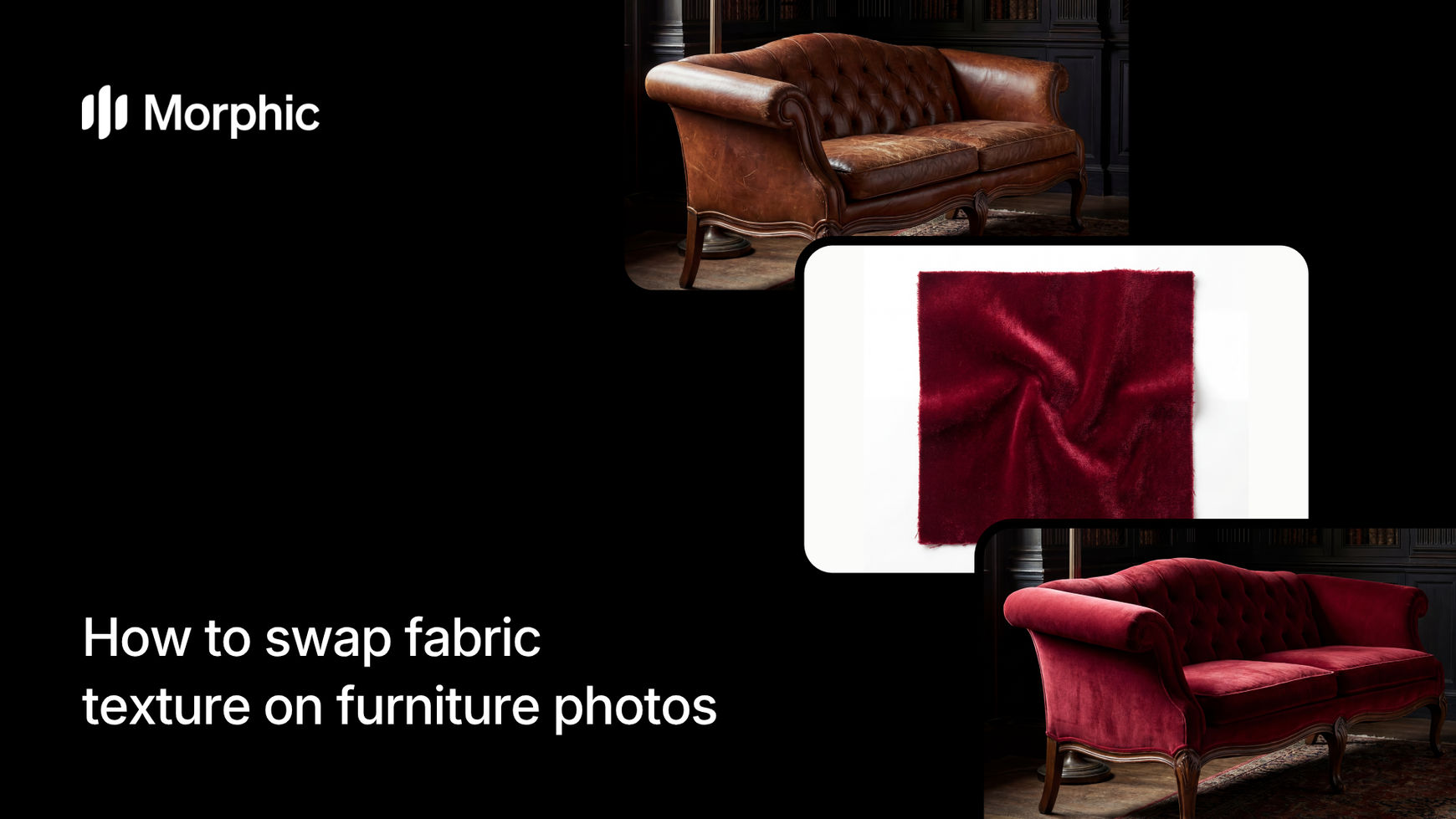
What is a fabric texture swap?
A fabric texture swap digitally replaces the textile surface on furniture, cushions, curtains, or other soft furnishings in an existing photograph. The swap preserves the original item's shape, creases, lighting, and shadow behavior while applying a new material with accurate texture, weave, and sheen.
Upload your furniture photo and describe the target fabric. Morphic analyzes the surface geometry, lighting direction, and shadow patterns in your image, then applies the new texture with physically accurate wrapping, stretching, and light interaction. The result looks like the furniture was originally photographed in the new fabric.
Upload your furniture photo
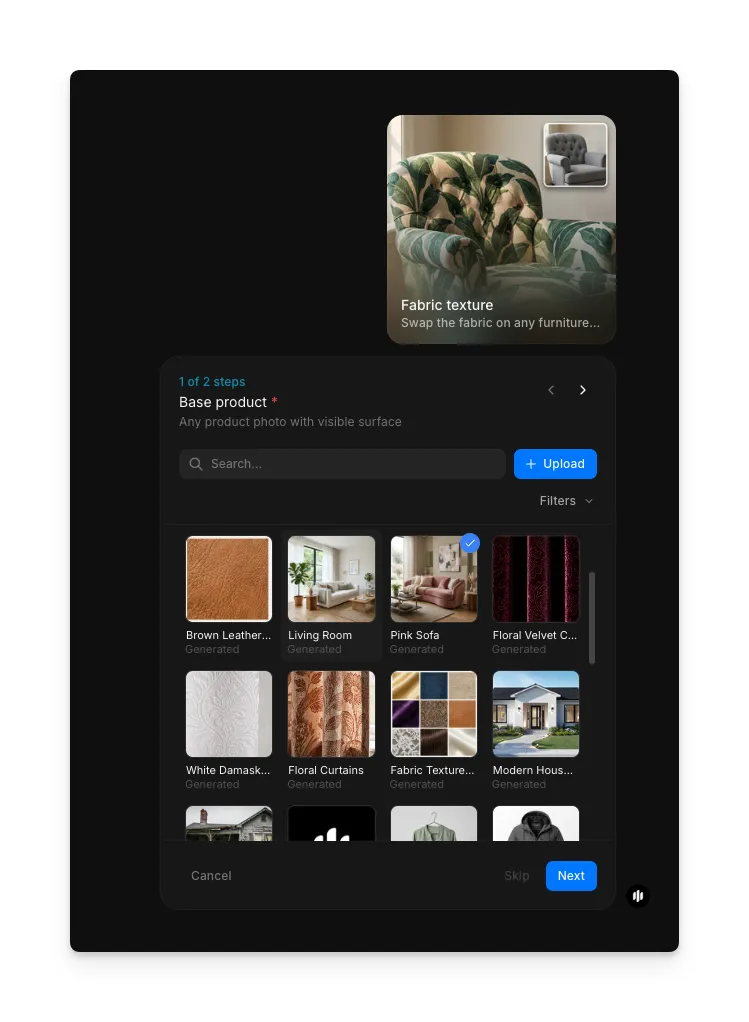
Open the "Fabric texture" workflow. In the "Base product" step, browse the gallery or upload a photo of the furniture you want to retexture.
Choose your fabric swatch
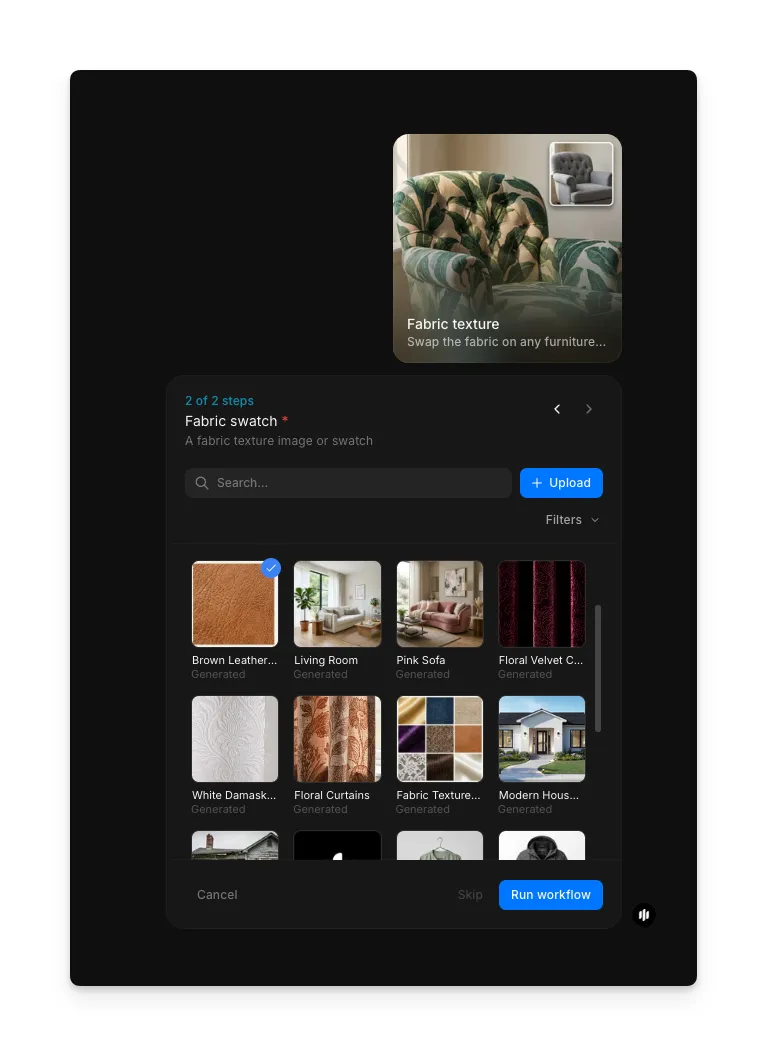
In the "Fabric swatch" step, browse the gallery or upload an image of the fabric you want applied to the furniture. Click "Run workflow" to generate.
Morphic processes your photo and applies the new fabric texture while preserving the furniture's original form, lighting, and environment.
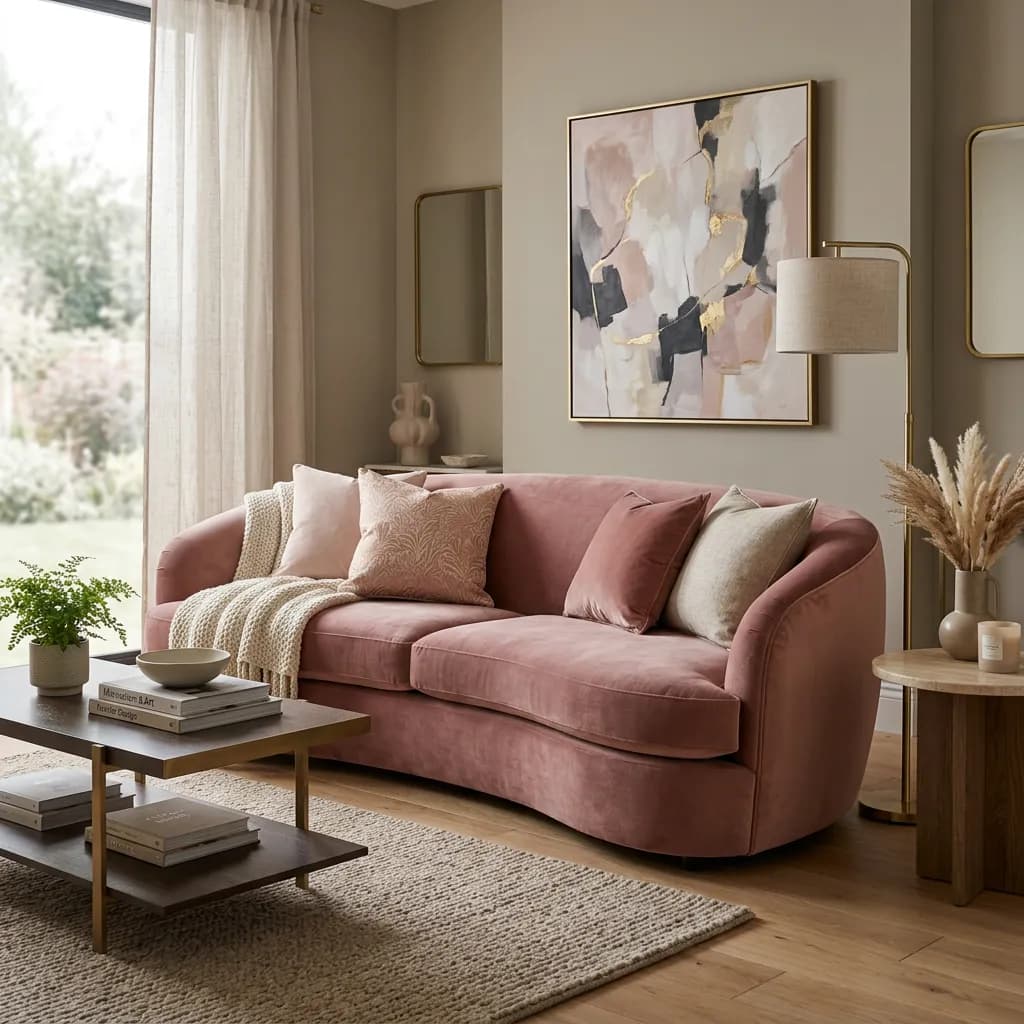
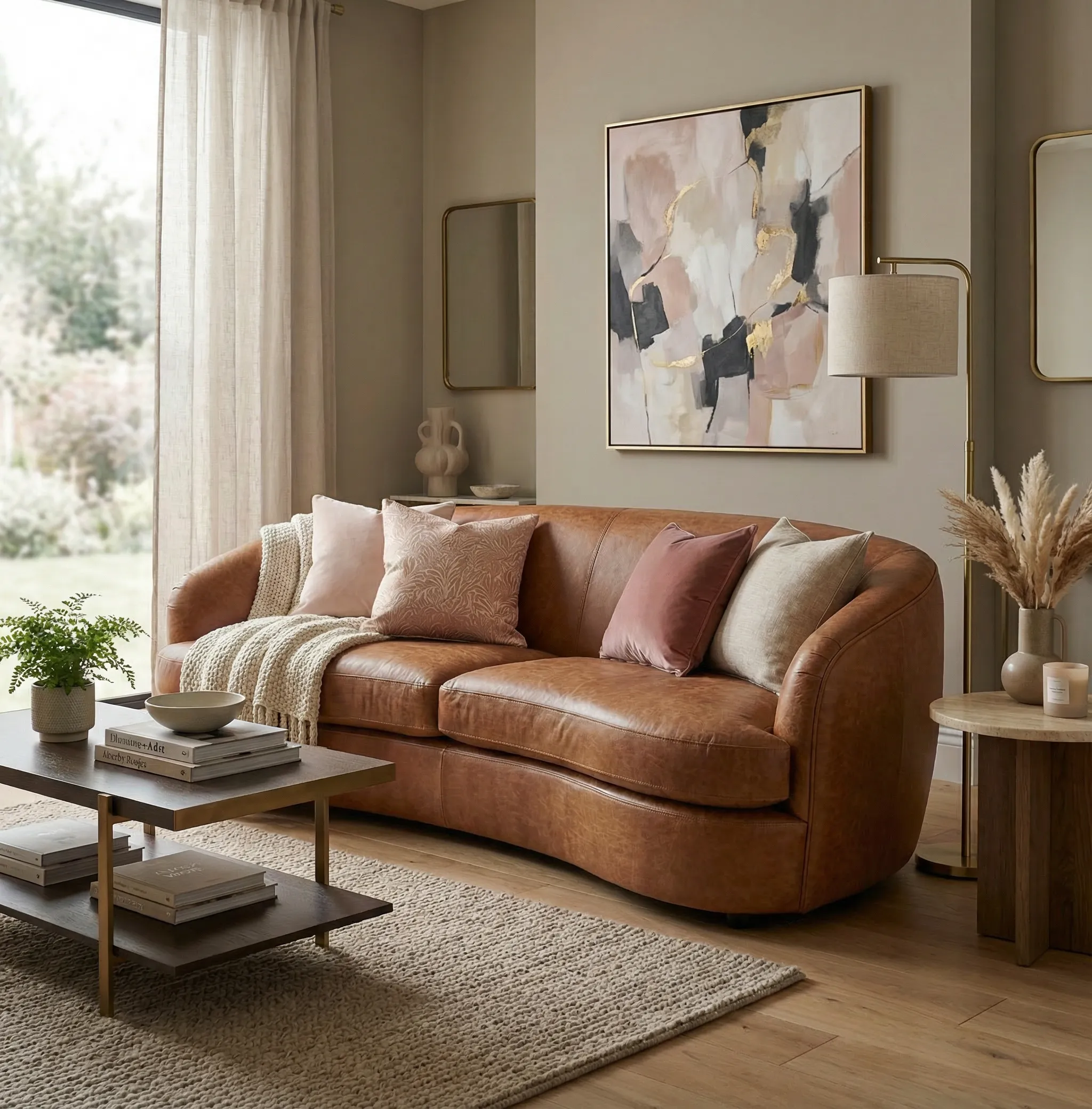
What makes a convincing fabric texture swap
| Quality | What it means | Why it matters |
|---|---|---|
| Texture consistency | The new fabric's weave and surface detail wrap naturally across the entire piece | The result looks like a real photograph rather than a digital overlay |
| Seam preservation | Original seam lines, stitching, and structural details remain visible | The furniture retains its construction authenticity under the new material |
| Lighting match | The new fabric responds to the scene's existing light direction and intensity | Shadows and highlights behave naturally, maintaining photographic realism |
| Edge blending | The boundary between swapped fabric and surrounding elements is seamless | No visible artifacts or hard edges where the new texture meets the environment |
The AI handles surface analysis, texture mapping, and lighting integration automatically, so you only need to upload a photo and describe the fabric you want.
Fabric texture swap vs. physical reupholstery or 3D rendering
| Morphic's fabric texture swap workflow | Physical samples or 3D rendering | |
|---|---|---|
| Cost | Available on Morphic | Professional rates per reupholstery or Varies per 3D render |
| Time to deliver | Minutes | Days for reupholstery, hours for 3D rendering |
| Material variations | Multiple fabric changes per run | Each variant requires new upholstery or new render setup |
| Photo realism | Works directly on real photographs | 3D renders require modeling; reupholstery requires reshooting |
| Catalog production | Generate full material range from one photo | Each variant is a separate shoot or render |
| Client presentations | Show options in real-time during consultations | Wait for samples or renders before presenting |
| Existing photography | Retexture photos you already have | Cannot use existing photos without reshooting or modeling |
FAQs
Yes. The workflow analyzes the furniture's geometry, seams, and construction details, then applies the new texture while maintaining all structural elements. The shape, proportions, and physical details of the original piece remain unchanged.
The workflow processes the primary upholstered surface in your image. For photos with multiple furniture pieces, run the workflow separately for each item to apply different fabrics, or apply the same fabric to the entire scene.
The workflow handles sofas, armchairs, dining chairs, cushions, curtains, headboards, ottomans, and other soft furnishings. Items with clearly visible fabric surfaces produce the most accurate results.
Yes. Generated images are yours to use in product catalogs, e-commerce listings, interior design presentations, and marketing materials. You own the outputs produced through your Morphic subscription.
Physical reupholstery and professional 3D renders can be expensive and time-consuming. Morphic's fabric texture swap workflow is available on Morphic and delivers results in minutes.