Wizard portrait turnaround
One wizard drawn front, three-quarter, and back in a single row, robes and staff held consistent across all three, clean reference line weight, neutral backdrop.
Edit prompt
Conjure spellcasters in your browser with Morphic's Wizard AI image generator. Generate a classic robed sage with a gnarled staff, a battle mage trailing fire, or a frost conjurer wreathed in ice. Keep the robes and palette consistent with Character Lineup, then animate with Image to Video.
One wizard drawn front, three-quarter, and back in a single row, robes and staff held consistent across all three, clean reference line weight, neutral backdrop.
Edit promptA full-length wizard mid-cast, staff raised, a swirling spell vortex of light and rune glyphs filling the frame, robes billowing, dramatic low-angle, painterly polish.
Edit prompt
A reference sheet of one wizard plus their staff, spellbook, focus crystal, and rune amulet, each item drawn separately and labelled by silhouette, consistent palette.
Edit prompt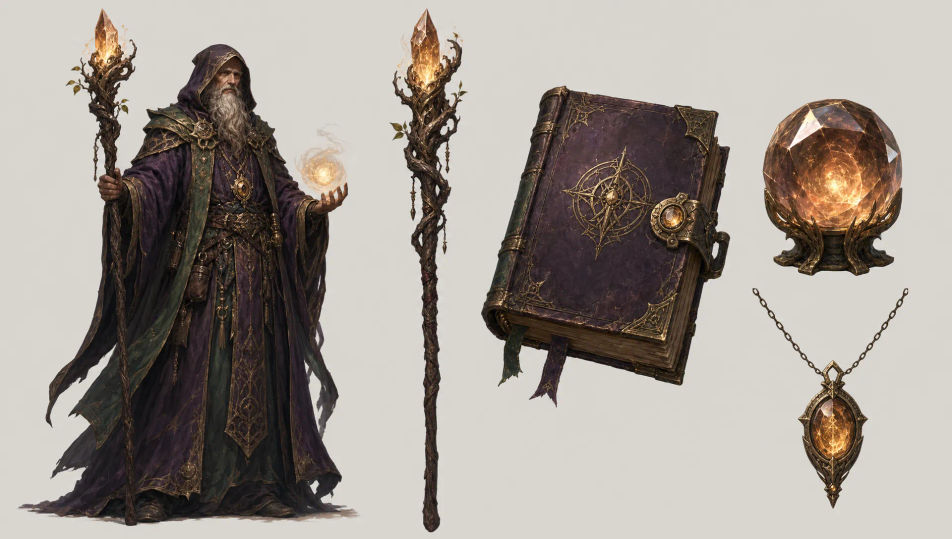
A wizard seated in a candlelit study lined with spellbooks, a glowing rune circle on the desk, floating motes of light, warm amber glow, atmospheric fantasy portrait.
Edit prompt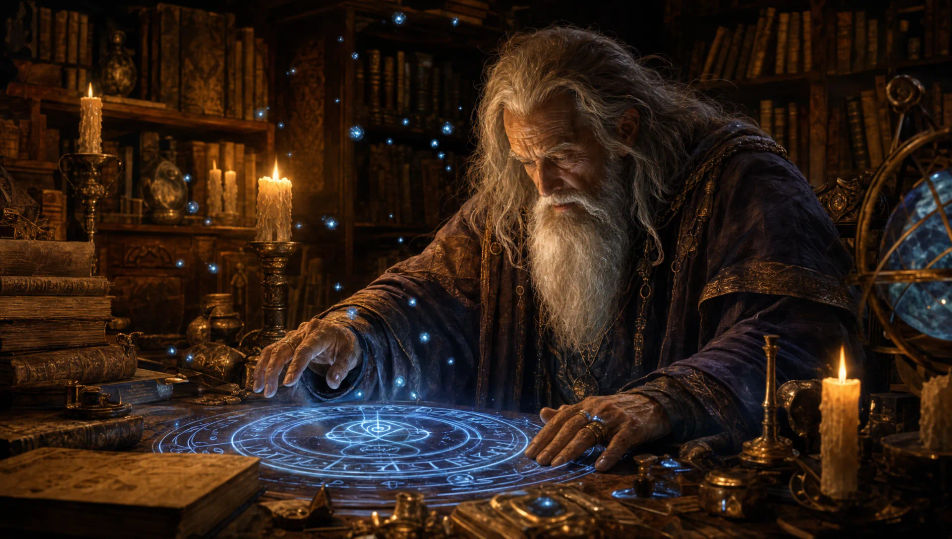
Describe the Wizard you want, in plain words.
Morphic generates a clean, ready-to-publish image on your canvas in seconds.
Tweak the prompt, regenerate variations, then download or share the frame.

Share a scene description with character references. Get a full storyboard with shot angles and mood.

Feed in a single image. Get 9 cinematic beats laid out as a 3x3 storyboard grid.
One image to a 9-scene cinematic video.

Take any character image and generate 6 distinct facial expressions on a single reference sheet.
Cinematic time-freeze short film for any scene
Drop in a photo of yourself. Get a 12-second cinematic movie with animation and a matched soundtrack.
Tabletop RPG Character AI Images
Create AI Tabletop RPG Character images with Morphic. Generate Tabletop RPG Character portraits, designs, and character art for any project in seconds.
Original Character AI Images
Create AI Original Character images with Morphic. Generate Original Character portraits, designs, and character art for any project in seconds.
Manga Character AI Images
Create AI Manga Character images with Morphic. Generate Manga Character portraits, designs, and character art for any project in seconds.
Vintage book illustration AI generator
Create vintage book illustration with Morphic. Engraving linework, ink-and-wash, sepia aged-paper finish, and golden-age plate art from a single prompt.
Get started for free today, with the option to upgrade or cancel anytime.
Basic
2400 monthly credits
1 user only
All models
Workflows
Standard
3625 monthly credits
1 user only
All models
Workflows
Pro
6350 shared monthly credits
1 user
All models
Workflows
Max
24650 shared monthly credits
1 user
All models
Workflows
Enterprise
For higher limits
Custom
pricing and billing terms

Free
For playing around
$0
forever free