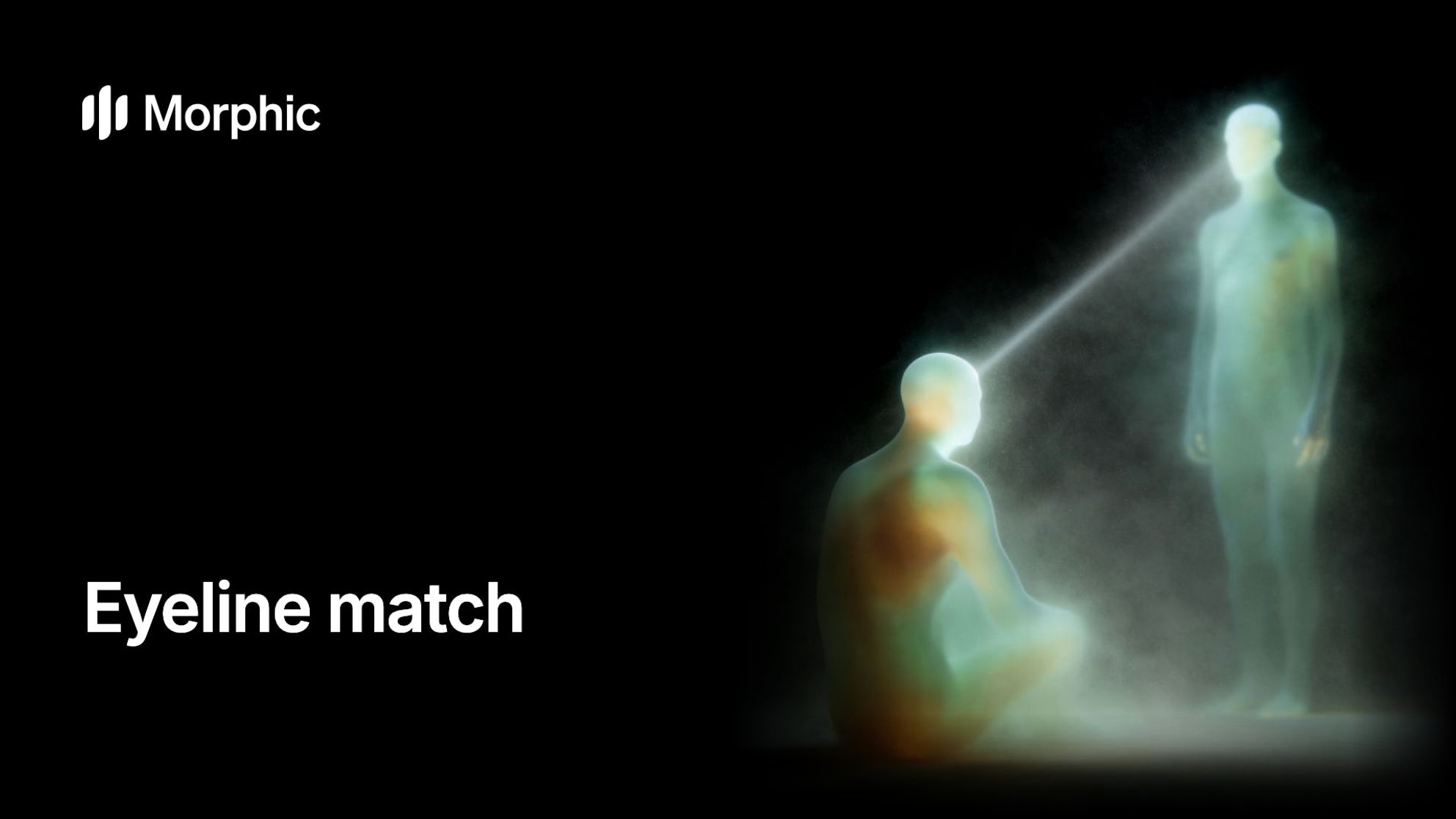
An eyeline match cuts from a character looking off screen to what they are looking at, so the audience reads the look as a line between two shots. Get the direction, height and distance right and the space holds; get them wrong and two people seem to stare past each other.
What is an eyeline match?
It is a basic tool of continuity editing: shot one shows a character looking out of frame, shot two shows what they see, and the audience joins them through the look. Three things must agree across the cut:
- DirectionShe looks screen right, so the target sits off screen right and looks back screen left.
- HeightSeated, she looks up at him standing; the reverse looks down at her.
- Distance from the lensJust off the lens feels intimate, further to the side more observed. Match both sides.
How an eyeline match works in a cut
The pattern is look, then target, framed from roughly where the character is: often a reverse shot for a person, or a point of view shot for an object or a view.
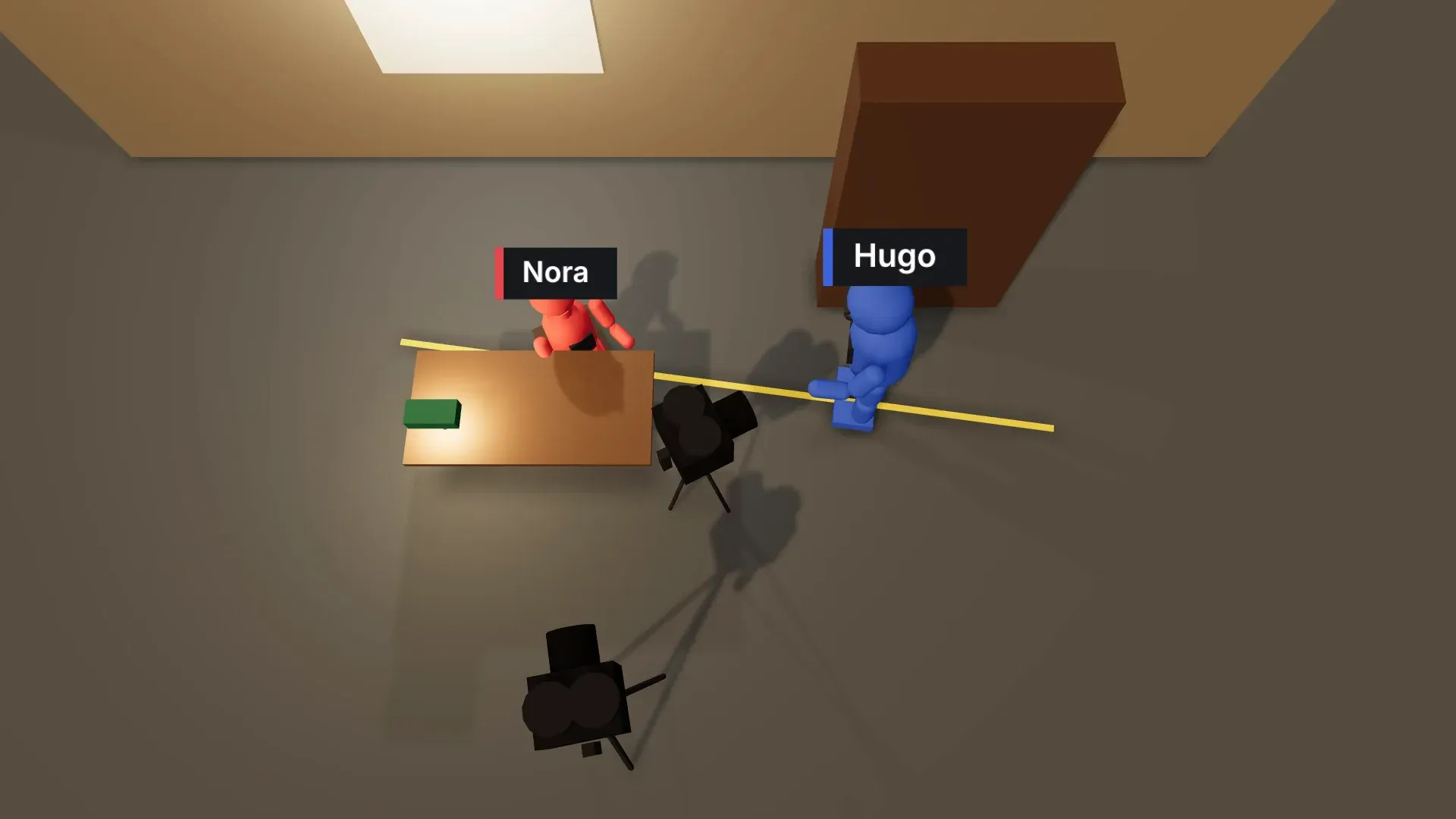
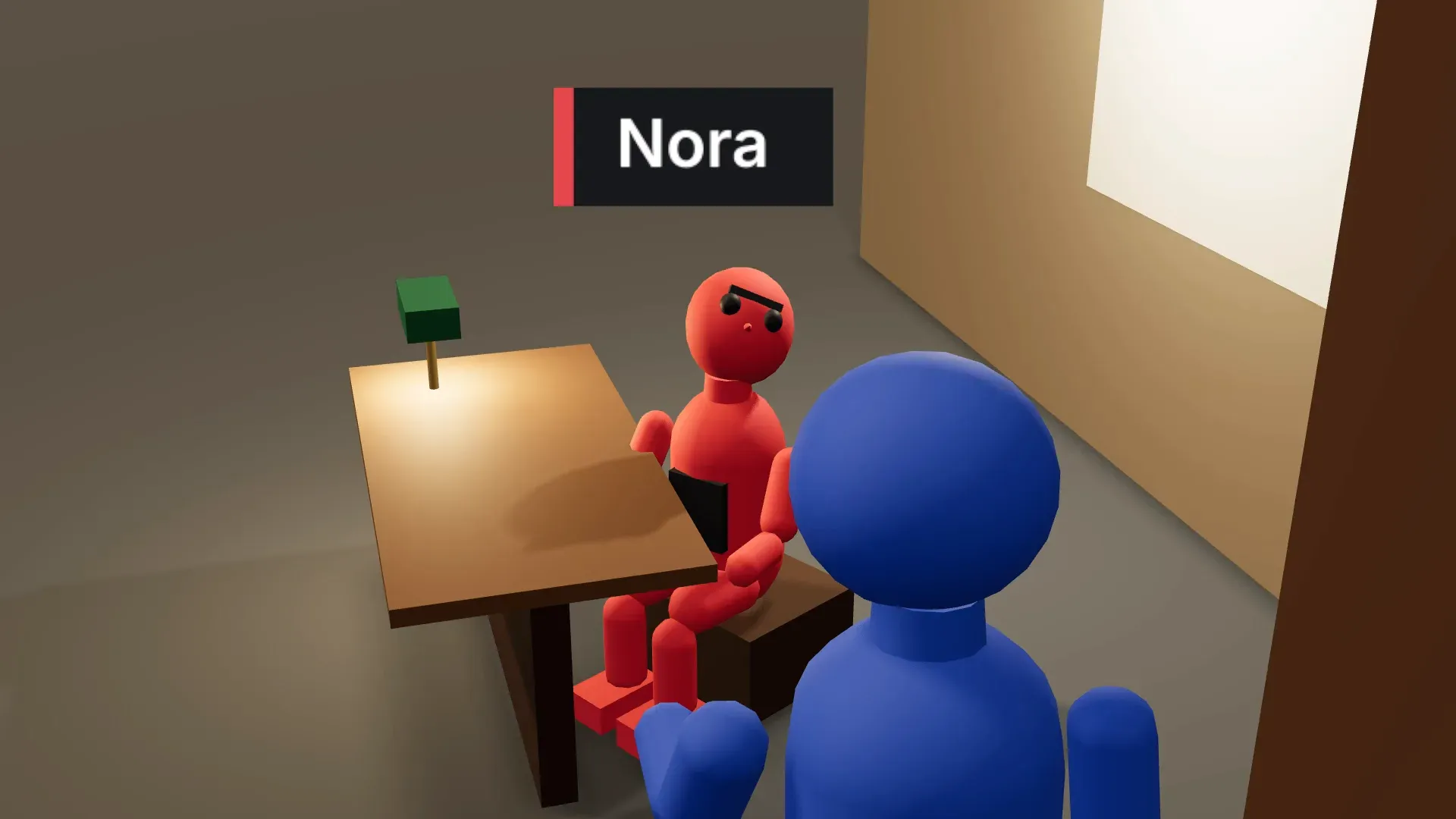
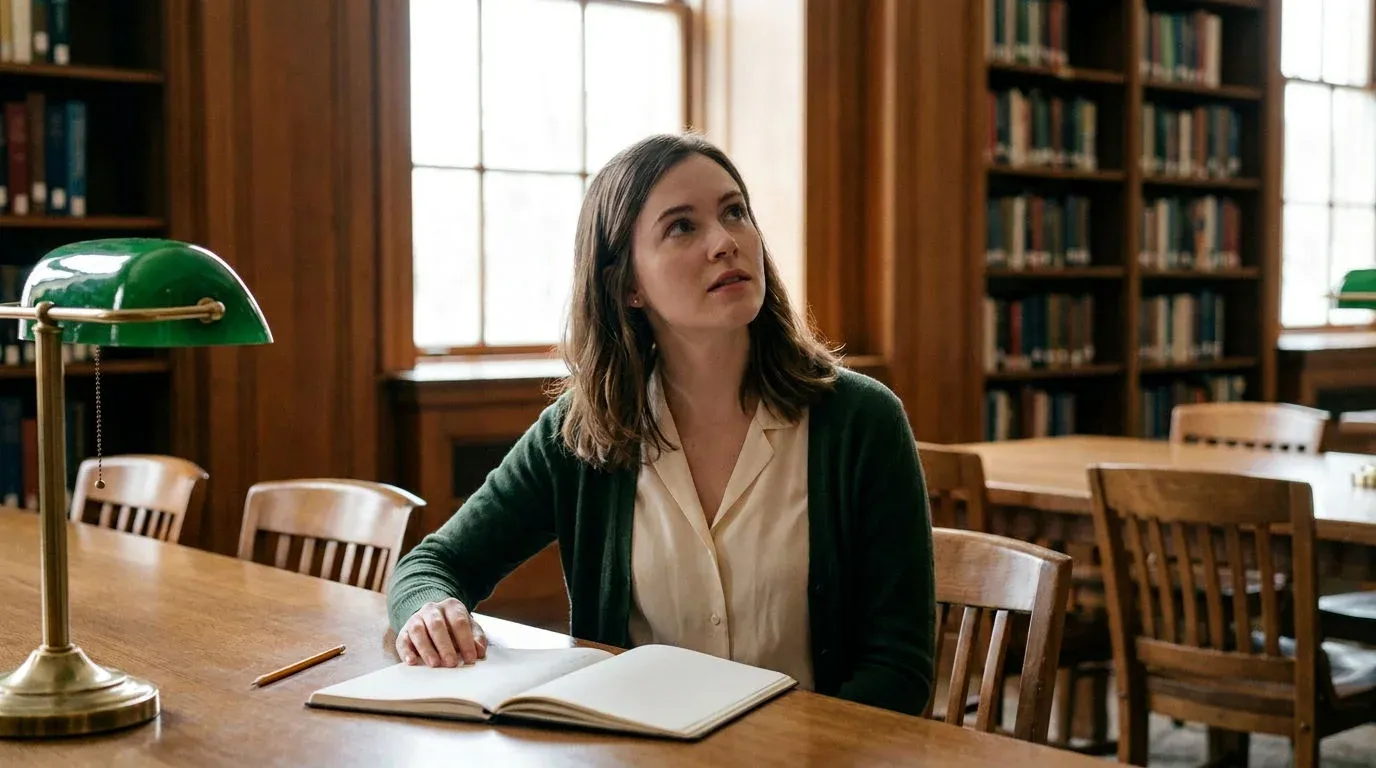
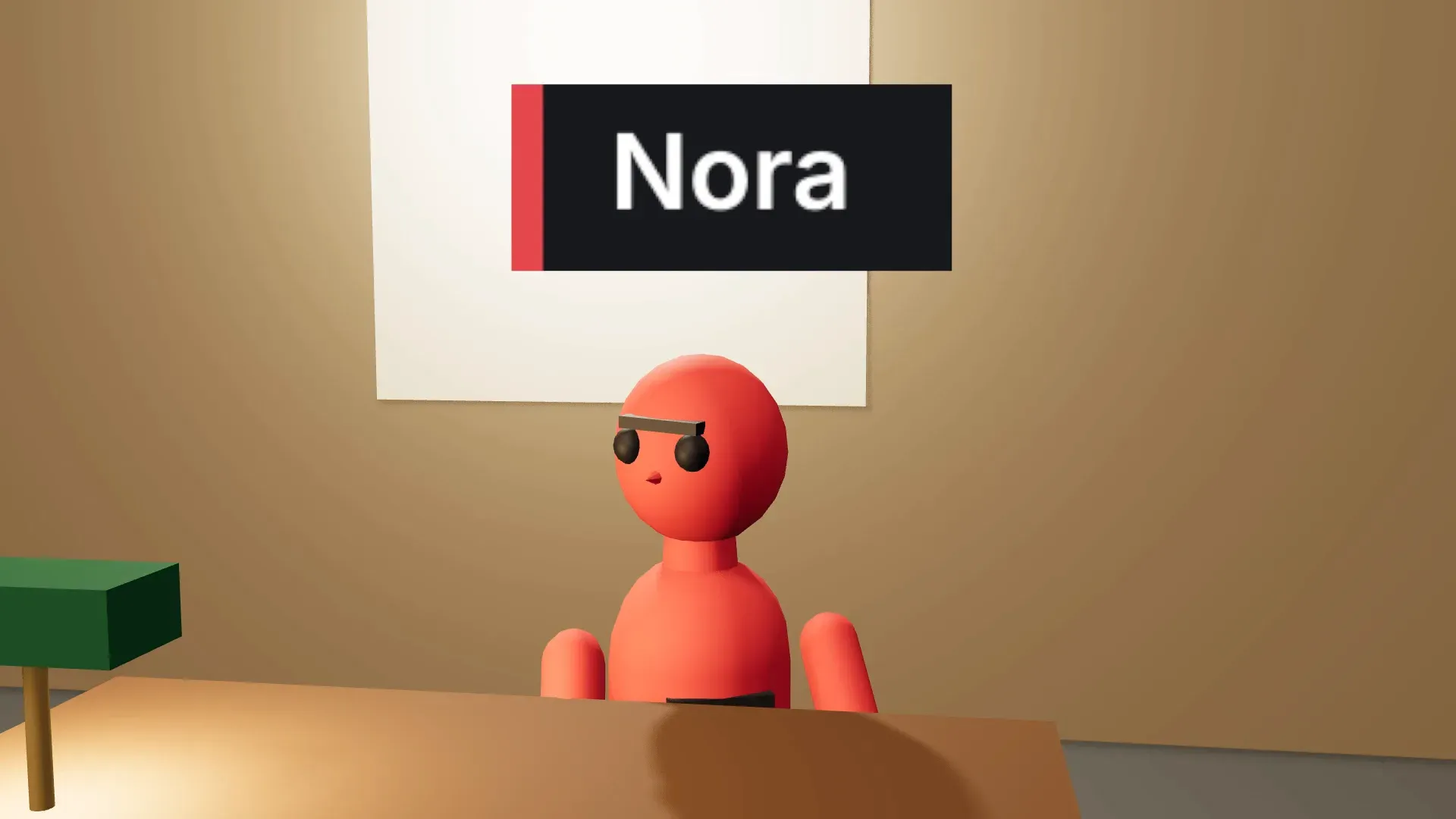
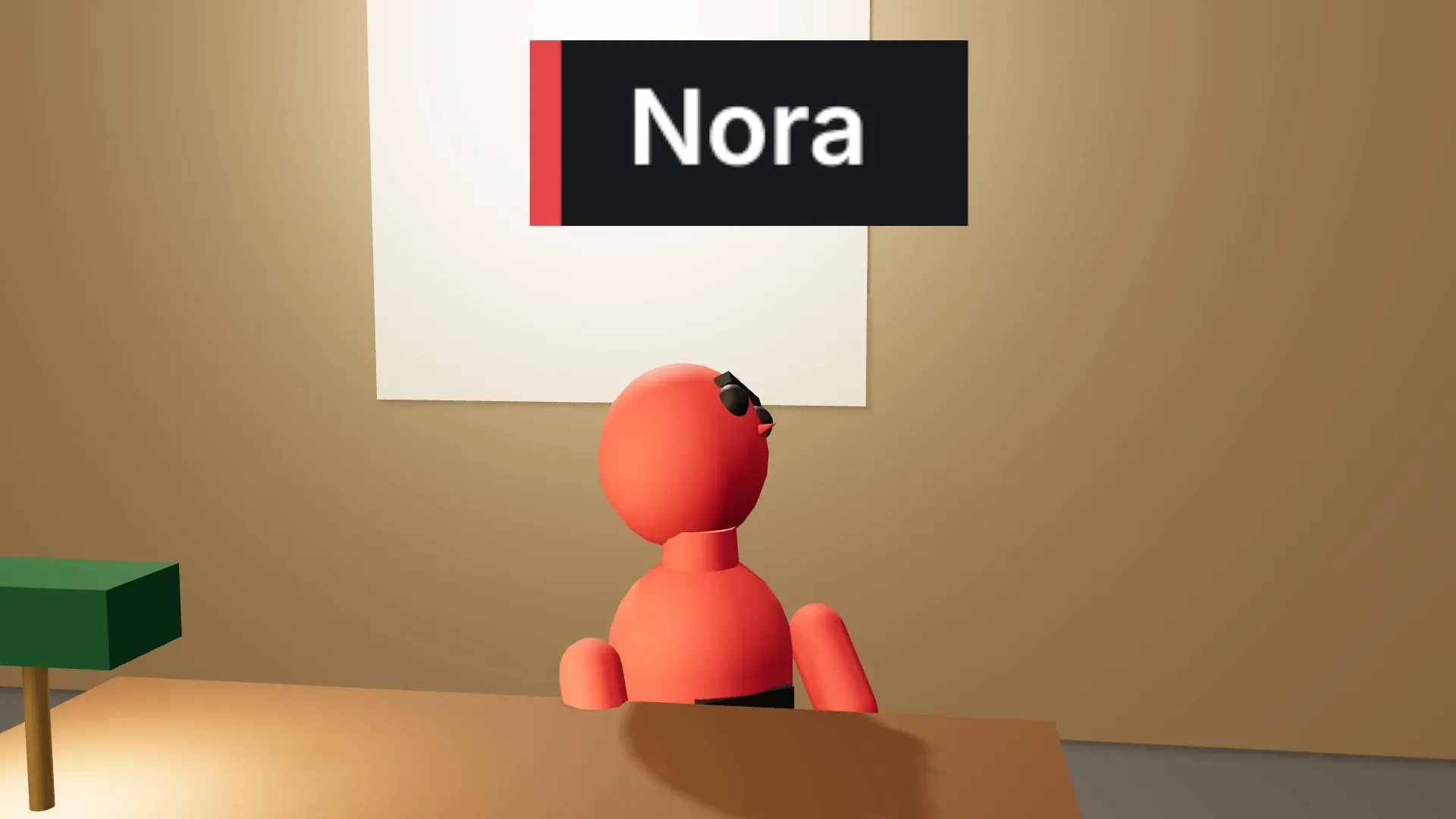
In the example reading room, a young woman at a table (red in the blocking) looks up and screen right at an older man by a shelf (blue), who looks down and screen left.
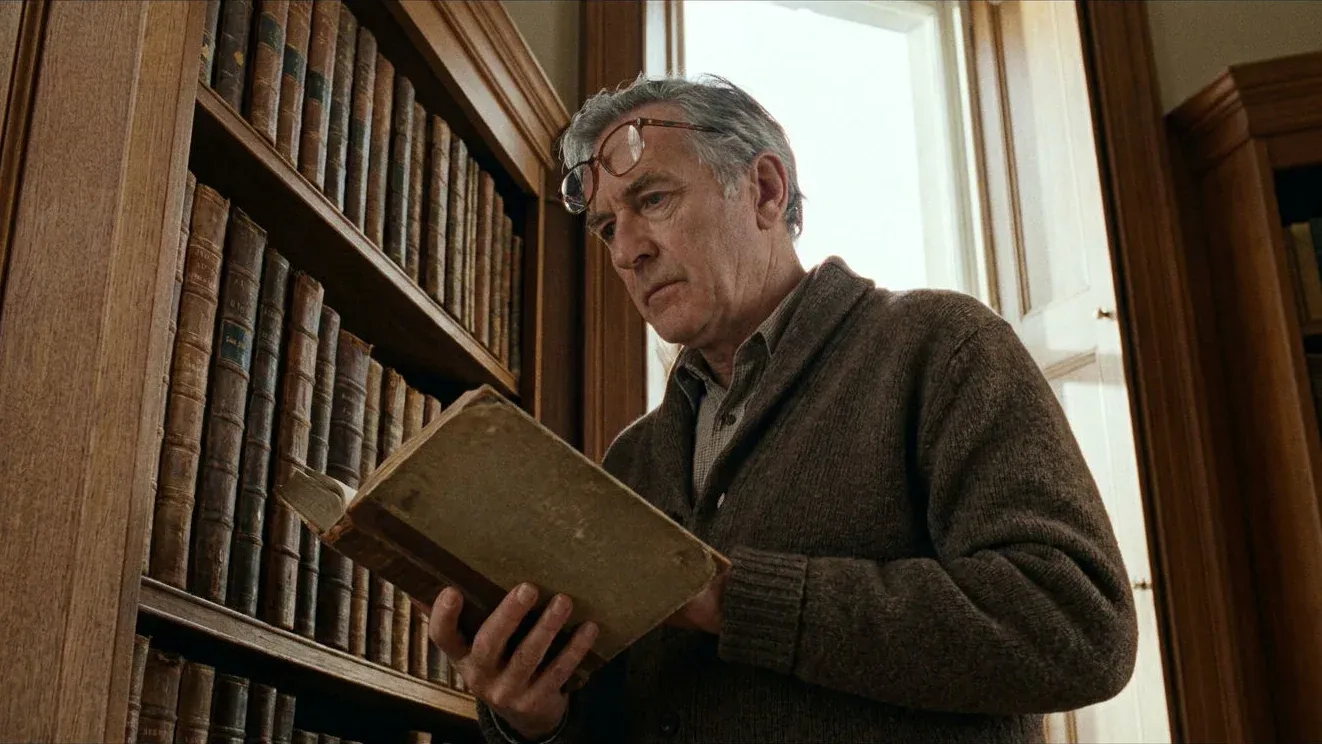
Eyeline match vs the 180-degree rule
The two work together, and screen direction sits under both.
The 180-degree rule: where the cameras go
Every camera stays on one side of the line between the characters. Break the 180-degree rule and the match fails even when the performers got it right.
The eyeline match: where the characters look
Each gaze points to where the other person is. Keep the cameras on one side but let an actor look the wrong way, or at the wrong height, and it fails just the same.
Common eyeline match mistakes
| Mistake | What happens | Fix |
|---|---|---|
| Looking the wrong way | Both characters look screen right, as if facing the same way | Bring the camera back across the line, or fix the mark |
| Looking at the wrong height | She looks level while the reverse shows him standing over her | Match the eye and camera heights |
| Mismatched eyeline width | A look just off the lens cut against a reverse that looks far to the side | Keep both sides the same distance from the lens |
| Looking into the lens | The look speaks to the audience and breaks the line | Use it on purpose, or keep it just off the lens |
| A drifting look | The eyes wander mid-shot, often in generated video | Check each take and regenerate one that drifts |
Block eyelines in 3D before you generate
A generated shot only knows its prompt and references, so block the scene in Morphic's 3D Scene first and every shot shares one space. The camera blocking tool covers planning the cameras, and continuity the wider idea.
Place both characters and aim the looks
Set each figure's height, then turn each head with per-body-part posing towards the other person.
Add a camera for the look and one for the target
Look through each camera and check the eyes point at the other figure. 3D Scene has no eyeline check, so this part is done by eye.
Clear the timeline warnings
The timeline flags odd movement speeds and a camera crossing the 180-degree line, one common cause of a broken match.
Render and prompt by colour
Render the blocking video in the browser or press P for a snapshot, attach it to each shot, and name the figures by colour. The direction and height of the look then have a reference to follow.
The red figure is the young woman at the table, looking up and screen right.