Yapabileceğiniz düzenlemeler
Üç adımda görsel düzenleyin
- 01
Morphic'i açın
Kaydolun ve özgürce akan, sınırsız görsel bir tuval üzerinde oluşturmaya başlayın.
- 02
Görselinizi yükleyin
Düzenlemek istediğiniz fotoğrafı bırakın.
- 03
Düzenlemeyi tarif edin
Neyi değiştireceğinizi söyleyin, gözden geçirin ve sonucu indirin.
Kullanım alanları
Fotoğrafı temizleyin
Dağınıklığı kaldırın, ışığı düzeltin ve tam bir düzenleyici açmadan çekimi toparlayın. Düzeltmeyi tarif edin, katman veya maske olmadan gerçekleşsin.

Ürün fotoğrafları hazırlayın
Arka planları değiştirin ve rengi ayarlayın, böylece katalog tutarlı görünsün. Birbirine uyan bir ürün fotoğrafı setini hızlıca hazırlayın.

Portreleri rötuşlayın
Cildi yumuşatın, aydınlatın ve detayları düzeltin, kişiyi doğal tutarak. Asla yapay görünmeyen hafif bir rötuş.

Tek adımda yeniden tasarlayın
Bir görselin tüm ruh halini veya görünümünü tek bir promptla değiştirin. Uzun bir düzenleme yerine fotoğrafı tek adımda yeniden tasarlayın.

Yapabileceğiniz düzenlemeler
Her biri kendi görselinizle başlar. Herhangi bir promptu açıp değiştirerek kendi sonucunuzu oluşturun.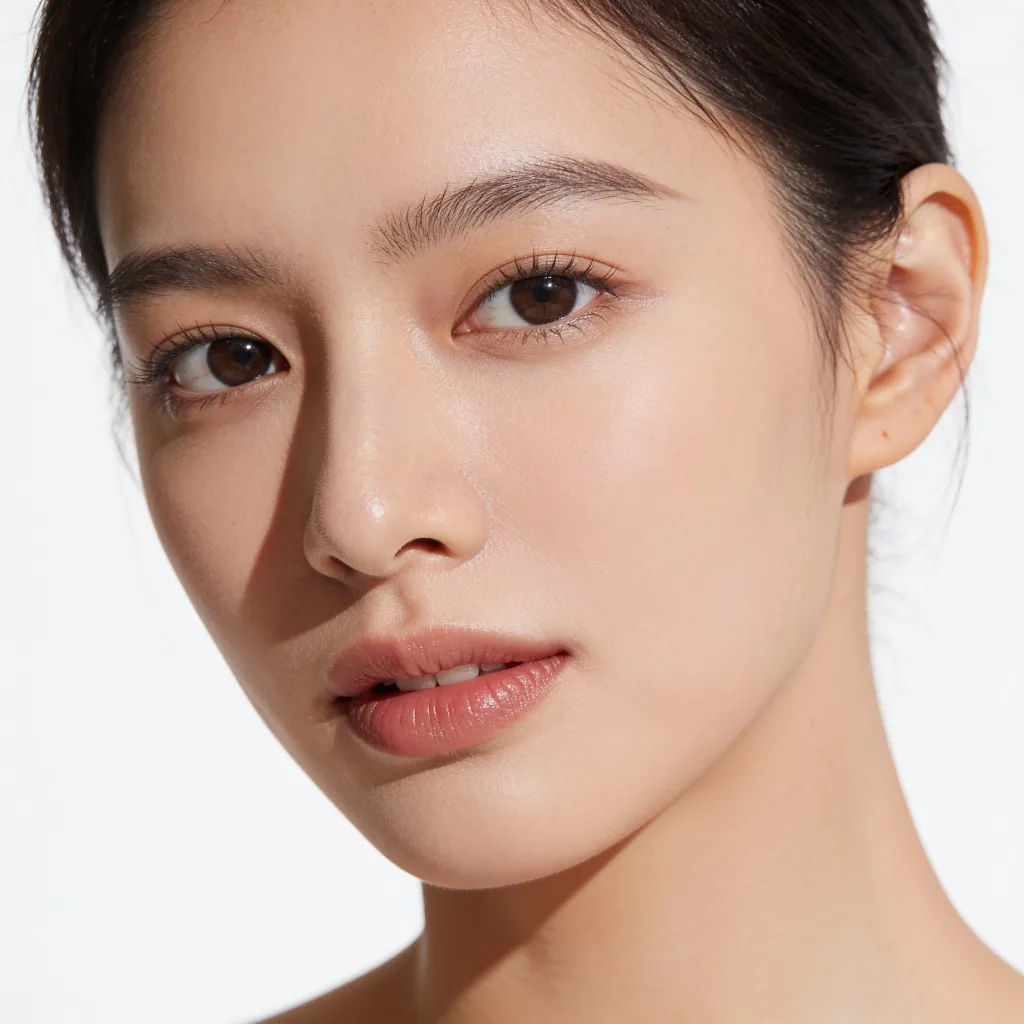

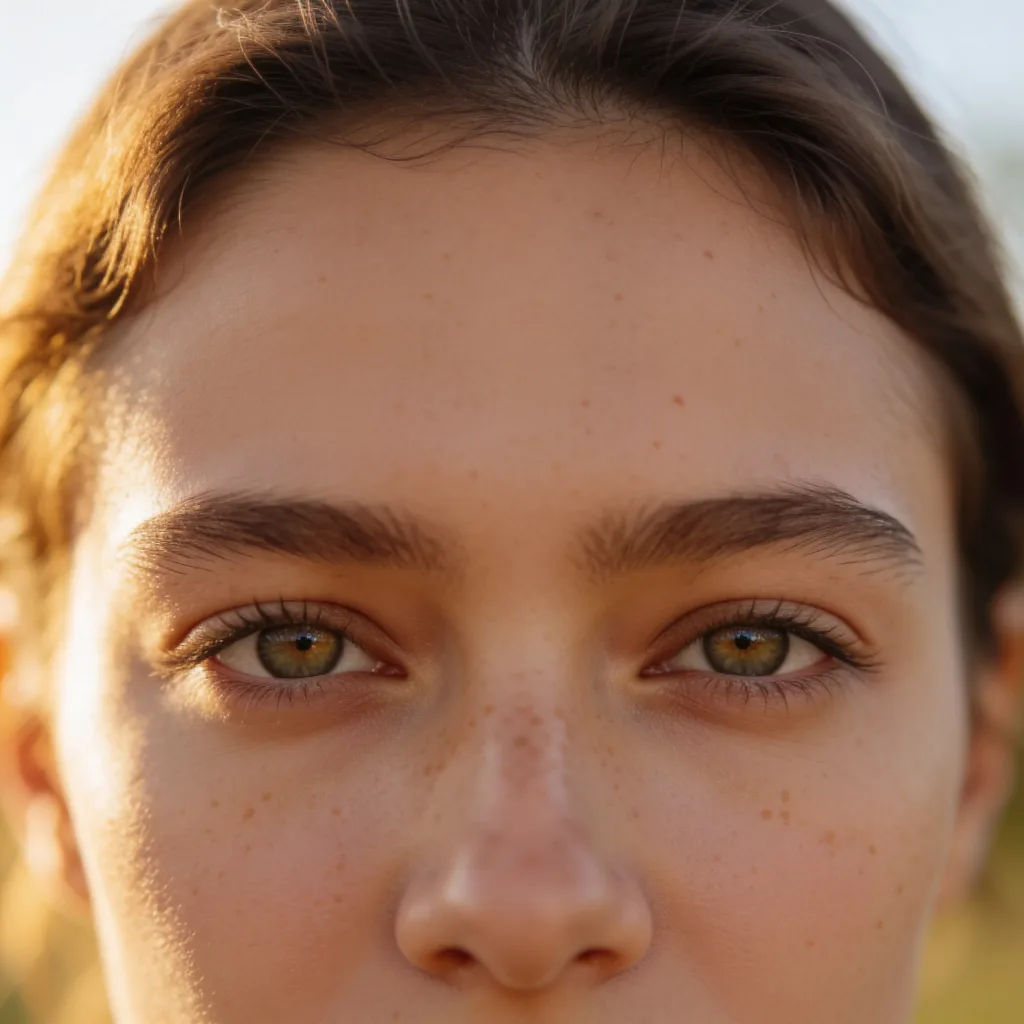
Portre rötuşu
Bu portreyi rötuşlayın, cildi bile düzeltin, gözleri aydınlatın, doğal kalsın
Edit prompt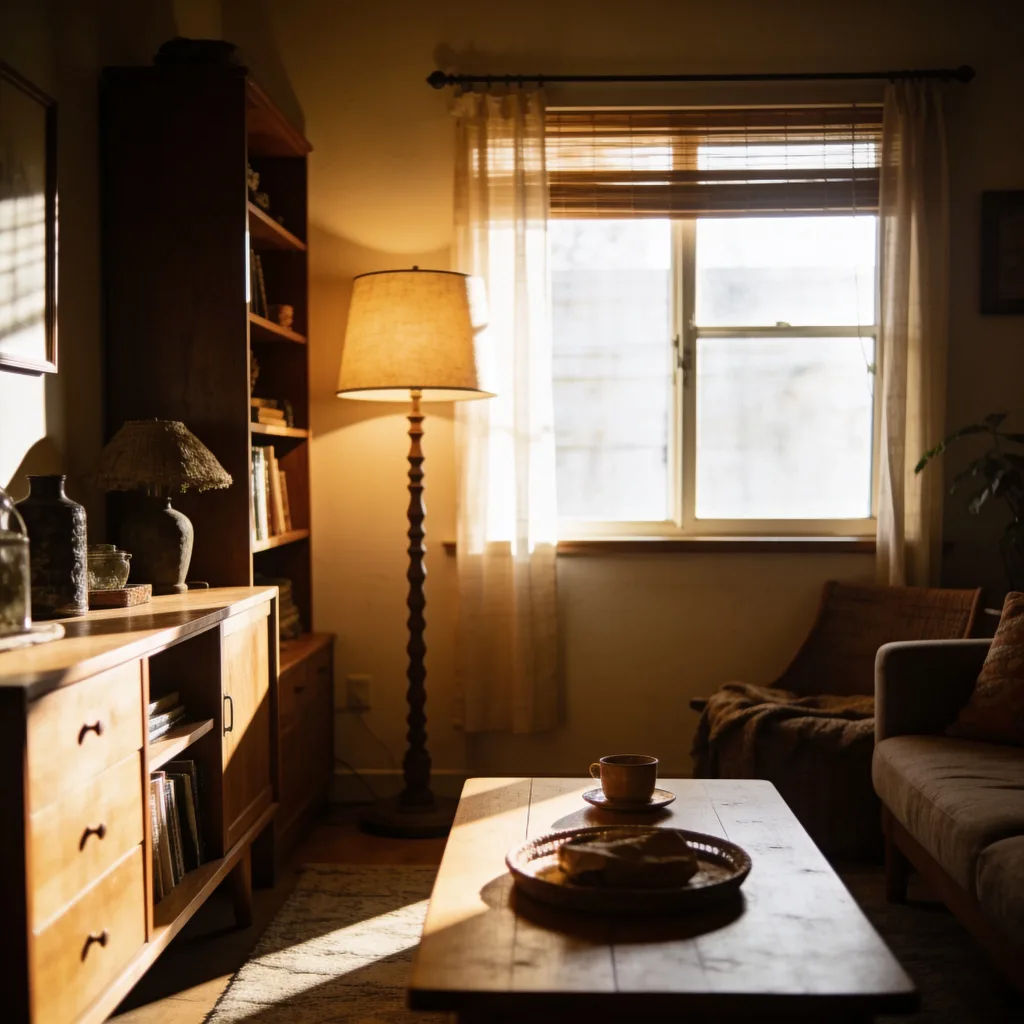
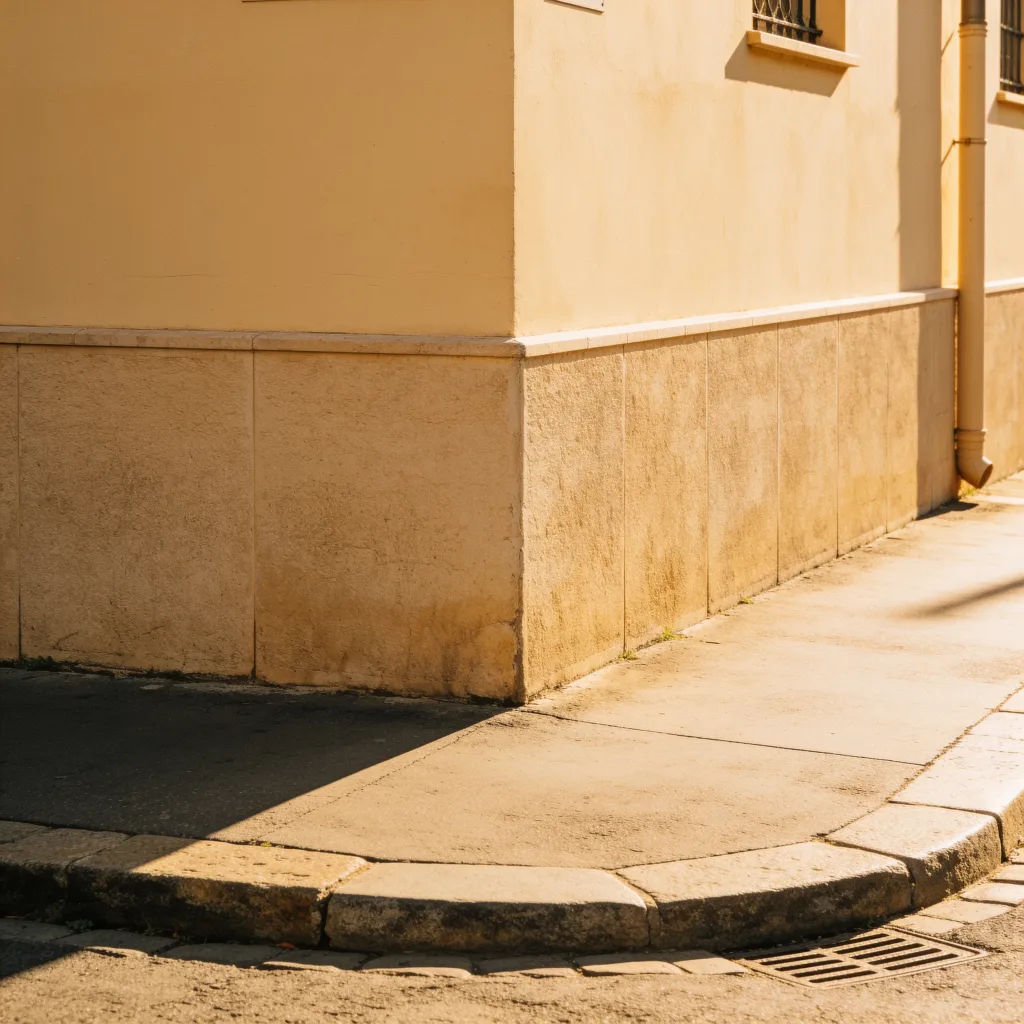
Işığı düzelt
Bu az pozlanmış fotoğrafı aydınlatın, gölge detayını geri getirin, gerçekçi kalsın
Edit prompt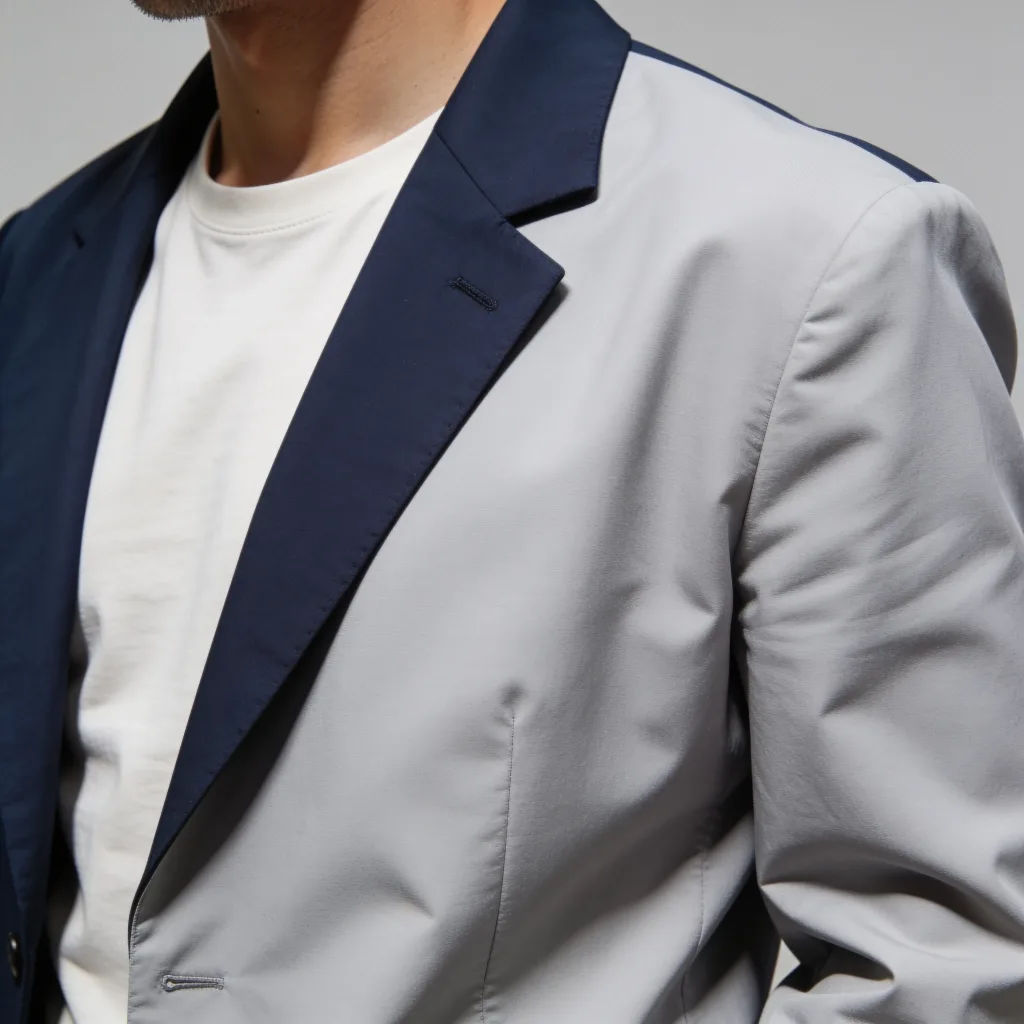

Image reverse engineer
Get a detailed prompt extracted from a reference image, and then a fresh recreation.

Character age progression
Upload a photo of a person or character and get a single grid image showing them at different life stages, from baby to elderly.

Character look book
Character photo plus costume descriptions. Multiple styled looks across angles and lighting.

Female AI influencer
Generate a female AI influencer. Vertical output, ready for socials.
AI headshot studio
One selfie becomes a set of professional headshots. Studio-quality, multiple styles.

Anime style transfer
Pick any anime illustration as your style guide. Apply its look to any image.
Hepsi Morphic'te
Söylediğiniz her şeyi görsel olarak düzenleyinModeller
Nano Banana 2, Flux 2 Pro, Seedream 5 ve daha fazlası. En temiz düzenleyen modeli seçin, istediğiniz zaman değiştirin.
Düz dille düzenleyin
Değişikliği tarif edin, katman, maske ve menülerden tamamen kurtulun.
Hedefe yönelik değişiklikler
Yalnızca istediğiniz değişikliği uygular, görselin geri kalanına dokunmaz.
Workflows
Tekrar eden bir düzenlemeyi Workflow olarak kaydedin ve bir görsel grubunda tek seferde çalıştırın.
