Her görsel modeli
Tek çalışma alanıSeedream 5.0 Pro ile oluşturuldu
Üç adımda görsel oluşturun
- 01
Morphic'i açın
Kaydolun ve özgürce akan, sınırsız görsel bir tuval üzerinde oluşturmaya başlayın.
- 02
Görseli tarif edin
Özne, yerleşim, metin, stil. Ne kadar net olursanız ilk render o kadar isabetli çıkar.
- 03
Oluşturun ve iyileştirin
Saniyeler içinde render alın. Tek bir bölgeyi düzenleyin, katmanları ayırın ve modelleri Canvas'ta yan yana değiştirin.
Seedream 5.0 Pro ne oluşturur
Temellendirilmiş bölgesel düzenleme
Değiştirmek istediğiniz tam noktayı nokta, kutu, ok veya eskizle işaretleyin, karenin geri kalanı yerinde kalır. Bir ürün rengini değiştirin, bir etiketi düzeltin veya tek bir öğeyi taşıyın, görselin tamamını yeniden üretmeden.

Katmanlı posterler ve yerleşimler
Bir tasarımı metin, özne ve arka plan katmanlarına ayırın, sonra her birini ayrı ayrı yeniden konumlandırın veya ölçeklendirin. Düzenlemeler yıkıcı olmadan kalır; yerleşimi yeniden üretmek yerine inşa edersiniz.

14 dilde doğrudan metin
Arapça, Japonca, Korece ve Tayca dahil 14 dilde başlıkları, etiketleri ve altyazıları doğru harf biçimleri ve yerel tipografiyle doğrudan üretin. Sağdan sola akış ve üst üste binen ton işaretleri doğru çıkar, çeviri yapıp yapıştırma değil.

Yoğun içerikli infografikler
Veri grafikleri, akış şemaları ve hassas diyagramları tek seferde, küçük metinler okunur kalacak ve net bir okuma sırasıyla oluşturun. Açıklayıcı içerikler, sunumlar ve eğitim görselleri için ideal.

Prompt örnekleri
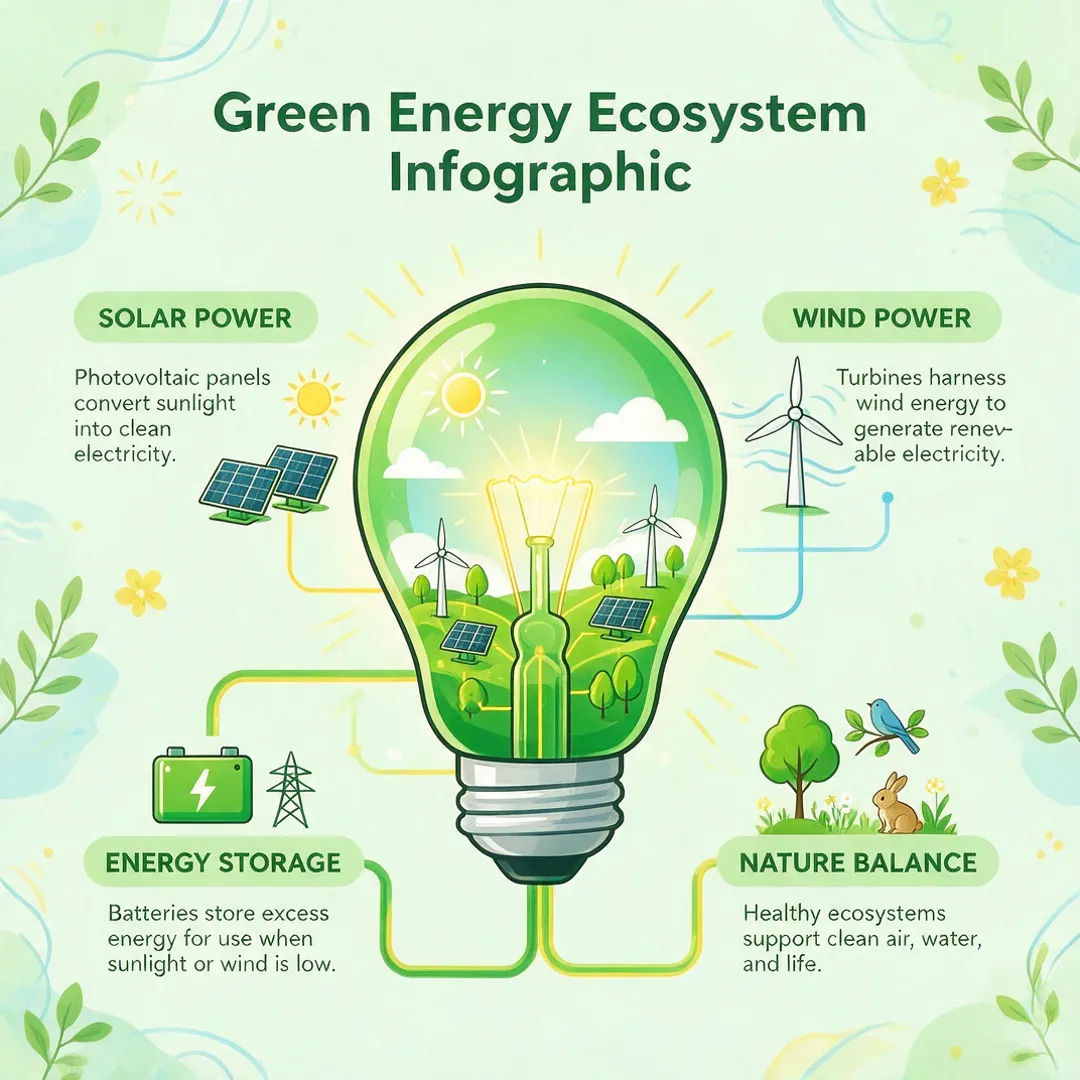
Yeşil enerji infografiği
Işık ampulü ekosistem şemalı, etiketli bölümlere sahip, temiz düz vektör stilinde yeşil enerji infografiği
Edit prompt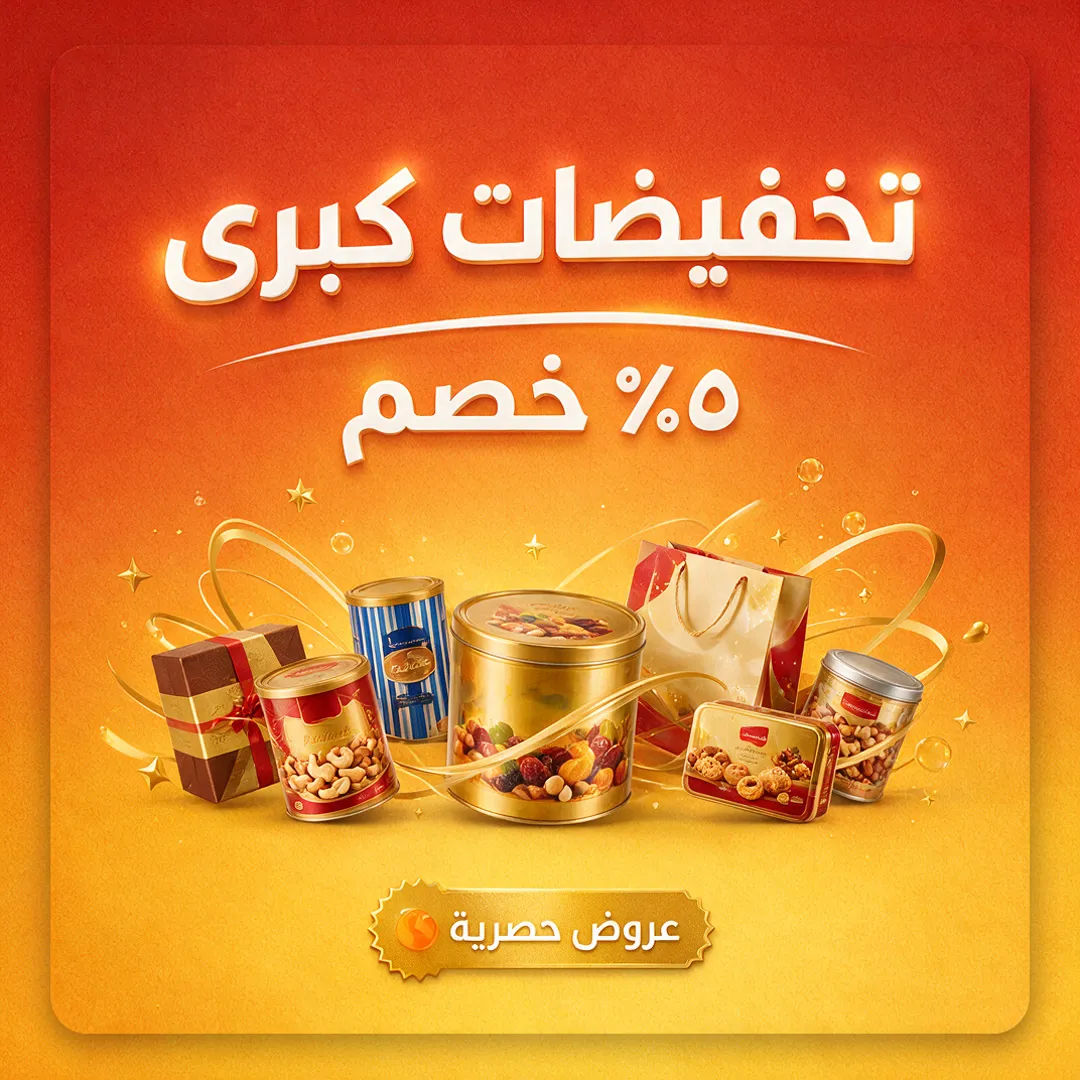
Arapça indirim posteri
Kalın sağdan sola başlıklı, sıcak degradeli, modern perakende yerleşimli Arapça indirim posteri
Edit prompt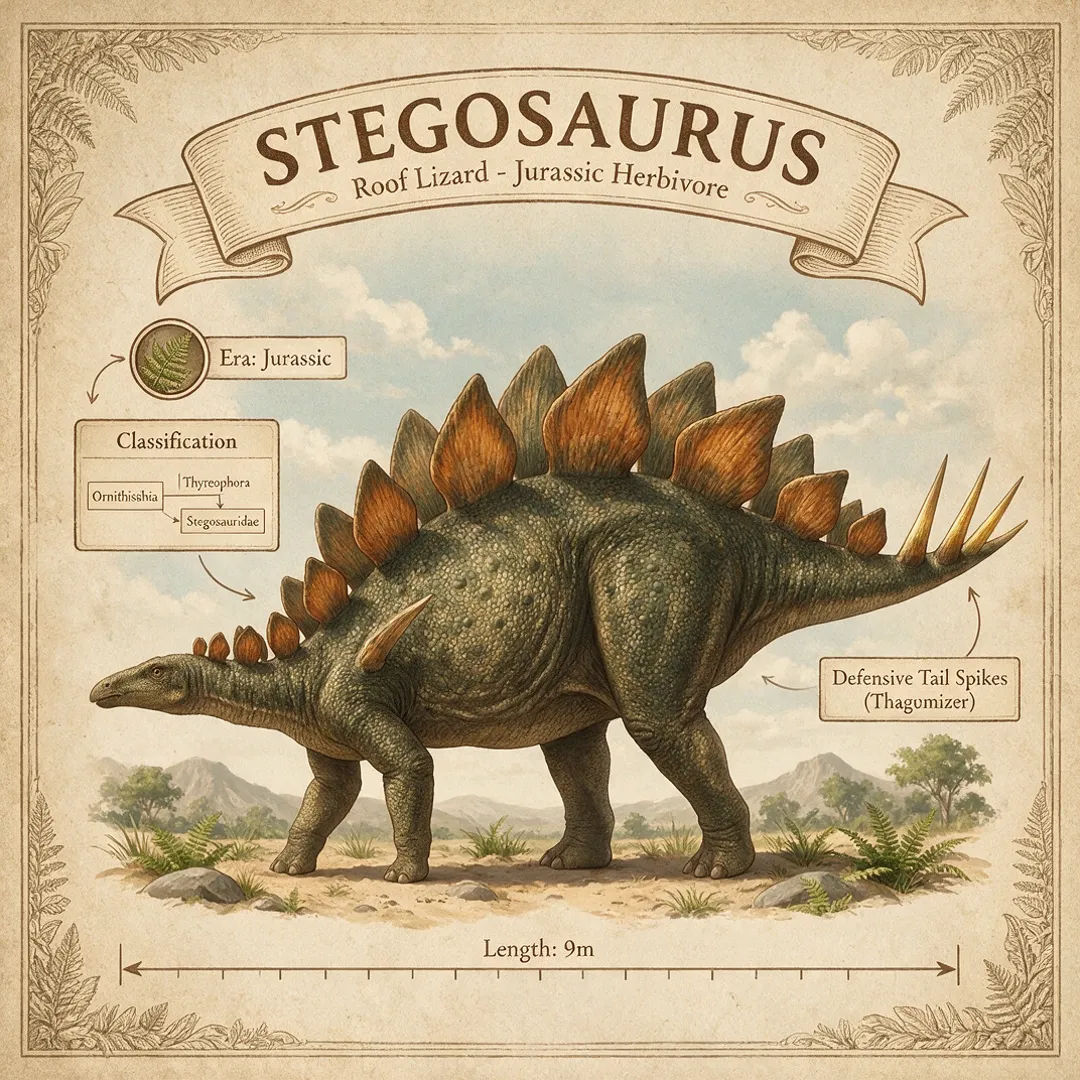
Eğitim şeması
Sınıflandırma, dönem, boyut etiketli, açıklamalı diyagram, müze posteri stilinde Stegosaurus infografiği
Edit prompt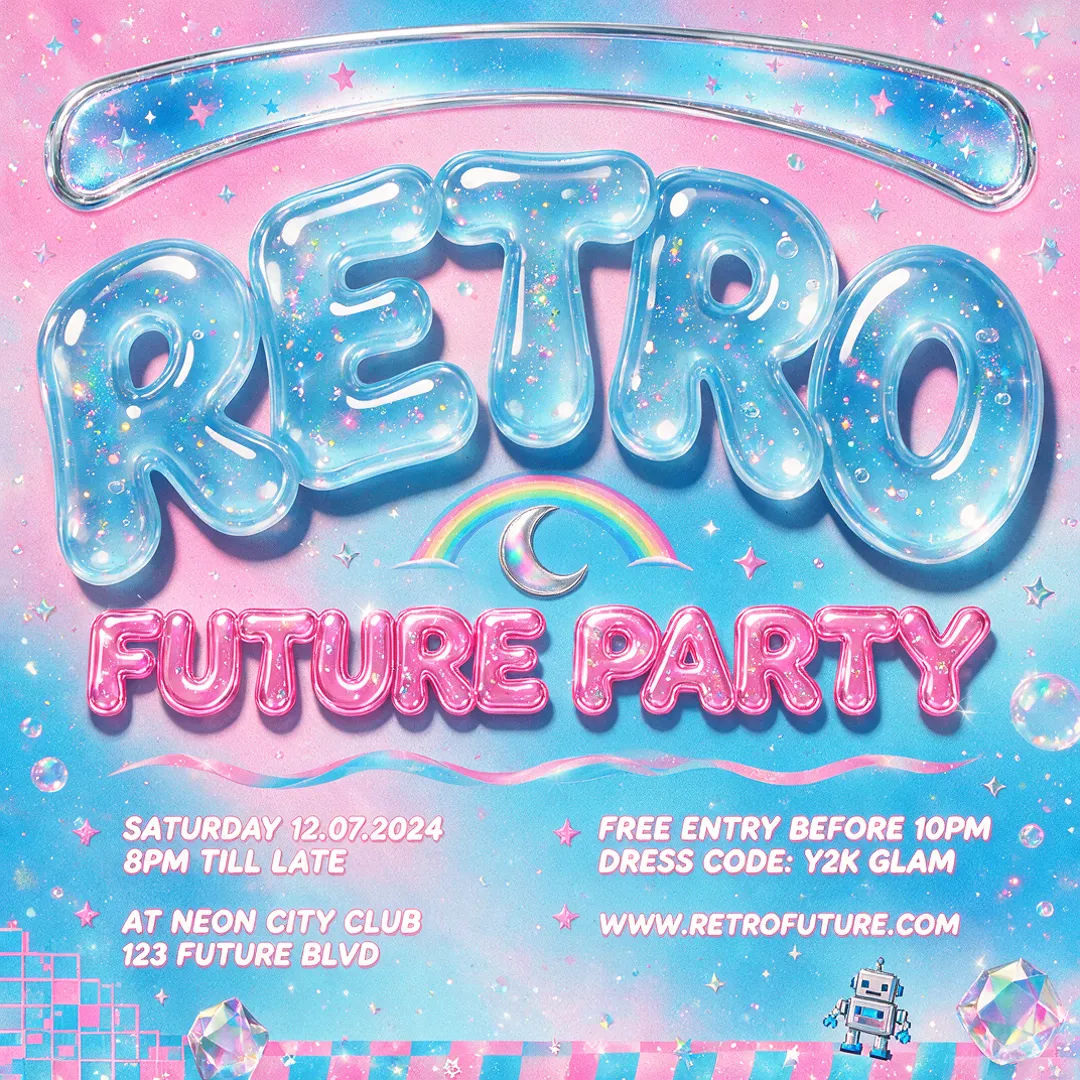
Katmanlı poster
Y2K etkinlik posteri, yarı saydam jöle tipografi, ayrılabilir başlık ve özne katmanları, yüksek kontrastlı palet
Edit prompt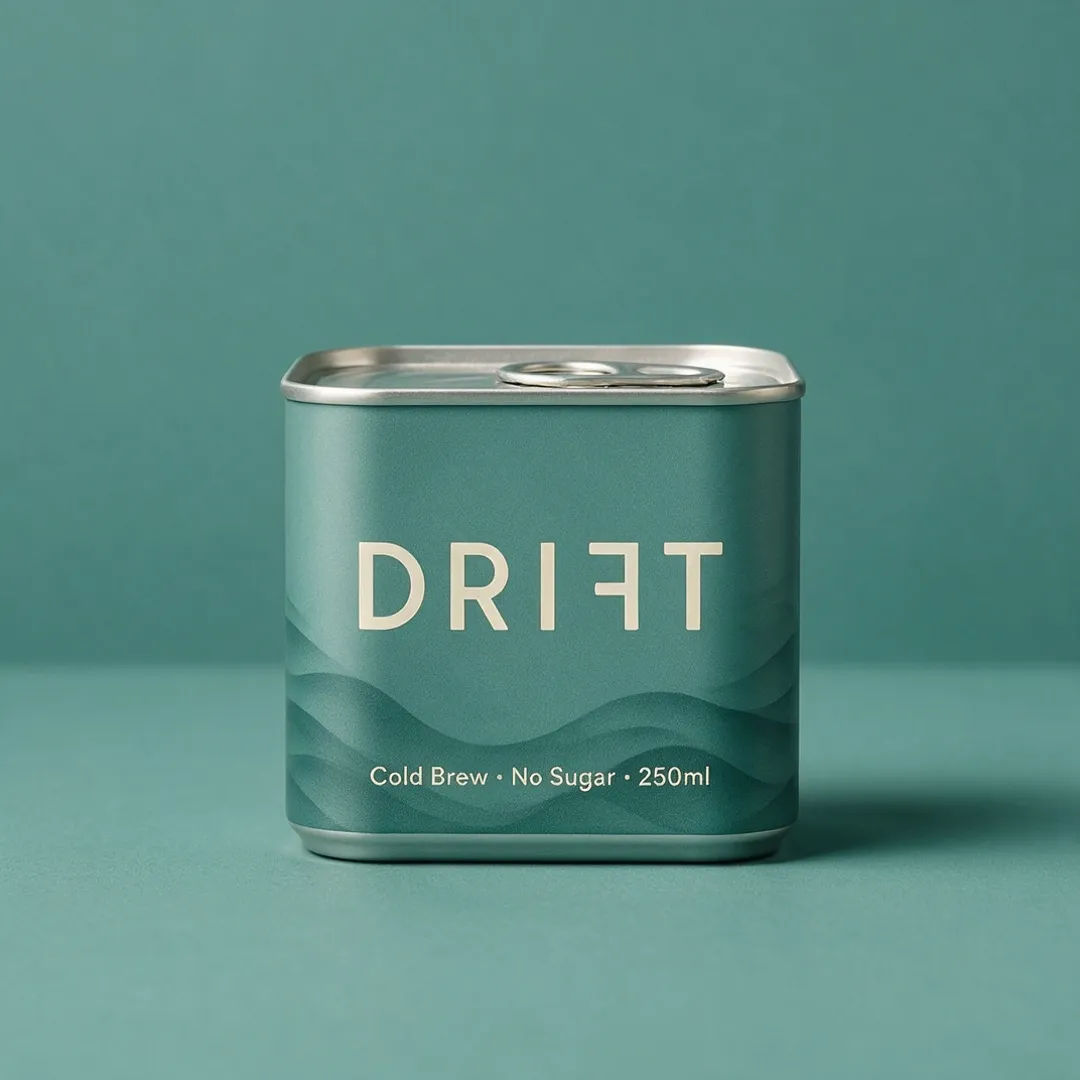
Ürün etiketi
Soğuk demleme kutusu etiketi, minimal tipografi, mat turkuaz palet, net okunur küçük metin
Edit prompt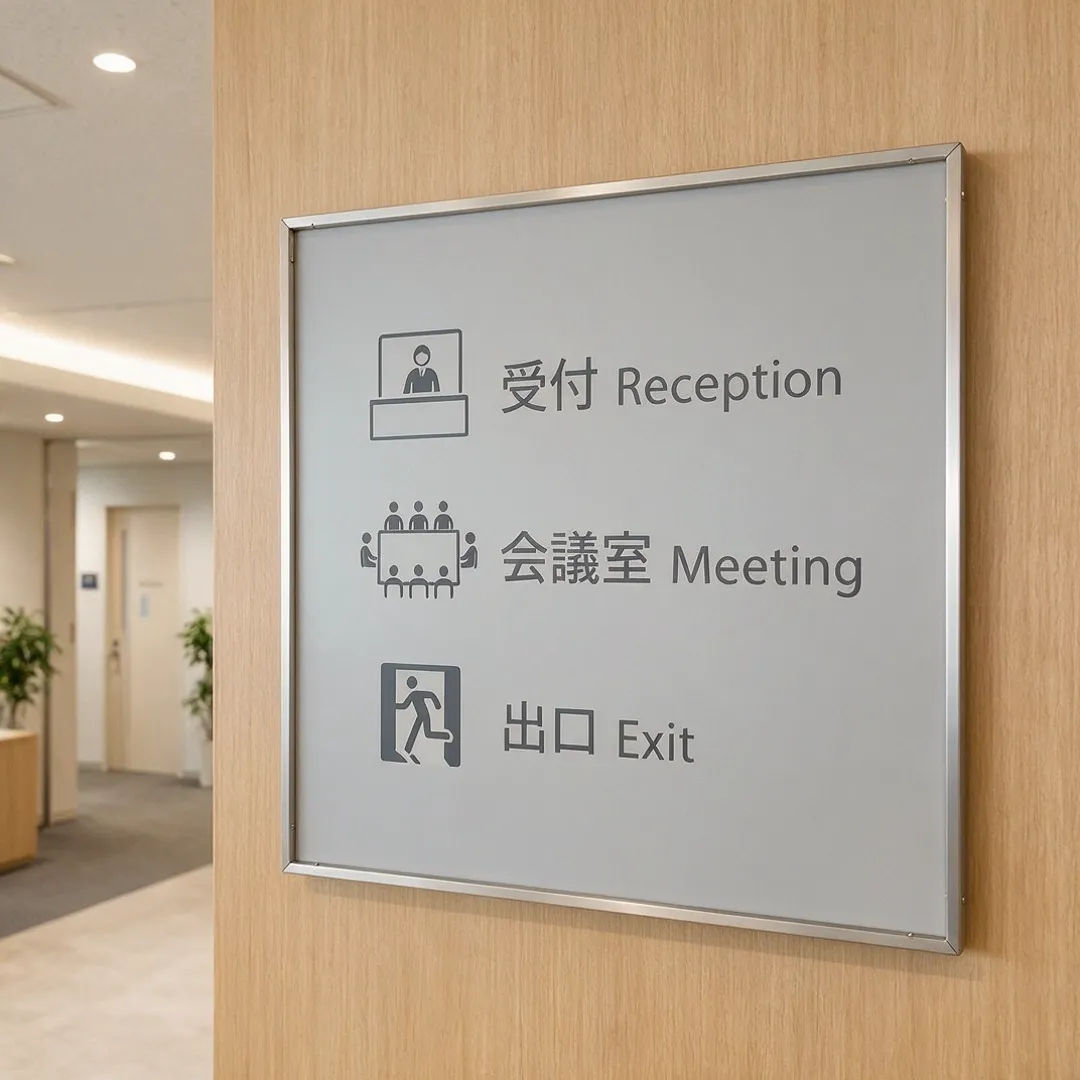
Çok dilli tabela
Japonca ve İngilizce yönlendirme tabela seti, temiz sans tipografi, tutarlı ikon sistemi
Edit prompt
Cinematic storyboard
Share a scene description with character references. Get a full storyboard with shot angles and mood.

Title sequence
Generate a professional film title card from scratch, with optional cinematic animation.

Messages to cinematic scene
Dramatize any text conversation into a cinematic multi-shot video.

3x3 storyboard
Feed in a single image. Get 9 cinematic beats laid out as a 3x3 storyboard grid.

Chibi sprite animation
Turn any photo or description into an animated chibi sprite. Dance, jump, wave, attack, and more.

Expressions
Take any character image and generate 6 distinct facial expressions on a single reference sheet.
Hepsi Morphic'te
Eksiksiz görsel araç setinizModeller
Seedream 5, Nano Banana 2, Flux 2 Pro, Grok Imagine ve daha fazlası. Görünüme uyan modeli seçin, proje ortasında değiştirin.
Temellendirilmiş düzenleme
Nokta, kutu, ok veya eskizle bir hedef işaretleyin ve yalnızca o bölgeyi değiştirin. Karenin geri kalanı yerinde kalır, tam yeniden üretim yok.
Ayrılabilir katmanlar
Bir sonucu metin, özne ve arka plan katmanlarına ayırın, sonra her birini ayrı ayrı sürükleyin veya ölçeklendirin. Yıkıcı olmadan, bir tasarım dosyası gibi.
Workflows
Tamamlanmış bir görseli tek tıkla Workflow'a dönüştürün. Yeniden çalıştırın, bağlantıyı paylaşın veya hızlı erişim için favorilere ekleyin.
