Karadeniz ormanında paralaks bir seviye
Katmanlı paralaks arka planlı 16-bit bir Karadeniz ormanı. Ayrıntılı piksel yapraklar, yumuşak animasyonlu bir sprite koşuyor.
Prompt'u düzenleyin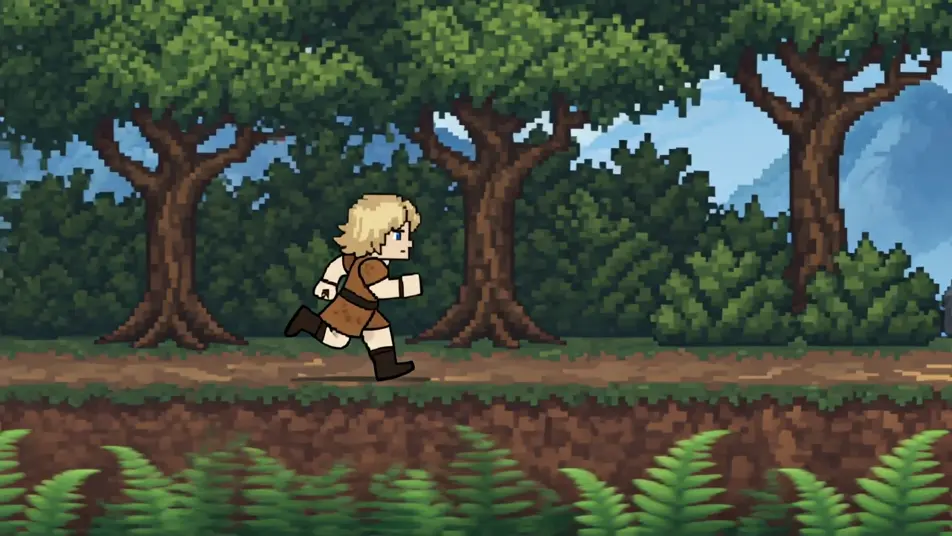
Morphic'in 16-bit animasyon video oluşturucusuyla 16-bit çağını tarayıcınızda canlandırın. Paralaks bir orman seviyesi, ayrıntılı bir dev arenası veya kayan bir kasaba sahnesi üretin. Speech ve Music ile her sahneyi seslendirip Canvas'ta 16-bit bir kısaya dönüştürün.
Katmanlı paralaks arka planlı 16-bit bir Karadeniz ormanı. Ayrıntılı piksel yapraklar, yumuşak animasyonlu bir sprite koşuyor.
Prompt'u düzenleyinBüyük gölgeli bir dev sprite'ın bulunduğu 16-bit bir arena. Zengin bir palet, katmanlı piksel efektler.
Prompt'u düzenleyin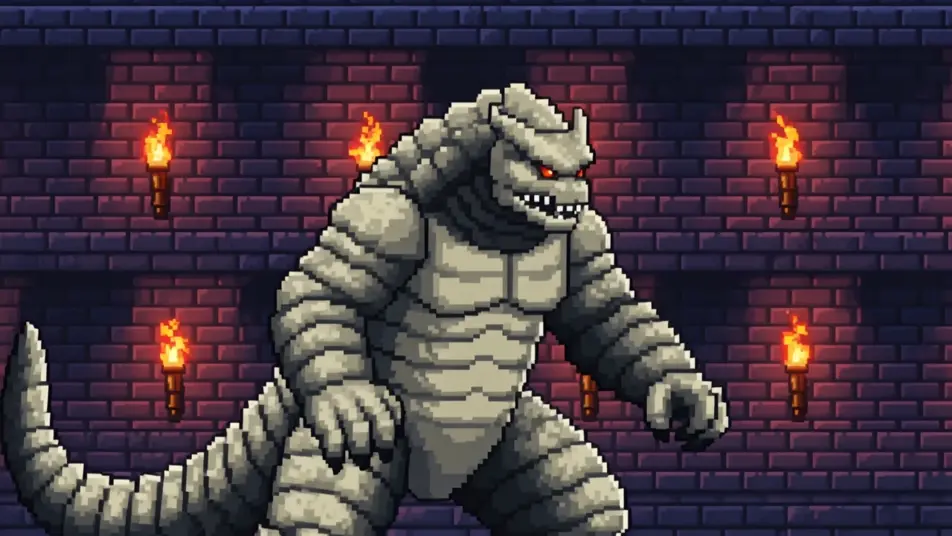
Taş dokulu, ayrıntılı piksel binalardan oluşan 16-bit bir kasaba. Yumuşak gölgeleme, dükkanların önünden geçen bir sprite.
Prompt'u düzenleyin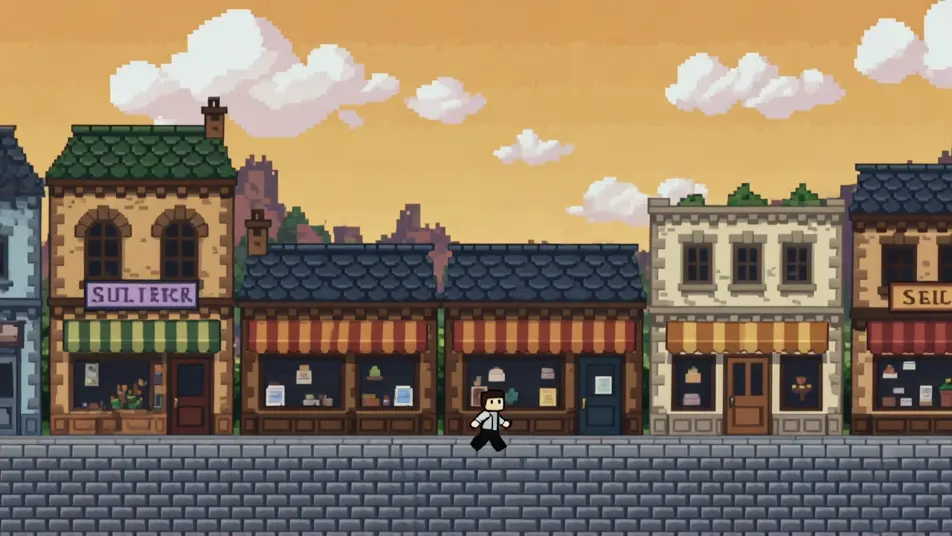
Paralaks bulutlu, 16-bit bir hava sahnesi. Ayrıntılı sprite gemiler, zengin gradyan renkler.
Prompt'u düzenleyin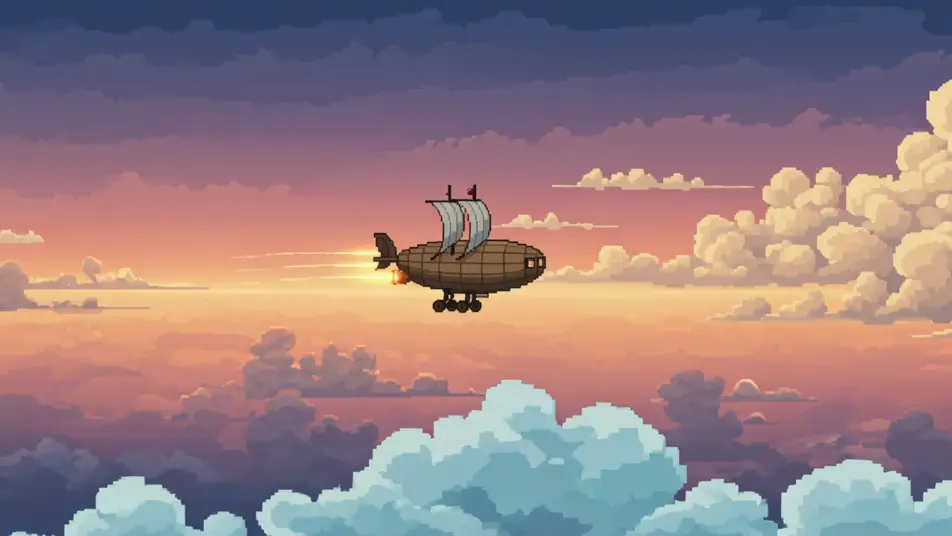
İstediğiniz 16-bit animasyon sahnesini sade sözcüklerle yazın.
Morphic, tuvalinizde saniyeler içinde sinematik, kareye hazır bir klip oluşturur.
Prompt'ta ince ayar yapın, varyasyonları yeniden oluşturun, ardından çekimi indirin veya paylaşın.

Turn any photo or description into an animated chibi sprite. Dance, jump, wave, attack, and more.

Take any character image and generate 6 distinct facial expressions on a single reference sheet.

All your characters on a single lineup image, side by side with height comparison.
One character design becomes a complete sprite sheet: idle, run, attack, jump, death.

Pick any anime illustration as your style guide. Apply its look to any image.
Describe a faction or group. Get 6 distinct NPC face portraits, all in a consistent art style.
8-bit animasyon yapay zeka videoları
Morphic'te yapay zeka ile 8-bit animasyon videoları oluşturun. Piksel karakterler, retro sahneler ve platform seviyeleri saniyeler içinde hazır.
Pixel art yapay zeka videoları
Morphic'te pixel art videolar üretin. Sprite kahramanlar, yandan seviyeler, yukarıdan köyler ve retro sahneleri düz promptlarla oluşturun.
Voksel Sanat Yapay Zeka Videoları
Morphic'te voksel sanat videoları oluşturun. Küp dünyalar, bloklu karakterler ve keskin 3D piksel sahneler; sade metin komutlarıyla.
Çizgi film yapay zeka videoları
Morphic ile çizgi film videoları üretin. 2D, 3D ve masal kitabı stilleri, karakter tutarlılığı ve tarayıcıda yazdığınız promptlarla sahneler.
Bugün ücretsiz başlayın, istediğiniz zaman yükseltme veya iptal etme seçeneğiyle.
Basic
2400 aylık kredi
1 yalnızca kullanıcı
Tüm modeller
Workflows
Standard
3625 aylık kredi
1 yalnızca kullanıcı
Tüm modeller
Workflows
Pro
6350 paylaşılan aylık kredi
1 kullanıcı
Tüm modeller
Workflows
Max
24650 paylaşılan aylık kredi
1 kullanıcı
Tüm modeller
Workflows
Enterprise
Daha yüksek limitler için
Özel
fiyatlandırma ve faturalandırma koşulları

Free
Denemek için
$0
kalıcı olarak ücretsiz