Yandan görünüşlü orman seviyesi
Katmanlı paralaks ağaçlar ve çim platformlardan oluşan yandan görünüşlü bir pixel seviye. Yaylar hâlinde dizilmiş altın paralar, parlak bir gökyüzü ve koşan bir kahraman sprite.
Prompt'u düzenleyin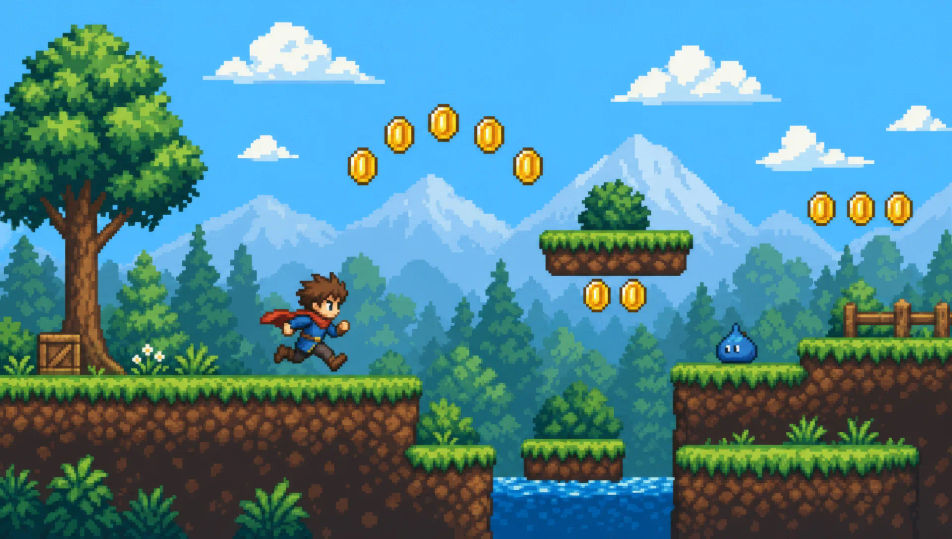
Retro oyun animasyonu artık tarayıcınızda. Morphic'in pixel art yapay zeka video üreticisiyle yandan görünüşlü bir seviyede koşan bir kahraman sprite'ı, şafakta yukarıdan görünüşlü bir köyü ya da meşale ışığındaki bir boss arenasını oluşturun. Her çekimi Speech ve Music ile seslendirip müziklendirin, kısayı Canvas'ta birleştirin.
Katmanlı paralaks ağaçlar ve çim platformlardan oluşan yandan görünüşlü bir pixel seviye. Yaylar hâlinde dizilmiş altın paralar, parlak bir gökyüzü ve koşan bir kahraman sprite.
Prompt'u düzenleyinKiremit çatılı evler, ortada bir kuyu ve arkada bir minare silüetiyle yukarıdan görünüşlü bir pixel köy. Küçük döngülerde kımıldayan NPC'ler, dolambaçlı bir patika ve yumuşak bir şafak ışığı.
Prompt'u düzenleyin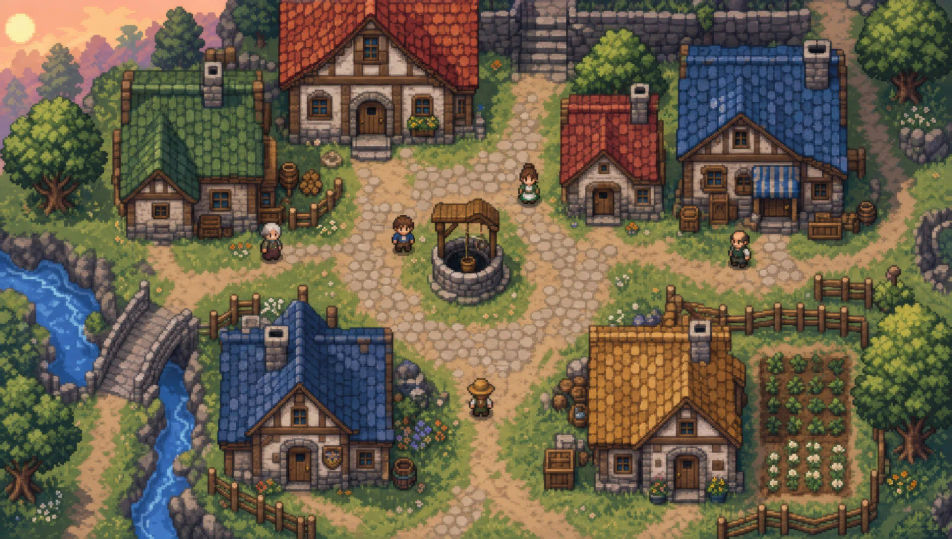
Meşale ışığıyla aydınlanan, kervansaray avlusundan ilhamlı kare bir pixel arena. Çatlak bir taş zemin; bir yanda beliren büyük bir boss sprite, diğer yanda küçük kalan kahraman.
Prompt'u düzenleyin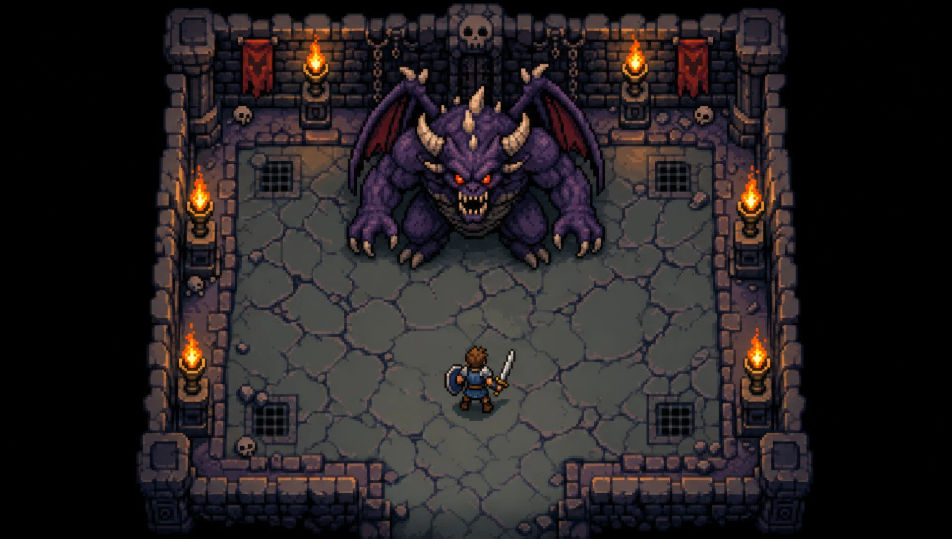
Taş döşeme ve yanan meşalelerle yukarıdan görünüşlü bir pixel zindan koridoru. Köşelerde hazine sandıkları ve uzak ucunda derin bir gölge.
Prompt'u düzenleyin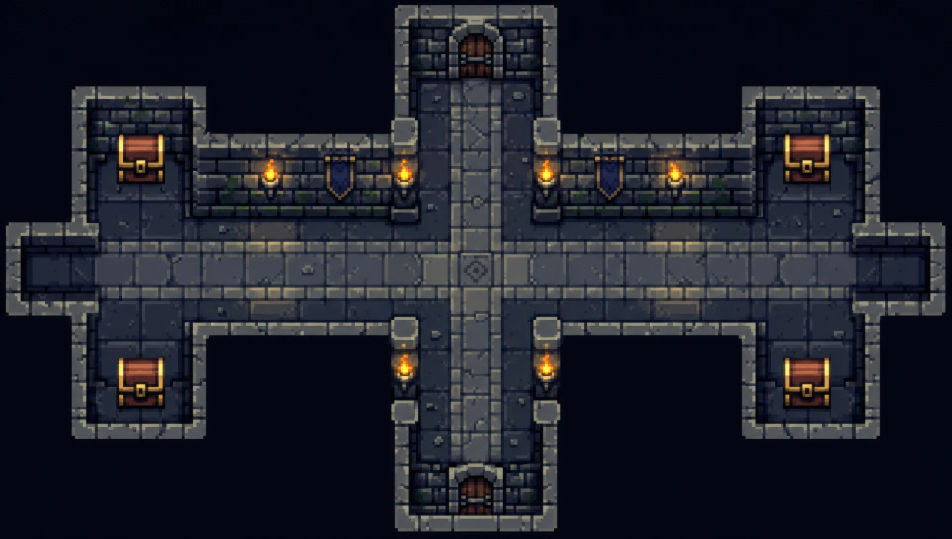
İstediğiniz Pixel art sahnesini sade sözcüklerle yazın.
Morphic, tuvalinizde saniyeler içinde sinematik, kareye hazır bir klip oluşturur.
Prompt'ta ince ayar yapın, varyasyonları yeniden oluşturun, ardından çekimi indirin veya paylaşın.

Turn any photo or description into an animated chibi sprite. Dance, jump, wave, attack, and more.

Take any character image and generate 6 distinct facial expressions on a single reference sheet.

All your characters on a single lineup image, side by side with height comparison.
One character design becomes a complete sprite sheet: idle, run, attack, jump, death.
Restyle any video in a completely new visual style. Every frame transforms, all motion stays intact.
Describe your item categories. Get 12 consistent game-ready icons for inventory UI.
Pixel art yapay zeka üreticisi
Morphic ile pixel art oluşturun. 16x16 ve 32x32 sprite'lar, RPG tile-setleri, yandan görünüşlü platform sahneleri ve yukarıdan görünüşlü zindan odaları tek bir komuttan.
2D animasyon yapay zeka videoları
Morphic ile 2D animasyon videoları üretin. Elle çizilmiş karakterler, boyalı arka planlar, temiz çizgi işi ve klasik animasyon sahneleri.
Kil animasyonu yapay zeka videoları
Morphic ile kil animasyonu videoları oluşturun. Parmak izi dokulu karakterler, el yapımı setler ve stop motion titremesiyle üretin.
Çizgi film yapay zeka videoları
Morphic ile çizgi film videoları üretin. 2D, 3D ve masal kitabı stilleri, karakter tutarlılığı ve tarayıcıda yazdığınız promptlarla sahneler.
Bugün ücretsiz başlayın, istediğiniz zaman yükseltme veya iptal etme seçeneğiyle.
Basic
2400 aylık kredi
1 yalnızca kullanıcı
Tüm modeller
Workflows
Standard
3625 aylık kredi
1 yalnızca kullanıcı
Tüm modeller
Workflows
Pro
6350 paylaşılan aylık kredi
1 kullanıcı
Tüm modeller
Workflows
Max
24650 paylaşılan aylık kredi
1 kullanıcı
Tüm modeller
Workflows
Enterprise
Daha yüksek limitler için
Özel
fiyatlandırma ve faturalandırma koşulları

Free
Denemek için
$0
kalıcı olarak ücretsiz