Direct countdown backdrops in your browser with Morphic's countdown timer AI video generator. Generate a warm-lit number over drifting particles, or a serene focus scene ticking to zero. Score it with Music and add time cues with Speech, then stitch the loop on the Canvas.

Countdown timer styles you can direct

Countdown timer screens you can stage

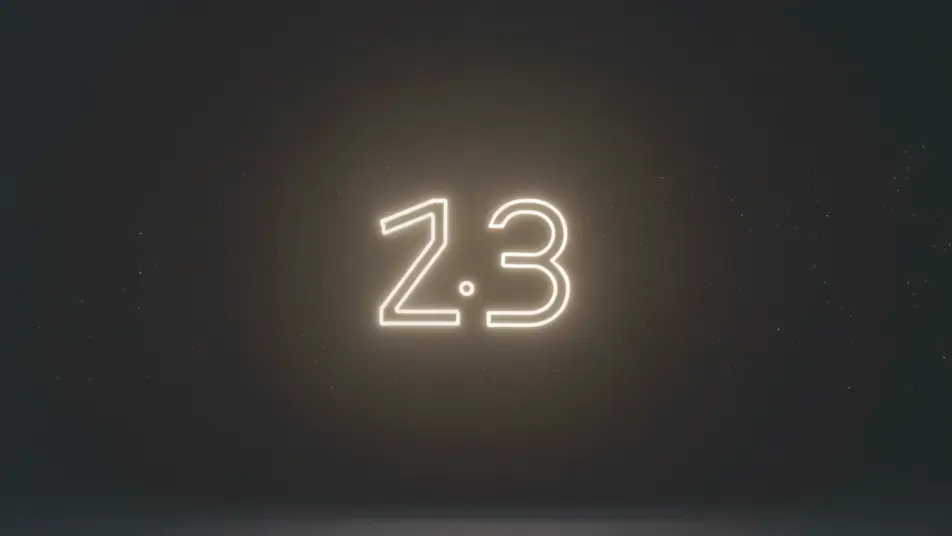
Neon countdown over particles

A locked full-frame shot of a soft neon number pulsing at center over a dark field of slowly drifting particles, the glow steady and the motion gentle, an easy-to-read backdrop that loops as the count falls.

Prompt'u düzenleyin
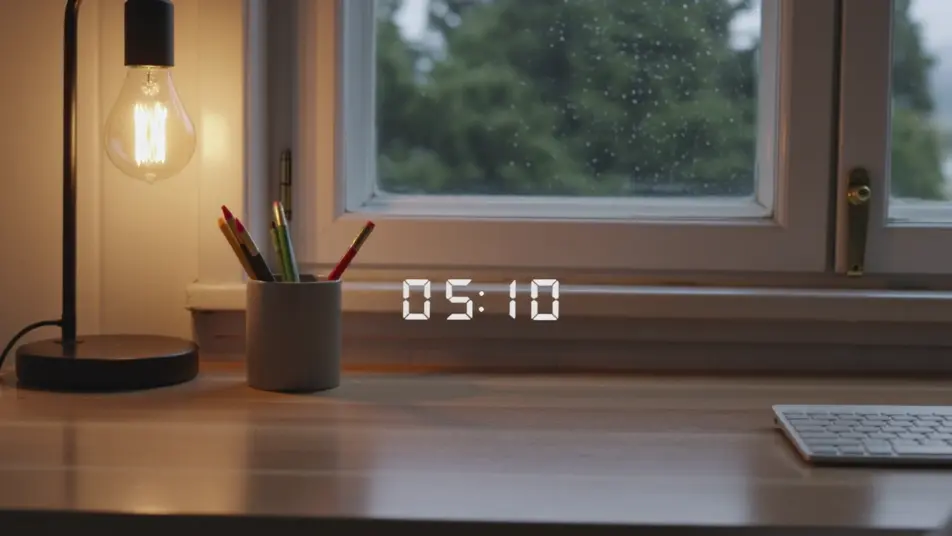
Cozy starting-soon screen

A static shot of a countdown number set over a warm lofi desk-and-window loop, lamplight and faint rain behind the glass, the inviting scene holding still while the timer ticks down for viewers arriving early.

Prompt'u düzenleyin

Focus-sprint gradient timer

A minimal, still frame of a clean number over a slow gradient wash of soft color, nothing else moving, the calm backdrop built to hold attention through a study or work sprint toward zero.

Prompt'u düzenleyin

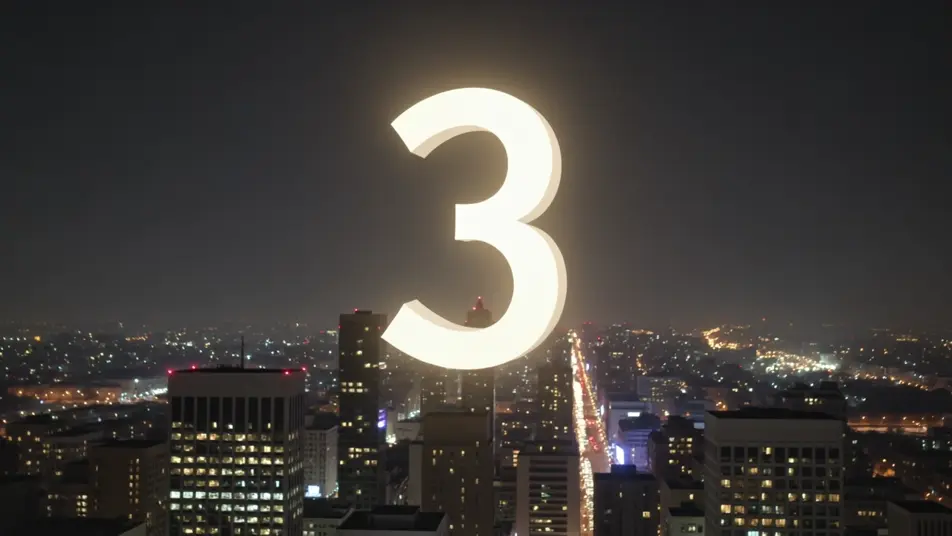
Midnight celebration countdown

A wide, static night shot of a countdown number over a city skyline with soft bokeh lights and drifting sparkle, the festive glow building steadily as the final seconds fall toward a zero moment.

Prompt'u düzenleyin

countdown timer videolarını üç adımda oluşturun

  1. 01

    countdown timer sahnenizi açıklayın

    İstediğiniz countdown timer sahnesini sade sözcüklerle yazın.

  2. 02

    Videoyu oluşturun

    Morphic, tuvalinizde saniyeler içinde sinematik, kareye hazır bir klip oluşturur.

  3. 03

    countdown timer videonuzu iyileştirin

    Prompt'ta ince ayar yapın, varyasyonları yeniden oluşturun, ardından çekimi indirin veya paylaşın.

İlgili Workflow'lar

Şunları da beğenebilirsiniz

Basit fiyatlandırma

Bugün ücretsiz başlayın, istediğiniz zaman yükseltme veya iptal etme seçeneğiyle.

Basic

$9/ ay
şu şekilde faturalandırılır $0 yıl başına

900 aylık kredi

1 yalnızca kullanıcı

Tüm modeller

Workflows

Standard

$24/ ay
şu şekilde faturalandırılır $0 yıl başına

3200 aylık kredi

1 yalnızca kullanıcı

Tüm modeller

Workflows

Pro

$45/ ay
şu şekilde faturalandırılır $0 yıl başına

6200 paylaşılan aylık kredi

1 kullanıcı

+ en fazla 4 ek ücret karşılığında daha fazlası

Tüm modeller

Workflows

Pro Max

$170/ ay
şu şekilde faturalandırılır $0 yıl başına

24000 paylaşılan aylık kredi

1 kullanıcı

+ en fazla 9 ek ücret karşılığında daha fazlası

Tüm modeller

Workflows

Enterprise

Daha yüksek limitler için

Özel

fiyatlandırma ve faturalandırma koşulları

High-volume credits
Özel koltuk limitleri
Tüm modeller
Workflows
Pricing Gradient

Free

Denemek için

$0

kalıcı olarak ücretsiz

En fazla 20 kredi
Yalnızca 1 kullanıcı
Sınırlı modeller
Workflows

SSS

Where can I make countdown timer videos with AI?
You can create countdown timer backdrops directly in your browser on Morphic. Open the Text to Video tool, describe the mood, the backdrop, and the energy you want behind the number, and Morphic produces the looping scene. No installs and no editing software needed.
What kinds of countdown timer scenes work best with AI video?
Atmospheric, low-motion backdrops read best: a neon number over drifting particles, a calm gradient, a cozy starting-soon lofi scene, a turning starfield, a festive skyline. The strongest countdown loops keep the backdrop gentle so the number stays readable while the seconds fall.
How do I write a good prompt for a countdown timer video?
Name the backdrop, the energy of the moment, and that the number sits at frame center, then keep the motion slow. The calmer the background, the more readable the count. For a stream screen, lean cozy and welcoming; for a sprint or workout, lean bright and driving.
How do I keep the timer consistent across scenes?
Hold the backdrop style, color palette, and number placement steady from clip to clip. On the Canvas you can line the countdown segments up in sequence and tune each one until the tone and pace match into one continuous timer or starting-soon screen.
Can I add music and narration to my countdown timer videos?
Yes. The Music tool produces a building or calming bed to match the moment, tension for a sprint or a soft loop for focus. The Speech tool generates spoken time cues in the voice you choose, so you can layer a "ten seconds left" call or a warm intro over the countdown.
Do I need video editing experience to make a countdown timer video?
No. Morphic runs in your browser and you direct it with plain-language prompts. If you can describe the mood you want behind the number, you can produce a countdown backdrop. The prompts on this page are written so anyone can paste and run.