Notice board print layout
A portrait layout with the bright scene in the upper half and a clean band at the bottom reserved for the event date and time.
تعديل الأمر النصي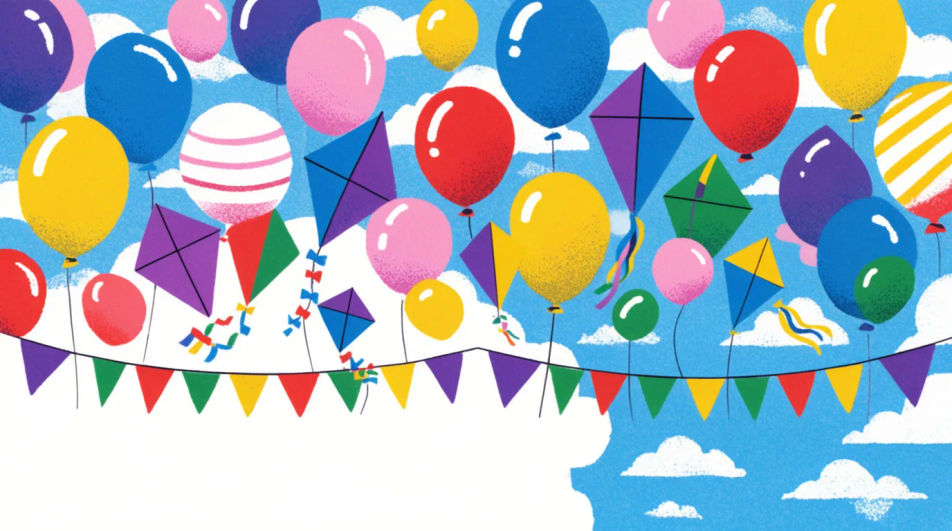
Design a Children's Day poster in Morphic by describing the scene you want, from a bright classroom celebration to a simple kite-and-balloon layout. Generate a few bright, kid-friendly options to compare, then export a version sized for a school notice board or print handout.
A portrait layout with the bright scene in the upper half and a clean band at the bottom reserved for the event date and time.
تعديل الأمر النصيA wide landscape layout meant to print across a classroom wall, with bunting and balloons running the full width.
تعديل الأمر النصي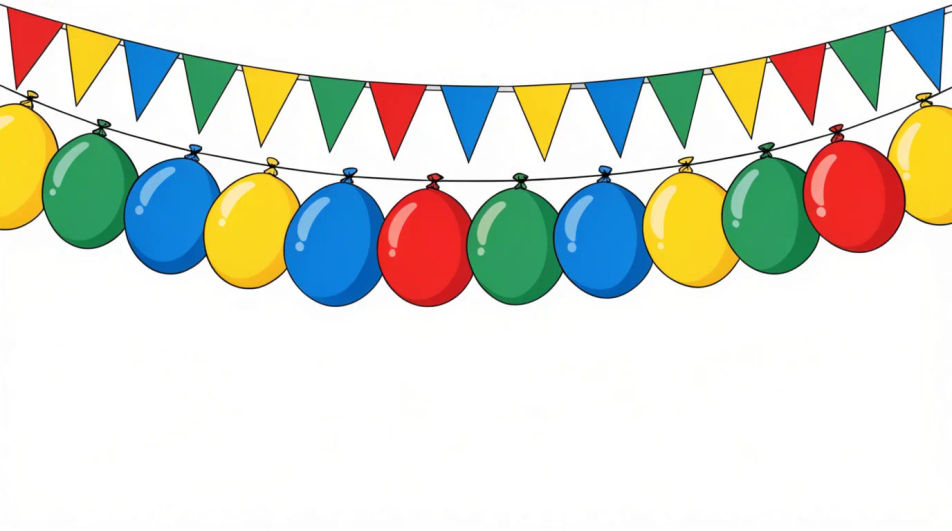
A balanced square layout with the celebration scene centred, suited to sharing on a school social media page.
تعديل الأمر النصي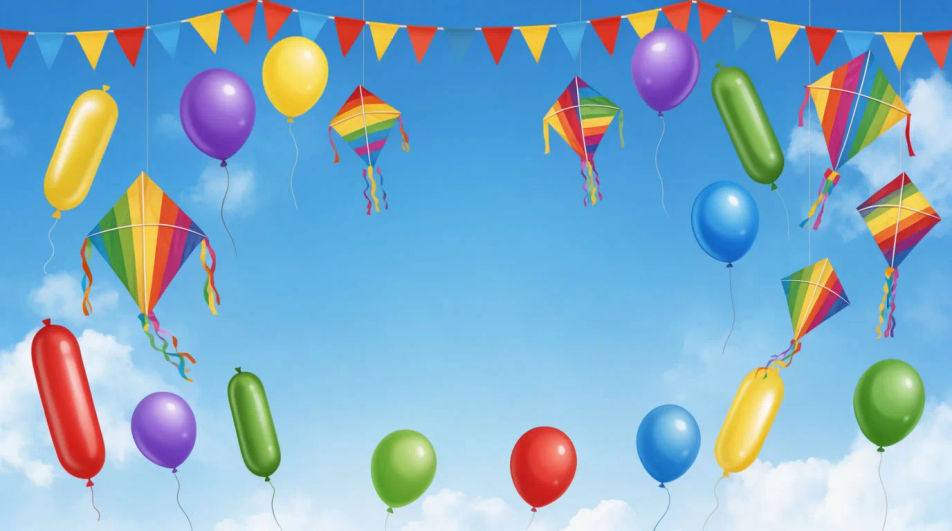
A restrained header band with a thin row of balloons and bunting, leaving most of the frame plain for a printed message below.
تعديل الأمر النصي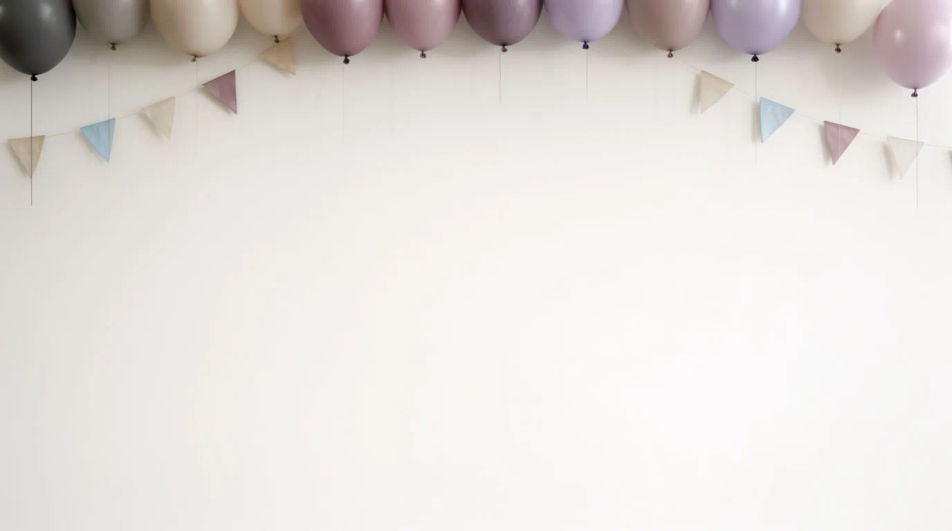
صف Children's Day Poster الذي تريده، بكلمات بسيطة.
ينشئ Morphic صورة نظيفة جاهزة للنشر على لوحتك خلال ثوانٍ.
عدّل الأمر النصي، وأعد إنشاء التنويعات، ثم نزّل الإطار أو شاركه.
Pick a reference image, apply its visual style to your own photo or artwork.
Convert any image to a new aspect ratio. Smart crop or extend the edges to fit.
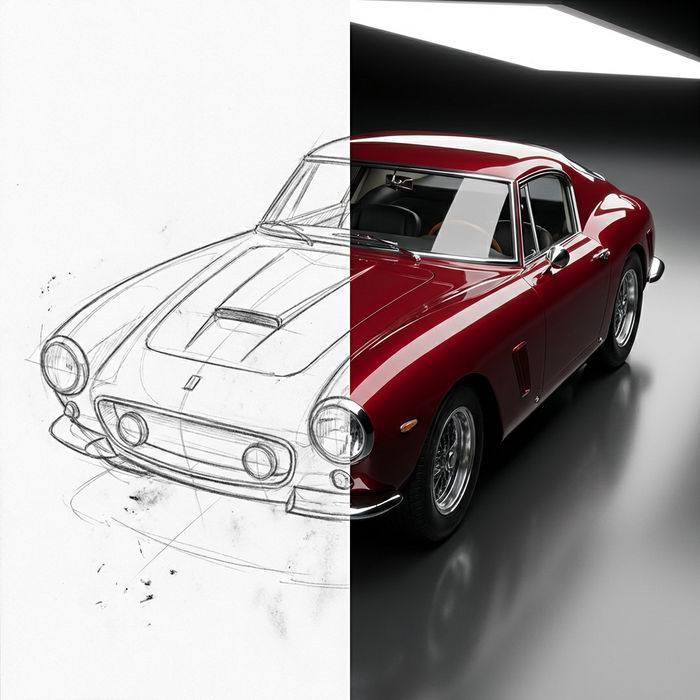
Turn any sketch or drawing into a finished render.
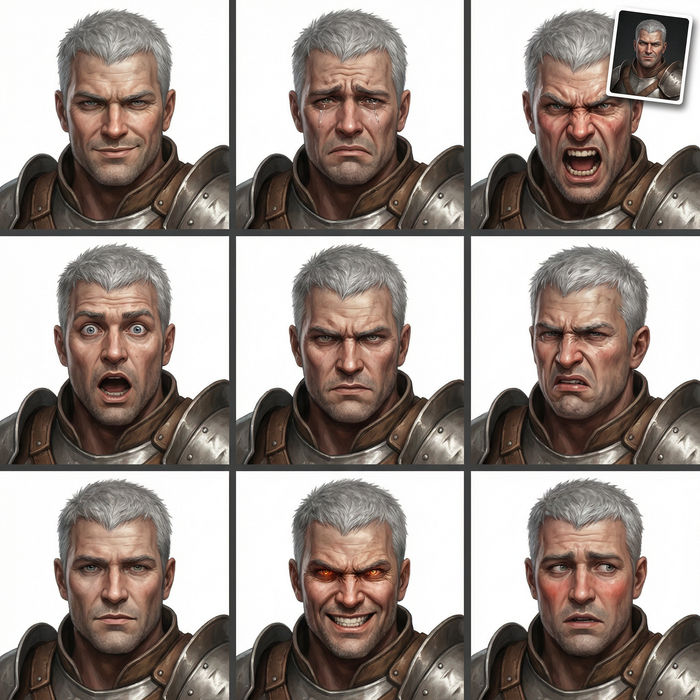
Take any character image and generate 6 distinct facial expressions on a single reference sheet.
Restyle any video in a completely new visual style. Every frame transforms, all motion stays intact.
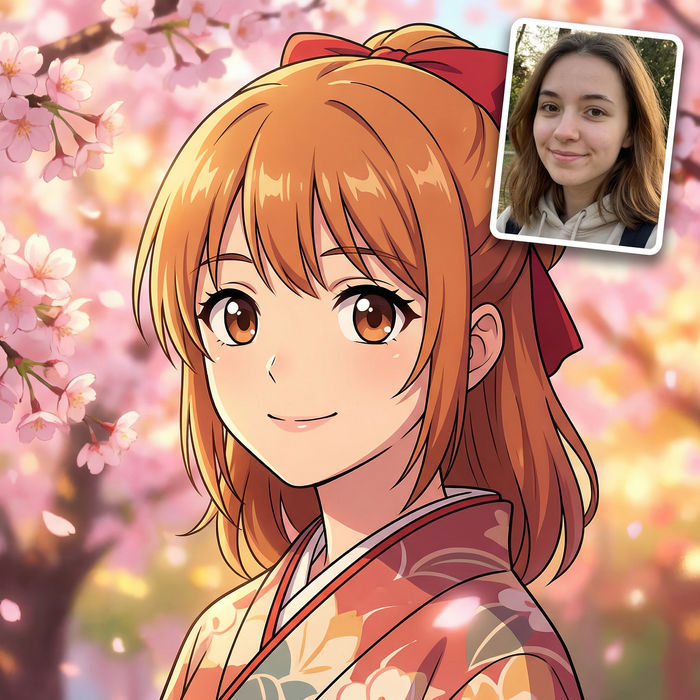
Pick any anime illustration as your style guide. Apply its look to any image.
Happy Children's Day Wishes Images
Create Children's Day wishes images for kids, students and family in Morphic. Add your message to a playful design and share it anywhere.
Oops emoji maker
Generate oops emoji images in Morphic. Describe the expression, colour and style you want, generate options, then refine the prompt and download it.
Org Chart Graphic AI Images
Make org chart graphic from a text prompt. Produce a full family of assets, not a single file. Yours to use commercially.
Outfit AI Design Ideas
Generate AI outfit ideas in your browser with Morphic's generator. Create casual, professional, evening, date-night, and seasonal looks with coordinated pieces for any occasion. Original HD images, no skills needed, great for shopping inspiration.
ابدأ مجاناً اليوم، مع إمكانية الترقية أو الإلغاء في أي وقت.
Basic
2400 شهرياً أرصدة
1 مستخدم فقط
جميع النماذج
Workflows
Standard
3625 شهرياً أرصدة
1 مستخدم فقط
جميع النماذج
Workflows
Pro
6350 مشترك شهرياً أرصدة
1 مستخدم
جميع النماذج
Workflows
Max
24650 مشترك شهرياً أرصدة
1 مستخدم
جميع النماذج
Workflows
Enterprise
لحدود أعلى
مخصص
شروط الأسعار والفوترة

Free
للتجربة والاستكشاف
$0
مجاني إلى الأبد