Photo to emoji side by side
A soft-lit portrait photo of a smiling man with glasses beside a matching glossy emoji-style face of the same man, same hair and glasses, plain grey backdrop.
تعديل الأمر النصي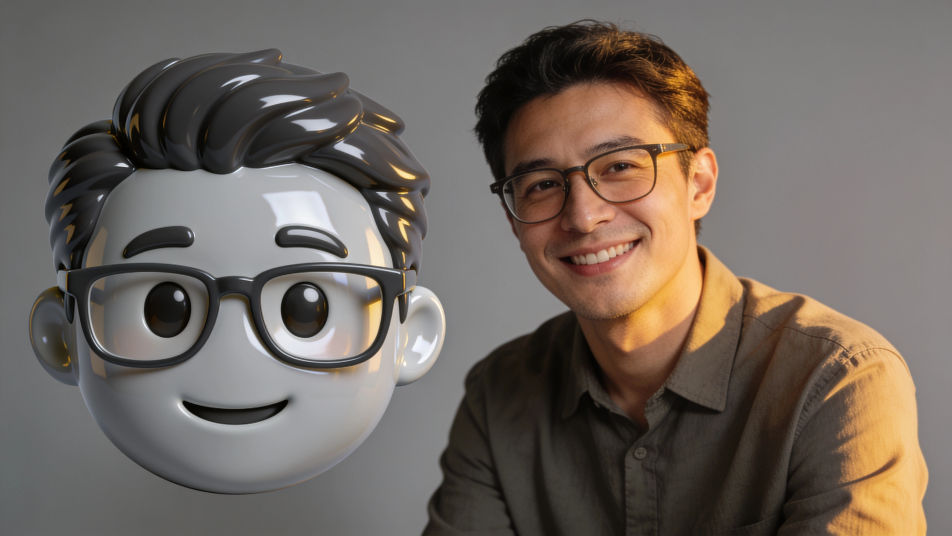
Put a photo into emoji form in Morphic by attaching the portrait as a reference and describing the emoji look you want, from a glossy round face to a flat sticker avatar. Keep the hair, glasses and smile that make it read as you, choose the finish and the background, then download an emoji face you can use in chats and on your profile.
A soft-lit portrait photo of a smiling man with glasses beside a matching glossy emoji-style face of the same man, same hair and glasses, plain grey backdrop.
تعديل الأمر النصيA row of four glossy emoji-style faces of one invented family, a mother, a father, a teenage girl and a grandfather, matching finish, even spacing, plain cream background.
تعديل الأمر النصي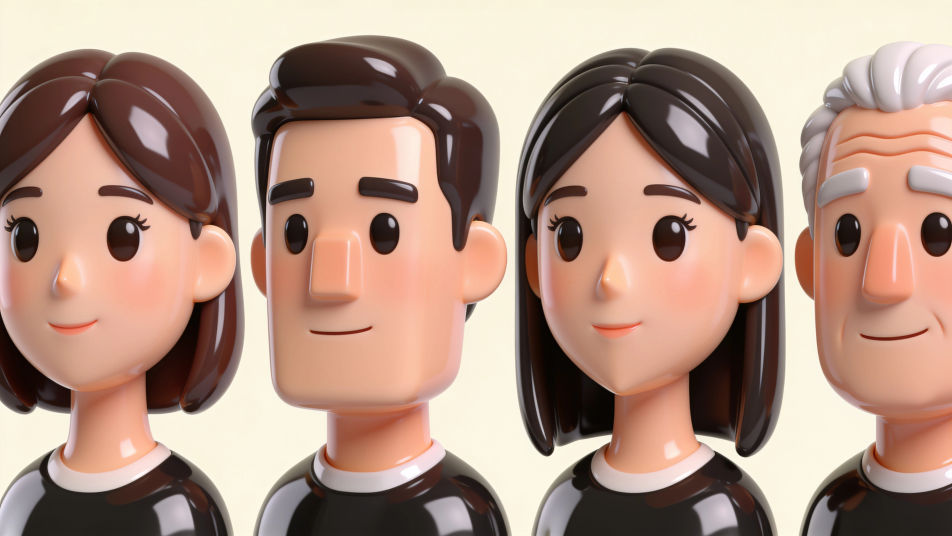
A row of four glossy emoji-style faces of the same young woman with a short black bob: happy, surprised, sleepy and laughing, plain pastel background, no labels.
تعديل الأمر النصي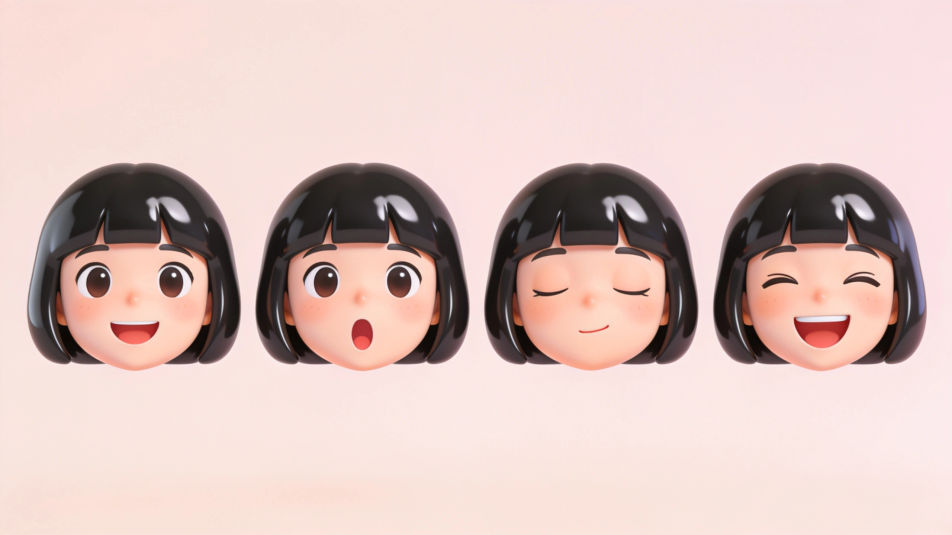
A sticker sheet of emoji-style faces of different invented people with white die-cut borders, varied hair, skin tones and glasses, evenly spaced on a mint background.
تعديل الأمر النصي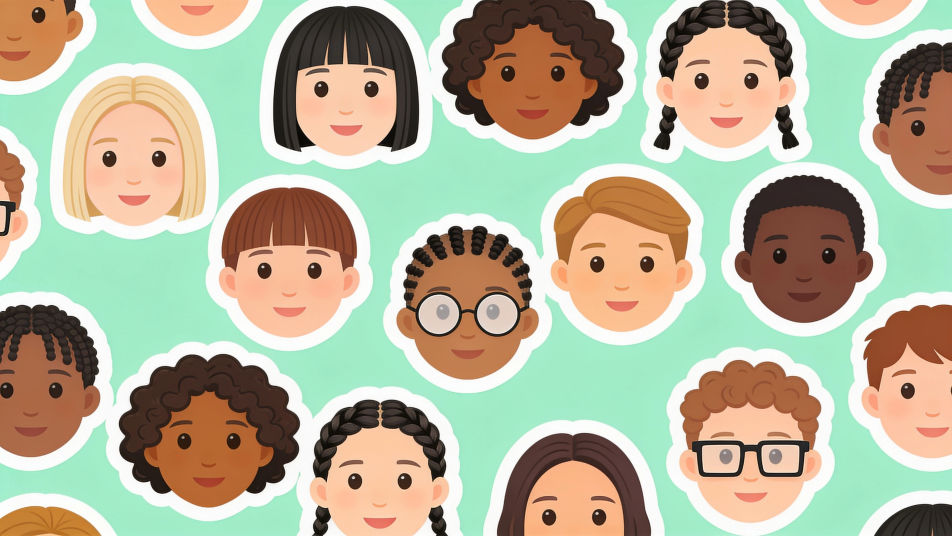
صف Photo form emoji الذي تريده، بكلمات بسيطة.
ينشئ Morphic صورة نظيفة جاهزة للنشر على لوحتك خلال ثوانٍ.
عدّل الأمر النصي، وأعد إنشاء التنويعات، ثم نزّل الإطار أو شاركه.
Pick a reference image, apply its visual style to your own photo or artwork.
Convert any image to a new aspect ratio. Smart crop or extend the edges to fit.

Turn any sketch or drawing into a finished render.
Restyle any video in a completely new visual style. Every frame transforms, all motion stays intact.

Turn any photo or description into an animated chibi sprite. Dance, jump, wave, attack, and more.
Set the look with one reference image. Apply that exact grade to any scene or batch.
Photo from emoji generator
Generate from emoji images in Morphic. Describe the expression, colour and style you want, generate options, then refine the prompt and download it.
Cartoon PFP generator
Browse cartoon profile pictures and regenerate any in your own style, palette, and crop. Make bold flat-vector, soft 3D-render, and retro rubber-hose avatars, then download original PFPs in HD, sharp at a small crop, all in Morphic.
Emoji faces generator
Generate faces emoji images in Morphic. Describe the expression, colour and style you want, generate options, then refine the prompt and download it.
Grass emoji maker
Generate grass emoji images in Morphic. Describe the expression, colour and style you want, generate options, then refine the prompt and download it.
ابدأ مجاناً اليوم، مع إمكانية الترقية أو الإلغاء في أي وقت.
Basic
2400 شهرياً أرصدة
1 مستخدم فقط
جميع النماذج
Workflows
Standard
3625 شهرياً أرصدة
1 مستخدم فقط
جميع النماذج
Workflows
Pro
6350 مشترك شهرياً أرصدة
1 مستخدم
جميع النماذج
Workflows
Max
24650 مشترك شهرياً أرصدة
1 مستخدم
جميع النماذج
Workflows
Enterprise
لحدود أعلى
مخصص
شروط الأسعار والفوترة

Free
للتجربة والاستكشاف
$0
مجاني إلى الأبد