Full sticker sheet
A flat sheet of journal stickers arranged in a loose grid, mixed sizes, one shared palette, thin white cut lines around every shape.
تعديل الأمر النصي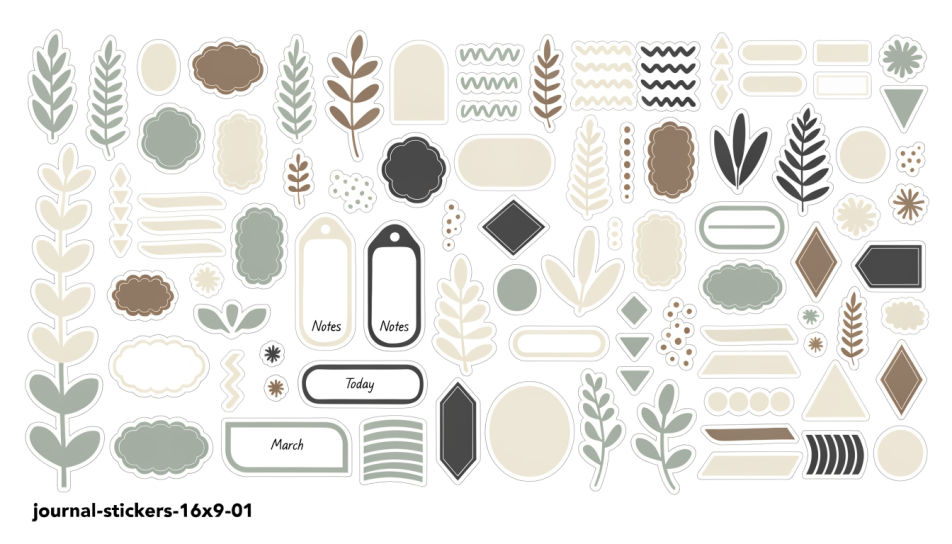
Generate journal stickers in Morphic's Image tool by describing the motif, the colours, and the paper style you want across a spread. You set the outline weight, the palette, and whether each sticker sits on a plain backdrop, so you end up with a sheet you can print and cut.
A flat sheet of journal stickers arranged in a loose grid, mixed sizes, one shared palette, thin white cut lines around every shape.
تعديل الأمر النصيJournal stickers in a muted cream, sage, and clay palette, botanical and paper motifs, soft grain, arranged with generous space between them.
تعديل الأمر النصي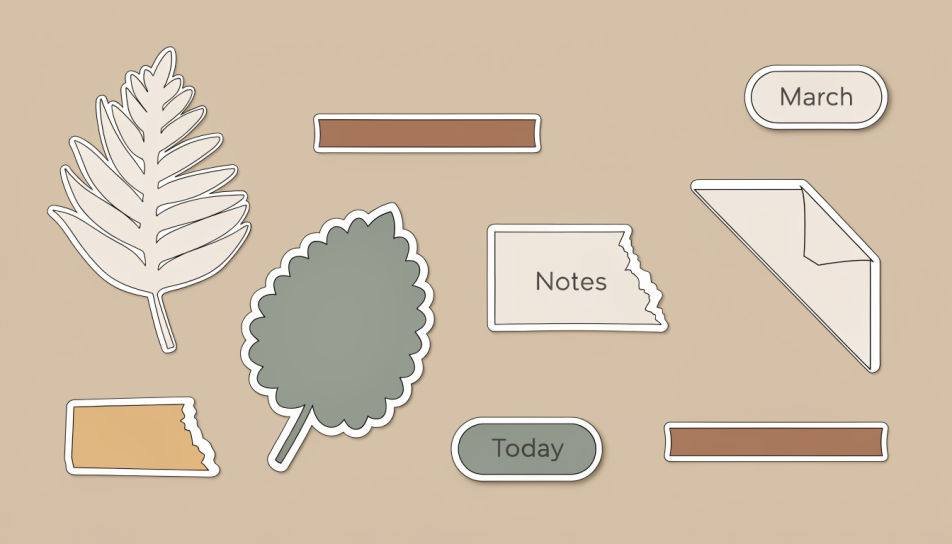
A high-contrast journal sticker set in saturated poster colour, thick black outlines and offset shadows, shapes overlapping across the frame.
تعديل الأمر النصي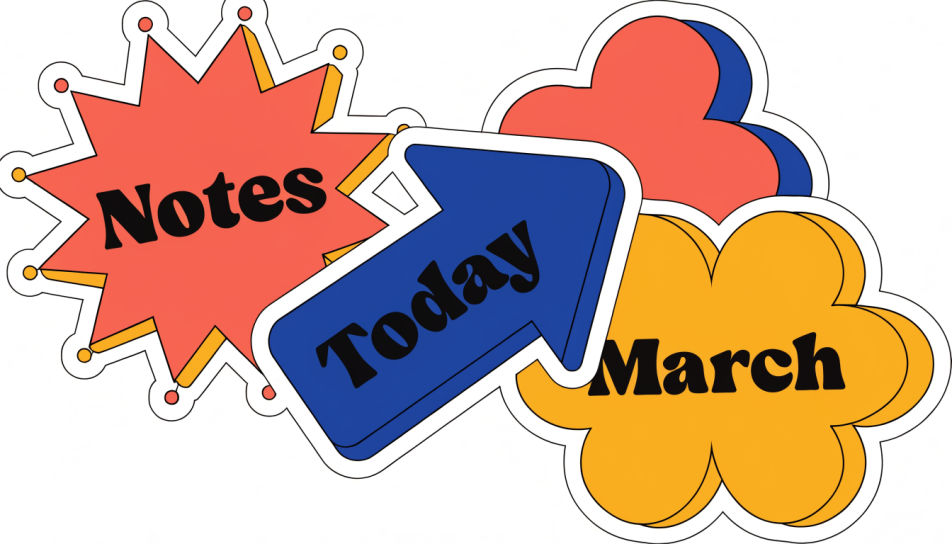
An overhead journal template page with dated headers, small boxes, and stickers placed along the margin, daylight falling across the paper.
تعديل الأمر النصي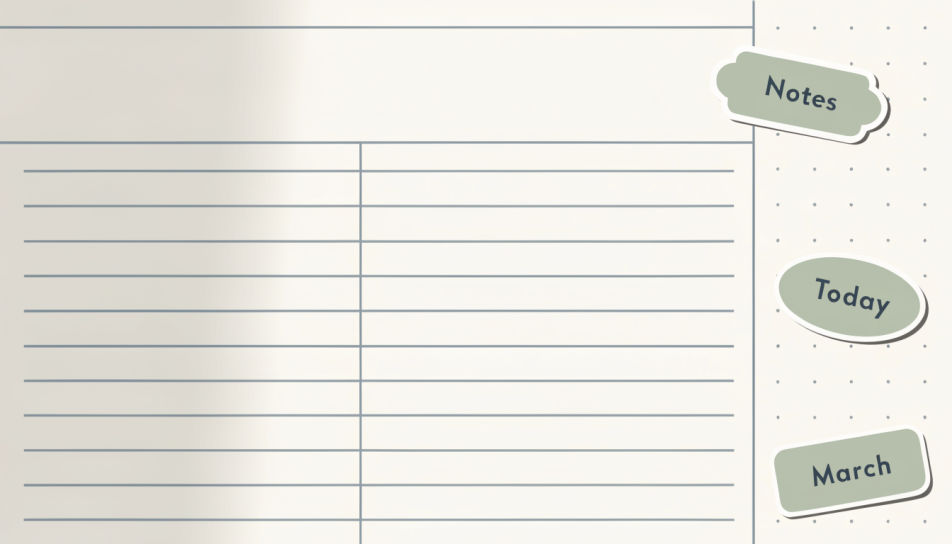
صف Journal Stickers الذي تريده، بكلمات بسيطة.
ينشئ Morphic صورة نظيفة جاهزة للنشر على لوحتك خلال ثوانٍ.
عدّل الأمر النصي، وأعد إنشاء التنويعات، ثم نزّل الإطار أو شاركه.
Pick a reference image, apply its visual style to your own photo or artwork.
Convert any image to a new aspect ratio. Smart crop or extend the edges to fit.

Turn any sketch or drawing into a finished render.

Take any character image and generate 6 distinct facial expressions on a single reference sheet.
Restyle any video in a completely new visual style. Every frame transforms, all motion stays intact.

Pick any anime illustration as your style guide. Apply its look to any image.
Sticker Design AI Images
Create AI Sticker Design images with Morphic. Generate die-cut stickers, sticker packs, and decals for any project in seconds.
Scrapbook sticker generator
Generate scrapbook stickers in Morphic. Describe the character, colours and style you want, generate options to compare, then refine the prompt and save it.
Kawaii sticker generator
Generate kawaii stickers in Morphic. Describe the character, colours and style you want, generate options to compare, then refine the prompt and save it.
Pin design AI images
Make pin design AI images in your browser: hard enamel pins, glitter soft enamel, die-struck gold badges. Build a matched pin collection. Start creating.
ابدأ مجاناً اليوم، مع إمكانية الترقية أو الإلغاء في أي وقت.
Basic
2400 شهرياً أرصدة
1 مستخدم فقط
جميع النماذج
Workflows
Standard
3625 شهرياً أرصدة
1 مستخدم فقط
جميع النماذج
Workflows
Pro
6350 مشترك شهرياً أرصدة
1 مستخدم
جميع النماذج
Workflows
Max
24650 مشترك شهرياً أرصدة
1 مستخدم
جميع النماذج
Workflows
Enterprise
لحدود أعلى
مخصص
شروط الأسعار والفوترة

Free
للتجربة والاستكشاف
$0
مجاني إلى الأبد