Splash page hero entrance
Single full-page panel: hero stepping into frame under a broken sky, thick ink outline, dramatic screentone shadow behind, page-edge bleed.
تعديل الأمر النصي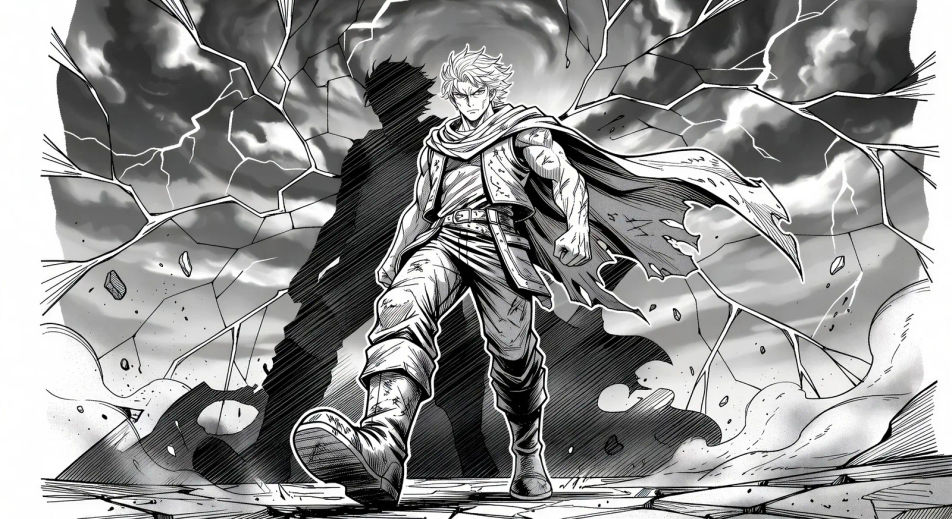
Render Japanese sequential art in your browser with Morphic's Manga AI image generator. Create a splash-page hero in thick ink and screentone or a one-eye cliffhanger close-up, lock faces with Character Lineup, then animate the spread with Image to Video.
Single full-page panel: hero stepping into frame under a broken sky, thick ink outline, dramatic screentone shadow behind, page-edge bleed.
تعديل الأمر النصيTop panel: hero glances over the shoulder, eyes lit. Bottom panel: villain mirrors the glance from across the city. Thin gutter for fast read.
تعديل الأمر النصي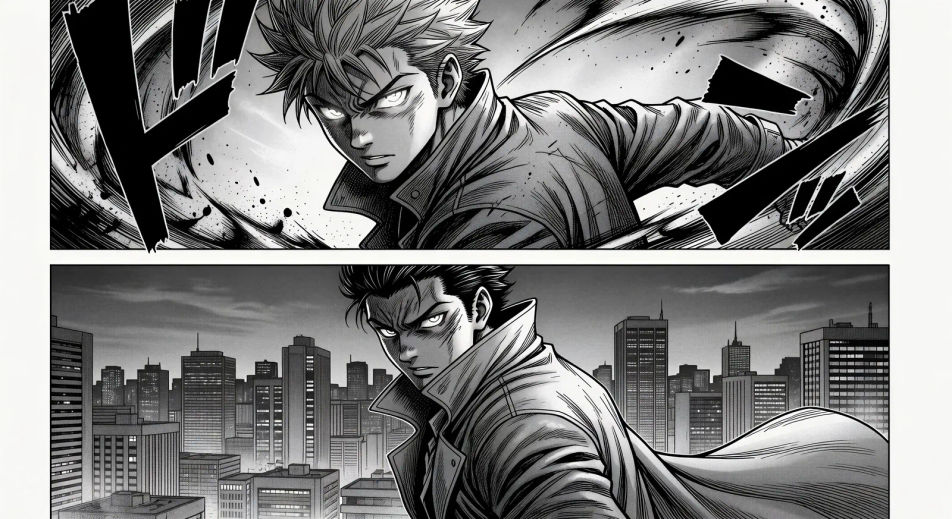
Tilted impact panel, silhouette explosion at the centre of frame, motion lines radiating, debris drifting, single onomatopoeia stamp at the corner.
تعديل الأمر النصي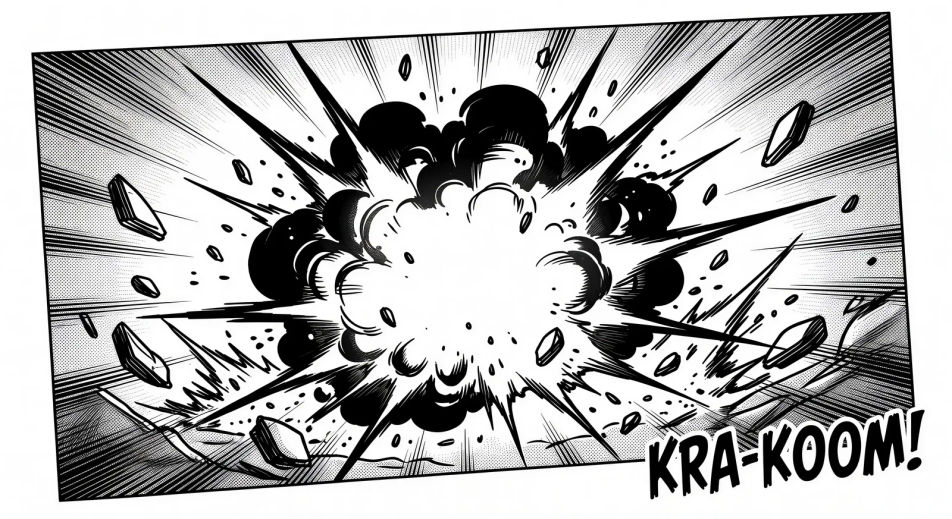
Two characters kneeling at a low table, single tea cup steaming between them, soft daylight through shoji panels, no dialogue.
تعديل الأمر النصي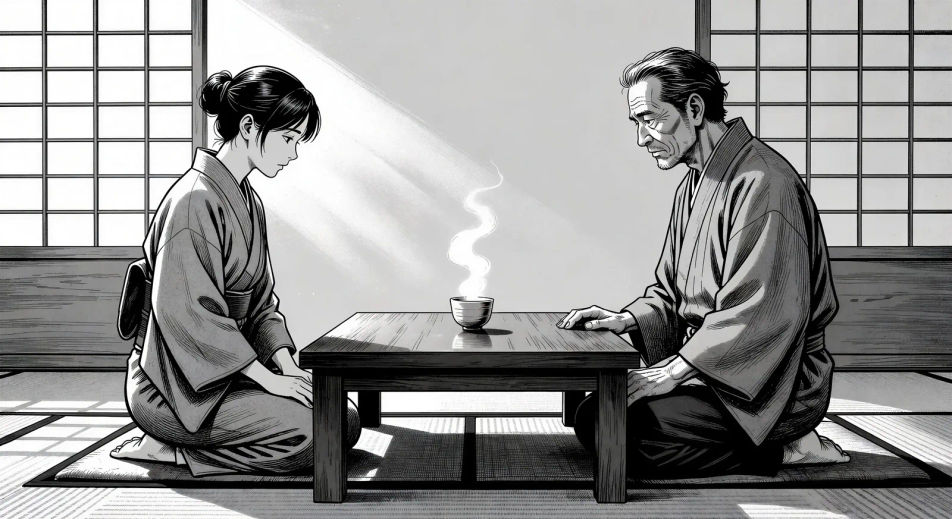
صف Manga الذي تريده، بكلمات بسيطة.
ينشئ Morphic صورة نظيفة جاهزة للنشر على لوحتك خلال ثوانٍ.
عدّل الأمر النصي، وأعد إنشاء التنويعات، ثم نزّل الإطار أو شاركه.

Pick any anime illustration as your style guide. Apply its look to any image.

Turn any sketch or drawing into a finished render.

Take any character image and generate 6 distinct facial expressions on a single reference sheet.

All your characters on a single lineup image, side by side with height comparison.
Reimagine any anime character as a photorealistic, high-fashion live-action portrait.

Turn any photo or description into an animated chibi sprite. Dance, jump, wave, attack, and more.
صور مانهوا بالذكاء الاصطناعي
أنشئ لوحات وشخصيات مانهوا بالذكاء الاصطناعي على Morphic، بأنماط الهانتر والتشايبول والفيلانيس والموريم، من وصف نصي واحد فقط.
Comic book AI Images
Create comic book panels, character designs, and full pages with Morphic. Splash pages, action sequences, decompressed beats, and indie-comic styles from a single prompt.
فيديوهات anime بالذكاء الاصطناعي
أنشئ فيديوهات anime مع Morphic. مشاهد من الحياة اليومية، ولقطات Mecha، وتحوّلات الفتاة السحرية، وحلقات anime كاملة تُولَّد من موجّه واحد.
فيديوهات anime بالذكاء الاصطناعي
أنشئ مشاهد قتال anime، ومبارزات سيوف، ومعارك سحرية، واشتباكات Mecha مع Morphic. ولّد وحرّك واسرد وضع الموسيقى للمشاهد من موجّه واحد.
ابدأ مجاناً اليوم، مع إمكانية الترقية أو الإلغاء في أي وقت.
Basic
2400 شهرياً أرصدة
1 مستخدم فقط
جميع النماذج
Workflows
Standard
3625 شهرياً أرصدة
1 مستخدم فقط
جميع النماذج
Workflows
Pro
6350 مشترك شهرياً أرصدة
1 مستخدم
جميع النماذج
Workflows
Max
24650 مشترك شهرياً أرصدة
1 مستخدم
جميع النماذج
Workflows
Enterprise
لحدود أعلى
مخصص
شروط الأسعار والفوترة

Free
للتجربة والاستكشاف
$0
مجاني إلى الأبد