مجموعة بلاطات بلدة RPG جانبية
بلدة بفن البكسل أفقية بشارع مرصوف بالحصى، ومنازل خشبية، ومظلات سوق، ونافورة في المنتصف تمامًا، وجبال متوازية خلفها، بشبكة بلاطات 16×16.
تعديل الأمر النصي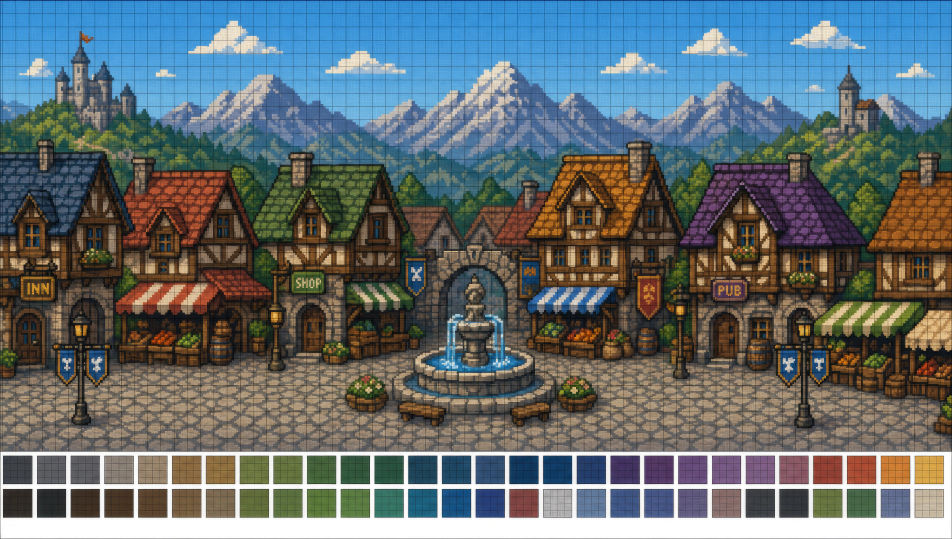
صمّم فن البكسل مباشرة في متصفحك مع مولّد فن البكسل بالذكاء الاصطناعي من Morphic. أنشئ سبرايت ساحر بغطاء رأس بمقاس 32×32 بلوحة 8 ألوان، أو غرفة زنزانة RPG من زاوية علوية، ثبّت التظليل المتقطّع واللوحة بأداة Style Transfer، ثم حرّك أي سبرايت بأداة Image to Video.
بلدة بفن البكسل أفقية بشارع مرصوف بالحصى، ومنازل خشبية، ومظلات سوق، ونافورة في المنتصف تمامًا، وجبال متوازية خلفها، بشبكة بلاطات 16×16.
تعديل الأمر النصيغرفة زنزانة مربعة بمقاس 64×64 من زاوية علوية ببلاط حجري، وصناديق في زاويتين، ومشاعل مضاءة على كل جدار، وتمثال واحد في الخلفية.
تعديل الأمر النصي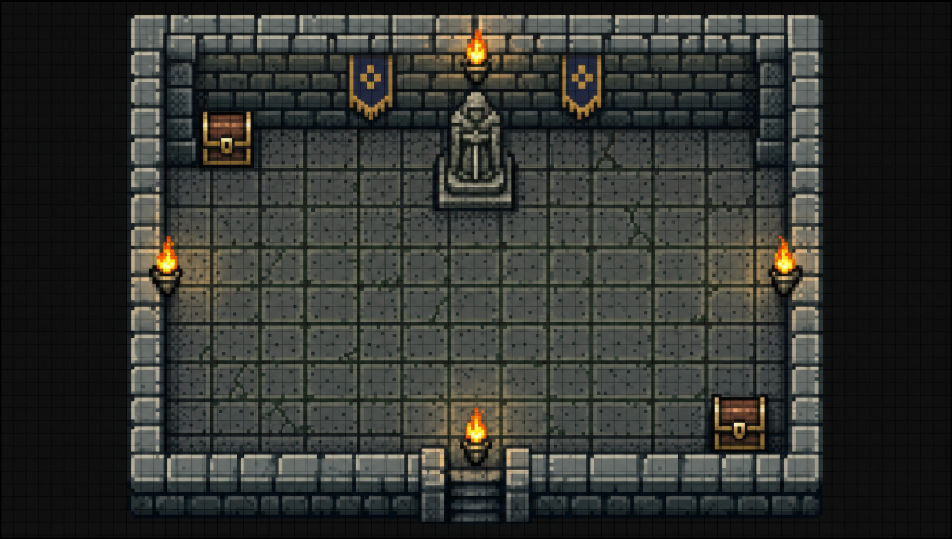
مستوى بفن البكسل جانبي التمرير بجزر عشبية عائمة ومنصات طوبية، وعملات مرتبة على شكل أقواس، وسماء وردية بطبقات غيوم متوازية خلفها.
تعديل الأمر النصي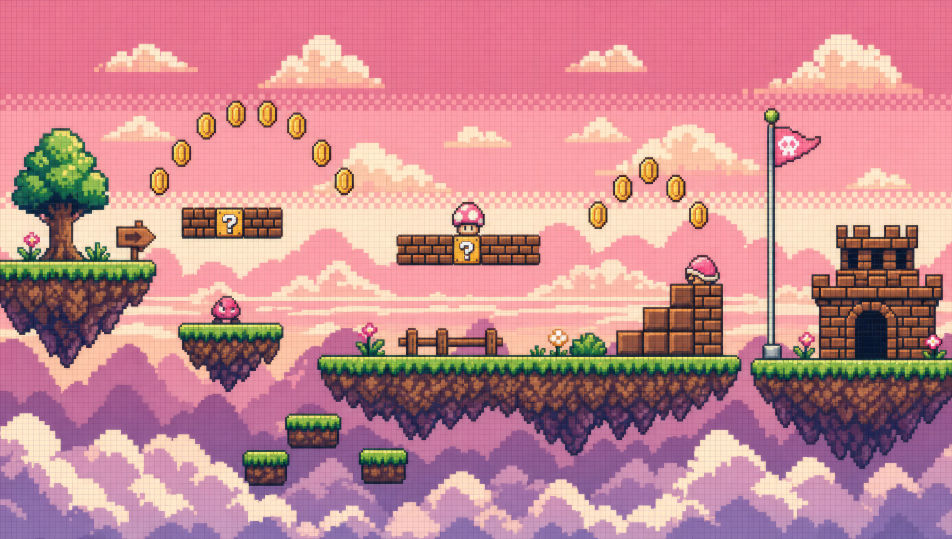
خريطة عالم JRPG من زاوية علوية ببلاطات سداسية من عشب وغابة وجبال ونهر متعرّج، مع سبرايت بطل واحد في منتصف خطوة على مسار.
تعديل الأمر النصي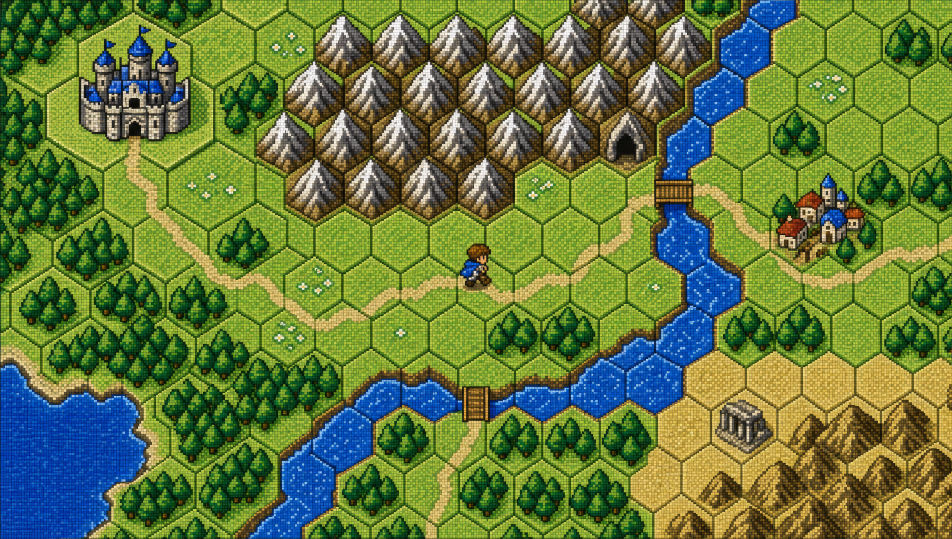
صف فن البكسل الذي تريده، بكلمات بسيطة.
ينشئ Morphic صورة نظيفة جاهزة للنشر على لوحتك خلال ثوانٍ.
عدّل الأمر النصي، وأعد إنشاء التنويعات، ثم نزّل الإطار أو شاركه.
Pick a reference image, apply its visual style to your own photo or artwork.
Convert any image to a new aspect ratio. Smart crop or extend the edges to fit.

Turn any sketch or drawing into a finished render.

Pick any anime illustration as your style guide. Apply its look to any image.
Restyle any video in a completely new visual style. Every frame transforms, all motion stays intact.

Take any character image and generate 6 distinct facial expressions on a single reference sheet.
Chibi art AI Images
Create chibi art with Morphic. Big-head kawaii characters, animal companions, sticker-pack expressions, and group line-ups generated from a single prompt.
Mecha art AI Images
Create Mecha art with Morphic. Pilot portraits, hardware design sheets, cockpit cross-sections, and frame studies generated from a single prompt.
Cyberpunk AI art
Create cyberpunk art with Morphic. Chrome-augmented netrunners, neon megacity skylines, ripperdoc clinics, and synthwave-grade portraits from a single prompt.
Comic book AI Images
Create comic book panels, character designs, and full pages with Morphic. Splash pages, action sequences, decompressed beats, and indie-comic styles from a single prompt.
ابدأ مجاناً اليوم، مع إمكانية الترقية أو الإلغاء في أي وقت.
Basic
2400 شهرياً أرصدة
1 مستخدم فقط
جميع النماذج
Workflows
Standard
3625 شهرياً أرصدة
1 مستخدم فقط
جميع النماذج
Workflows
Pro
6350 مشترك شهرياً أرصدة
1 مستخدم
جميع النماذج
Workflows
Max
24650 مشترك شهرياً أرصدة
1 مستخدم
جميع النماذج
Workflows
Enterprise
لحدود أعلى
مخصص
شروط الأسعار والفوترة

Free
للتجربة والاستكشاف
$0
مجاني إلى الأبد