Single icon on white
One yay emoji face centred on a clean white field with a soft drop shadow, glossy finish, even light, generous margin.
تعديل الأمر النصي
Generate a yay emoji image in Morphic's Image tool, from a grinning face with both arms raised to a confetti burst around a beaming smile. Pick the expression, the palette and the finish, then download an original celebration icon for a chat, a slide or a launch post.
One yay emoji face centred on a clean white field with a soft drop shadow, glossy finish, even light, generous margin.
تعديل الأمر النصيA yay emoji face small in frame with confetti and streamers filling the space around it, pink and gold, bright airy light.
تعديل الأمر النصي
A three-by-two grid of cheering emoji faces with different smiles and arm positions, one shared palette, flat even lighting.
تعديل الأمر النصي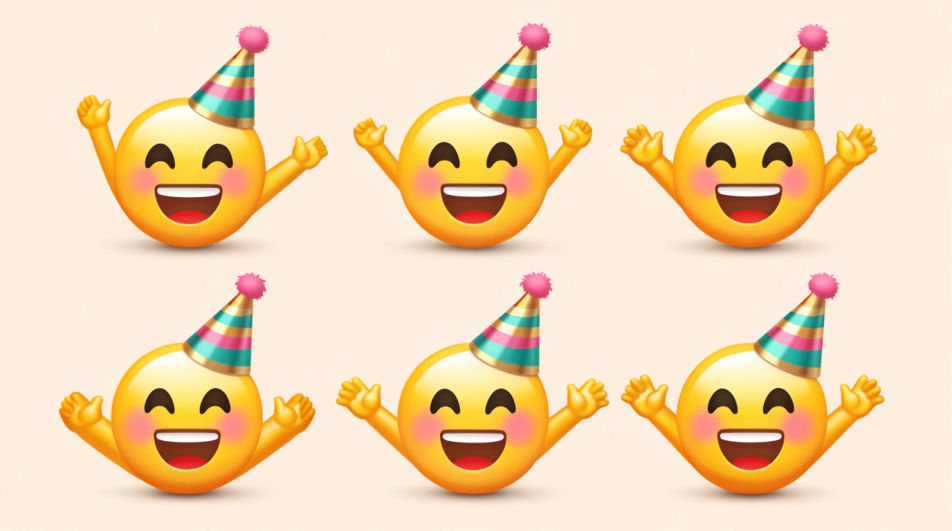
A yay emoji face inside a round badge with a thick white die-cut border, flat colour, crisp edges, plain backdrop.
تعديل الأمر النصي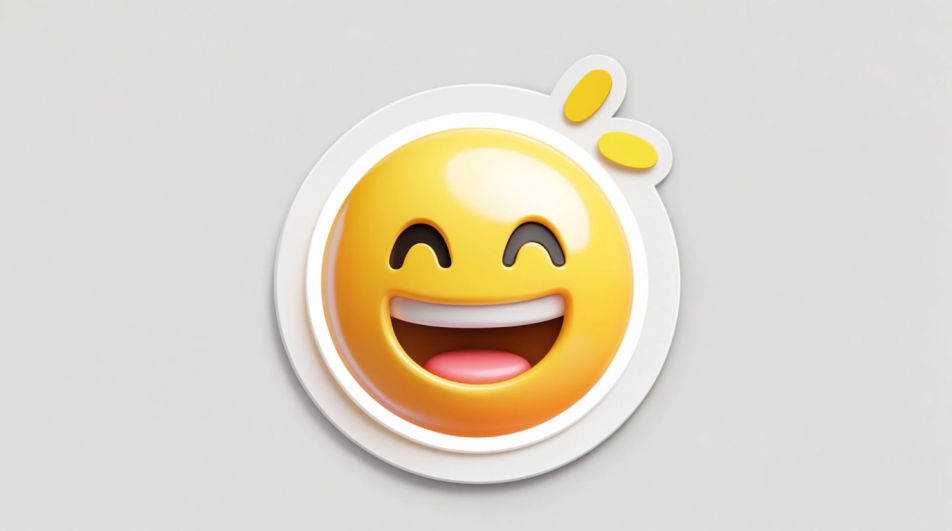
صف Yay Emoji الذي تريده، بكلمات بسيطة.
ينشئ Morphic صورة نظيفة جاهزة للنشر على لوحتك خلال ثوانٍ.
عدّل الأمر النصي، وأعد إنشاء التنويعات، ثم نزّل الإطار أو شاركه.
Pick a reference image, apply its visual style to your own photo or artwork.
Convert any image to a new aspect ratio. Smart crop or extend the edges to fit.

Turn any sketch or drawing into a finished render.

Take any character image and generate 6 distinct facial expressions on a single reference sheet.
Restyle any video in a completely new visual style. Every frame transforms, all motion stays intact.

Pick any anime illustration as your style guide. Apply its look to any image.
Happy emoji generator
Generate happy emoji images in Morphic. Describe the expression, colour and style you want, generate options, then refine the prompt and download it.
Fun emoji generator
Generate fun emoji images in Morphic. Describe the expression, colour and style you want, generate options, then refine the prompt and download it.
Emoji design AI images
Make emoji design AI images in your browser: glossy face sets, custom reactions, outlined sticker emoji. Build a matched pack fast. Start creating.
Comic Book Panel AI Images
Create AI Comic Book Panel images with Morphic. Generate Comic Book Panel artwork, layouts, and editorial visuals for any project in seconds.
ابدأ مجاناً اليوم، مع إمكانية الترقية أو الإلغاء في أي وقت.
Basic
2400 شهرياً أرصدة
1 مستخدم فقط
جميع النماذج
Workflows
Standard
3625 شهرياً أرصدة
1 مستخدم فقط
جميع النماذج
Workflows
Pro
6350 مشترك شهرياً أرصدة
1 مستخدم
جميع النماذج
Workflows
Max
24650 مشترك شهرياً أرصدة
1 مستخدم
جميع النماذج
Workflows
Enterprise
لحدود أعلى
مخصص
شروط الأسعار والفوترة

Free
للتجربة والاستكشاف
$0
مجاني إلى الأبد