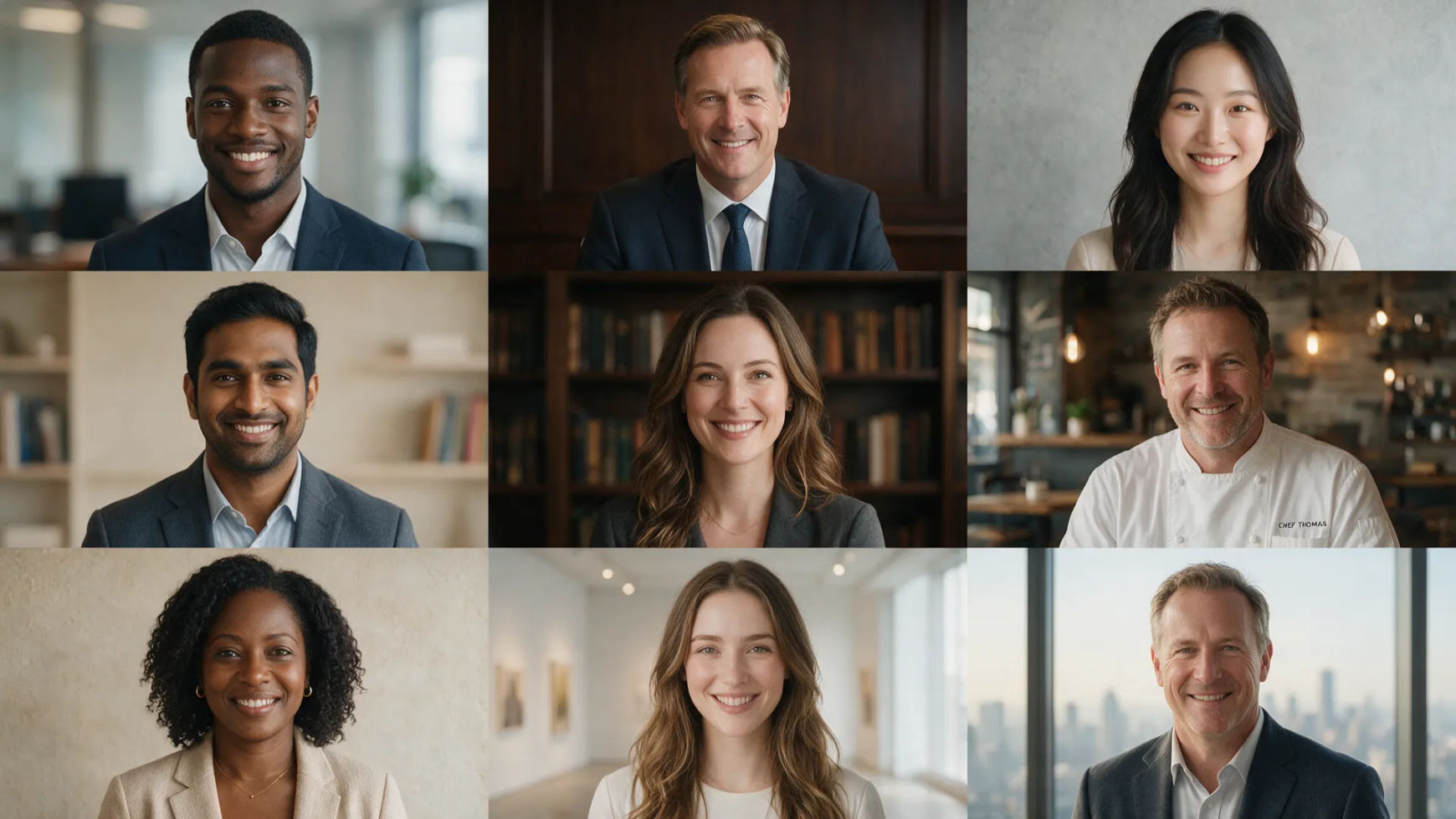
AI headshot generator

Morphic AI headshot generator hero

Turn your selfies into professional headshots that still look like you. Consistent, business-ready portraits for LinkedIn, resumes, and press kits.

Headshots you can create

Get professional headshots in three steps

  1. 01

    Open Morphic

    Sign up and start creating on a free-flowing, infinite visual canvas.

  2. 02

    Upload your selfies

    Drop in a few clear, front-facing photos so the model reads your real face.

  3. 03

    Generate your set

    Pick backgrounds, wardrobe, and lighting. Keep your likeness across every shot.

Use cases

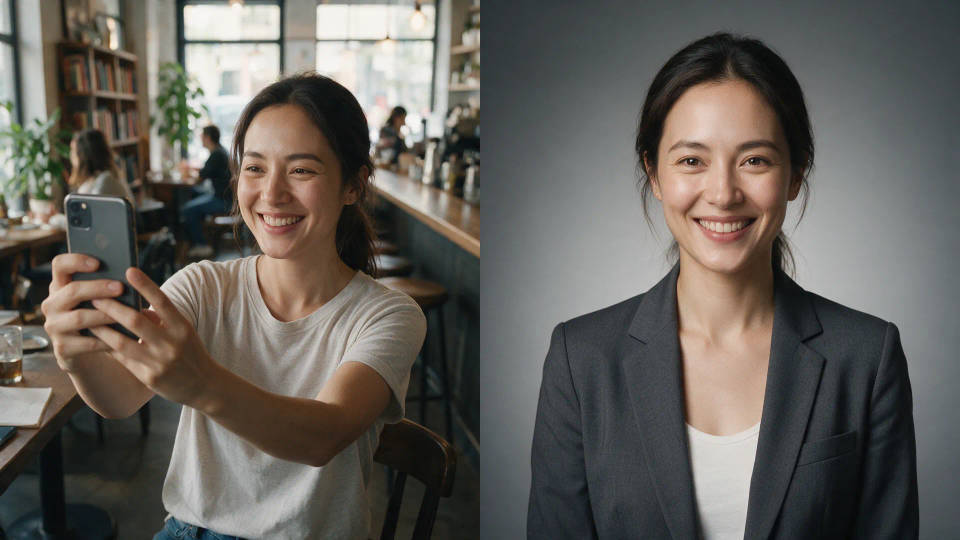
Selfies into business headshots

Image-to-image starts from your own selfies, keeping your real face while turning phone shots into a clean studio look with proper wardrobe and lighting.

Selfies into business headshots

A consistent set, one you

Generate a whole gallery across backgrounds and outfits while your likeness holds. One coherent set of the same person, not twelve near-strangers.

A consistent set, one you

LinkedIn, resumes, and press kits

Corporate, editorial, and clean studio looks for LinkedIn, resumes, team pages, and press kits. Match your industry and post right away.

LinkedIn, resumes, and press kits

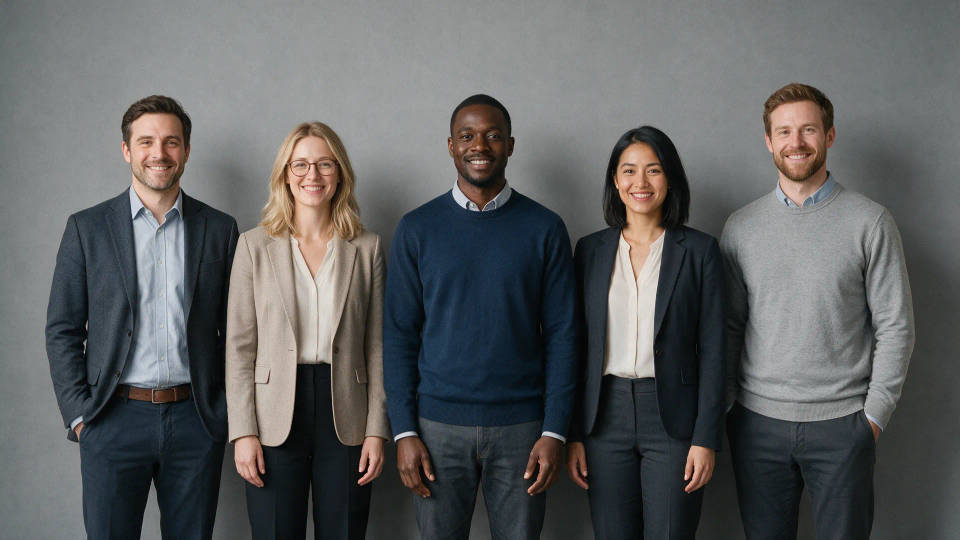
Whole-team headshots, one style

Build a Workflow with your background, lighting, and framing, then run every teammate's selfies through it. The team page matches instead of looking stitched together.

Whole-team headshots, one style

Headshots you can create

Different backgrounds, wardrobe, and lighting, all starting from your selfies. Open any prompt to tweak it and generate your own.
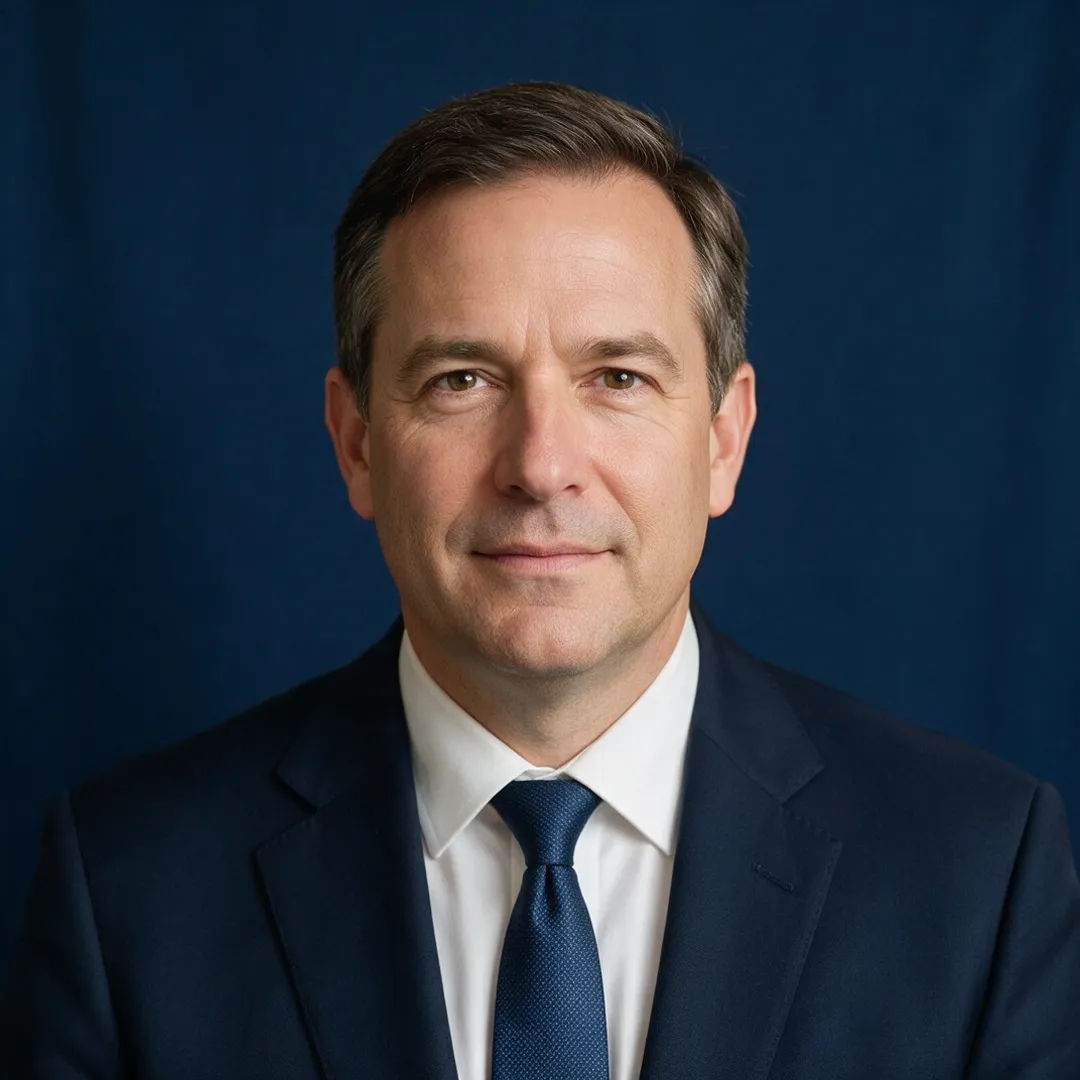
Corporate headshot on a navy backdrop with soft key light and business attire

Corporate navy

Corporate headshot, navy backdrop, soft key light, business attire

Edit prompt
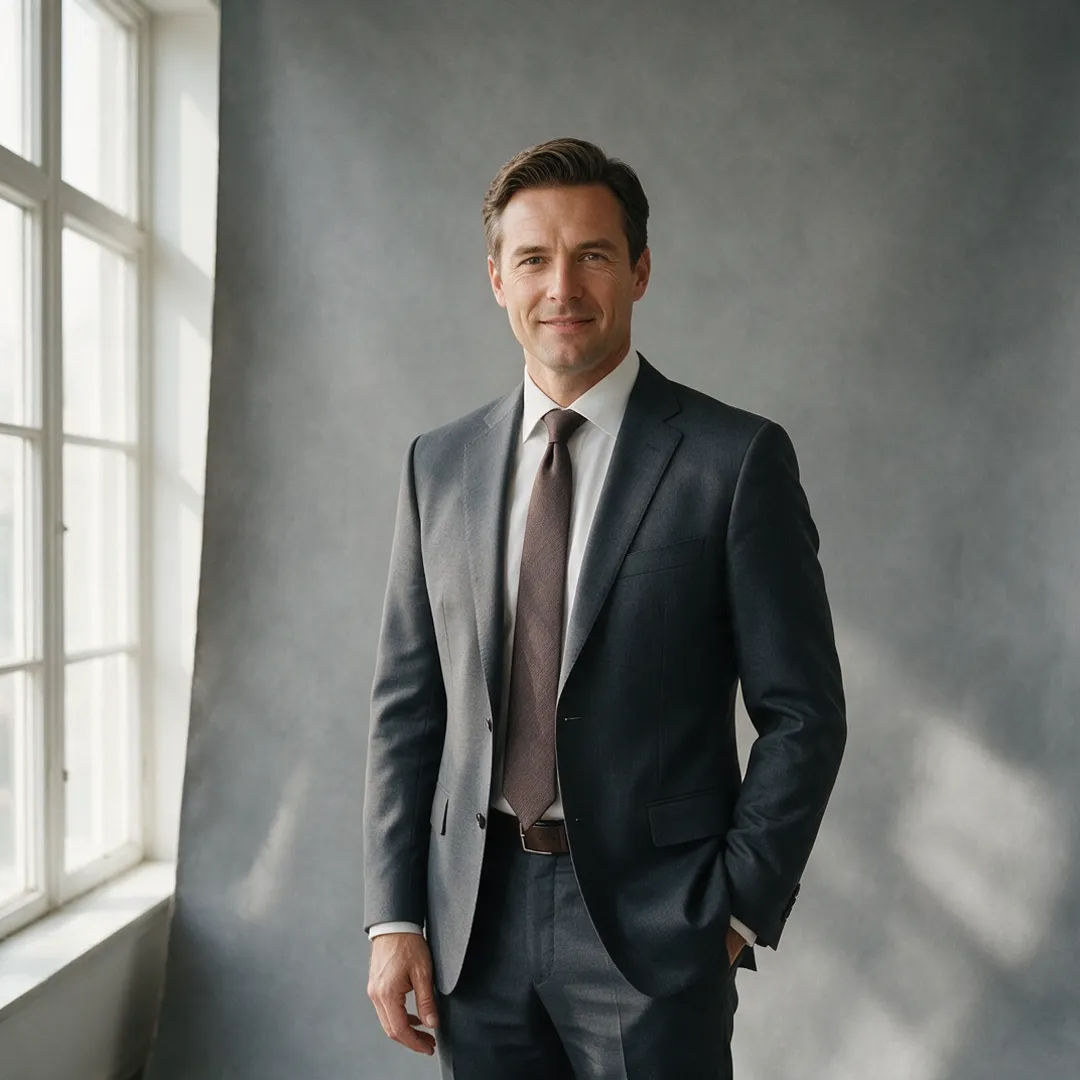
Executive portrait on a grey studio backdrop in a tailored suit

Executive portrait

Executive portrait, grey studio backdrop, tailored suit, soft window light

Edit prompt
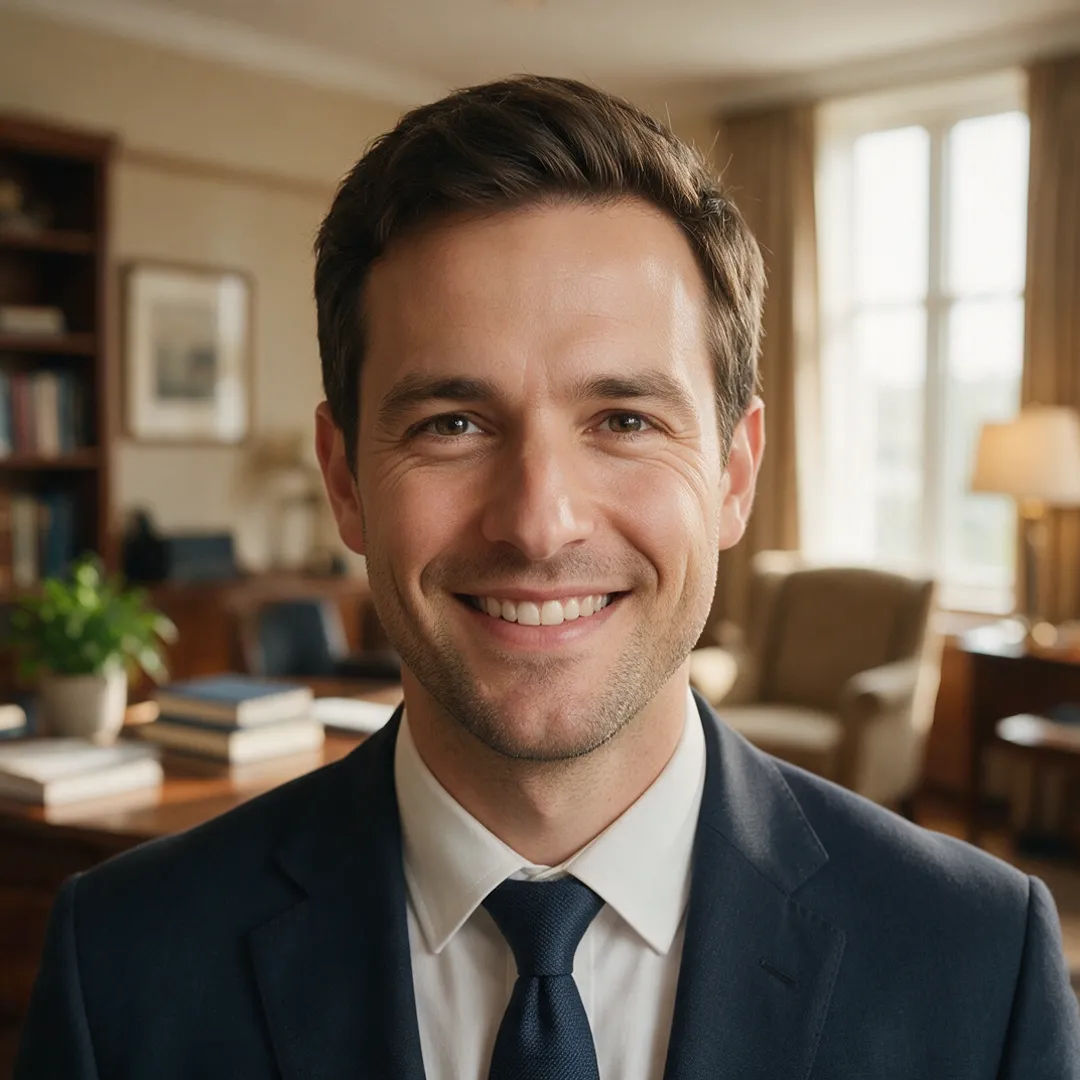
Business headshot with a warm blurred office background and natural smile

Warm office bokeh

Business headshot, warm office background, blurred bokeh, natural smile

Edit prompt
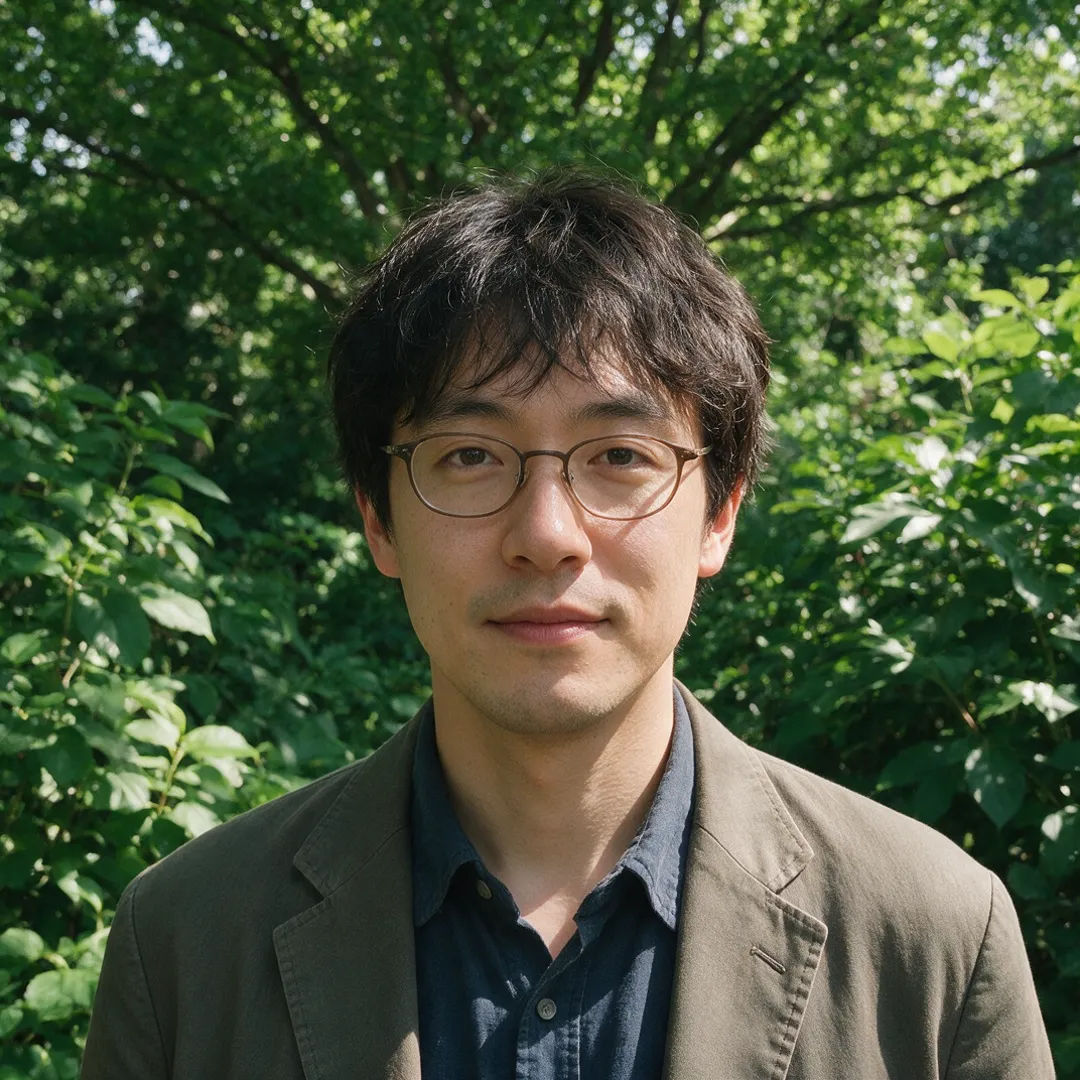
Outdoor headshot in natural daylight with a casual blazer and soft green background

Outdoor natural light

Outdoor headshot, natural daylight, casual blazer, soft green background

Edit prompt
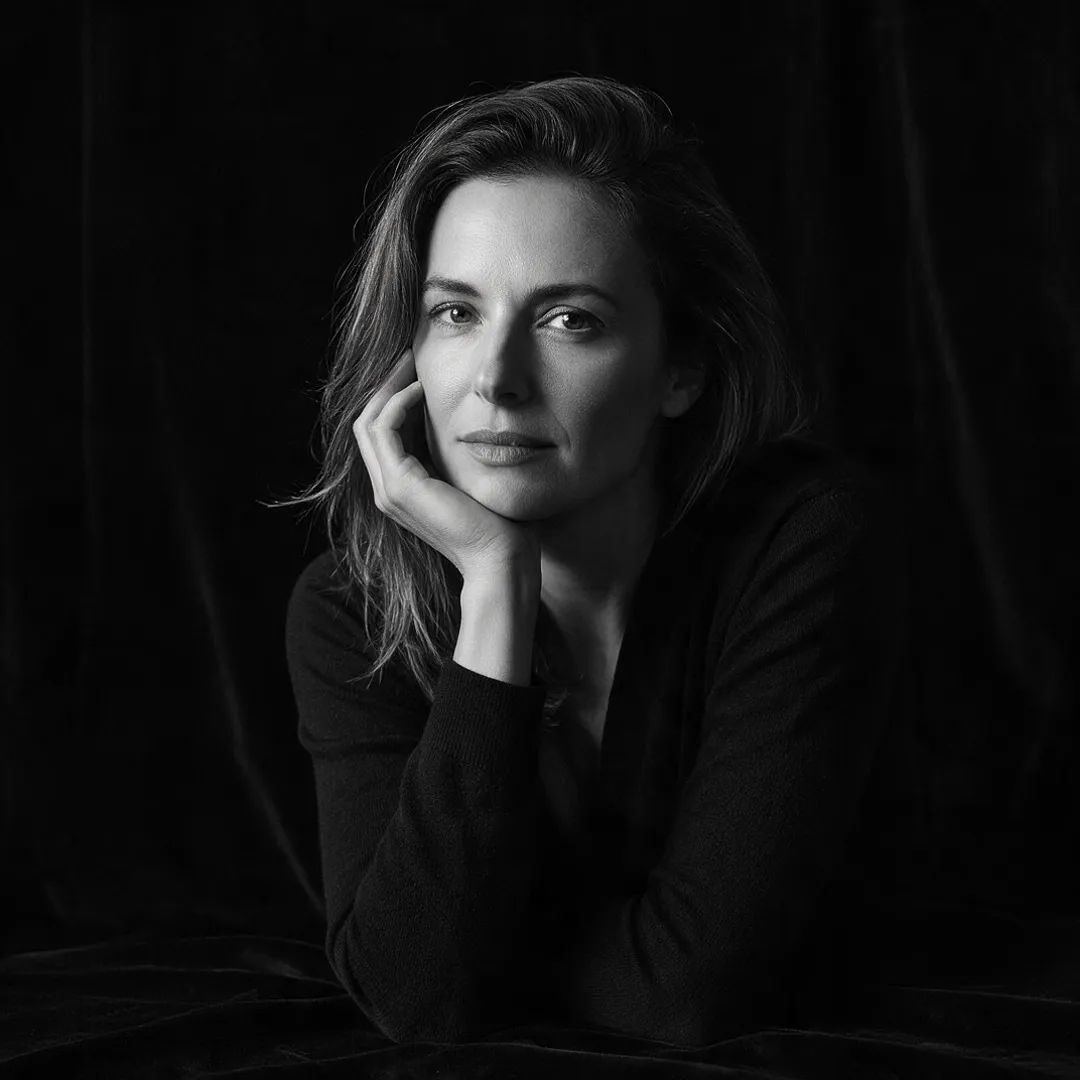
Editorial black and white portrait on a dark background with dramatic side light

Editorial black and white

Editorial black and white portrait, dark background, dramatic side light

Edit prompt
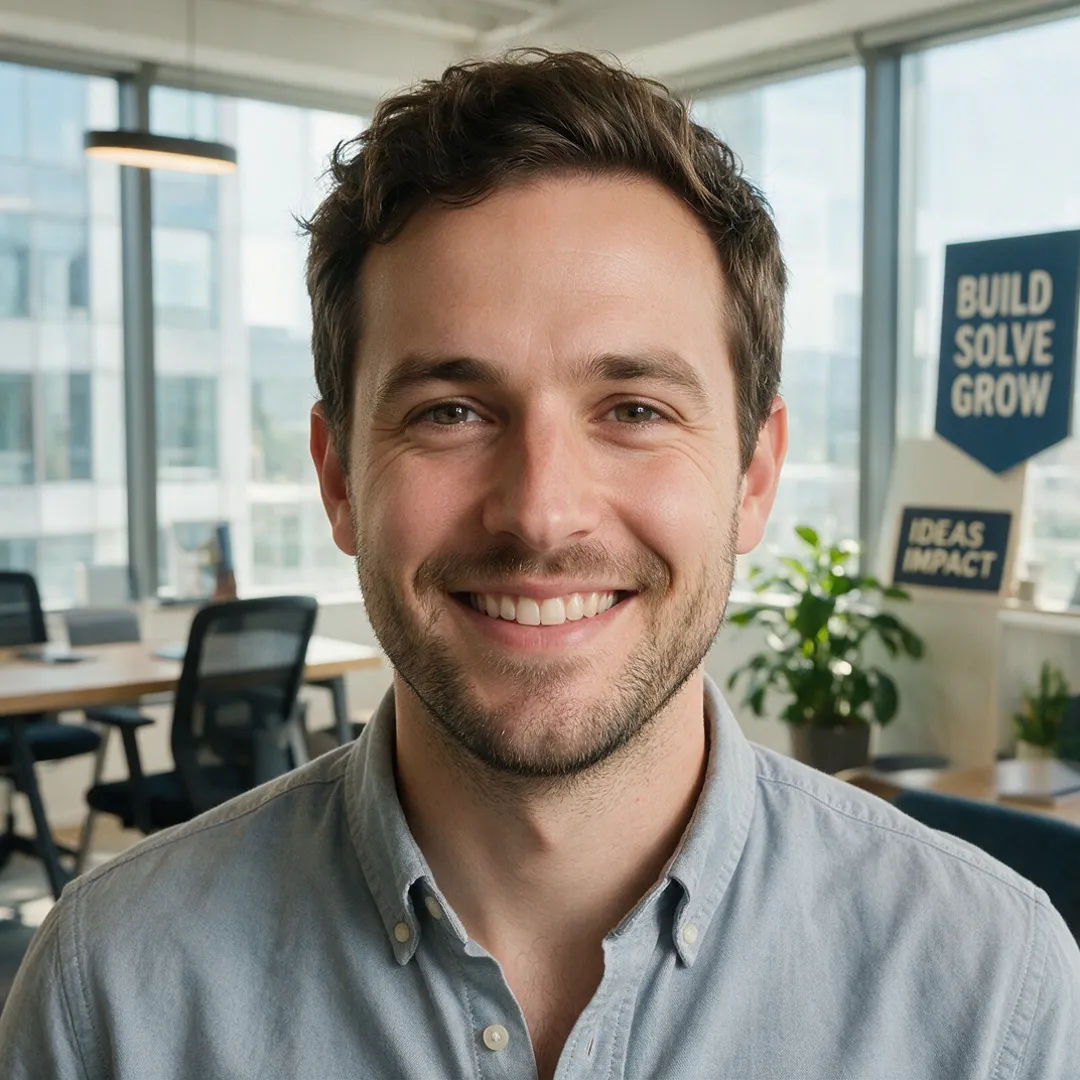
Startup founder headshot in a bright office with a casual shirt and friendly smile

Startup casual

Startup founder headshot, bright office, casual shirt, friendly smile

Edit prompt

All on Morphic

Your complete headshot toolkit

أسعار بسيطة

ابدأ مجاناً اليوم، مع إمكانية الترقية أو الإلغاء في أي وقت.

Basic

$9/ شهر
تُفوتر باعتبارها $0 سنوياً

900 شهرياً أرصدة

1 مستخدم فقط

جميع النماذج

Workflows

Standard

$24/ شهر
تُفوتر باعتبارها $0 سنوياً

3200 شهرياً أرصدة

1 مستخدم فقط

جميع النماذج

Workflows

Pro

$45/ شهر
تُفوتر باعتبارها $0 سنوياً

6200 مشترك شهرياً أرصدة

1 مستخدم

+ حتى 4 المزيد بتكلفة إضافية

جميع النماذج

Workflows

Pro Max

$170/ شهر
تُفوتر باعتبارها $0 سنوياً

24000 مشترك شهرياً أرصدة

1 مستخدم

+ حتى 9 المزيد بتكلفة إضافية

جميع النماذج

Workflows

Enterprise

لحدود أعلى

مخصص

شروط الأسعار والفوترة

أرصدة غير محدودة
حدود مقاعد مخصصة
جميع النماذج
Workflows
Pricing Gradient

Free

للتجربة والاستكشاف

$0

مجاني إلى الأبد

حتى 20 رصيد
مستخدم واحد فقط
نماذج محدودة
Workflows

الأسئلة الشائعة

How does an AI headshot generator work?
You upload a few clear selfies, and an image-to-image model starts from your real photos rather than inventing a face. It keeps your likeness while changing the wardrobe, background, and lighting into a clean, business-ready portrait. Because it works from your own images, the result looks like you, not a generic model.
Will the headshots actually look like me?
That is the whole point of starting from your selfies. Image-to-image holds onto your real features, so the portrait reads as you in a suit against a studio backdrop, not a stranger who happens to share your hair color. Give it a few well-lit, front-facing photos and the likeness stays close.
How many selfies should I upload?
Three to five clear, front-facing photos is a good start. Vary them a little, different angles and lighting, so the model has a full read on your face. Avoid heavy filters, sunglasses, and group shots where you are cropped small. The cleaner the input, the closer the headshot lands.
Can I get a consistent set of headshots?
Yes. That is the main reason to use Morphic for this. Generate one look, then produce a matching set across different backgrounds and outfits while your face stays the same throughout. You end up with a coherent gallery you can pick from, not twelve people who look vaguely related.
Are these headshots good for LinkedIn and resumes?
Yes. Corporate, editorial, and clean studio looks are built for LinkedIn, resumes, company team pages, and press kits. Pick a background and wardrobe that fits your industry, keep the framing tight, and you have a professional portrait ready to post.
Can I change the background and outfit?
Yes. Swap a navy studio backdrop for a warm office, an outdoor natural-light setting, or a plain grey team-page wall, and change business attire to match. Image-to-image edits the setting and wardrobe around you while keeping your face and expression consistent.
Can I do headshots for a whole team?
Yes. Build a Workflow once with your chosen background, lighting, and framing, then run every teammate's selfies through the same recipe. The result is a company gallery where everyone matches in style, which is what makes a team page look intentional.

قد يعجبك أيضا