AI thumbnail generator

Generate YouTube thumbnails that win the click. Bold, high-contrast thumbnails from a prompt or a video frame in seconds.

Every image model

One workspace

Thumbnails for any channel

Make a thumbnail in three steps

  1. 01

    Open Morphic

    Sign up and start creating on a free-flowing, infinite visual canvas.

  2. 02

    Describe the thumbnail

    Subject, expression, contrast, focal point. Name the click you want.

  3. 03

    Generate and refine

    Render in seconds. Compare variants side by side on the Canvas and pick the winner.

Use cases

Thumbnails that win the click

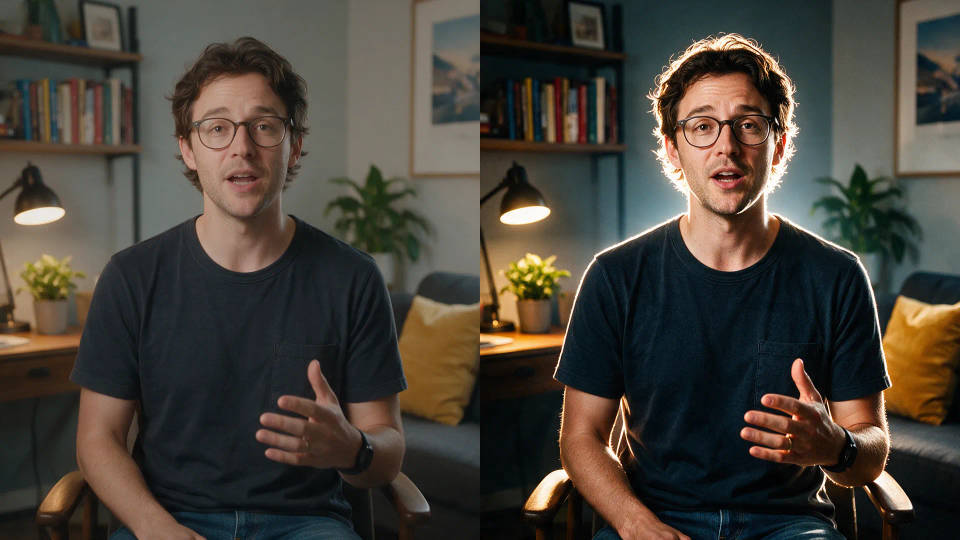
Bold, high-contrast thumbnails with a big expressive face and one clear focal point. Reads at 320px in a crowded feed and earns the click.

Thumbnails that win the click

From a video frame

Bring in a still from your footage and restyle it with image-to-image. Keep the real moment, then crank contrast and sharpen the subject.

From a video frame

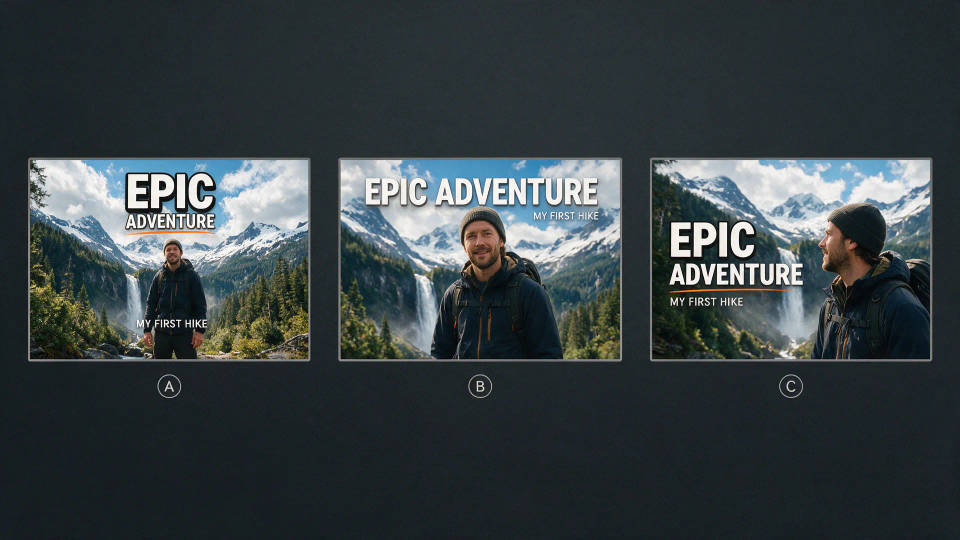
A/B test multiple thumbnails fast

Spin up several thumbnail angles for one video and compare them side by side on the Canvas. Publish the one that pulls the highest click-through.

A/B test multiple thumbnails fast

A consistent channel look

Lock your framing, palette, and style once. Save a thumbnail as a Workflow, rerun it per video, and keep the channel instantly recognizable.

A consistent channel look

Prompt examples

Shocked gamer reaction thumbnail with bold contrast and a big arrow

Gaming reaction

Shocked gamer face, bold contrast, big arrow, YouTube thumbnail

Edit prompt
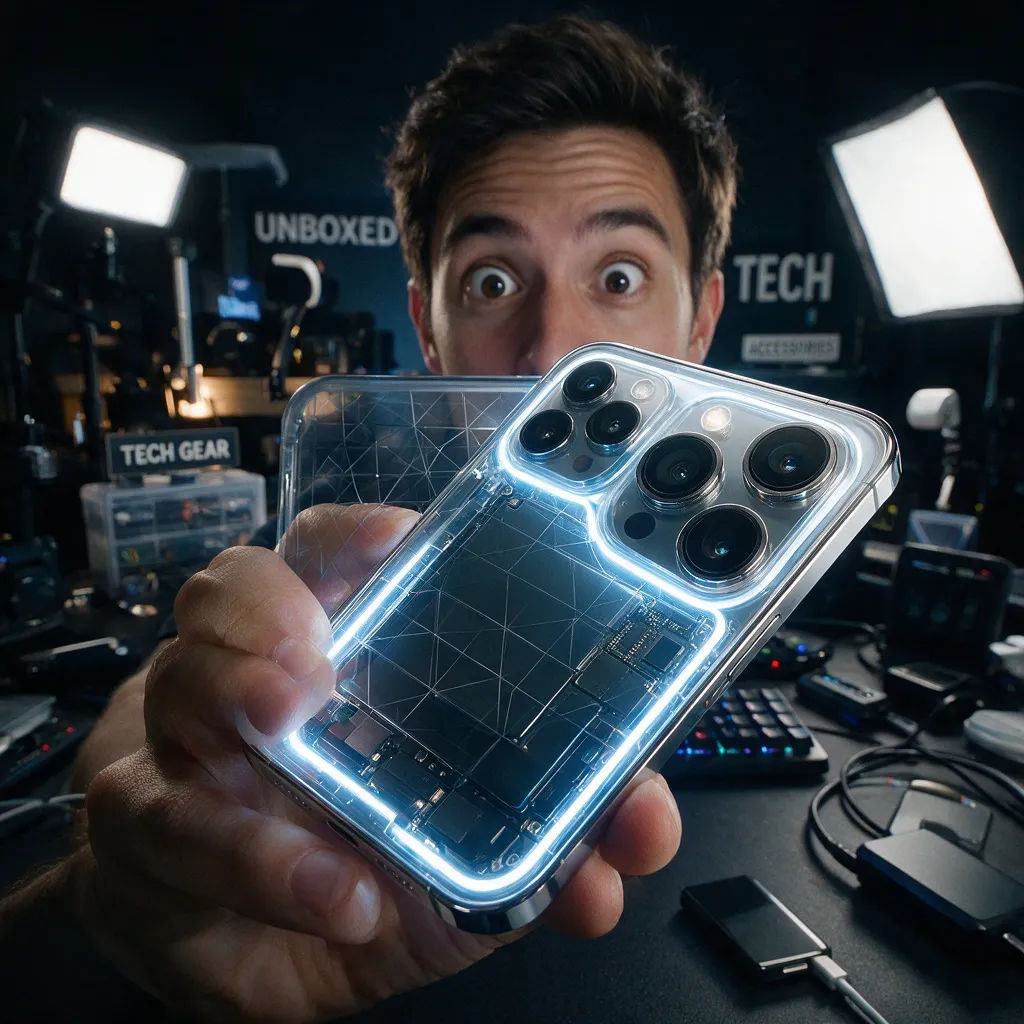
Tech review thumbnail with a phone close-up and wide-eyed reviewer

Tech review

Close-up of a new phone, glowing accent, wide-eyed reviewer, high contrast

Edit prompt
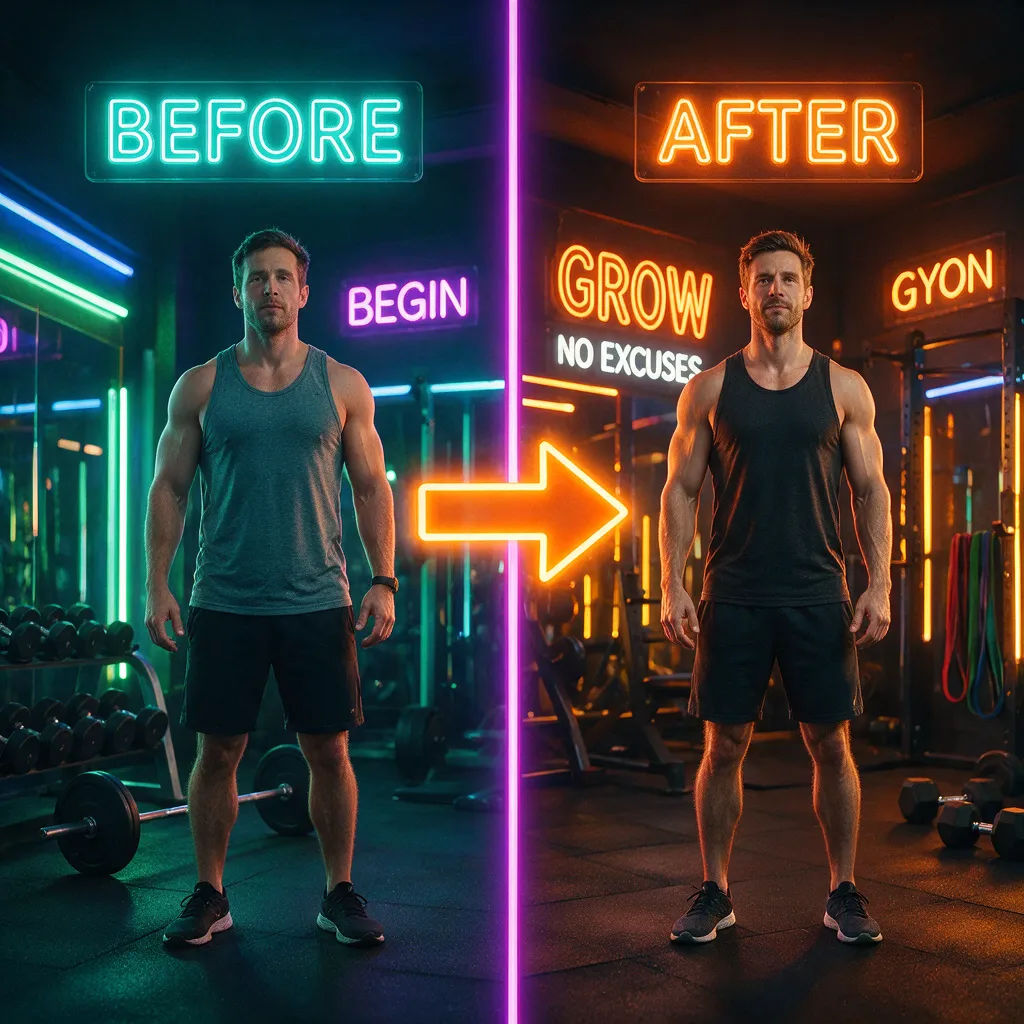
Fitness before and after split thumbnail with a bold arrow

Fitness before/after

Split before and after body transformation, bold arrow, punchy color

Edit prompt
Food thumbnail with a dripping cheese pizza close-up

Food close-up

Dripping cheese pizza close-up, saturated color, hungry-face inset

Edit prompt
Finance explainer thumbnail with a worried face and a red crashing chart

Finance explainer

Worried face beside a red crashing chart, high contrast, bold focal point

Edit prompt
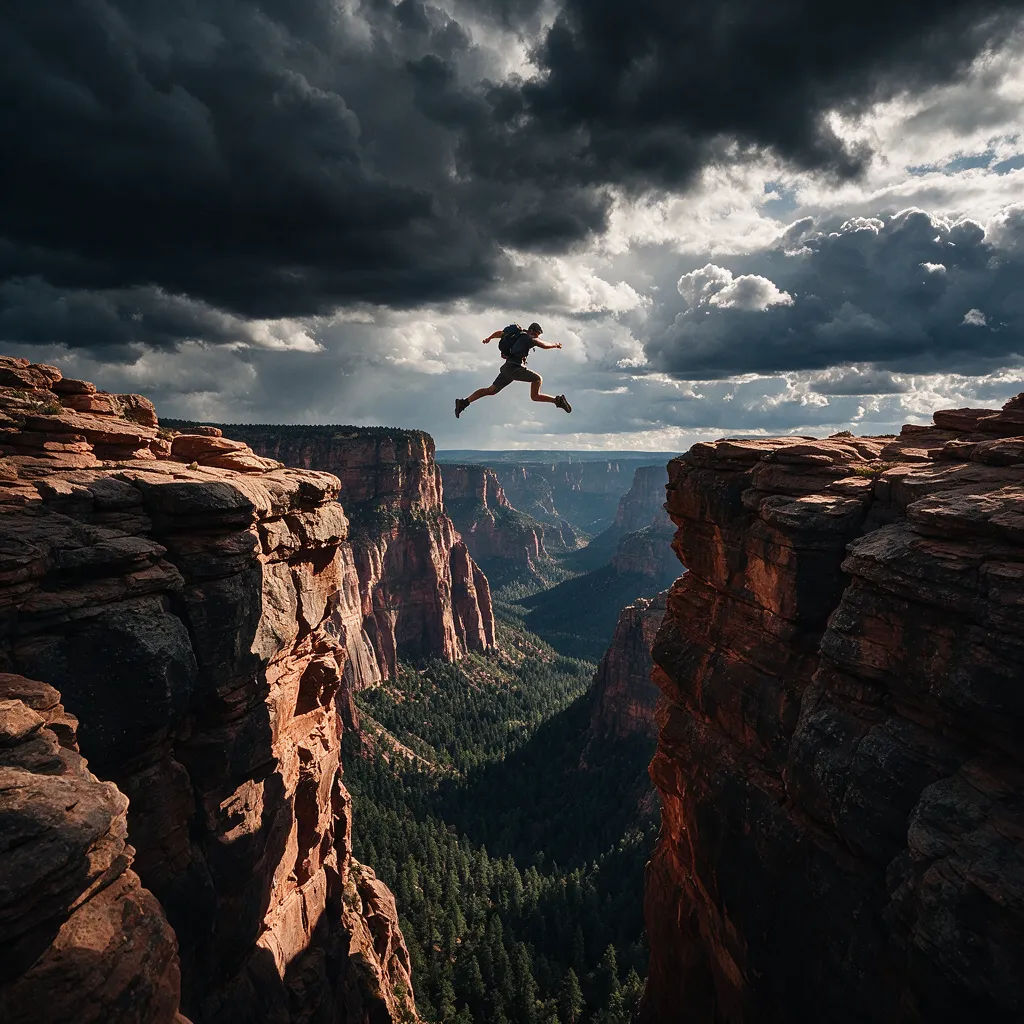
Challenge stunt thumbnail with a person mid-jump over a huge gap

Challenge stunt

Person mid-jump over a huge gap, dramatic sky, bold contrast thumbnail

Edit prompt

All on Morphic

Your complete image stack

أسعار بسيطة

ابدأ مجاناً اليوم، مع إمكانية الترقية أو الإلغاء في أي وقت.

Basic

$9/ شهر
تُفوتر باعتبارها $0 سنوياً

900 شهرياً أرصدة

1 مستخدم فقط

جميع النماذج

Workflows

Standard

$24/ شهر
تُفوتر باعتبارها $0 سنوياً

3200 شهرياً أرصدة

1 مستخدم فقط

جميع النماذج

Workflows

Pro

$45/ شهر
تُفوتر باعتبارها $0 سنوياً

6200 مشترك شهرياً أرصدة

1 مستخدم

+ حتى 4 المزيد بتكلفة إضافية

جميع النماذج

Workflows

Pro Max

$170/ شهر
تُفوتر باعتبارها $0 سنوياً

24000 مشترك شهرياً أرصدة

1 مستخدم

+ حتى 9 المزيد بتكلفة إضافية

جميع النماذج

Workflows

Enterprise

لحدود أعلى

مخصص

شروط الأسعار والفوترة

أرصدة غير محدودة
حدود مقاعد مخصصة
جميع النماذج
Workflows
Pricing Gradient

Free

للتجربة والاستكشاف

$0

مجاني إلى الأبد

حتى 20 رصيد
مستخدم واحد فقط
نماذج محدودة
Workflows

الأسئلة الشائعة

Is the AI thumbnail generator free?
Yes, Morphic has a free tier so you can generate YouTube thumbnails without paying up front and start testing looks immediately. Paid plans add higher volume and commercial use.
Can I make a thumbnail from a frame of my video?
Yes. Bring in a still from your footage and restyle it into a thumbnail with image-to-image, adding contrast, a bold subject, and a clear focal point while keeping your real moment.
What makes a thumbnail win the click?
High contrast, a big expressive face or a single bold subject, and a clear focal point that reads at 320 pixels wide. Morphic pushes contrast and composition so the thumbnail still lands as a tiny image in the feed.
Can I create thumbnails in the right YouTube size?
Yes. Generate in a wide 16:9 frame that matches the YouTube thumbnail aspect ratio, so what you see is what viewers see in search, suggested, and the subscriptions feed.
Can I A/B test multiple thumbnails?
Yes. Generate several thumbnail variants side by side on the Canvas, compare them at a glance, and pick the strongest before you publish or swap and test.
How do I keep a consistent channel look?
Save a finished thumbnail as a Workflow, then rerun it for every new video so your framing, palette, and style stay recognizable across the channel.
Can I use the thumbnails commercially?
Yes, thumbnails generated on paid plans can be used commercially without watermarks. Free tier images include a small watermark. See our terms for full commercial usage details.

قد يعجبك أيضا