كل نماذج الصور
مساحة عمل واحدةأُنشئ بـ GPT Image 2
اصنع صورة في ثلاث خطوات
- 01
افتح Morphic
سجّل وابدأ الإنشاء على مساحة عمل بصرية لا نهائية وحرة التدفق.
- 02
صِف الصورة
الموضوع، والتخطيط، والنص، والنمط. اذكر الكلمات المطلوبة بدقة، فتظهر الحروف واضحة.
- 03
أنشئ ونقّح
أنشئ دفعة، وحرّر بوصف التغييرات، وبدّل بين النماذج جنبًا إلى جنب على Canvas.
ماذا ينشئ GPT Image 2
استدلال قبل الرسم
يخطط وضع التفكير التكوين، ويتحقق من النص، ويصحح نفسه قبل الإنهاء. تنجح الأوصاف المعقدة متعددة العناصر بموثوقية أعلى.

دفعات باستمرارية الشخصيات
يعيد وصف واحد حتى 8 صور تتشارك الشخصيات والعناصر والنمط. مصنوع للوحات القصة، وألواح القصص المصورة، وتنويعات الإعلانات.

نص واضح داخل الصورة
نص صحيح الإملاء عبر لغات كثيرة، للمخططات والرسوم المعلوماتية والملصقات والقصص المصورة والتغليف حيث تهم الكلمات.

تحرير بالمحادثة
حرّر النتيجة بوصف التغيير. أصلح عنصرًا، أو اضبط تفصيلًا، أو أعد التنسيق، مكررًا دون مغادرة التدفق.

أمثلة على الأوصاف
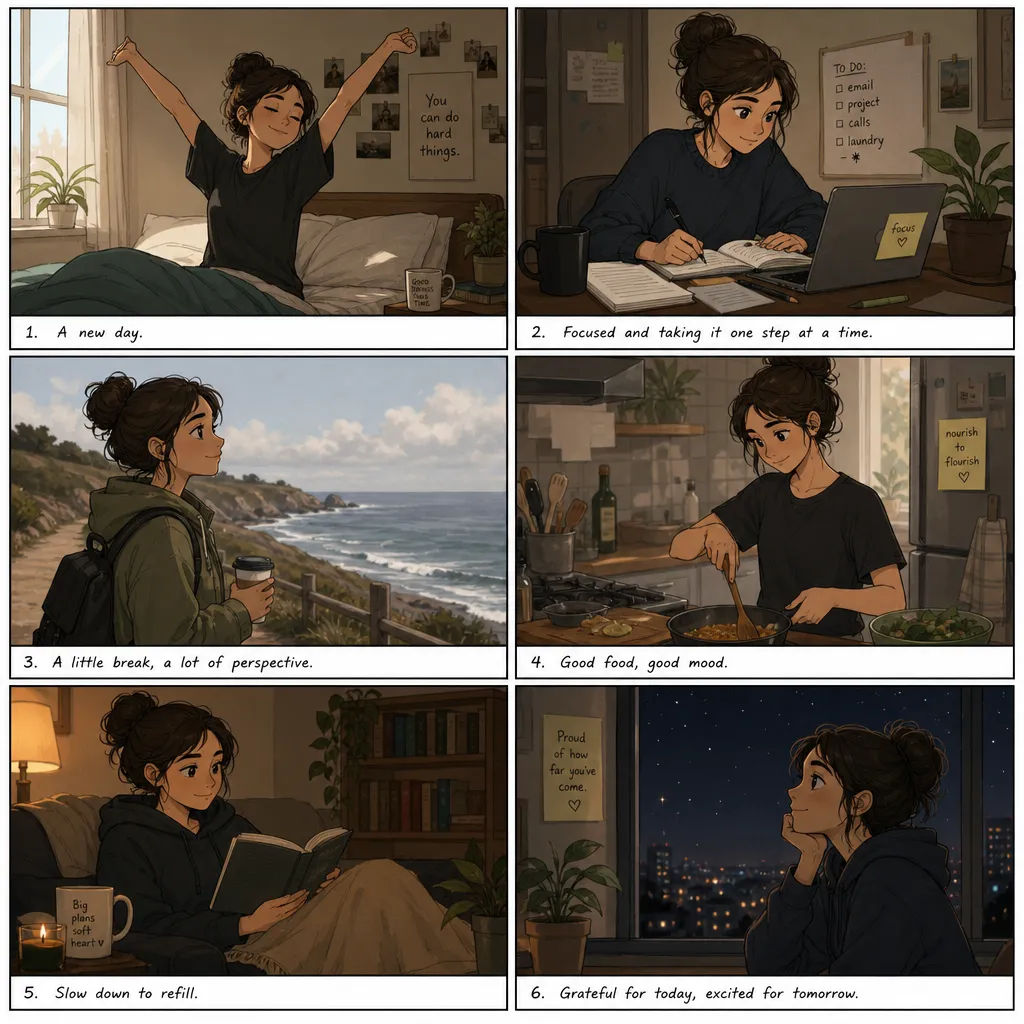


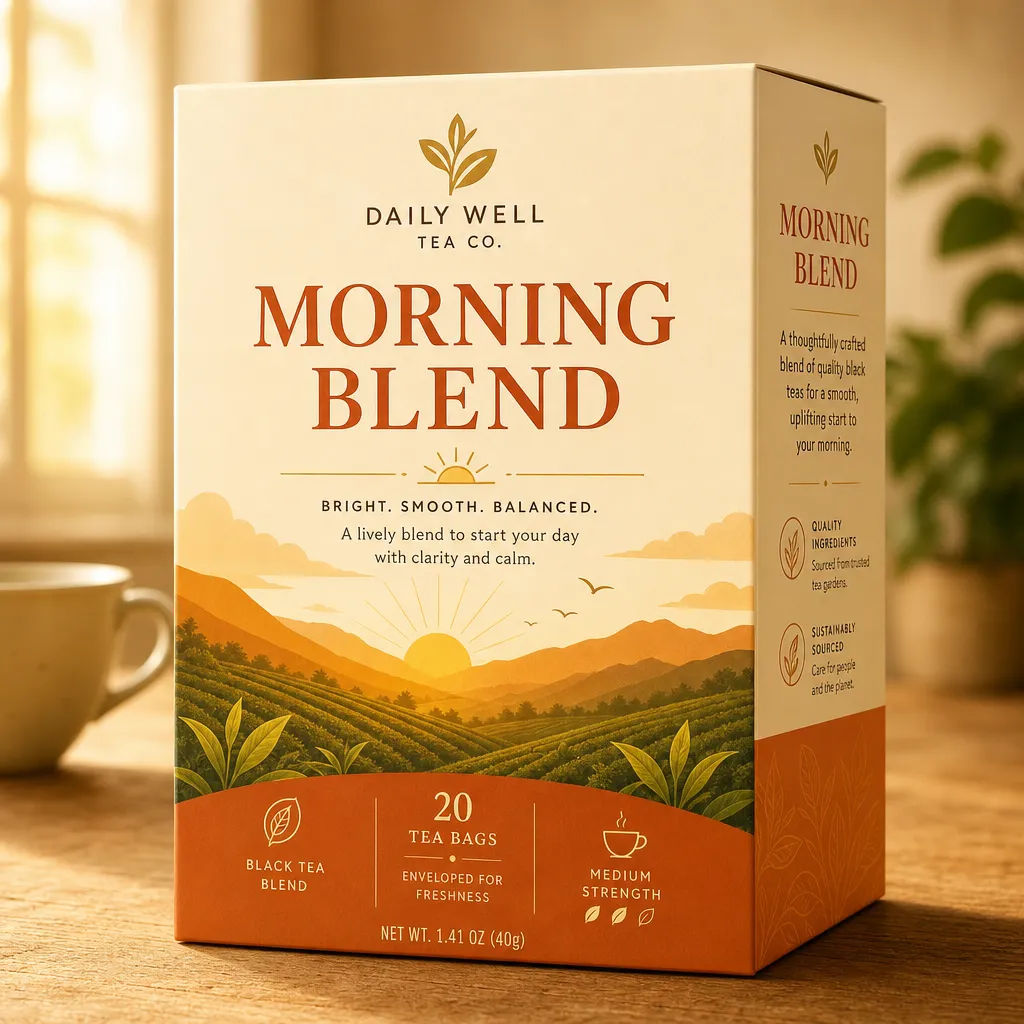

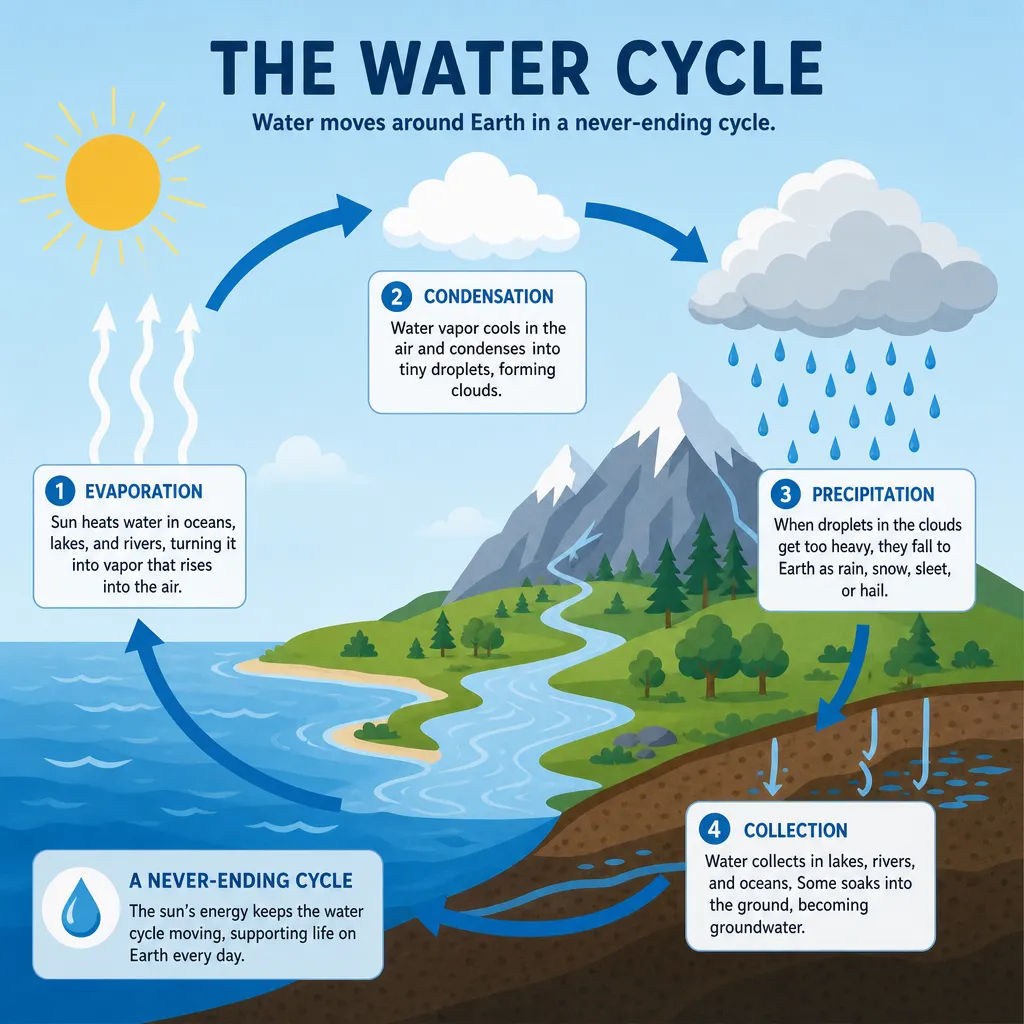

Cinematic storyboard
Share a scene description with character references. Get a full storyboard with shot angles and mood.

3x3 storyboard
Feed in a single image. Get 9 cinematic beats laid out as a 3x3 storyboard grid.

Messages to cinematic scene
Dramatize any text conversation into a cinematic multi-shot video.

Expressions
Take any character image and generate 6 distinct facial expressions on a single reference sheet.

Title sequence
Generate a professional film title card from scratch, with optional cinematic animation.

Chibi sprite animation
Turn any photo or description into an animated chibi sprite. Dance, jump, wave, attack, and more.
كل ذلك على Morphic
مجموعتك الكاملة لصناعة الصورالنماذج
GPT Image 2 وNano Banana Pro وSeedream 5 وFlux 2 Pro والمزيد. اختر الأنسب وبدّل في منتصف المشروع.
تحرير بالمحادثة
صِف تغييرًا فيطبّقه GPT Image 2. أصلح عنصرًا، أو اضبط تفصيلًا، أو أعد التنسيق دون إعادة إنشاء كاملة.
استمرارية الدفعة
أنشئ مجموعة تتشارك طاقمًا ونمطًا واحدًا، فتُقرأ لوحات القصة وتنويعات الإعلانات كأنها العالم نفسه.
Workflows
حوّل صورة مكتملة إلى Workflow بنقرة واحدة. أعد تشغيلها، أو شاركها، أو أضفها للمفضلة لإعادة استخدامها بسرعة.
