كل نماذج الفيديو
مساحة عمل واحدةأنماط فيديو الكلمات التي يمكنك إنشاؤها
اصنع فيديو كلمات في ثلاث خطوات
- 01
افتح Morphic
سجّل وابدأ الإنشاء على مساحة عمل بصرية لا نهائية وحرة التدفق.
- 02
أنشئ المرئيات
صِف أجواء أغنيتك وأنشئ مرئيات متحركة تناسبها.
- 03
أضف الكلمات وزامِن
أضف كلماتك فوقها وحاذِ كل سطر مع الغناء على Compose.
حالات الاستخدام
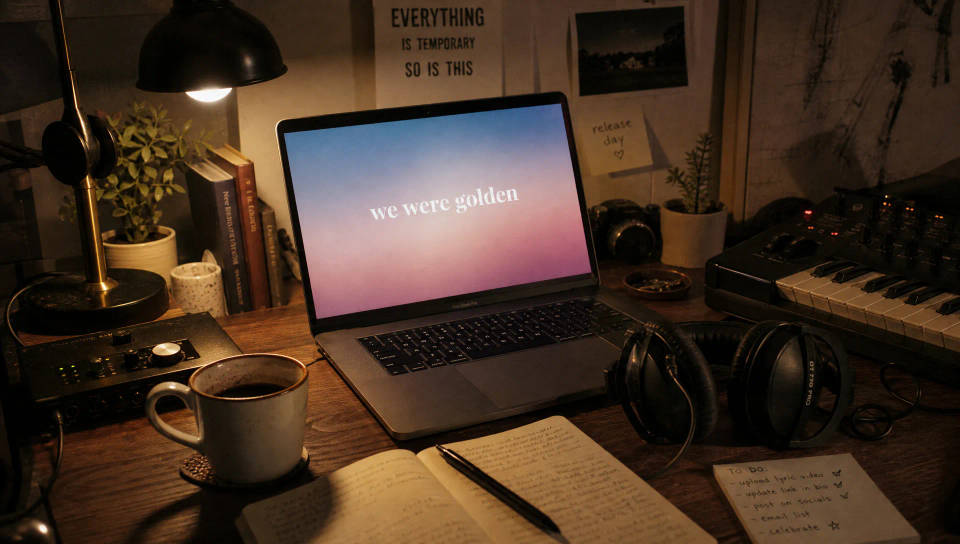
أطلق أغنية منفردة دون محرّر
انشر فيديو كلمات في يوم صدور الأغنية. أنشئ مرئيات تناسب الأغنية، وأضف كلماتك فوقها، وانشر دون محرّر أو حزمة قوالب.
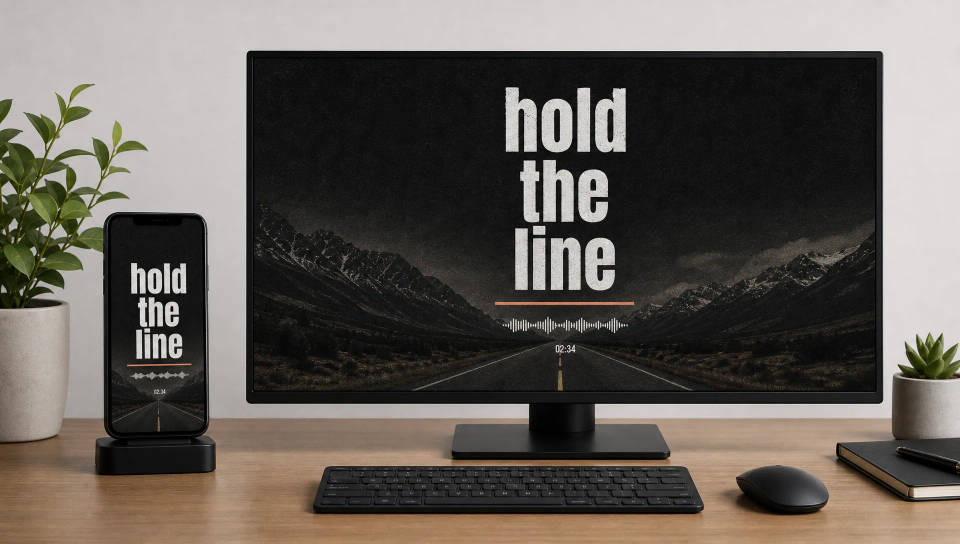
فيديوهات كلمات لكل منصة
أنشئ بنسبة 9:16 لـ Shorts وReels أو 16:9 ليوتيوب من أغنية واحدة. رتّب الكلمات لتبقى كل كلمة قابلة للقراءة على الهاتف أو الشاشة الكاملة.
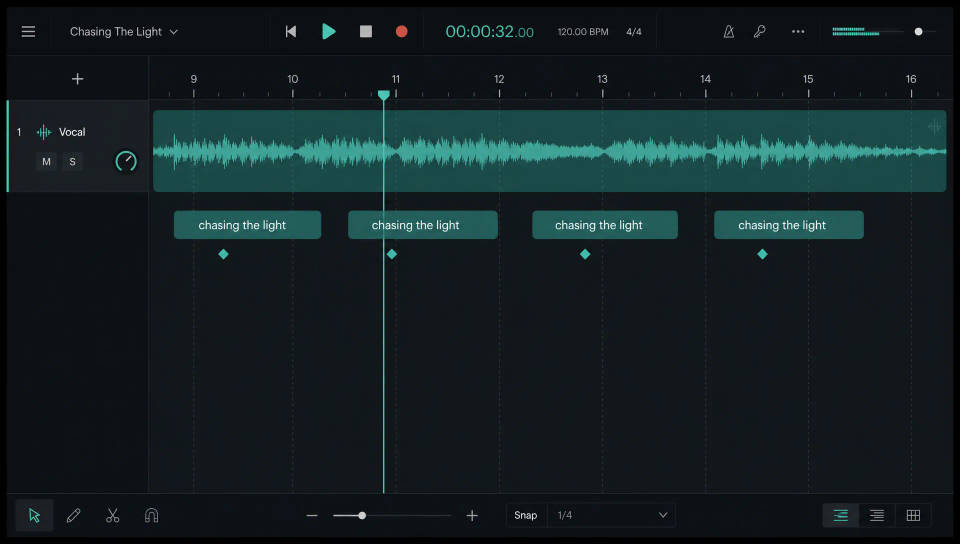
زامِن الكلمات مع الإيقاع
أدخل المرئيات وأغنيتك إلى Compose، وضع كل سطر حيث يقع الغناء، وقصّه على الإيقاع حتى يظهر كل كلمة في وقتها.
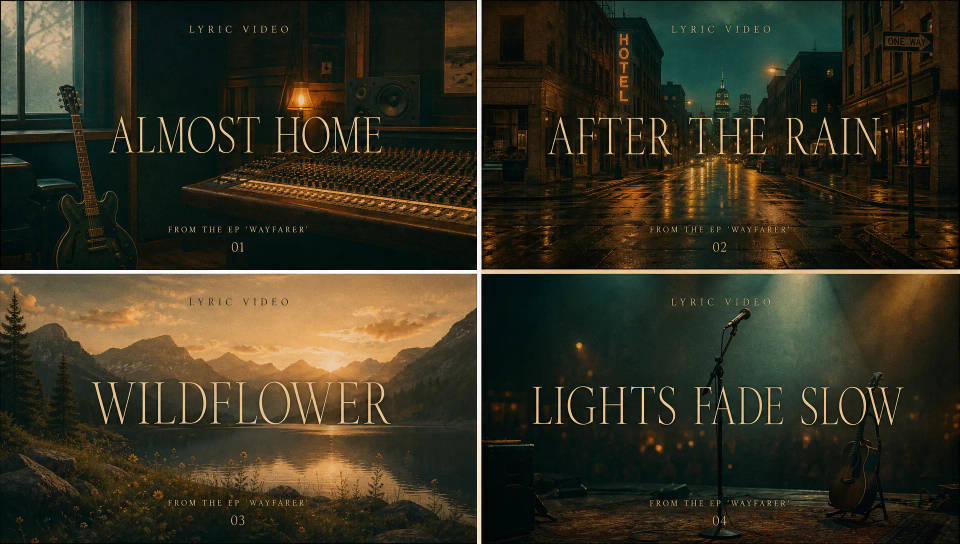
مظهر واحد عبر ألبوم قصير كامل
ثبّت الخط والنمط البصري على أول أغنية منفردة، واحفظها كـ Workflow، وأعد تشغيلها ليتشارك الألبوم القصير كله مظهراً واحداً دون إعادة بناء.
Cinematic scene
One image to a 9-scene cinematic video.
Time-freeze effect
Cinematic time-freeze short film for any scene
Put yourself in a movie
Drop in a photo of yourself. Get a 12-second cinematic movie with animation and a matched soundtrack.
Next scene in sequence
Continues your scene sequence with perfect character consistency across frames.
Short film creator
Go from any idea to a finished short film with scenes, visuals, video, and music.
Color grade cinema
Set the look with one reference image. Apply that exact grade to any scene or batch.
كل ذلك على Morphic
مجموعتك الكاملة لصناعة فيديو الكلماتالنماذج
Kling 3.0 وHailuo 2.3 وLTX 2.3 وSeedance 2.0 وVeo 3.1 وVidu Q3 والمزيد. اختر النموذج الذي يناسب أجواء أغنيتك وبدّله في منتصف المشروع.
المزامنة على Compose
أدخل المرئيات وأغنيتك إلى Compose، وحاذِ كل كلمة مع الغناء، وقصّها على الإيقاع حتى تظهر كل كلمة في وقتها.
الصوت والموسيقى
اصنع مقطعاً بأداة Music أو أضف ملمساً بأداة Sound effects، ثم زامِن الكلمات فوق الخلفية الموسيقية.
Workflows
ثبّت الخط والنمط، واحفظ فيديو الكلمات كـ Workflow، وأعد تشغيله للأغنية المنفردة التالية لتحافظ القائمة على مظهر واحد.
