كل نماذج الصور
مساحة عمل واحدةصُنع بـ Nano Banana Pro
أنشئ صورة في ثلاث خطوات
- 01
افتح Morphic
سجّل وابدأ الإنشاء على مساحة عمل بصرية لا نهائية وحرة التدفق.
- 02
صِف الصورة
الموضوع، التخطيط، النص، النمط. كلما زاد التحديد، اقتربت النتيجة الأولى مما تريد.
- 03
أنشئ ونقّح
أنشئ خلال ثوانٍ. حرّر منطقة واحدة، وثبّت موضوعاً، وبدّل النماذج جنباً إلى جنب على Canvas.
ماذا يُنشئ Nano Banana Pro
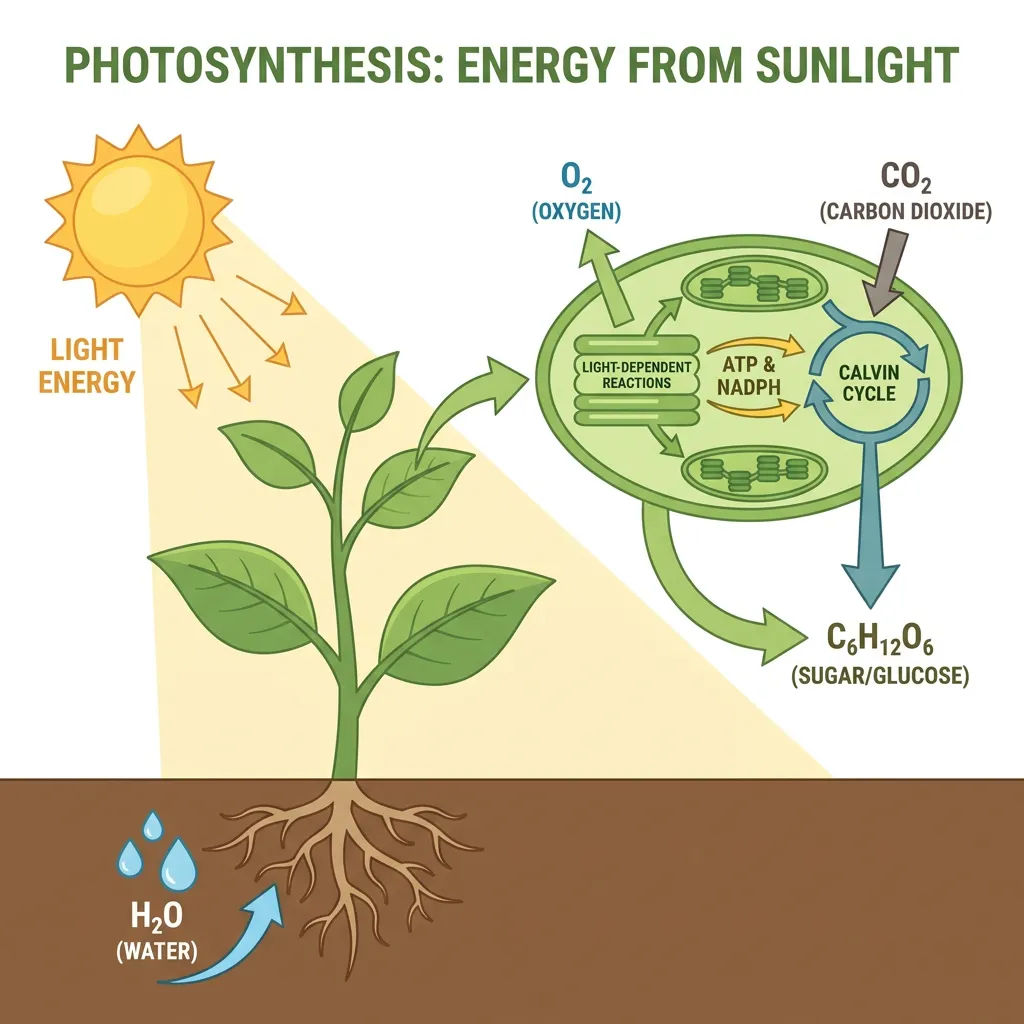
إنفوجرافيك مربوط بالاستدلال
استدلال Gemini 3 Pro يضع كل تسمية وسهم وشكل في مكانه. تعود الشروحات والمخططات دقيقة، بترتيب قراءة واضح، لا مجرد تخطيط جميل.

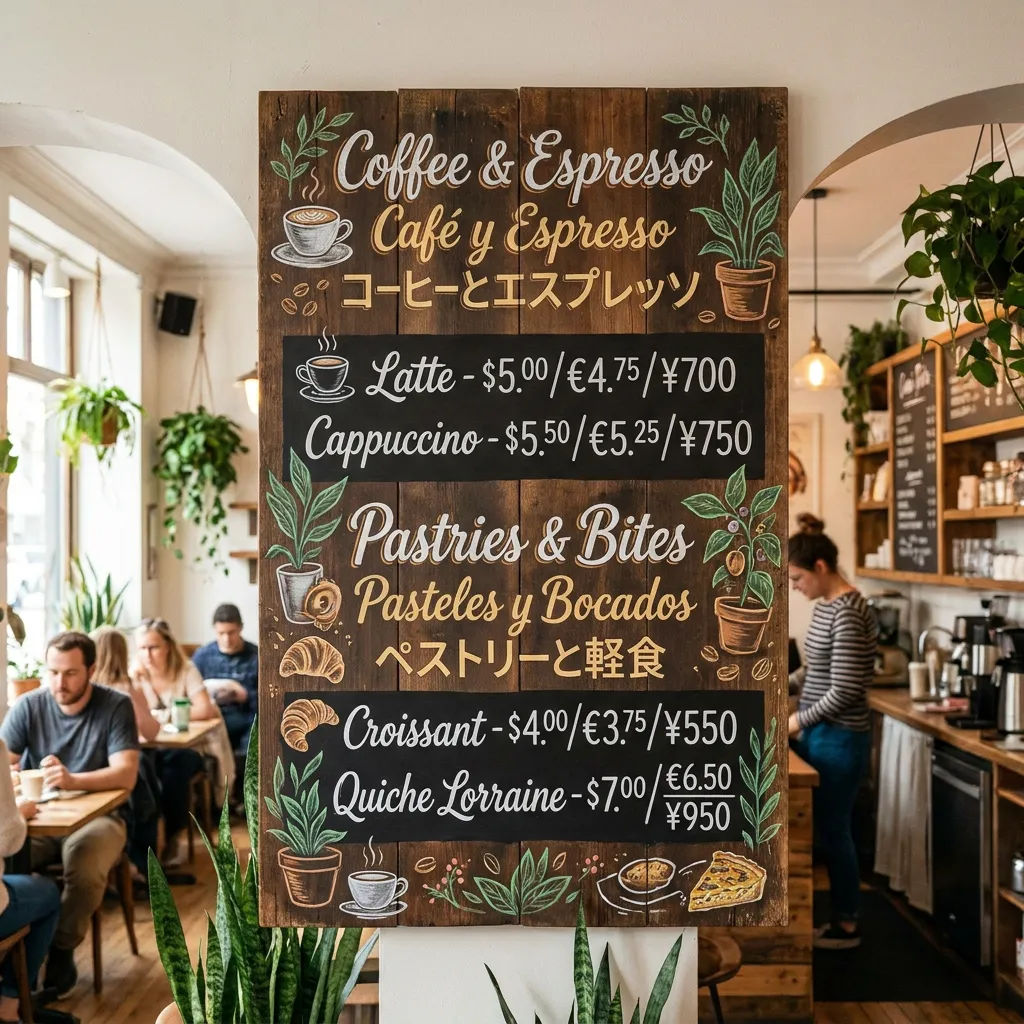
نص داخل الصورة بمستوى الاستوديو
عناوين وتعليقات وفقرات واضحة بلغات عديدة، بمعدلات خطأ منخفضة. مصمّم للملصقات والتغليف والقوائم حيث يجب أن تكون الكلمات صحيحة.

مواضيع مثبّتة عبر المشاهد
ثبّت حتى 5 أشخاص وامزج حتى 14 مرجعاً في سير عمل واحد. يبقى الوجه والملابس والإكسسوارات نفسها مشهداً بعد مشهد.

تحرير وإعادة إضاءة بمستوى الاستوديو
نقّح منطقة، أو غيّر زاوية الكاميرا، أو اسحب التركيز، أو أعد الإضاءة من نهار إلى ليل. يبقى باقي الإطار دون تغيير، دون إعادة إنشاء كاملة.
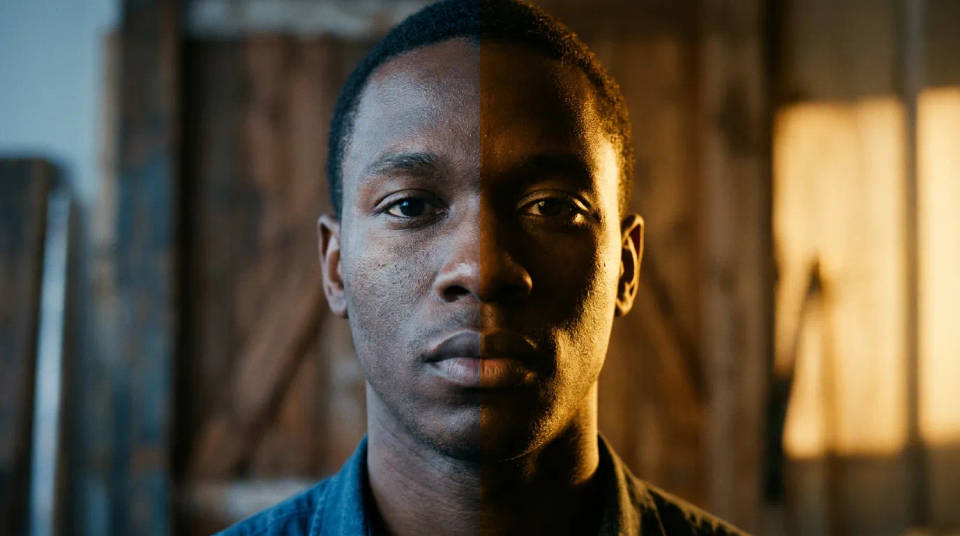
أمثلة على الأوصاف
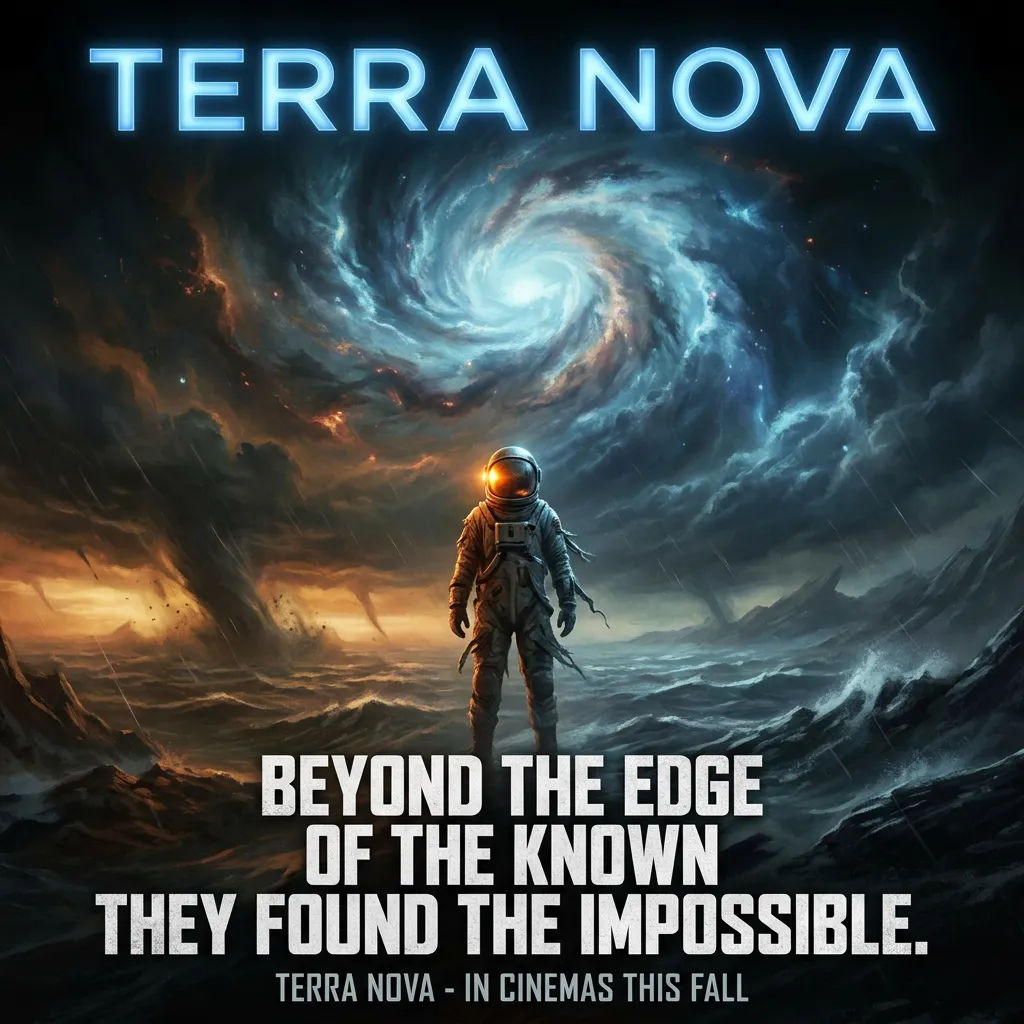
ملصق فيلم سينمائي
ملصق فيلم، شعار جريء متعدد الأسطر، إضاءة سينمائية 2.39:1، فن رئيسي درامي
Edit prompt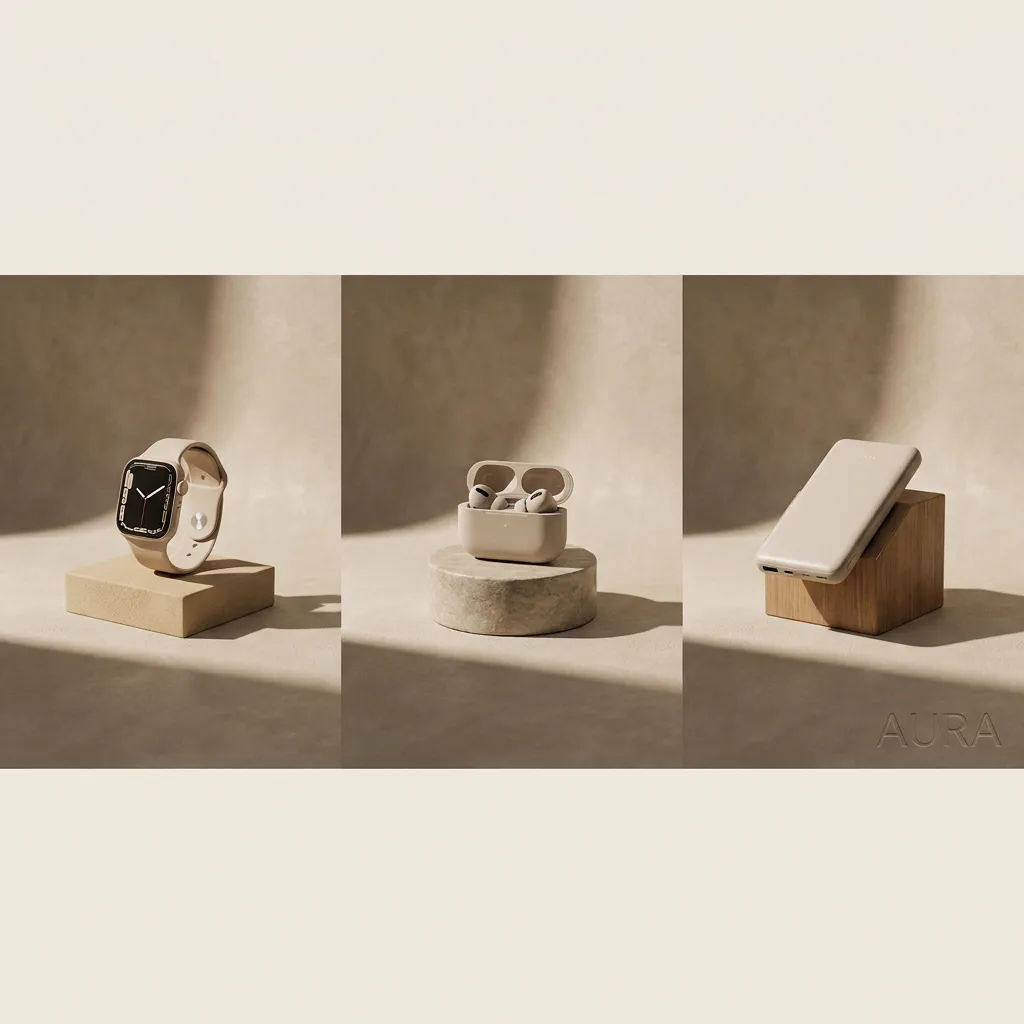
إعلان منتج ممزوج
إعلان منتج يمزج خمس لقطات مرجعية في مشهد واحد بدقة 4K، إضاءة استوديو ناعمة
Edit prompt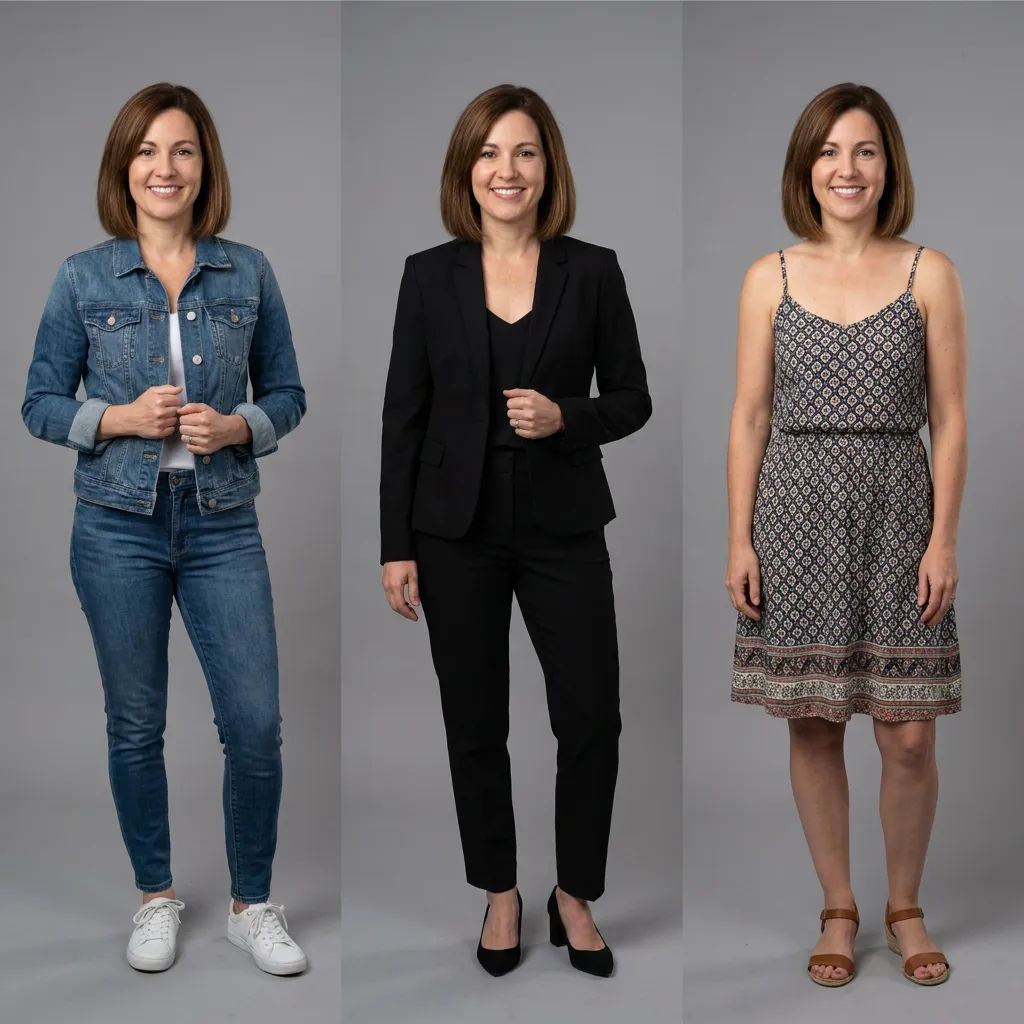
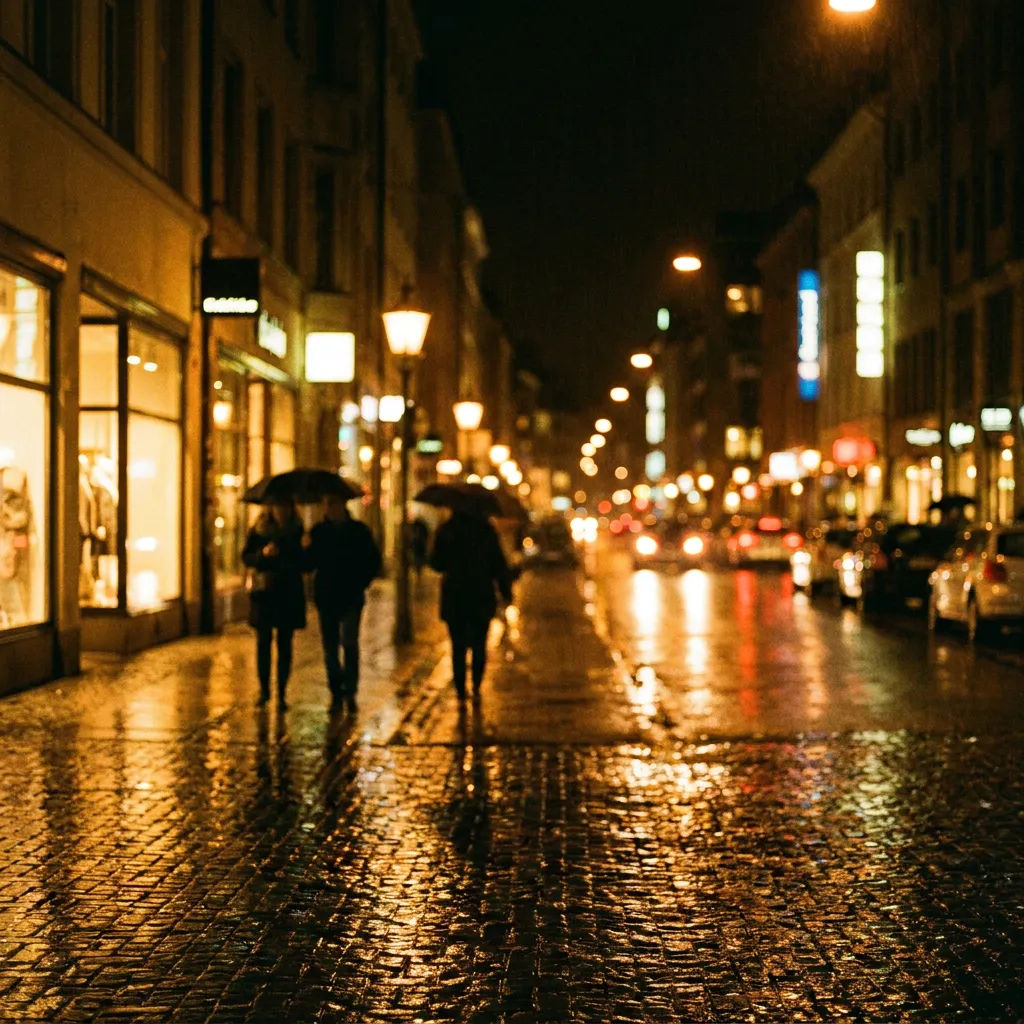
مشهد ليلي مُعاد إضاءته
صورة شارع نهارية مُعاد إضاءتها كليل هادئ، توهج نوافذ دافئ وبوكيه ناعم
Edit prompt
Cinematic storyboard
Share a scene description with character references. Get a full storyboard with shot angles and mood.

Title sequence
Generate a professional film title card from scratch, with optional cinematic animation.

Messages to cinematic scene
Dramatize any text conversation into a cinematic multi-shot video.

3x3 storyboard
Feed in a single image. Get 9 cinematic beats laid out as a 3x3 storyboard grid.

Chibi sprite animation
Turn any photo or description into an animated chibi sprite. Dance, jump, wave, attack, and more.

Expressions
Take any character image and generate 6 distinct facial expressions on a single reference sheet.
كل ذلك على Morphic
مجموعتك الكاملة للصورالنماذج
Nano Banana Pro وSeedream 5 وFlux 2 Pro وIdeogram 4.0 والمزيد. اختر المظهر وبدّله في منتصف المشروع.
تحرير موضعي
حدّد منطقة وغيّرها وحدها. أعد الإضاءة، أو أعد التلوين، أو أعد التأطير مع بقاء باقي الإطار كما هو.
ثبات الموضوع
ثبّت حتى 5 أشخاص و14 مرجعاً، ليحافظ طاقم واحد على ملامحه عبر كل مشهد.
Workflows
حوّل صورة مكتملة إلى Workflow بنقرة واحدة. أعد تشغيلها أو شاركها أو أضفها للمفضلة لإعادة استخدام سريعة.
