كل نماذج الصور
مساحة عمل واحدةمنشورات يمكنك إنشاؤها
أنشئ منشورًا اجتماعيًا في ثلاث خطوات
- 01
افتح Morphic
سجّل وابدأ الإنشاء على مساحة Canvas بصرية حرة لا تحدها إطارات.
- 02
صِف المنشور
الفكرة، والمنصة، والأجواء، والتعليق الذي تريده. كن محددًا.
- 03
أنشئ وأعد التحجيم
صيّر المرئي والتعليق في ثوانٍ، ثم أعد تأطيره لكل منصة.
حالات الاستخدام
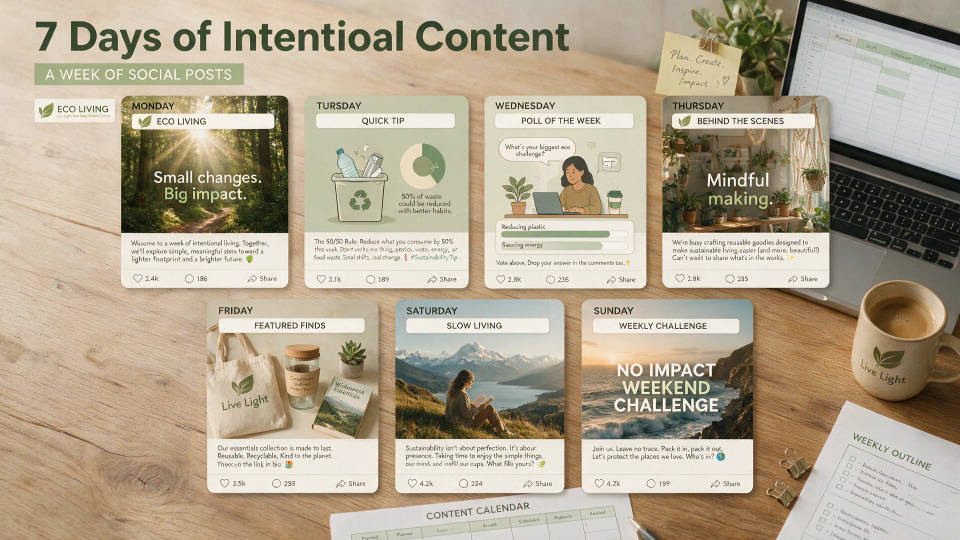
فكرة واحدة إلى أسبوع من المنشورات
ابدأ من مفهوم واحد وحوّله إلى أسبوع من المحتوى. أطلق تنويعات وزوايا جديدة وتعليقات طازجة لتملأ تقويمك.
بأحجام لكل منصة
أعد تأطير المنشور نفسه لمربّع خلاصة، وقصة عمودية، وبانر عريض. مفهوم واحد يناسب إنستغرام وتيك توك ولينكدإن وX.

المرئي مع التعليق معًا
احصل على المنشور المكتمل، لا نصفه. يولّد Morphic الصورة وتعليقًا مطابقًا دفعة واحدة، جاهزًا للنشر.

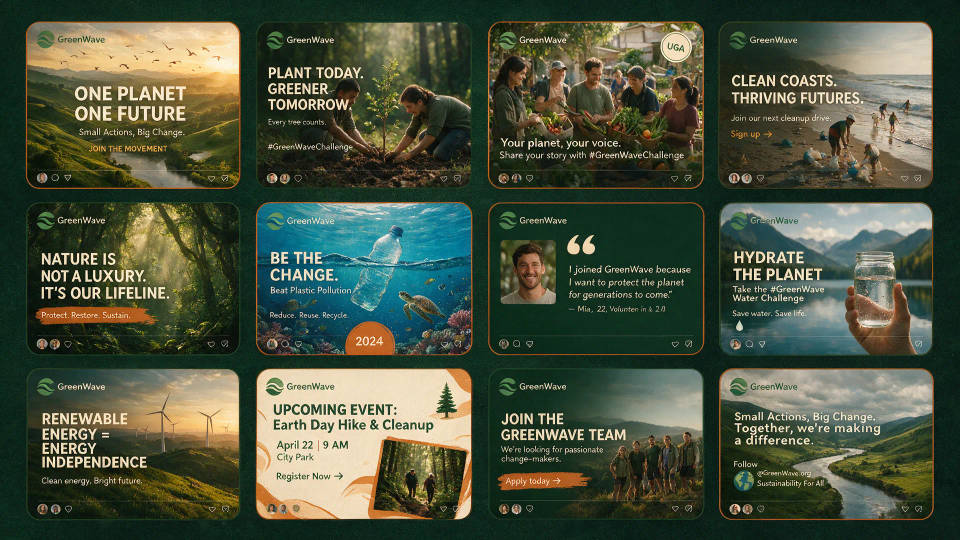
سلسلة متسقة مع الهوية بحجم كبير
أبقِ الحملة ثابتة عبر عشرات المنشورات. احفظ مظهرًا كـ Workflow لتحافظ على اللوحة والتأطير ونبرة التعليق نفسها.
أمثلة على الأوامر
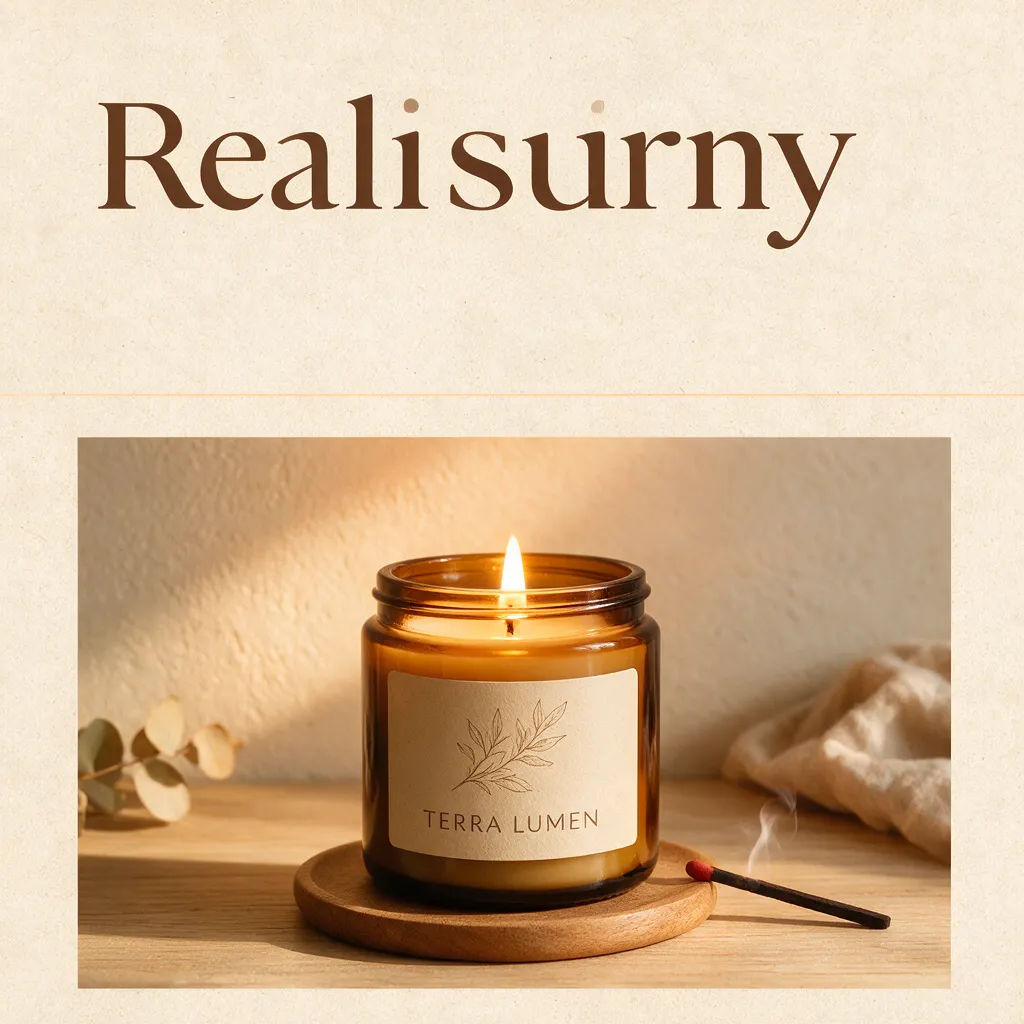


منشور إعلان
إعلان إطلاق منتج نظيف، لمسات قصاصات ورق، عنوان عالي التباين، منشور خلاصة مربّع
Edit prompt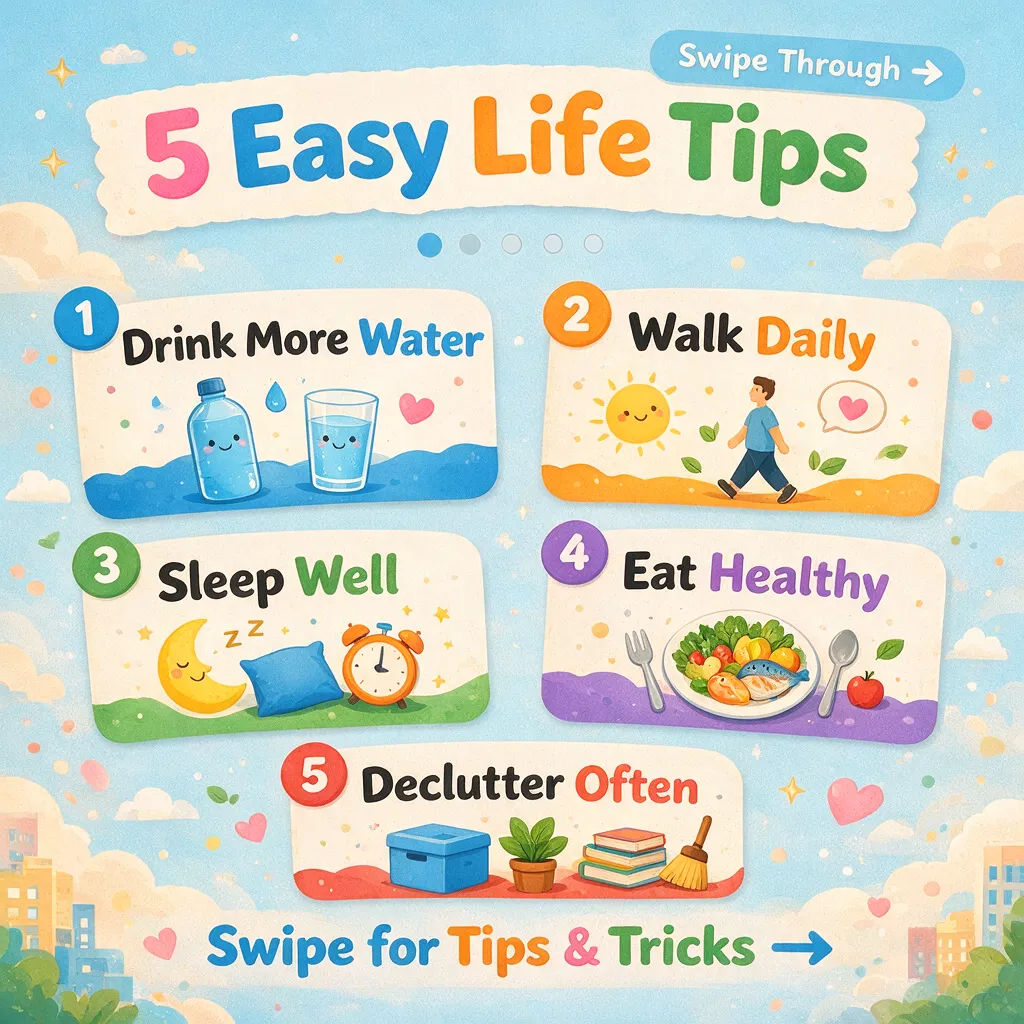

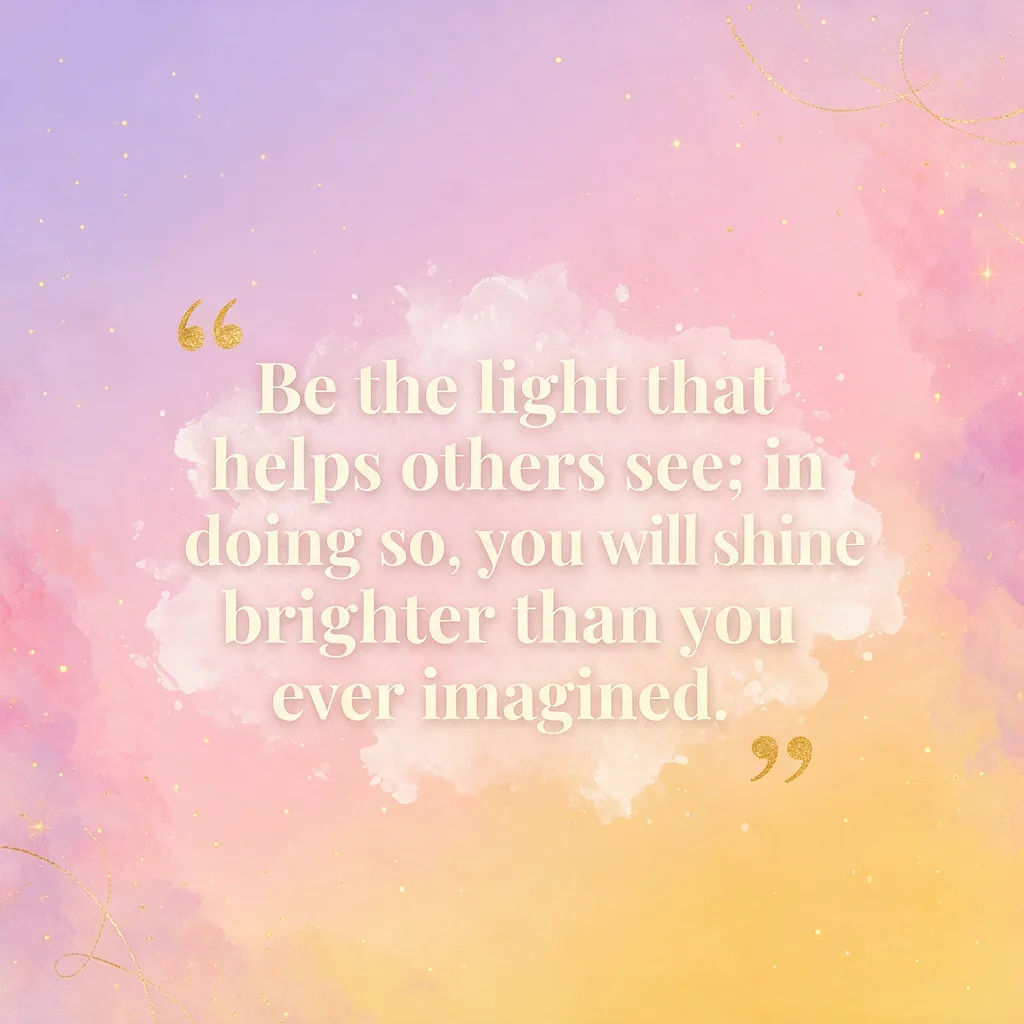
منشور فعالية
منشور فعالية مجتمعية، أسلوب ملصق ريترو، مساحة للتاريخ والمكان، تنسيق قصة عمودية
Edit prompt
Cinematic storyboard
Share a scene description with character references. Get a full storyboard with shot angles and mood.

Messages to cinematic scene
Dramatize any text conversation into a cinematic multi-shot video.

Title sequence
Generate a professional film title card from scratch, with optional cinematic animation.

3x3 storyboard
Feed in a single image. Get 9 cinematic beats laid out as a 3x3 storyboard grid.

Chibi sprite animation
Turn any photo or description into an animated chibi sprite. Dance, jump, wave, attack, and more.

Expressions
Take any character image and generate 6 distinct facial expressions on a single reference sheet.
كل شيء على Morphic
حزمة منشوراتك الكاملةالنماذج
Nano Banana 2 وFlux 2 Pro وChatGPT Images وGrok Imagine وRecraft وSeedream وغيرها. اختر النموذج المناسب للمنشور وبدّل في منتصف المشروع.
أعد التحجيم لكل منصة
أعد تأطير منشور واحد للخلاصة والقصة والبانر. يوسّع التحويل من صورة إلى صورة والتوسيع الخارجي الإطار لكل نسبة أبعاد، بلا إعادة اقتصاص.
أضف حركة
حوّل منشورًا ثابتًا إلى فيديو قصير بالتحويل من صورة إلى فيديو لمقطع يوقف التمرير، ثم انشر نسخة الصورة أو الفيديو.
Workflows
احفظ مظهرًا مكتملًا كـ Workflow، ثم أعد تشغيله لكل منشور، أو شاركه، أو أضفه للمفضلة لاحقًا.
