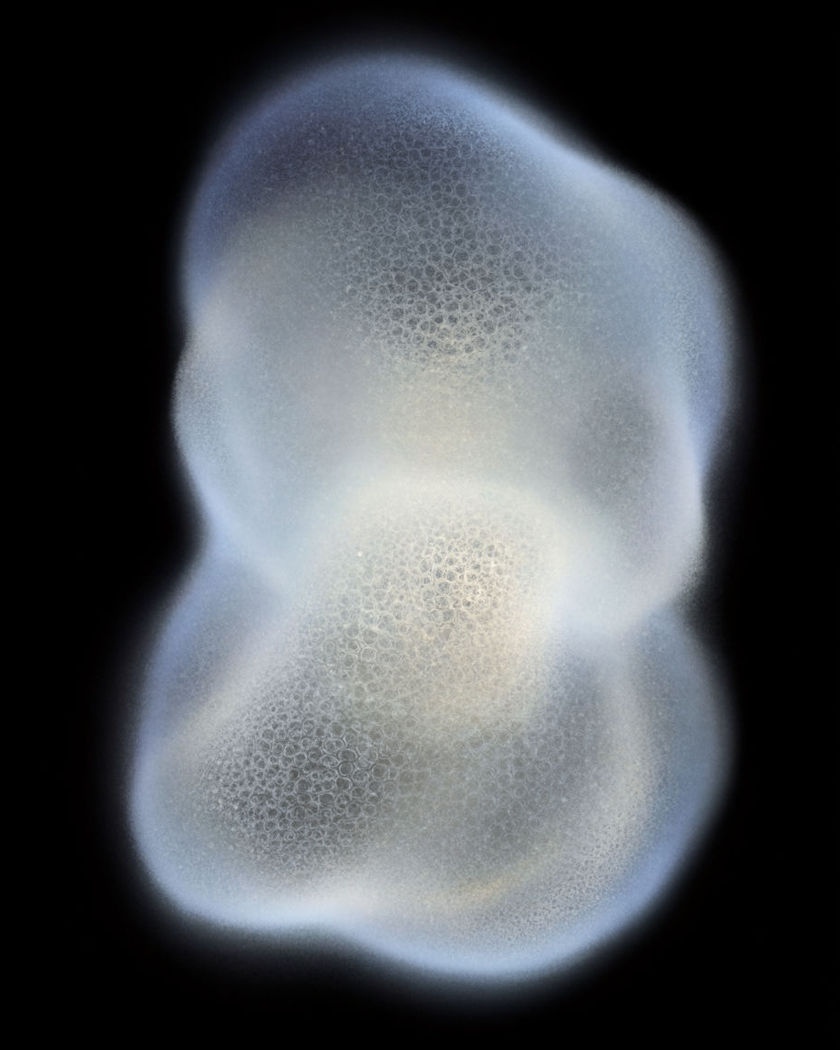
AI smooth morph transition

Smooth morph transition shots generated in one take: one subject flows seamlessly into the next, shapes and colours reshaping without a cut or a crossfade.

One glowing form flowing and reshaping into a different form mid-blend, the edges melting between the two on a black ground

Smooth morph transition effect examples

Landscape through the seasons

A wide valley flows smoothly from summer green into winter white. a wide shot of a green summer valley, then smoothly morphing into the same valley in deep winter, the leaves shifting colour and falling, grass fading to frost, snow spreading across the hills and the light turning cold, all flowing across the frame in one continuous blend with no cut, static wide camera

Object into object on a table

A plain glass bottle reshapes smoothly into a ceramic vase. a wide shot of a plain unlabelled glass bottle on a table, smoothly morphing into a ceramic vase, the neck widening, the glass turning opaque and the surface flowing from clear to glazed in one continuous blend with no cut, a flower rising from the mouth last, soft daylight, locked camera

Day room into night room

A sunlit room flows smoothly into the same room at night. a plain living room in bright daylight, then smoothly morphing into the same room at night, the window light dimming to blue, warm lamps rising, shadows lengthening and colours shifting across the whole frame in one continuous blend with no cut, static camera

Portrait across looks

A face flows smoothly from one styling and era into another. a close portrait of a person on a plain background, their look smoothly morphing from one styling to another, the hair, wardrobe collar and colour palette flowing and reshaping around a steady face in one continuous blend with no cut, even studio light, slow gentle push in

Fruit into fruit

An orange reshapes smoothly into an apple in one flowing blend. a ripe orange resting on a plain wooden table, then smoothly morphing into a red apple, the round shape swelling and reshaping while the colour flows from orange to red across the surface in one continuous blend with no cut, the stem forming last, soft window light, locked camera

Round shape match morph

A ball reshapes through a series of round objects on a shared silhouette. a plain round ball centred on a dark background, smoothly morphing through a series of round objects that share its silhouette, an orange, then a full moon, then a glowing lamp, the circular shape held steady while surface and colour flow from one to the next in one continuous blend, locked camera

Circular match morph across settings

A round shape stays centred while the world around it morphs scene to scene. a wide shot with a round glowing shape held centred in frame, the setting around it smoothly morphing from a sunlit kitchen to a dark night street to an open beach, the circle steady on the same silhouette while every surface and colour flows from one scene to the next in one continuous blend, locked camera

One face into another

A face smoothly reshapes into a different face without a cut. a close portrait of a person facing the camera on a plain background, their features smoothly morphing into a different persons face, the eyes, nose and jaw reshaping and the hair and skin tone flowing from one to the other in one continuous blend with no cut, even soft light, locked camera

Two faces across a slow move

A slow push holds as one face flows seamlessly into another. a wide portrait shot on a plain background, the camera pushing in slowly as one persons face smoothly morphs into a different persons face, features reshaping and skin tone and hair flowing from one to the other in one continuous blend with no cut, even soft light

Flower into flower

A blooming flower reshapes smoothly into a different bloom. a single flower in soft focus against a plain background, its petals smoothly morphing into a different kind of bloom, the petal shape and colour flowing and reshaping while the centre reforms in one continuous blend with no cut, gentle backlight, shallow depth of field, locked camera

Generate your own smooth morph transition effect

اختر نقطة بداية، وعدّل ما تشاء، ثم أنشئه في Morphic.

أنشئ

أسعار بسيطة

ابدأ مجاناً اليوم، مع إمكانية الترقية أو الإلغاء في أي وقت.

Basic

$19/ شهر
تُفوتر باعتبارها $0 سنوياً

2400 شهرياً أرصدة

1 مستخدم فقط

جميع النماذج

Workflows

Standard

$24/ شهر
تُفوتر باعتبارها $0 سنوياً

3625 شهرياً أرصدة

1 مستخدم فقط

جميع النماذج

Workflows

Pro

$45/ شهر
تُفوتر باعتبارها $0 سنوياً

6350 مشترك شهرياً أرصدة

1 مستخدم

+ حتى 4 المزيد بتكلفة إضافية

جميع النماذج

Workflows

Max

$170/ شهر
تُفوتر باعتبارها $0 سنوياً

24650 مشترك شهرياً أرصدة

1 مستخدم

+ حتى 9 المزيد بتكلفة إضافية

جميع النماذج

Workflows

Enterprise

لحدود أعلى

مخصص

شروط الأسعار والفوترة

أرصدة كبيرة الحجم
حدود مقاعد مخصصة
جميع النماذج
Workflows
Pricing Gradient

Free

للتجربة والاستكشاف

$0

مجاني إلى الأبد

حتى 20 رصيد
مستخدم واحد فقط
نماذج محدودة
Workflows

الأسئلة الشائعة

Where can I make smooth morph transition effect videos with AI?
You can create smooth morph transitions directly in your browser on Morphic. Describe the two subjects, or bring the two frames, and Morphic generates the blend as one continuous shot. Drop the result on the timeline between your clips and ask Copilot to match the timing.
What is the smooth morph transition effect?
The smooth morph transition effect blends one subject into another in a single continuous shot, with shapes and colours reshaping across the frame instead of a hard cut or a crossfade. It works between objects, faces, scenes, or on a shared shape, so a clip flows into the next as one seamless move.
What is the difference between a smooth morph transition and a crossfade?
A crossfade simply fades one image out while the next fades in, so both are visible at once and nothing actually changes shape. A smooth morph reshapes the first subject into the second, features and edges flowing from one to the other, so it reads as a single transformation rather than two overlapping images.
How do I write a good prompt for a smooth morph transition video?
Name the start subject and the end subject, and give the morph an anchor: a shared silhouette, a steady face, or the same setting. Describe what reshapes and in what order, and say the change flows continuously with no cut. The clearer the anchor, the smoother the morph Morphic returns.
Can I morph between two of my own photos?
Yes. Bring the two frames you want to connect and describe the blend. Morphic generates the morph between them as one continuous shot, then you drop it on the timeline between your clips so one flows straight into the next.
Do I need video editing experience to make a smooth morph transition video?
No. Morphic runs in your browser and you direct it with plain-language prompts. If you can describe the two subjects and what carries across, you can produce a smooth morph transition. The prompts on this page are written so anyone can paste and run them.