AI video effects and VFX
Generate an effect shot from a prompt or a photo, or hand a clip you filmed the change you want. Then mask, grade, mix and export it on the Compose timeline.

Camera & optical looks
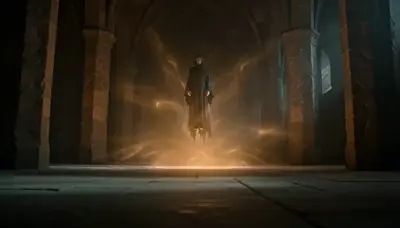
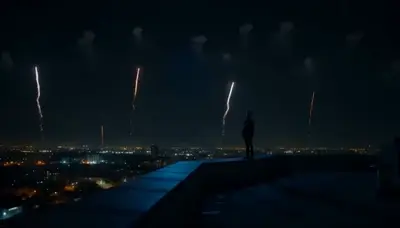
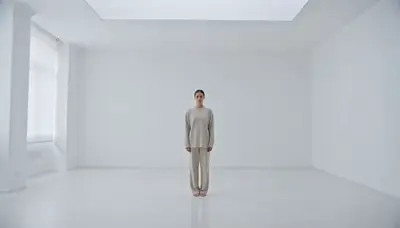
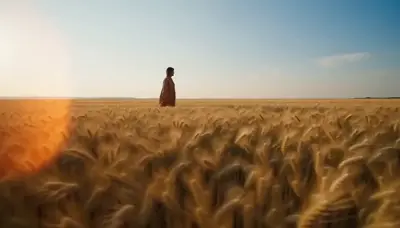
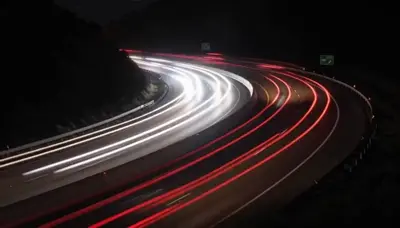
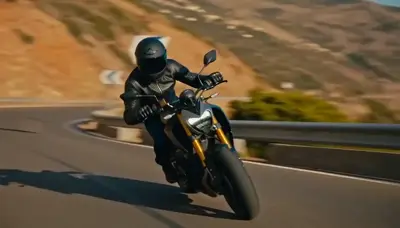
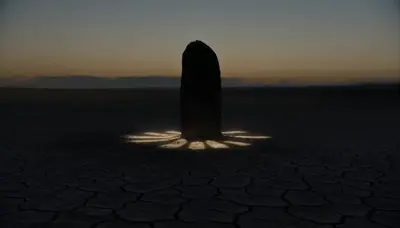
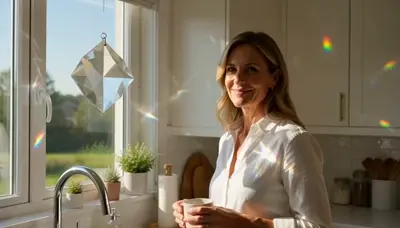
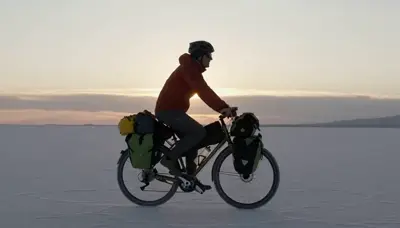
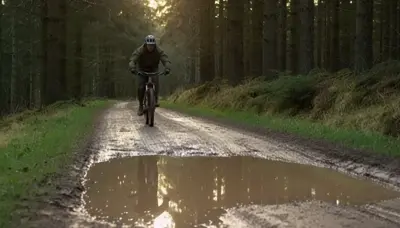
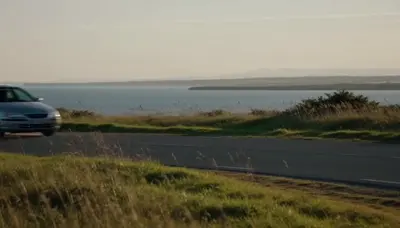
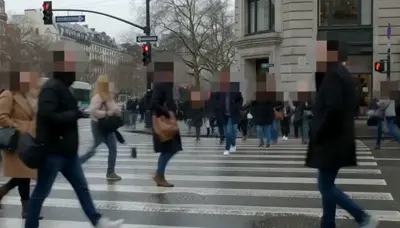
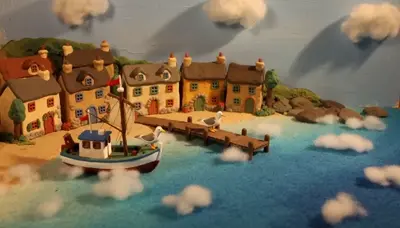
Motion blur, tilt shift, light leaks, light trails, hyperlapse and other in-camera effects.
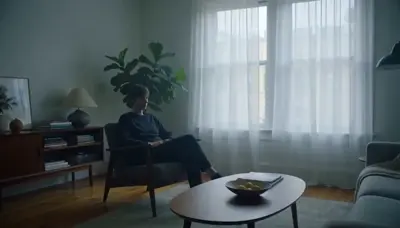
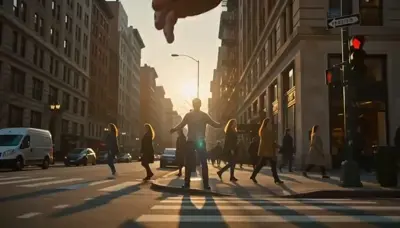
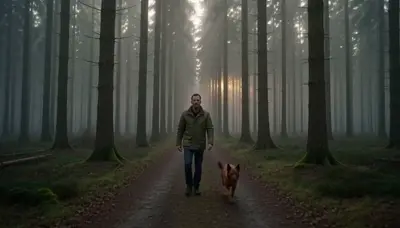
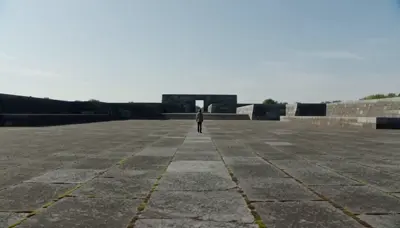

Retro & stylised
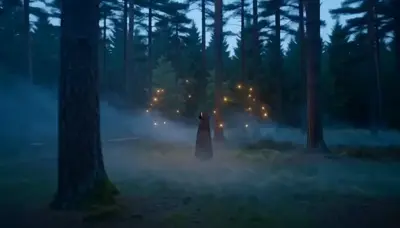
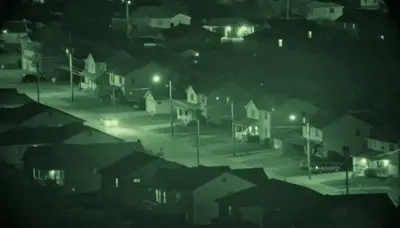
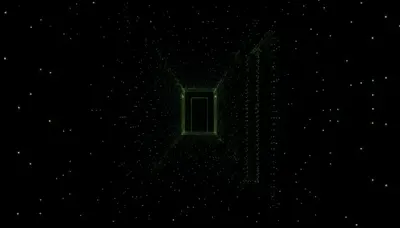
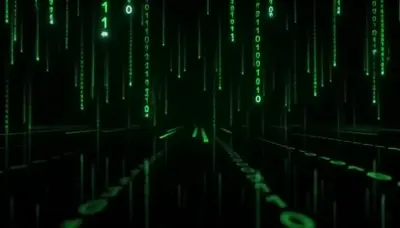
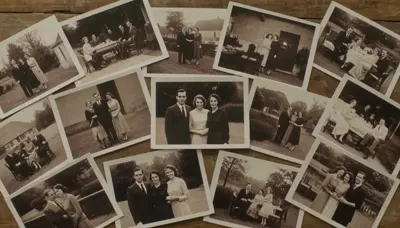
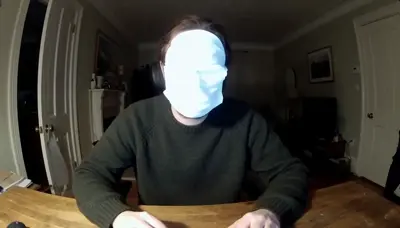
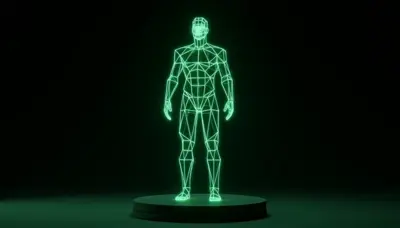
VHS, matrix code, pixelate, wireframe, point cloud and other rendered looks.
Transformations
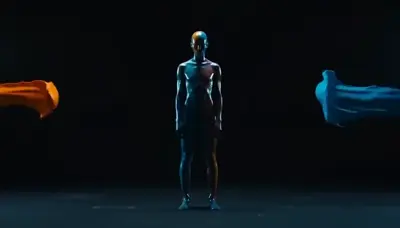
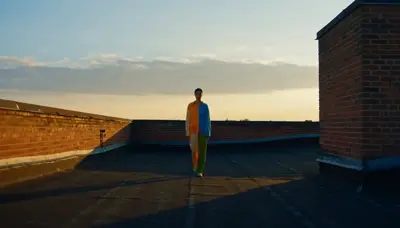
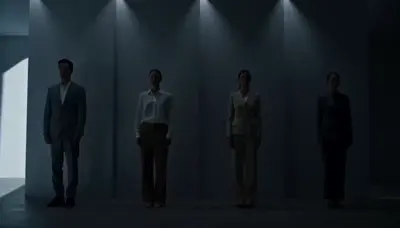
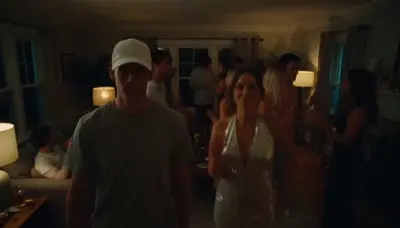
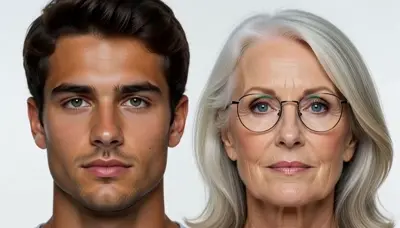
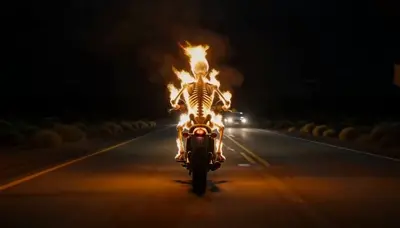
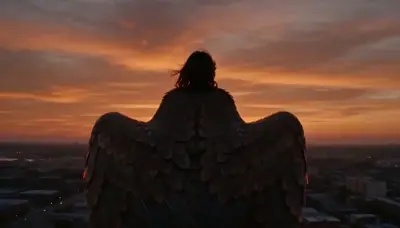
Face morphs, turn-to-dust, liquid metal, become-a-creature and other changes to a subject.
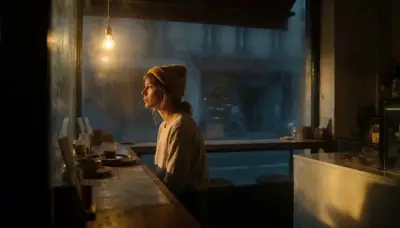
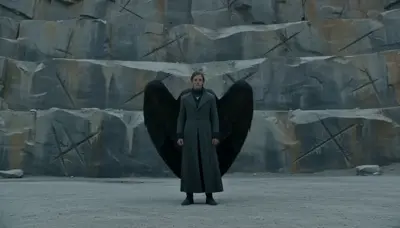
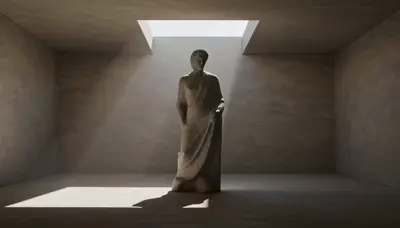
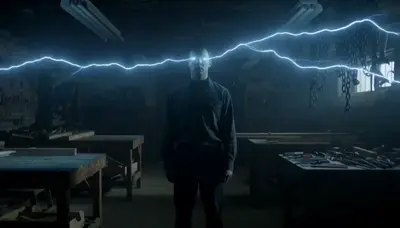
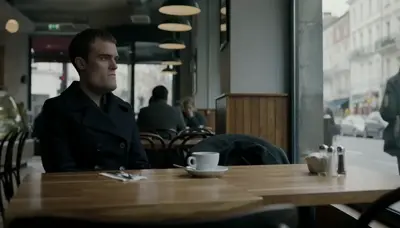
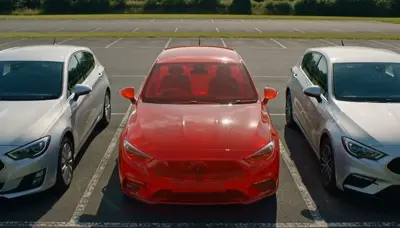
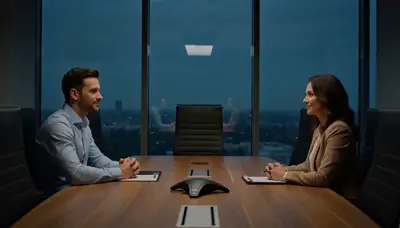
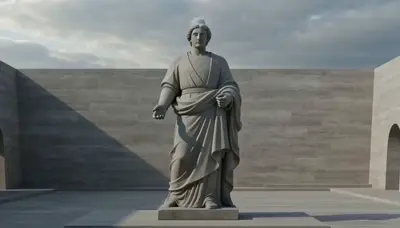
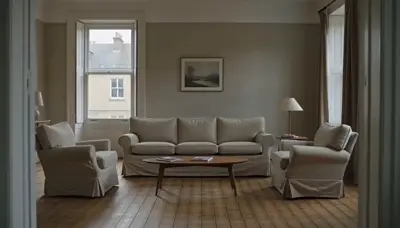
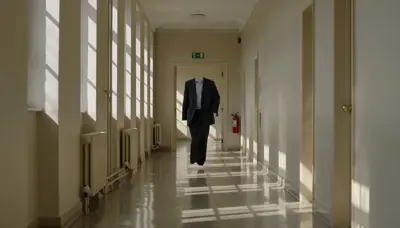
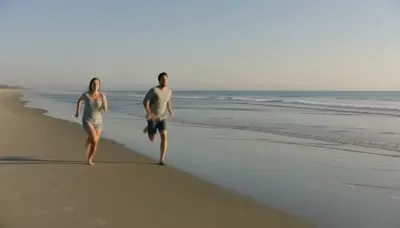
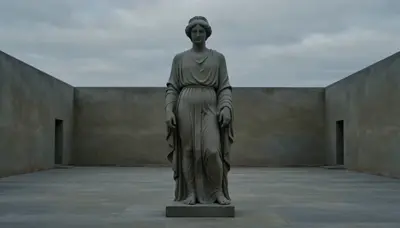
Destruction & physics
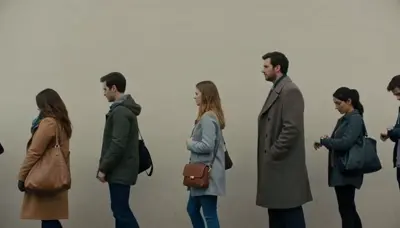
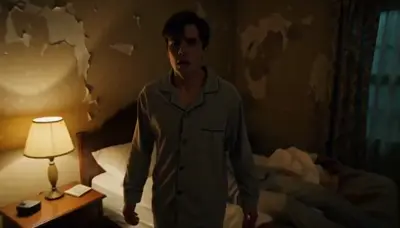
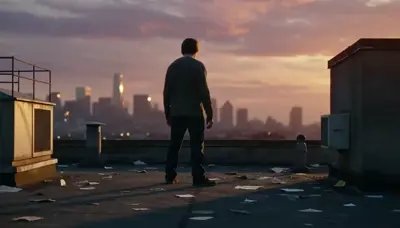
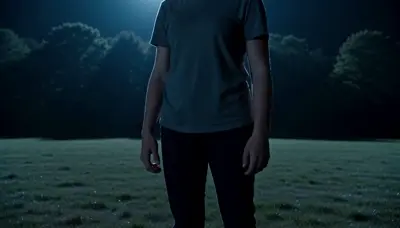
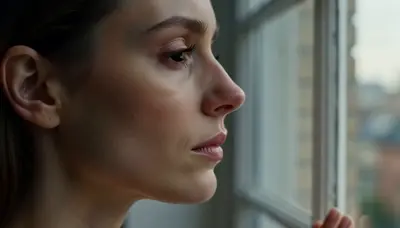
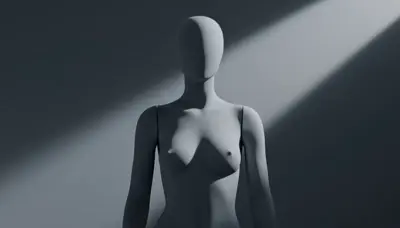
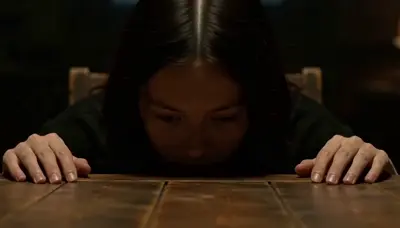
Shatter, explosions, powder bursts, sand, stone and falling objects.
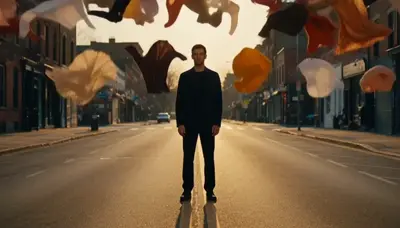
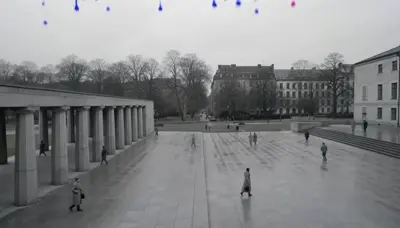
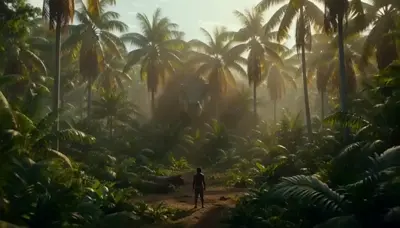
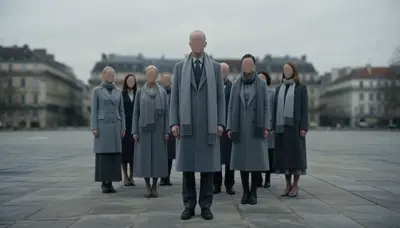
Persona & outfit switch
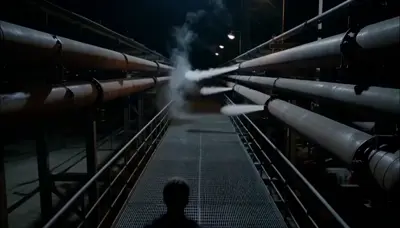
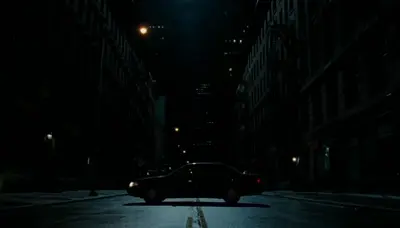
Outfit swaps, gala dresses, camo, shades on and other look changes on one person.
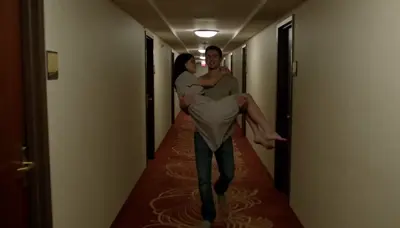
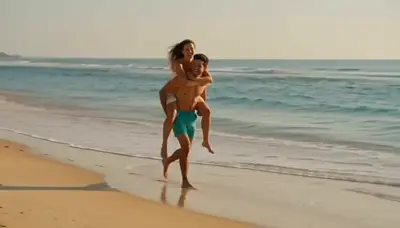
Two-person interaction
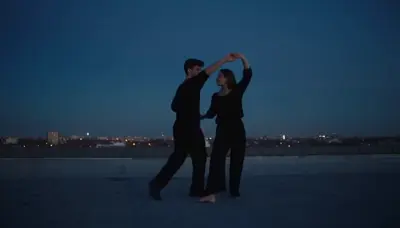
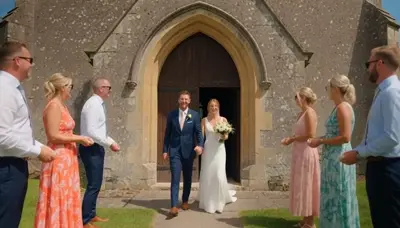
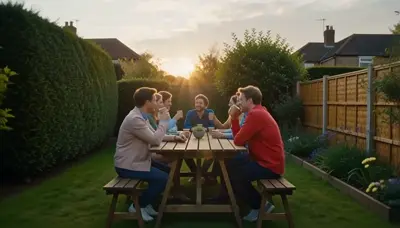
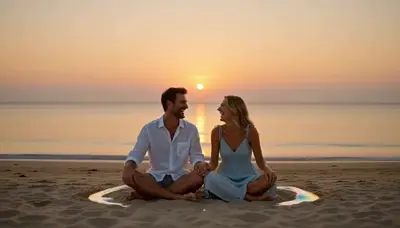
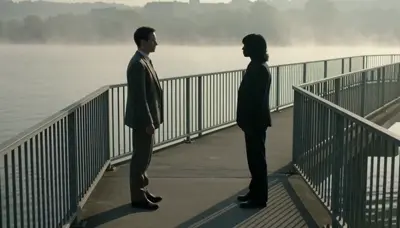
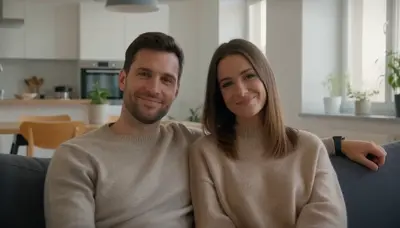
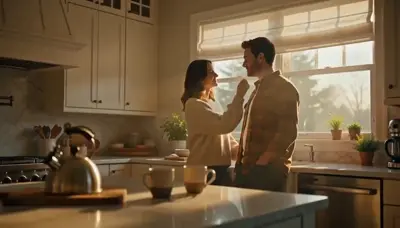
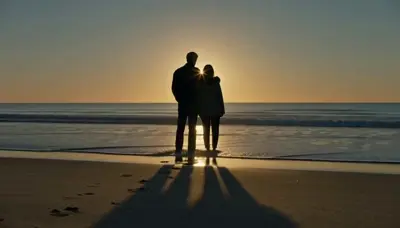
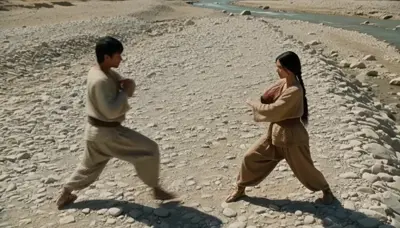
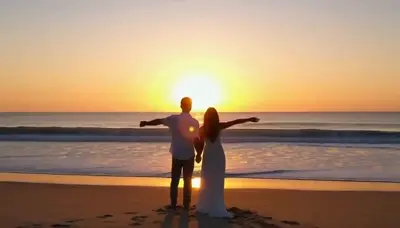
Hugs, handshakes, couple shots, fights and other effects that bring two subjects together.
Pets
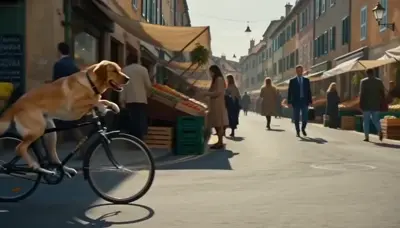
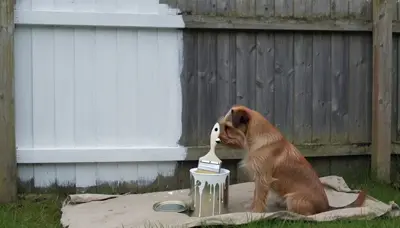
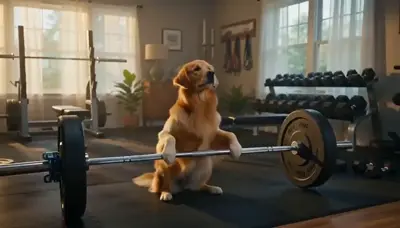
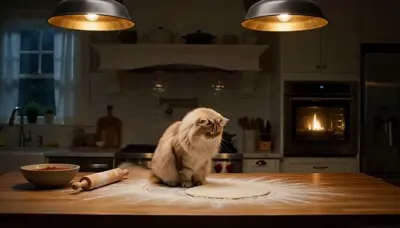
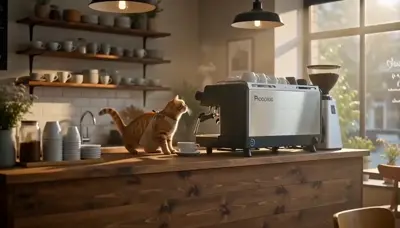
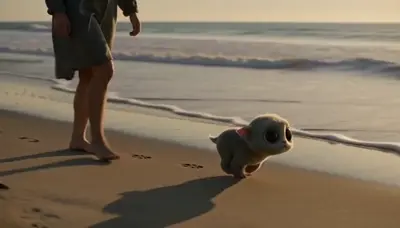
Party hats, talking pets, pet interviews and other animal effects.

Festival & seasonal
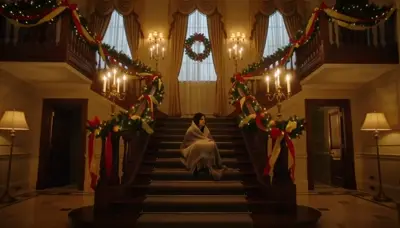
Christmas, Halloween, New Year and other holiday scene dressing.
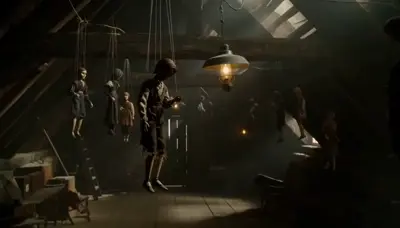
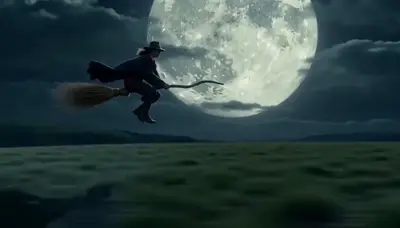

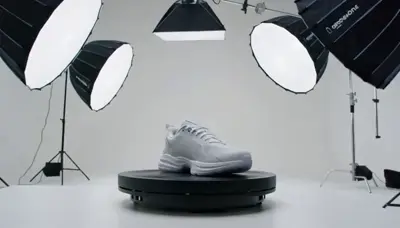
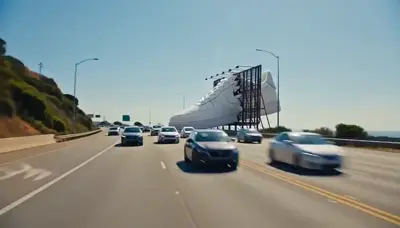
Commercial & product
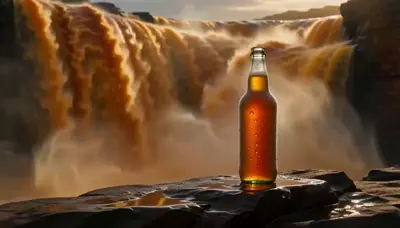
Unboxing, juice bursts, product fly-ins and other product-led effects.
Transitions
Dust, smoke, flame, portal and other frame-to-frame transitions.
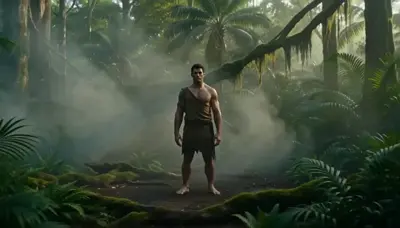
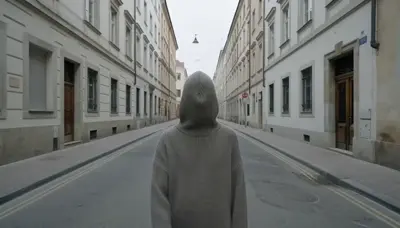
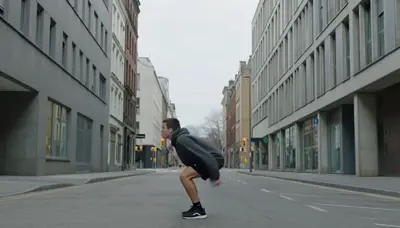
Motion & action
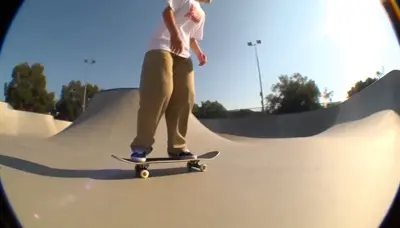
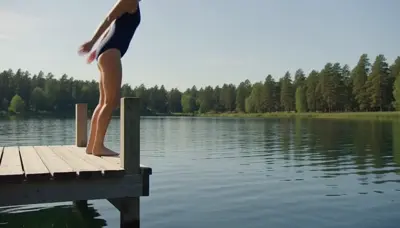
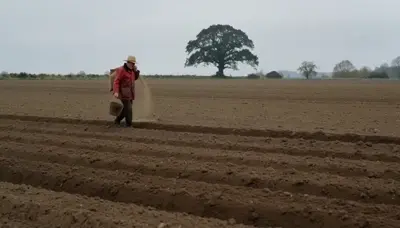
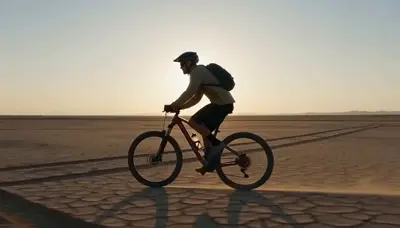
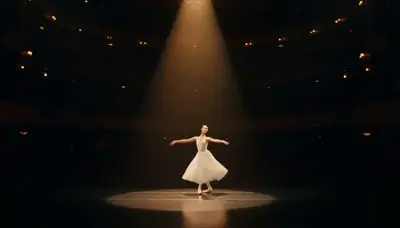
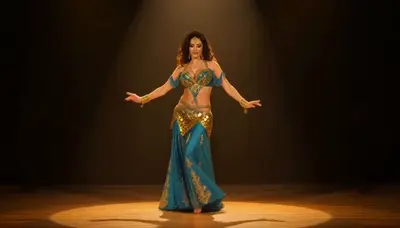
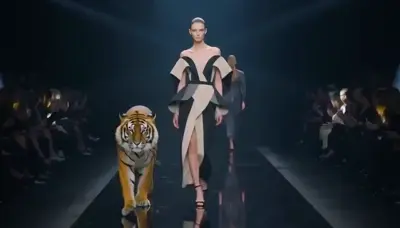
Dances, walking, catwalks, backflips, parkour and other movement effects.
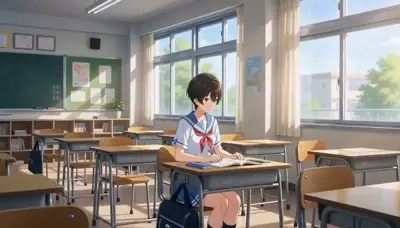
Camera control & real estate
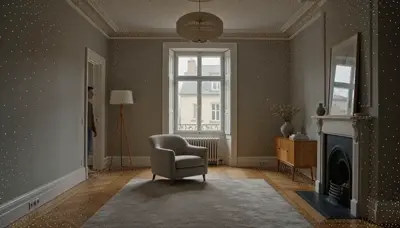
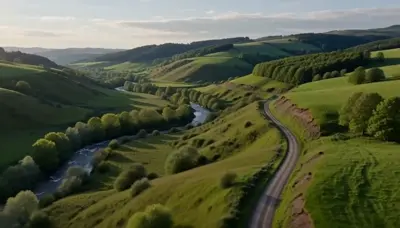
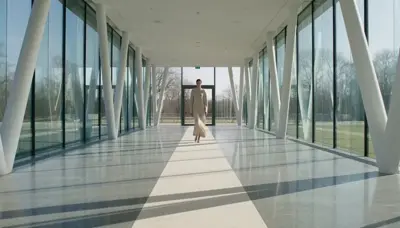
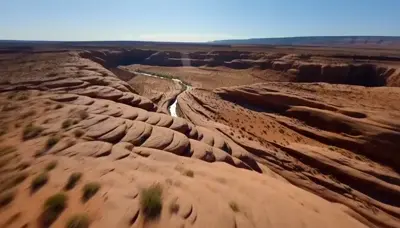
Earth zoom, FPV flight, parallax, interior reveals and other camera-led effects.
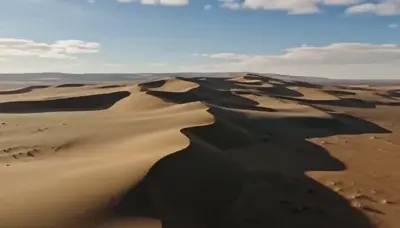
Viral scenarios
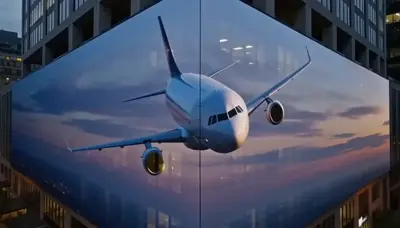
Private jet, red carpet, luxury drive and other scenario effects around one person.
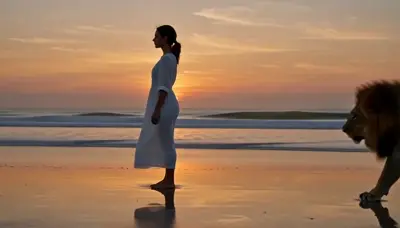
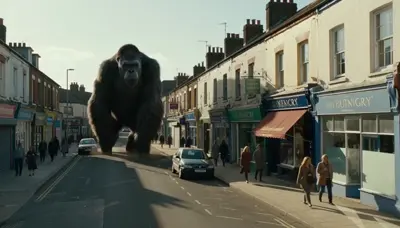
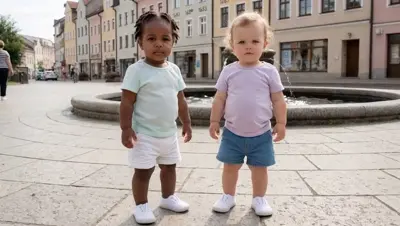
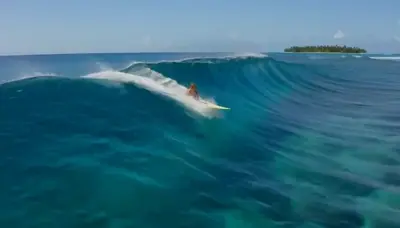
Art & stylisation
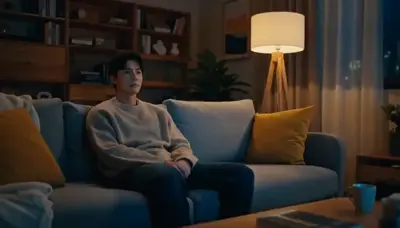
Line drawing, plush toy, emoji, movie poster and other art-led effects.

Manual compositing, or one workspace
Roto by hand
Mark the person or object on one frame and Compose builds a mask that tracks the marked subject through the shot. A grade can then apply only inside the mask, or the mask can let the track below show through.
A plugin for every look
Blur, sharpen, film grain, vignette, glow and chroma key go on the clip, and a grade can sit on an adjustment layer over everything below it.
A reshoot because one thing is wrong
Hand the clip an instruction to change one thing in the shot, or extend it past its last frame. Editing an existing clip is on paid plans.
The round trip to a desktop editor
The cut, the colour, the sound, the captions and the export happen where the shots were made.
Our footage, your workspace
First-party footage only
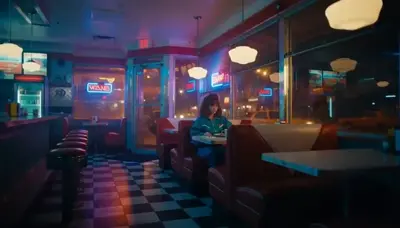
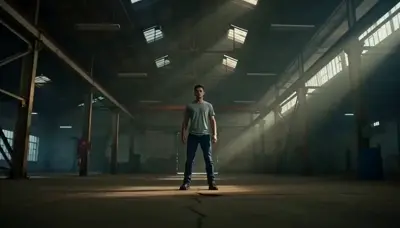
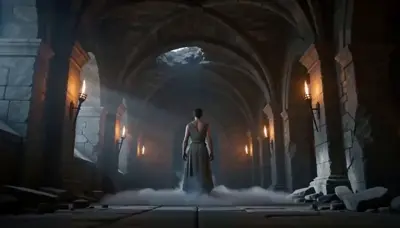
Every clip on these pages was generated in Morphic. No studio footage, no third-party characters, nothing we do not own.
One timeline, several people at once
Several people can edit the same Compose timeline live, with edit or view-only access and autosave. Live collaboration is on the Pro plan and above.
Notes on the frame
A comment pins to a frame or a time range, carries a drawing on the shot, and follows the clip through trims and moves. Anyone in your workspace who can open the project can comment.
FAQs
Pick an effect from the library and run its prompt, or start from a clip you already filmed.
Try Morphic