عدّ تنازلي بالنيون فوق الجسيمات
لقطة مثبّتة بملء الإطار لرقم نيون ناعم ينبض في المركز فوق حقل داكن من جسيمات تنجرف ببطء، التوهّج ثابت والحركة لطيفة، خلفية سهلة القراءة تتكرّر بينما يتساقط العدّ.
تعديل الأمر النصي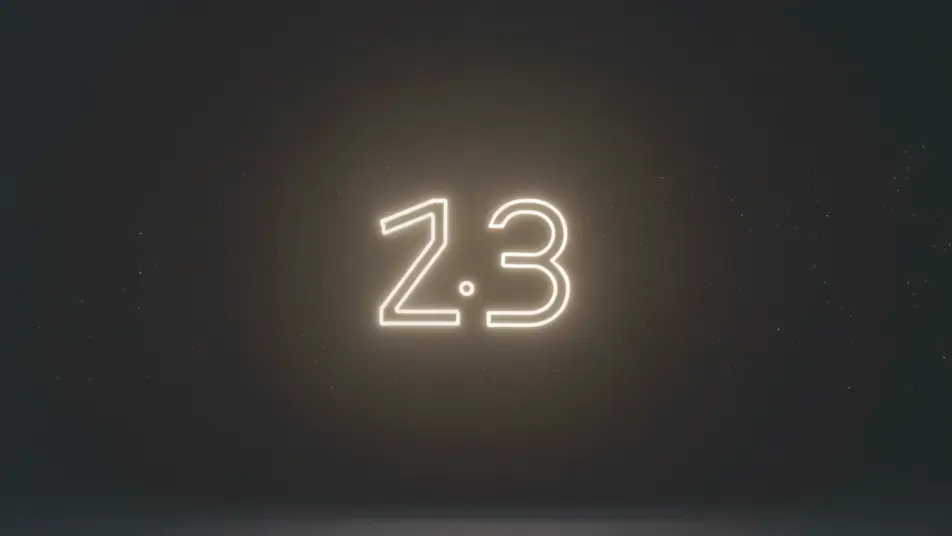
أخرِج خلفيات المؤقّت التنازلي داخل متصفحك مع مولّد فيديو المؤقّت التنازلي بالذكاء الاصطناعي من Morphic. أنشئ رقمًا دافئ الإضاءة فوق جسيمات منجرفة، أو مشهد تركيز هادئ يعدّ نحو الصفر. لحّنه بأداة Music وأضِف إشارات الوقت بأداة Speech، ثم ركّب الحلقة على Canvas.
لقطة مثبّتة بملء الإطار لرقم نيون ناعم ينبض في المركز فوق حقل داكن من جسيمات تنجرف ببطء، التوهّج ثابت والحركة لطيفة، خلفية سهلة القراءة تتكرّر بينما يتساقط العدّ.
تعديل الأمر النصيلقطة ثابتة لرقم عدّ تنازلي فوق حلقة لوفاي دافئة لمكتب ونافذة، ضوء مصباح ومطر خفيف خلف الزجاج، المشهد الجذّاب ثابت بينما يعدّ المؤقّت تنازليًا للمشاهدين الوافدين مبكرًا.
تعديل الأمر النصي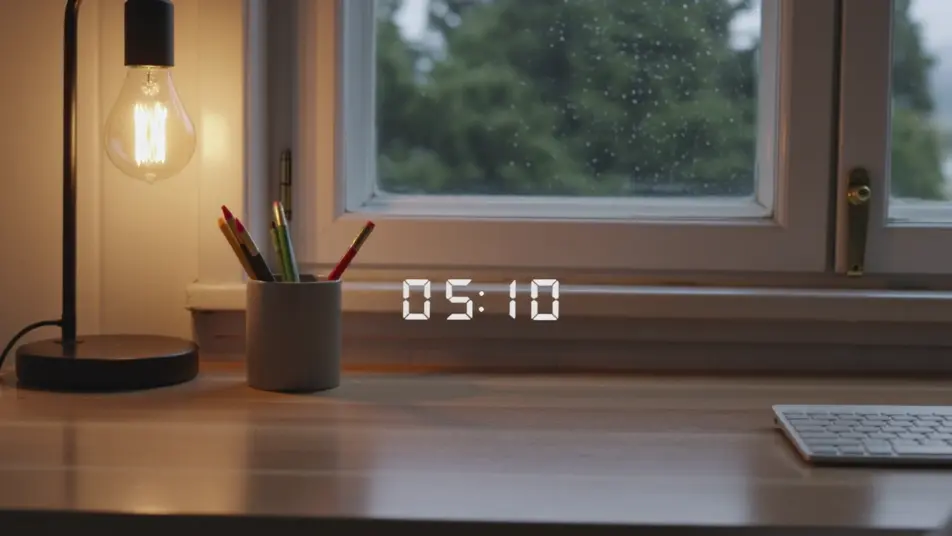
إطار بسيط ثابت لرقم نظيف فوق خلفية تدرّج بطيء من لون ناعم، لا شيء آخر يتحرّك، خلفية هادئة مبنية لاستبقاء الانتباه خلال اندفاع مذاكرة أو عمل نحو الصفر.
تعديل الأمر النصي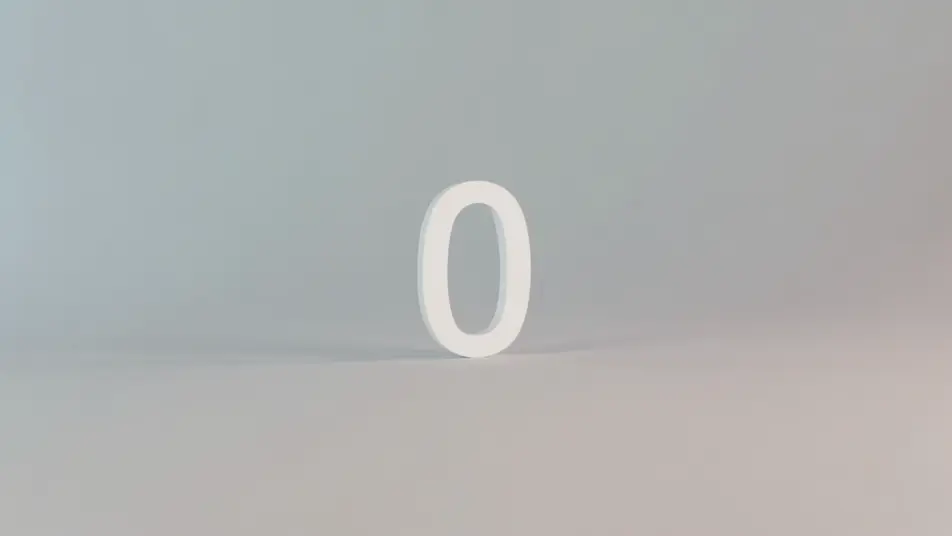
لقطة ليلية عريضة ثابتة لرقم عدّ تنازلي فوق أفق مدينة بأضواء بوكيه ناعمة وبريق منجرف، التوهّج الاحتفالي يتصاعد بثبات بينما تتساقط الثواني الأخيرة نحو لحظة الصفر.
تعديل الأمر النصي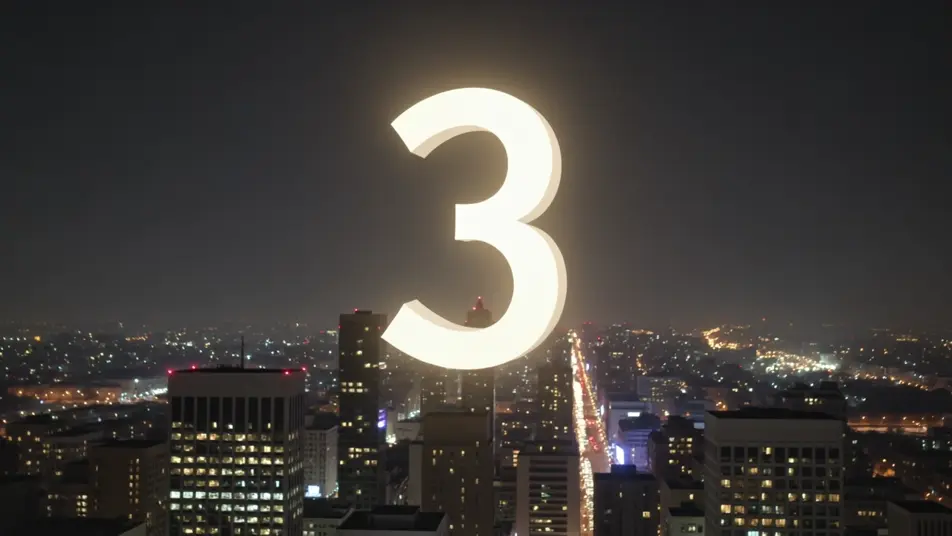
اكتب مشهد مؤقّت تنازلي الذي تريده، بكلمات بسيطة.
ينشئ Morphic مقطعا سينمائيا جاهزا للإطارات على لوحتك خلال ثوانٍ.
عدّل الأمر النصي، وأعد إنشاء التنويعات، ثم نزّل اللقطة أو شاركها.

Dramatize any text conversation into a cinematic multi-shot video.
Cinematic time-freeze short film for any scene

Generate a professional film title card from scratch, with optional cinematic animation.
Photo of any real-estate becomes a cinematic renovation timelapse video with construction SFX and music.
One image to a 9-scene cinematic video.
Drop in a photo of yourself. Get a 12-second cinematic movie with animation and a matched soundtrack.
فيديوهات الحلقة المحيطة بالذكاء الاصطناعي
ولّد فيديوهات حلقة محيطة بالذكاء الاصطناعي مع Morphic. خلفيات متكررة بلا قطع، ومشاهد بطيئة الحركة، ومرئيات دائمة هادئة للبثّ والشاشات والتركيز.
فيديوهات بثّ مذاكرة لوفاي بالذكاء الاصطناعي
أنشئ فيديوهات بثّ مذاكرة لوفاي بالذكاء الاصطناعي مع Morphic. حلقات مكتب دافئة، ومشاهد نوافذ ممطرة، ومقاطع رفقة مذاكرة هادئة بإيقاع وتعليق رقيق.
فيديوهات الشاشة الخضراء بالذكاء الاصطناعي
أنشئ فيديوهات الشاشة الخضراء بالذكاء الاصطناعي مع Morphic. استبدل أي خلفية، وبدّل المشاهد فورًا، وضع المقدّم في أي مكان. بلا شاشة فعلية وبلا برمجيات فصل الألوان.
فيديوهات المورف بالذكاء الاصطناعي
اكتب التحوّل بالعربية واحصل على مقطع مورف جاهز: تبدّل وجوه، وتحوّل أجسام، وتقدّم في العمر، وقطعات على إيقاع الأغنية. للمقاطع الرأسية والريلز.
ابدأ مجاناً اليوم، مع إمكانية الترقية أو الإلغاء في أي وقت.
Basic
2400 شهرياً أرصدة
1 مستخدم فقط
جميع النماذج
Workflows
Standard
3625 شهرياً أرصدة
1 مستخدم فقط
جميع النماذج
Workflows
Pro
6350 مشترك شهرياً أرصدة
1 مستخدم
جميع النماذج
Workflows
Max
24650 مشترك شهرياً أرصدة
1 مستخدم
جميع النماذج
Workflows
Enterprise
لحدود أعلى
مخصص
شروط الأسعار والفوترة

Free
للتجربة والاستكشاف
$0
مجاني إلى الأبد