تبديل مشهد الشاشة الخضراء إلى مكتب زجاجي
مقدّم يتحدث إلى الكاميرا يُدرَج في مكتب زجاجي مضاء بنور الشمس بإطلالة على المدينة، ضوء نهار ناعم يحيط به، حركة كاميرا جانبية بطيئة تمر بالمكتب.
تعديل الأمر النصي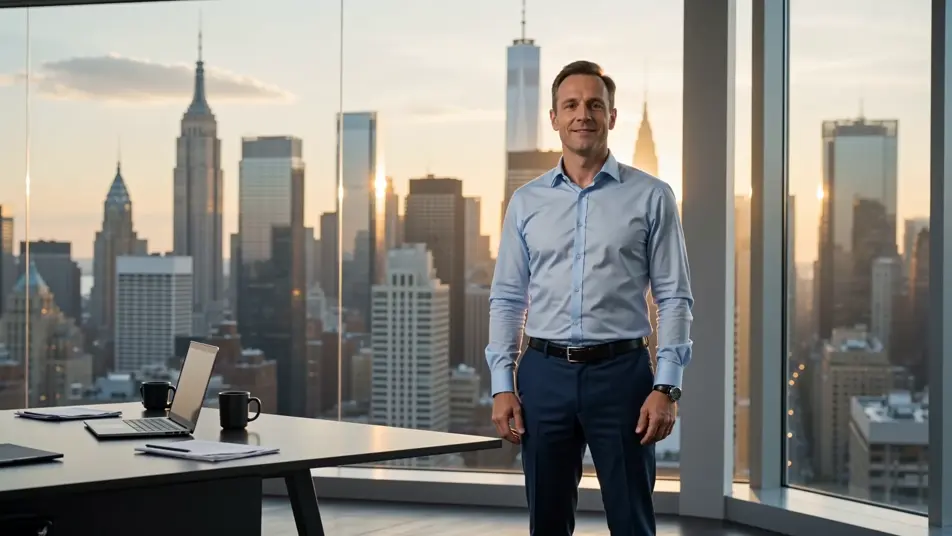
استبدل أي خلفية داخل متصفحك مع مولد فيديو الشاشة الخضراء بالذكاء الاصطناعي من Morphic. أنشئ مقدّمًا يظهر أمام أفق مدينة أو مضيفًا يُنقل إلى مظلّة غابة مطيرة، وارْوِ كل لقطة عبر Speech، ثم بدّل المشاهد وانشر من Canvas.
مقدّم يتحدث إلى الكاميرا يُدرَج في مكتب زجاجي مضاء بنور الشمس بإطلالة على المدينة، ضوء نهار ناعم يحيط به، حركة كاميرا جانبية بطيئة تمر بالمكتب.
تعديل الأمر النصيمضيف متجول يقف ويتحدث بينما تُستبدل الخلفية الأصلية بقمّة جبلية واسعة في ساعة ذهبية، وسحب منخفضة تمرّ، واهتزاز يدوي لطيف.
تعديل الأمر النصي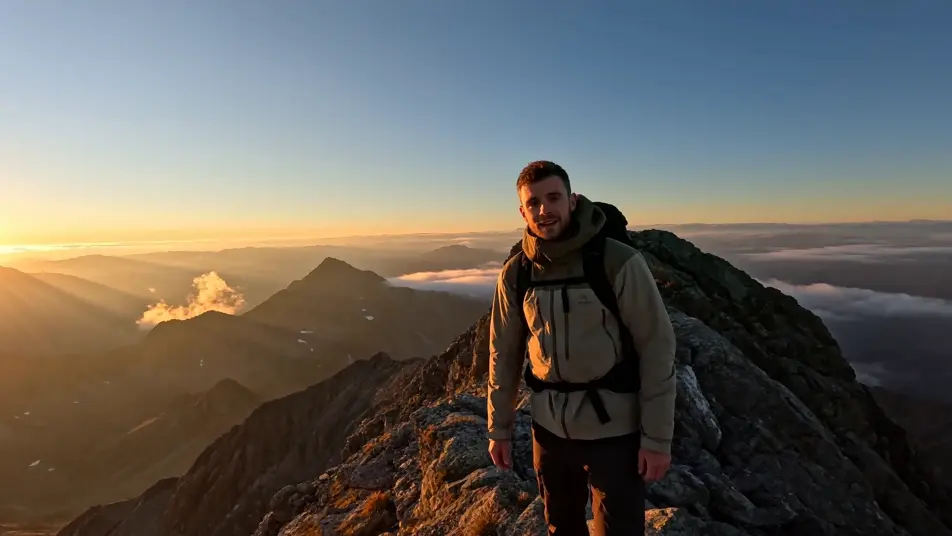
شخص مرفوع من غرفة عادية وموضوع في وسط منصة حفل موسيقي في ساحة مكتظة، أضواء المسرح تكتسح المكان، وضباب في الأشعة، وتقريب بطيء من وسط الجمهور.
تعديل الأمر النصي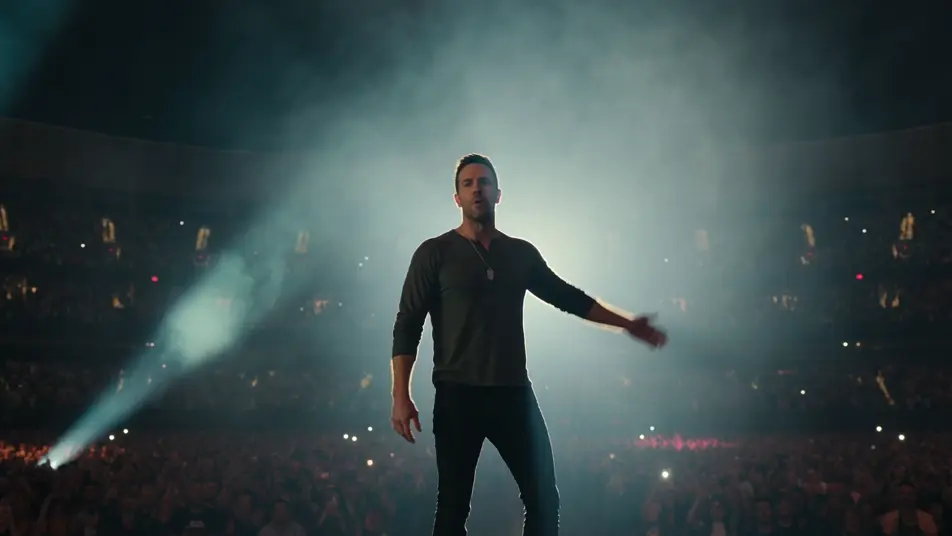
مضيف من طاقم السفينة مؤطّر في لقطة متوسطة، مُدرَج على جسر سفينة فضاء خيال علمي بلوحات تحكّم متوهّجة ونافذة تطل على حقل نجوم، ضوء أزرق بارد، ولقطة ثابتة مغلقة.
تعديل الأمر النصي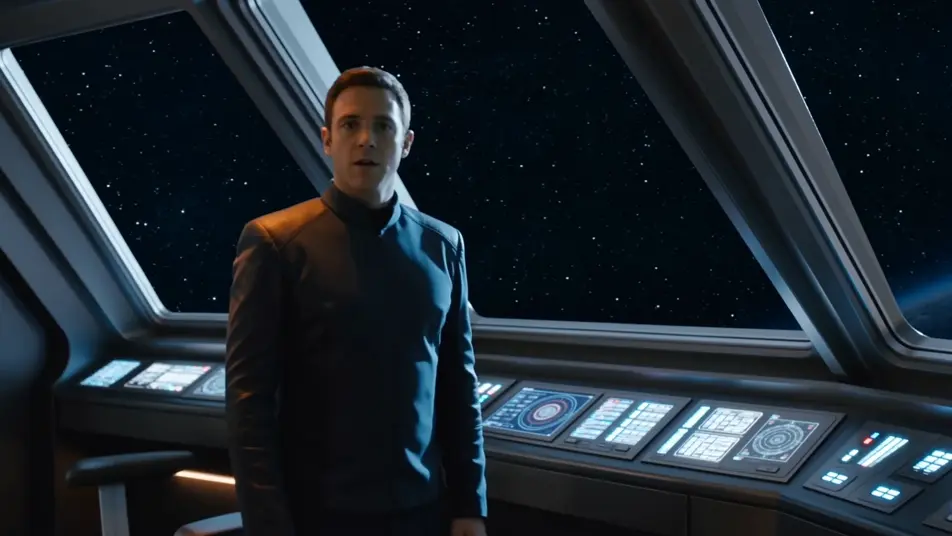
اكتب مشهد green screen الذي تريده، بكلمات بسيطة.
ينشئ Morphic مقطعا سينمائيا جاهزا للإطارات على لوحتك خلال ثوانٍ.
عدّل الأمر النصي، وأعد إنشاء التنويعات، ثم نزّل اللقطة أو شاركها.

Dramatize any text conversation into a cinematic multi-shot video.
Cinematic time-freeze short film for any scene

Generate a professional film title card from scratch, with optional cinematic animation.
Photo of any real-estate becomes a cinematic renovation timelapse video with construction SFX and music.
One image to a 9-scene cinematic video.
Drop in a photo of yourself. Get a 12-second cinematic movie with animation and a matched soundtrack.
فيديوهات المؤثرات البصرية بالذكاء الاصطناعي
أنشئ فيديوهات مؤثرات بصرية بالذكاء الاصطناعي مع Morphic. انفجارات، طاقة، دمار مستقبلي، وجسيمات من موجّه واحد دون شاشة خضراء.
فيديوهات POV بالذكاء الاصطناعي
أنشئ فيديوهات POV بالذكاء الاصطناعي مع Morphic. صوّر مشاهد بمنظور الشخص الأول، لحظات حركة وحياة يومية عند مستوى العين، بلا خبرة مونتاج.
أفلام قصيرة بالذكاء الاصطناعي
اصنع أفلامًا قصيرة بالذكاء الاصطناعي مع Morphic. خطّط القصة، وحافظ على ثبات الشخصيات، وأخرج كل مشهد، وألّف الموسيقى خطوة بخطوة دون خبرة مونتاج.
فيديوهات المورف بالذكاء الاصطناعي
اكتب التحوّل بالعربية واحصل على مقطع مورف جاهز: تبدّل وجوه، وتحوّل أجسام، وتقدّم في العمر، وقطعات على إيقاع الأغنية. للمقاطع الرأسية والريلز.
ابدأ مجاناً اليوم، مع إمكانية الترقية أو الإلغاء في أي وقت.
Basic
2400 شهرياً أرصدة
1 مستخدم فقط
جميع النماذج
Workflows
Standard
3625 شهرياً أرصدة
1 مستخدم فقط
جميع النماذج
Workflows
Pro
6350 مشترك شهرياً أرصدة
1 مستخدم
جميع النماذج
Workflows
Max
24650 مشترك شهرياً أرصدة
1 مستخدم
جميع النماذج
Workflows
Enterprise
لحدود أعلى
مخصص
شروط الأسعار والفوترة

Free
للتجربة والاستكشاف
$0
مجاني إلى الأبد