مشي POV في مدينة مبللة بالمطر
مشي بمنظور الشخص الأول عند مستوى العين على رصيف لامع بعد المطر، وحافة مظلة في أعلى الإطار، وأضواء السيارات وواجهات المحال تنعكس على البلاط، وانزلاق هادئ إلى الأمام في الشارع المبلل.
تعديل الأمر النصي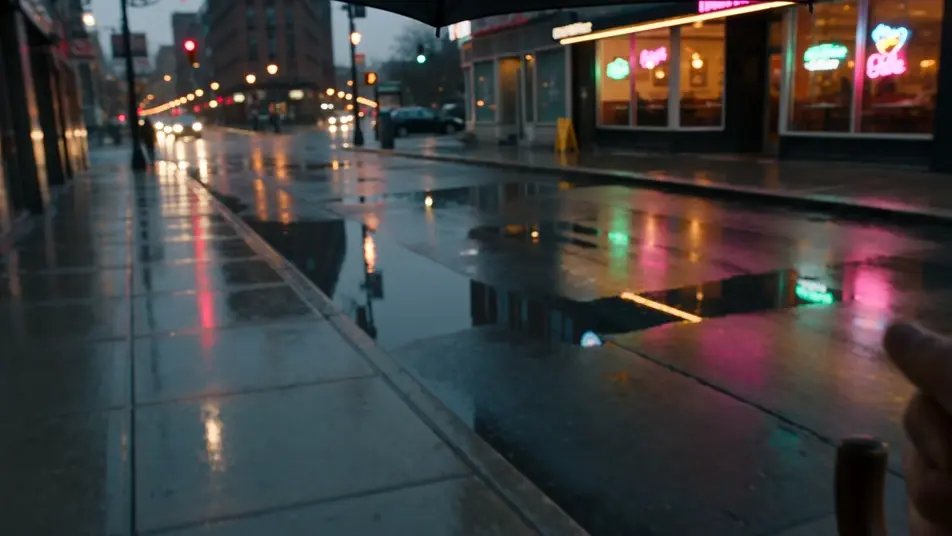
صوّر لحظاتك بمنظور الشخص الأول مباشرة من متصفحك مع مولّد فيديوهات POV بالذكاء الاصطناعي من Morphic. أنشئ يدين تفتحان أوراق غابة كثيفة أو دراجة نارية تتسلل بين أضواء المدينة الملونة، وثبّت الكاميرا عند مستوى العين مع سير عمل POV Scene Generator، ثم اجمع تسلسل POV كاملاً على Canvas.
مشي بمنظور الشخص الأول عند مستوى العين على رصيف لامع بعد المطر، وحافة مظلة في أعلى الإطار، وأضواء السيارات وواجهات المحال تنعكس على البلاط، وانزلاق هادئ إلى الأمام في الشارع المبلل.
تعديل الأمر النصيمنظور الشخص الأول من خلف مقود سيارة مكشوفة على طريق صحراوي خالٍ، ويدان مستقرتان على المقود، وارتجاج الحرارة على الإسفلت، وهضاب حمراء تنزلق تحت سماء بعد الظهر الواسعة.
تعديل الأمر النصي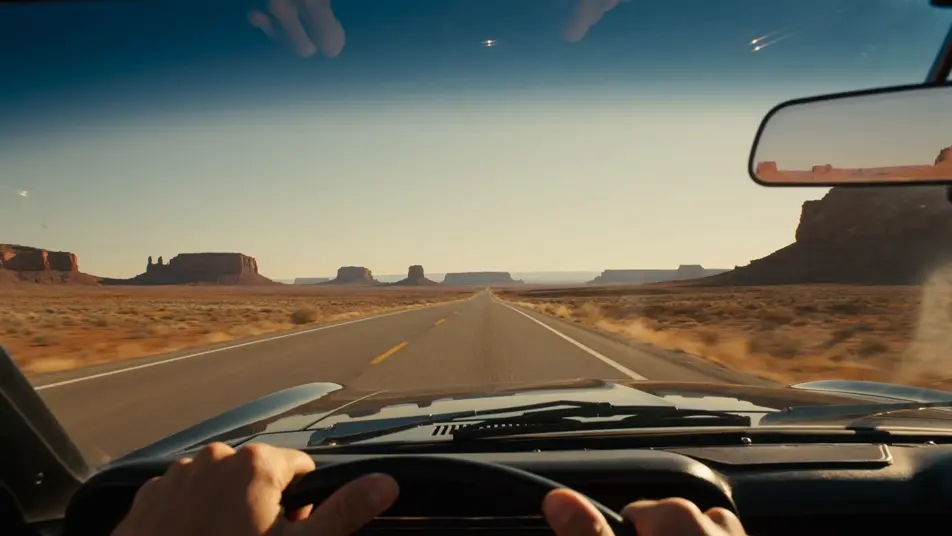
تسلّق بمنظور الشخص الأول يصل إلى حافة تلة بينما ترتفع الكاميرا لتكشف سلسلة جبال شاسعة مغطاة بالثلج، ويدان بقفازات تمسكان عصا التسلق، وريح باردة، ومسح بطيء عند مستوى العين عبر القمم.
تعديل الأمر النصي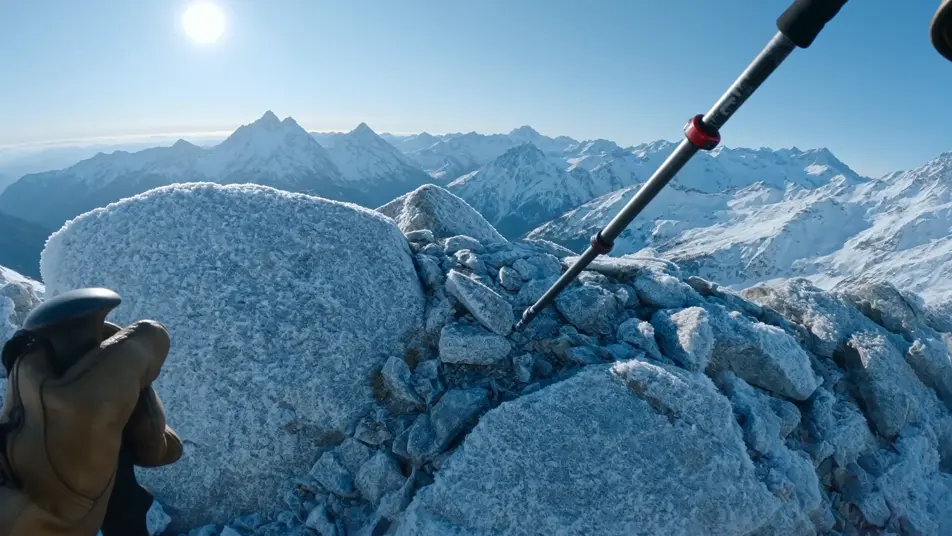
لحظة حياة يومية بمنظور الشخص الأول في مطبخ شقة مضاءة بالشمس، ويدان تفتحان نافذة وتصبّان القهوة من الإبريق في كوب بانتظار، وشمس دافئة منخفضة، ومسح هادئ عند مستوى العين عبر المنضدة.
تعديل الأمر النصي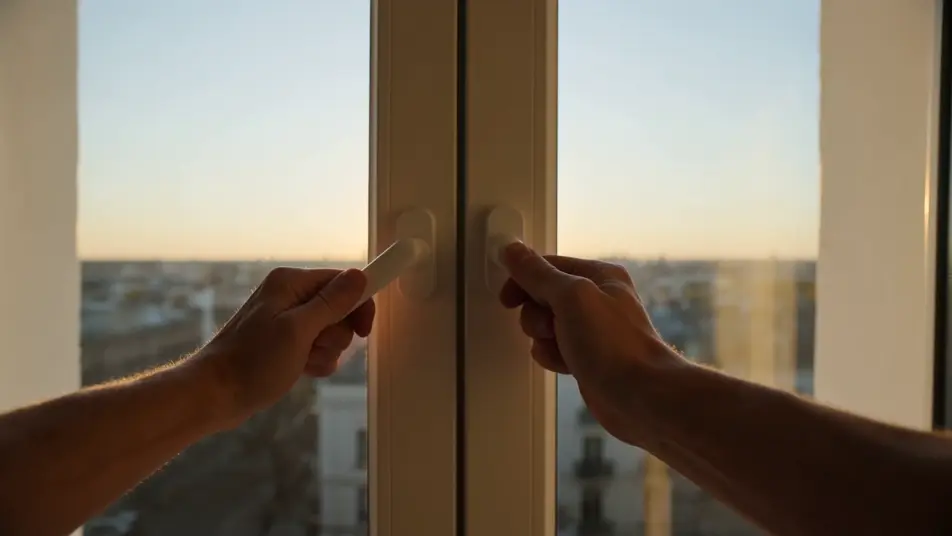
اكتب مشهد POV الذي تريده، بكلمات بسيطة.
ينشئ Morphic مقطعا سينمائيا جاهزا للإطارات على لوحتك خلال ثوانٍ.
عدّل الأمر النصي، وأعد إنشاء التنويعات، ثم نزّل اللقطة أو شاركها.

Describe a first-person scenario. Get sequential POV frames animated into video clips with audio.
One image to a 9-scene cinematic video.

Share a scene description with character references. Get a full storyboard with shot angles and mood.
Continues your scene sequence with perfect character consistency across frames.
Restyle any video in a completely new visual style. Every frame transforms, all motion stays intact.
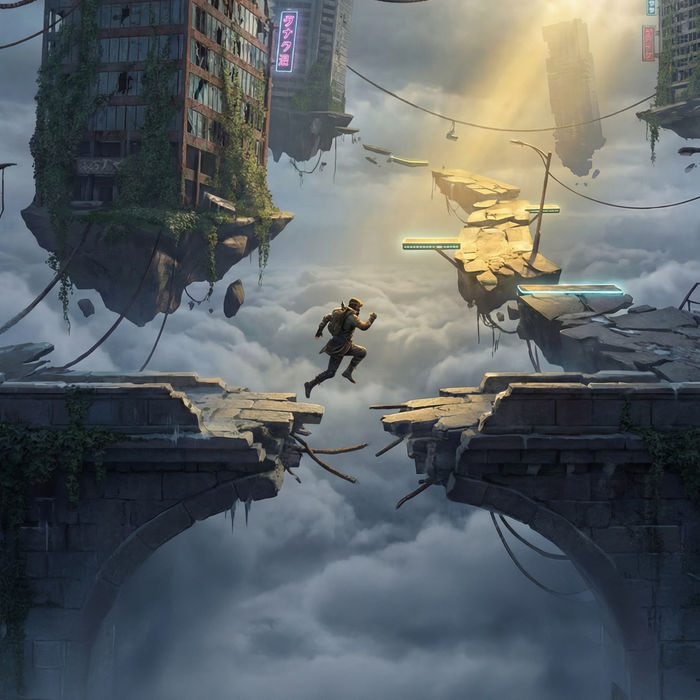
Describe a game level. Get environment concept art across multiple conditions.
فيديوهات المؤثرات البصرية بالذكاء الاصطناعي
أنشئ فيديوهات مؤثرات بصرية بالذكاء الاصطناعي مع Morphic. انفجارات، طاقة، دمار مستقبلي، وجسيمات من موجّه واحد دون شاشة خضراء.
أفلام قصيرة بالذكاء الاصطناعي
اصنع أفلامًا قصيرة بالذكاء الاصطناعي مع Morphic. خطّط القصة، وحافظ على ثبات الشخصيات، وأخرج كل مشهد، وألّف الموسيقى خطوة بخطوة دون خبرة مونتاج.
فيديوهات الشاشة الخضراء بالذكاء الاصطناعي
أنشئ فيديوهات الشاشة الخضراء بالذكاء الاصطناعي مع Morphic. استبدل أي خلفية، وبدّل المشاهد فورًا، وضع المقدّم في أي مكان. بلا شاشة فعلية وبلا برمجيات فصل الألوان.
فيديوهات أنمي إيسيكاي بالذكاء الاصطناعي
أنشئ مشاهد إيسيكاي مع Morphic: دائرة استدعاء، وشاشة حالة، وتشكيل فرقة، ومواجهة الزعيم الأخير، بحوار عربي وموسيقى، من وصف نصي واحد.
ابدأ مجاناً اليوم، مع إمكانية الترقية أو الإلغاء في أي وقت.
Basic
2400 شهرياً أرصدة
1 مستخدم فقط
جميع النماذج
Workflows
Standard
3625 شهرياً أرصدة
1 مستخدم فقط
جميع النماذج
Workflows
Pro
6350 مشترك شهرياً أرصدة
1 مستخدم
جميع النماذج
Workflows
Max
24650 مشترك شهرياً أرصدة
1 مستخدم
جميع النماذج
Workflows
Enterprise
لحدود أعلى
مخصص
شروط الأسعار والفوترة

Free
للتجربة والاستكشاف
$0
مجاني إلى الأبد