صوت يصل قبل المتحدّث
لقطة ثابتة لمدخل فارغ في بهو مضاء بنعومة بينما تتسلّل تحية دافئة من خارج الإطار، ثم قطع نظيف إلى الزائر في منتصف جملته في الخارج نهارًا. الحوار يقود الصورة بلحظة كاملة.
تعديل الأمر النصي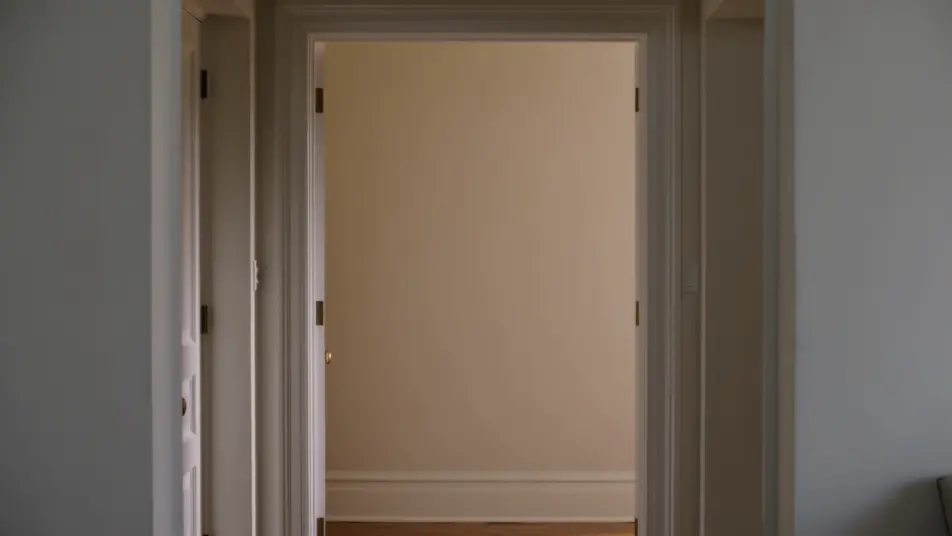
وجّه قطع J وقطع L التي يقودها الصوت داخل متصفحك مع مولّد فيديو قطع J وقطع L بالذكاء الاصطناعي من Morphic. أنشئ هاتفًا يرنّ قبل أن نرى المتّصل، أو حديثًا يمتدّ إلى الشارع في الخارج. اجسر اللقطتين بأداتي Speech وMusic، ثم ركّب المشهد على Canvas.
لقطة ثابتة لمدخل فارغ في بهو مضاء بنعومة بينما تتسلّل تحية دافئة من خارج الإطار، ثم قطع نظيف إلى الزائر في منتصف جملته في الخارج نهارًا. الحوار يقود الصورة بلحظة كاملة.
تعديل الأمر النصيسوق مفتوح مزدحم عند الغروب يقطع إلى داخل شقّة هادئة في ظلّ بارد، بينما تستمرّ ثرثرة السوق وضجيجه لثوانٍ بعد القطع. تأطير ثابت على النصفين.
تعديل الأمر النصي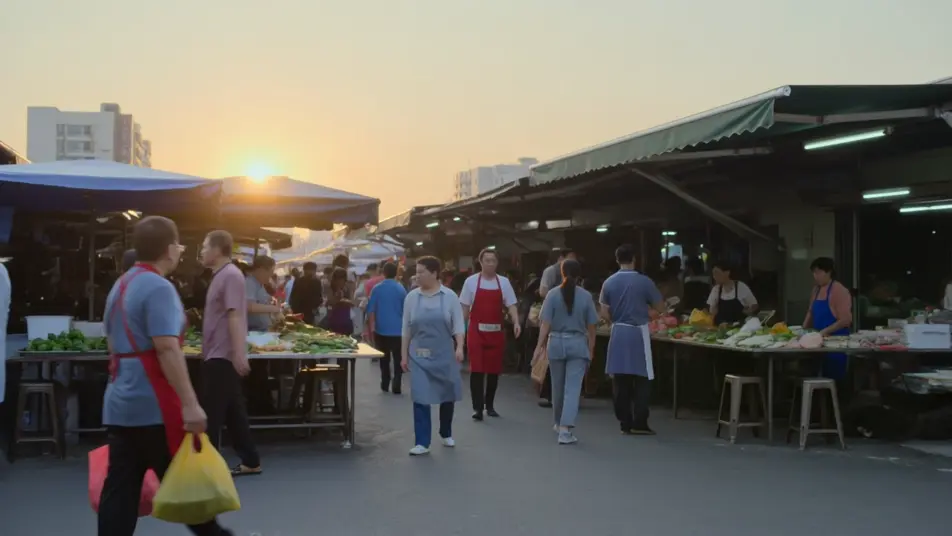
شخص وحيد يمشي شارعًا ليليًا مبلّلًا بالمطر نحو أضواء مكان دافئة بينما تتصاعد الموسيقى الحيّة مبكّرًا، ثم قطع إلى المسرح المتوهّج بينما يحطّ المقطع نفسه على لازمته. متابعة تتبّع بطيئة نحو كشف واسع.
تعديل الأمر النصي
لقطة ثنائية قريبة على طاولة مطبخ في ضوء نافذة ناعم حيث ينهي شخص سطرًا رقيقًا، ثم قطع إلى المستمع وحده بينما تظلّ الكلمات الأخيرة ترنّ على الصوت. عمق ميدان ضحل، دفعة لطيفة للأمام.
تعديل الأمر النصي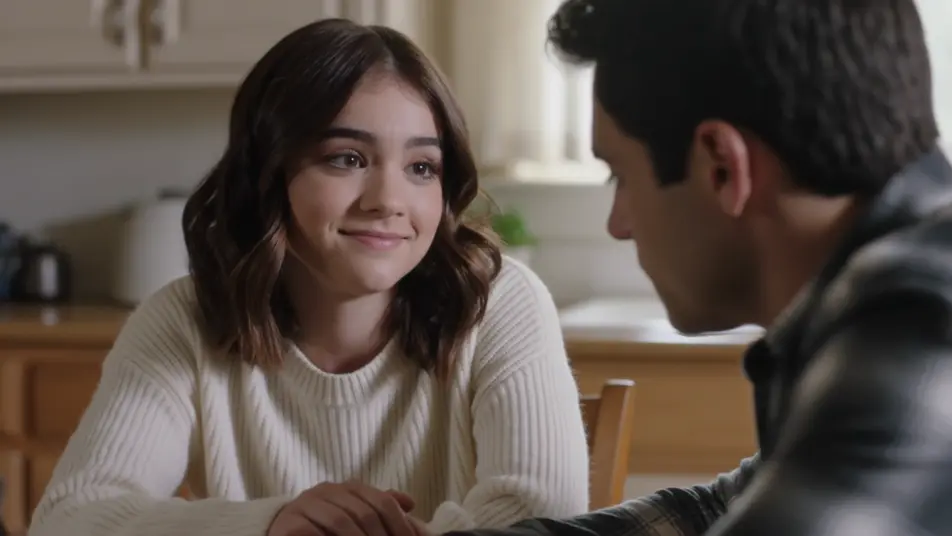
اكتب مشهد قطع J وقطع L الذي تريده، بكلمات بسيطة.
ينشئ Morphic مقطعا سينمائيا جاهزا للإطارات على لوحتك خلال ثوانٍ.
عدّل الأمر النصي، وأعد إنشاء التنويعات، ثم نزّل اللقطة أو شاركها.

Dramatize any text conversation into a cinematic multi-shot video.
Cinematic time-freeze short film for any scene

Generate a professional film title card from scratch, with optional cinematic animation.
Photo of any real-estate becomes a cinematic renovation timelapse video with construction SFX and music.
One image to a 9-scene cinematic video.
Drop in a photo of yourself. Get a 12-second cinematic movie with animation and a matched soundtrack.
فيديوهات cross dissolve بالذكاء الاصطناعي
ولّد فيديوهات cross dissolve بالذكاء الاصطناعي مع Morphic. تلاشٍ ناعم بين اللقطات وتداخلات حالمة وانتقالات مرور الزمن موقّتة مع الموسيقى تعمل ببساطة.
فيديوهات القطع المفاجئ بالذكاء الاصطناعي
أنشئ فيديوهات القطع المفاجئ بالذكاء الاصطناعي مع Morphic. صدمات من الصخب إلى الهدوء، ومن الهدوء إلى الصخب، بمشاهد متزامنة مع الإيقاع تعمل فورًا.
فيديوهات المؤثرات البصرية بالذكاء الاصطناعي
أنشئ فيديوهات مؤثرات بصرية بالذكاء الاصطناعي مع Morphic. انفجارات، طاقة، دمار مستقبلي، وجسيمات من موجّه واحد دون شاشة خضراء.
فيديوهات المورف بالذكاء الاصطناعي
اكتب التحوّل بالعربية واحصل على مقطع مورف جاهز: تبدّل وجوه، وتحوّل أجسام، وتقدّم في العمر، وقطعات على إيقاع الأغنية. للمقاطع الرأسية والريلز.
ابدأ مجاناً اليوم، مع إمكانية الترقية أو الإلغاء في أي وقت.
Basic
2400 شهرياً أرصدة
1 مستخدم فقط
جميع النماذج
Workflows
Standard
3625 شهرياً أرصدة
1 مستخدم فقط
جميع النماذج
Workflows
Pro
6350 مشترك شهرياً أرصدة
1 مستخدم
جميع النماذج
Workflows
Max
24650 مشترك شهرياً أرصدة
1 مستخدم
جميع النماذج
Workflows
Enterprise
لحدود أعلى
مخصص
شروط الأسعار والفوترة

Free
للتجربة والاستكشاف
$0
مجاني إلى الأبد