مسرح الأداء
لون واحد مشبع يغرق المسرح كله. يلتقط الضباب الإضاءة الخلفية الصلبة فتظهر الأشعّة نفسها في الهواء وتكنس المكان على إيقاع المونتاج. المؤدّي في المركز ولا شيء ينافسه على الانتباه.
تعديل الأمر النصي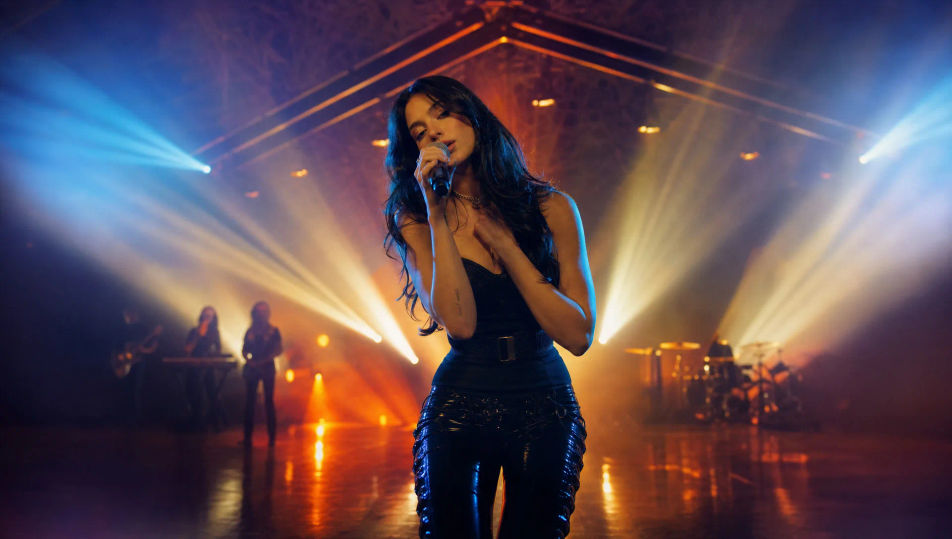
الكليب الذي تسمعه في رأسك يمكن أن يخرج من متصفحك اليوم. مع مولّد فيديو كليب بالذكاء الاصطناعي من Morphic تبني مسرحاً غارقاً في اللون، ثم لقطة سردية بين المقطعين، ثم مشية واحدة في ممرّ طويل بلا قطع. ألّف اللحن بأداة Music، وسجّل المقدّمة بأداة Speech، واجمع اللقطات على Canvas. الطريق نفسه يخدم أغنية خليجية كاملة أو مقطعاً رأسياً واحداً للريلز.
لون واحد مشبع يغرق المسرح كله. يلتقط الضباب الإضاءة الخلفية الصلبة فتظهر الأشعّة نفسها في الهواء وتكنس المكان على إيقاع المونتاج. المؤدّي في المركز ولا شيء ينافسه على الانتباه.
تعديل الأمر النصيمشهد قصصي بعيد عن المسرح، مضاء للمزاج وحده. شخصية في منتصف لحظتها، ولا نعرف ما قبلها ولا ما بعدها. هذه اللقطة هي ما يربط المقاطع الغنائية ويمنح الأغنية حكاية تُتابَع.
تعديل الأمر النصي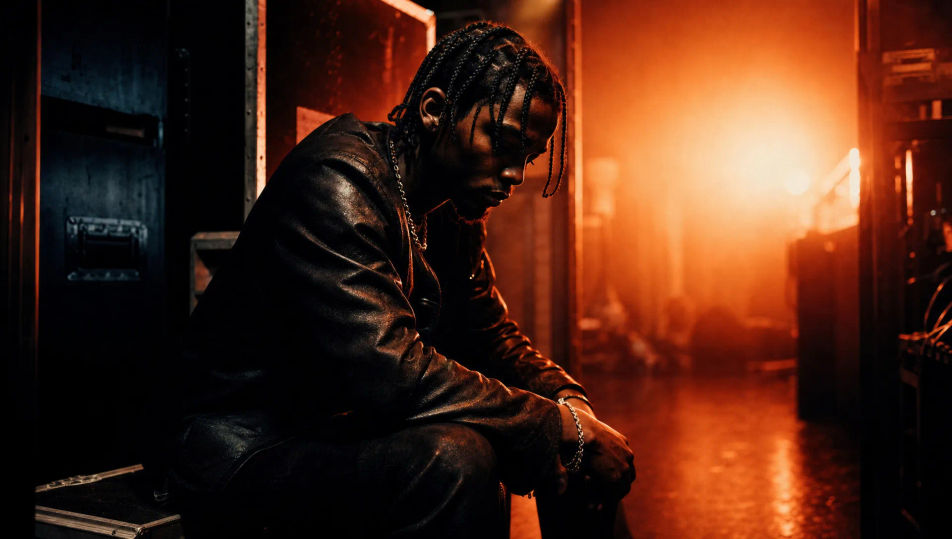
موقع مبنيّ من أنابيب ضوء وقطع هندسية بسيطة. يقف المؤدّي بين الأرجواني والأزرق، وتردّ الأرضية اللامعة صورته مقلوبة تحته. تكوين واضح يحتمل لقطة واحدة طويلة دون أن يملّ المشاهد.
تعديل الأمر النصي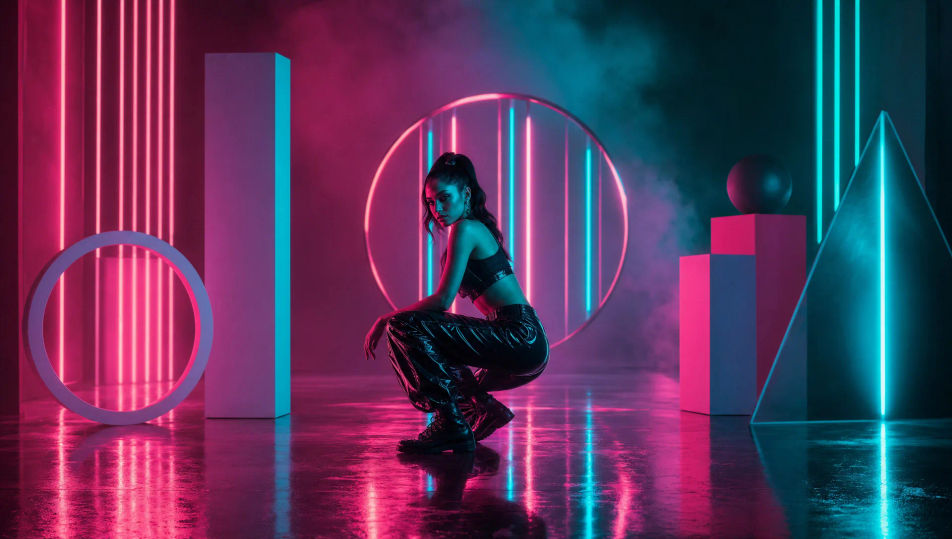
لقطة واحدة لا تنقطع تتبع الفنان في ممرّ طويل. يتبدّل العالم على الجانبين مع كل خطوة، ويتغيّر لون الضوء قبل أن ينتبه المشاهد إلى ذلك. تصلح افتتاحية للكليب كله.
تعديل الأمر النصي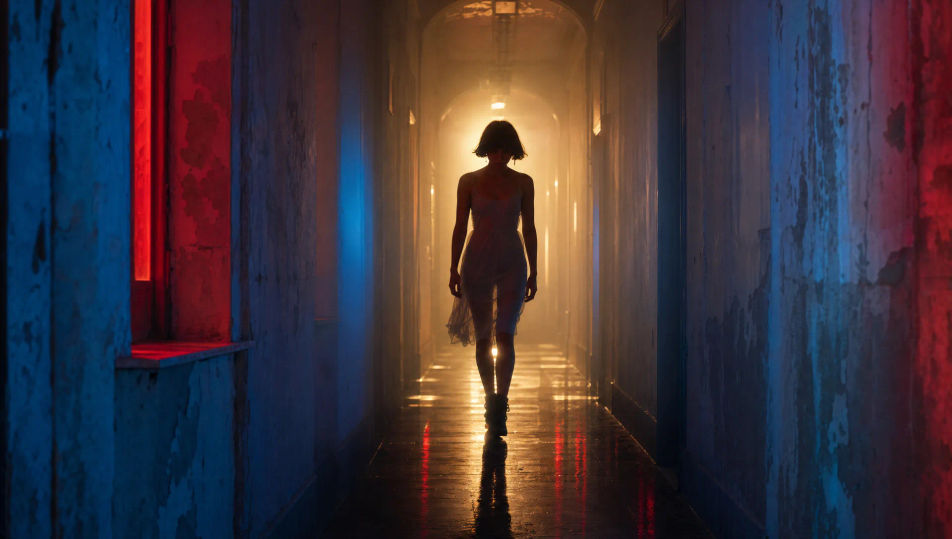
اكتب مشهد فيديو كليب الذي تريده، بكلمات بسيطة.
ينشئ Morphic مقطعا سينمائيا جاهزا للإطارات على لوحتك خلال ثوانٍ.
عدّل الأمر النصي، وأعد إنشاء التنويعات، ثم نزّل اللقطة أو شاركها.
Cinematic time-freeze short film for any scene

Dramatize any text conversation into a cinematic multi-shot video.
One image to a 9-scene cinematic video.
Drop in a photo of yourself. Get a 12-second cinematic movie with animation and a matched soundtrack.

Share a scene description with character references. Get a full storyboard with shot angles and mood.

Feed in a single image. Get 9 cinematic beats laid out as a 3x3 storyboard grid.
مقاطع دعائية بالذكاء الاصطناعي
أنشئ مقاطع دعائية بالذكاء الاصطناعي مع Morphic. افتتاحيات هادئة، ومونتاج متصاعد، وظهور بطاقة العنوان، من وصف نصي بسيط دون محرّر.
فيديوهات الثمانينيات بالذكاء الاصطناعي
أنشئ فيديوهات الثمانينيات على Morphic. شبكات نيون وآفاق synthwave ومراكز تسوّق وصالات ألعاب ومشاهد بنسيج VHS من مطالبات بلغة بسيطة، دون الحاجة إلى برنامج.
فيديوهات cyberpunk بالذكاء الاصطناعي
ولّد فيديوهات cyberpunk على Morphic. شوارع مدينة نيونية عملاقة، وشخصيات مُحوَّرة جسديًا، ومشاهد خيال علمي مبلّلة بالمطر من مطالبات بلغة بسيطة.
فيديوهات ريترو بالذكاء الاصطناعي
ولّد فيديوهات ريترو على Morphic. حبيبات فيلم وألوان باهتة وتفاصيل حقبة ومشاهد حنين من السبعينات إلى التسعينات بالذكاء الاصطناعي.
ابدأ مجاناً اليوم، مع إمكانية الترقية أو الإلغاء في أي وقت.
Basic
2400 شهرياً أرصدة
1 مستخدم فقط
جميع النماذج
Workflows
Standard
3625 شهرياً أرصدة
1 مستخدم فقط
جميع النماذج
Workflows
Pro
6350 مشترك شهرياً أرصدة
1 مستخدم
جميع النماذج
Workflows
Max
24650 مشترك شهرياً أرصدة
1 مستخدم
جميع النماذج
Workflows
Enterprise
لحدود أعلى
مخصص
شروط الأسعار والفوترة

Free
للتجربة والاستكشاف
$0
مجاني إلى الأبد