الافتتاحية الهادئة
لقطة افتتاحية هادئة مضبوطة تُرسي النبرة قبل أن يحدث أي شيء، شخص وحيد أو منظر ساكن، تقريب بطيء صبور.
تعديل الأمر النصي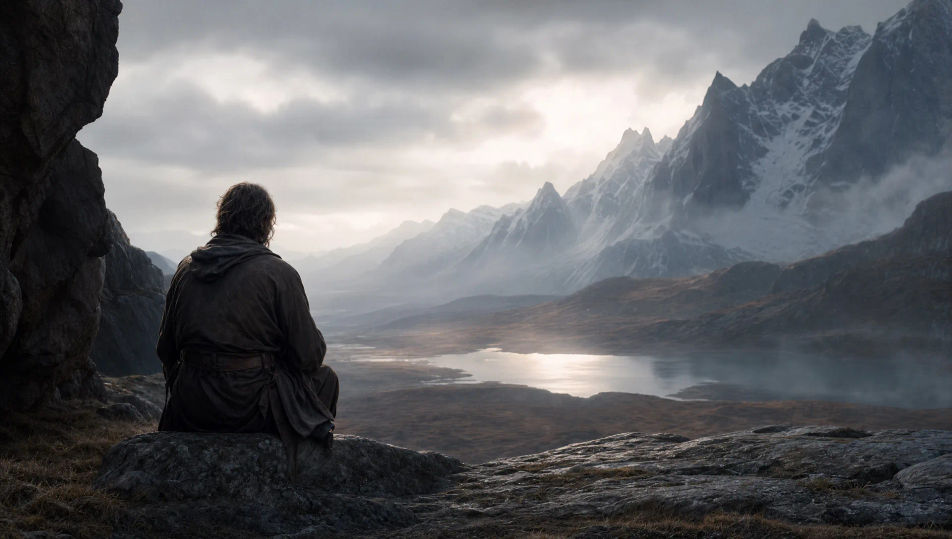
أخرِج مقاطعك الدعائية داخل متصفحك مع مولّد المقاطع الدعائية بالذكاء الاصطناعي من Morphic. ابنِ المقطع من افتتاحية هادئة، أو مونتاج متصاعد، أو ظهور بطاقة عنوان بقطع حاد إلى السواد. ضع التعليق الصوتي فوق موسيقى متصاعدة بأداتي Speech وMusic، ثم اجمع اللحظات في مقطع دعائي مكتمل على Canvas.
لقطة افتتاحية هادئة مضبوطة تُرسي النبرة قبل أن يحدث أي شيء، شخص وحيد أو منظر ساكن، تقريب بطيء صبور.
تعديل الأمر النصياللحظة التي تنعطف فيها القصة، اكتشاف أو وصول أو تهديد، مؤطّرة بوضوح لتصل فكرة المقطع الدعائي في لقطة واحدة.
تعديل الأمر النصي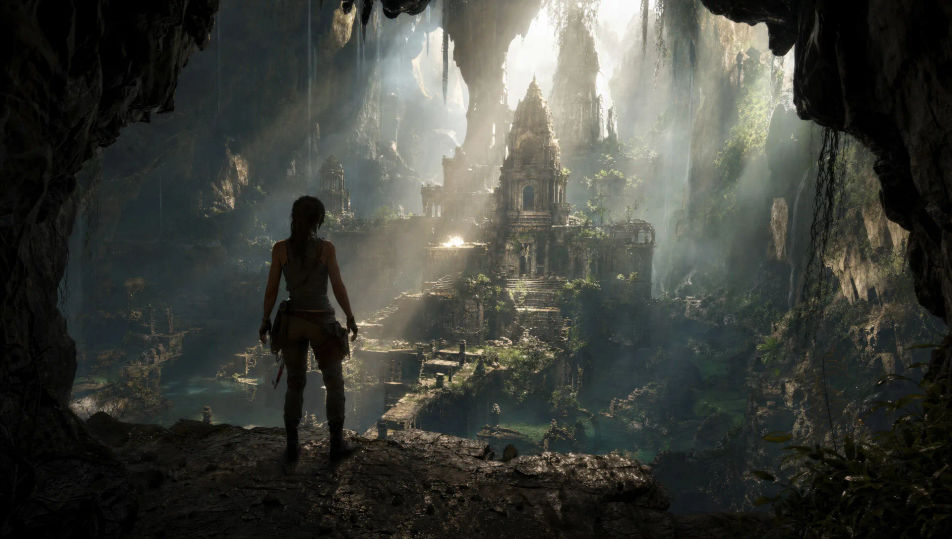
سلسلة لقطات سريعة متصاعدة، حركة ومخاطر ومشهد يتصاعد في الحدّة، كل قطع أضيق من سابقه نحو الذروة.
تعديل الأمر النصي
قطع حاد إلى إطار درامي نظيف مصمّم ليحمل العنوان، فراغ سلبي عميق، مصدر ضوء واحد قوي، صمت موحى قبله.
تعديل الأمر النصي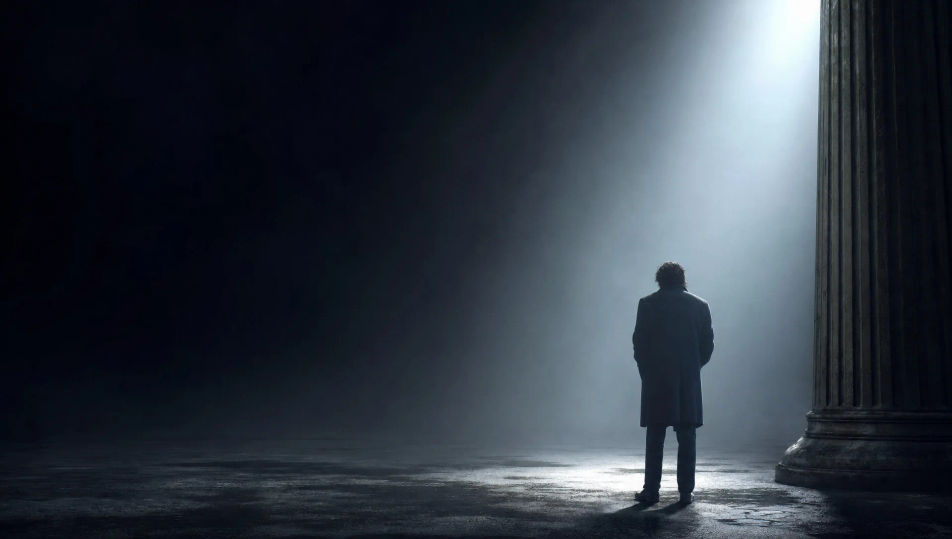
اكتب مشهد مقطع دعائي الذي تريده، بكلمات بسيطة.
ينشئ Morphic مقطعا سينمائيا جاهزا للإطارات على لوحتك خلال ثوانٍ.
عدّل الأمر النصي، وأعد إنشاء التنويعات، ثم نزّل اللقطة أو شاركها.
Cinematic time-freeze short film for any scene

Dramatize any text conversation into a cinematic multi-shot video.
One image to a 9-scene cinematic video.
Drop in a photo of yourself. Get a 12-second cinematic movie with animation and a matched soundtrack.

Share a scene description with character references. Get a full storyboard with shot angles and mood.

Feed in a single image. Get 9 cinematic beats laid out as a 3x3 storyboard grid.
فيديو كليب بالذكاء الاصطناعي
أنشئ مشاهد كليب كاملة من وصف بالعربية: مسرح أداء، لقطة سردية، تصوير خارجي عند الغروب. رتّبها على إيقاع الأغنية بلا برنامج مونتاج.
فيديوهات الخيال العلمي بالذكاء الاصطناعي
ولّد فيديوهات خيال علمي على Morphic بالذكاء الاصطناعي. سفن فضاء وعوالم غريبة ومحطات فضائية ومشاهد مستقبل بعيد من موجّهات بلغة بسيطة، دون أي برنامج.
فيديوهات الفانتازيا بالذكاء الاصطناعي
أنشئ فيديوهات فانتازيا على Morphic. قلاع، وتنانين، وغابات مسحورة، ومشاهد معارك ملحمية من أوامر بلغة بسيطة، دون الحاجة إلى أي برامج.
فيديوهات الأبطال الخارقين بالذكاء الاصطناعي
أنشئ فيديوهات الأبطال الخارقين بالذكاء الاصطناعي مع Morphic. مشاهد هبوط، إنقاذ جوي، ومواجهات حاسمة من موجّهات نصية بسيطة.
ابدأ مجاناً اليوم، مع إمكانية الترقية أو الإلغاء في أي وقت.
Basic
2400 شهرياً أرصدة
1 مستخدم فقط
جميع النماذج
Workflows
Standard
3625 شهرياً أرصدة
1 مستخدم فقط
جميع النماذج
Workflows
Pro
6350 مشترك شهرياً أرصدة
1 مستخدم
جميع النماذج
Workflows
Max
24650 مشترك شهرياً أرصدة
1 مستخدم
جميع النماذج
Workflows
Enterprise
لحدود أعلى
مخصص
شروط الأسعار والفوترة

Free
للتجربة والاستكشاف
$0
مجاني إلى الأبد