الافتتاحية والمونولوج
مسرح استوديو مشرق حيث يمرّ مشهد كوميدي سريع قبل أن يتقدّم المقدّم إلى العلامة تحت ضوء دافئ. تستقرّ الكاميرا على لقطة متوسّطة نظيفة بينما يخاطب المونولوج الحشد الضاحك.
تعديل الأمر النصي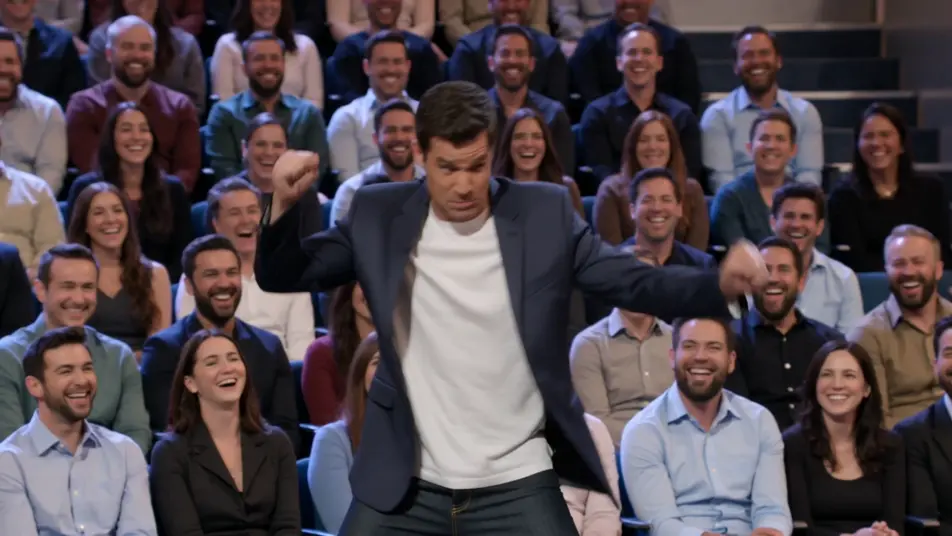
أخرِج مقطع برنامج حواري داخل متصفحك مع مولّد مقاطع البرامج الحوارية بالذكاء الاصطناعي من Morphic. ولّد مونولوج مقدّم تحت ضوء مسرح دافئ، أو لقطة ثنائية لمقابلة مكتبية مع ضيف يضحك. أدِّ صوت المقدّم بأداة Speech ولحّنها بأداة Music، ثم جمّع المقطع على Canvas.
مسرح استوديو مشرق حيث يمرّ مشهد كوميدي سريع قبل أن يتقدّم المقدّم إلى العلامة تحت ضوء دافئ. تستقرّ الكاميرا على لقطة متوسّطة نظيفة بينما يخاطب المونولوج الحشد الضاحك.
تعديل الأمر النصيمكتب دافئ أمام خلفية مدينة متوهّجة حيث يتبادل المقدّم والضيف قصة في منتصف المقطع. اقتراب بطيء يضيّق على اللقطة الثنائية بينما يتصاعد الحوار، ولقطات جمهور تكسر الإيقاع.
تعديل الأمر النصي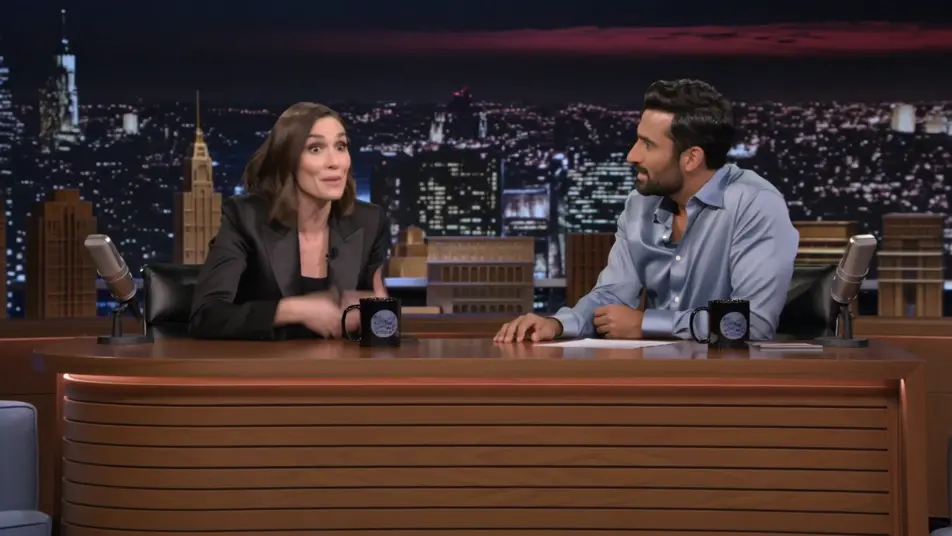
أريكة مريحة بعدّة ضيوف تحت ضوء استوديو متساوٍ حيث يرتدّ الحديث بين الأشخاص. عربة كاميرا جانبية تنساب عبر المجموعة بينما يملأ الضحك المتداخل والحوار المتقاطع الإطار.
تعديل الأمر النصي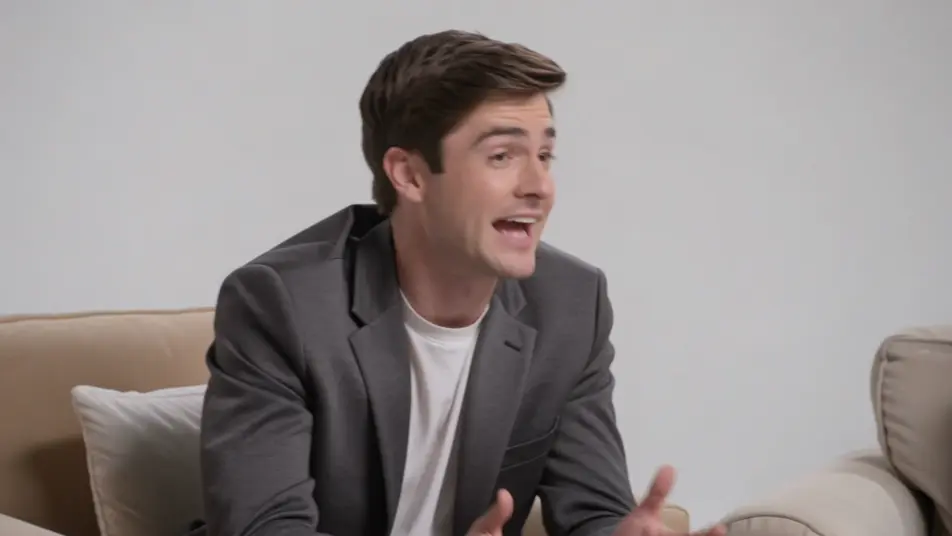
مسرح ضبابي يغمره ضوء ملوّن حيث تؤدّي فقرة موسيقية لتختم الحلقة. حركة رافعة كاسحة تعبر الفرقة والحشد بينما ترتفع الطاقة نحو الخاتمة.
تعديل الأمر النصي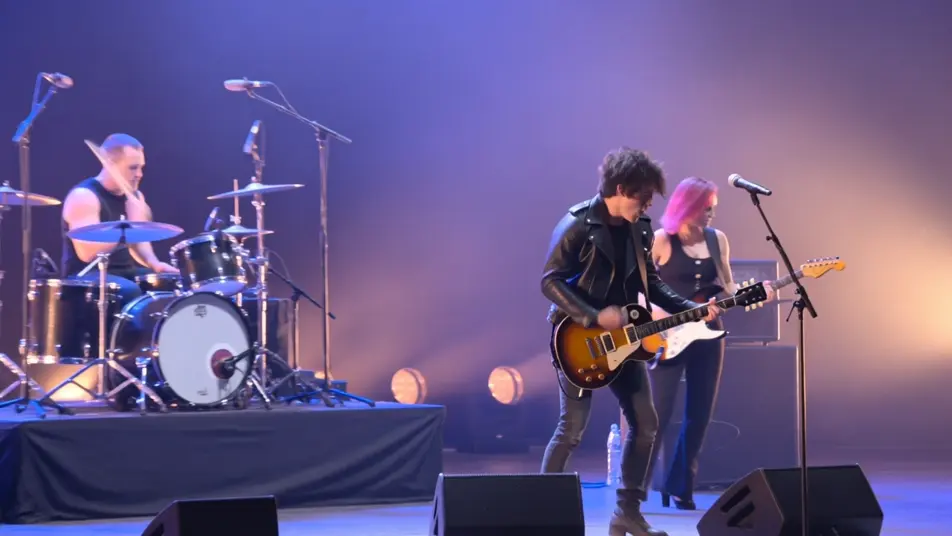
اكتب مشهد مقطع برنامج حواري الذي تريده، بكلمات بسيطة.
ينشئ Morphic مقطعا سينمائيا جاهزا للإطارات على لوحتك خلال ثوانٍ.
عدّل الأمر النصي، وأعد إنشاء التنويعات، ثم نزّل اللقطة أو شاركها.

Dramatize any text conversation into a cinematic multi-shot video.
Cinematic time-freeze short film for any scene

Generate a professional film title card from scratch, with optional cinematic animation.
Photo of any real-estate becomes a cinematic renovation timelapse video with construction SFX and music.
One image to a 9-scene cinematic video.
Drop in a photo of yourself. Get a 12-second cinematic movie with animation and a matched soundtrack.
فيديوهات المقابلات بالذكاء الاصطناعي
أنشئ فيديوهات مقابلات بالذكاء الاصطناعي مع Morphic. لقطات وجه متحدّث، ولقطتان، ولقطات تكميلية، وإعدادات من فوق الكتف بصوت طبيعي وخلفية هادئة.
مقاطع فيديو برامج المسابقات بالذكاء الاصطناعي
أنشئ مقاطع فيديو برامج مسابقات بالذكاء الاصطناعي مع Morphic. دخول المقدّم، وصفّ المتسابقين، ولحظات الجرس، وكشف الجوائز، بمعلّق مدوٍّ وموسيقى افتتاحية مشرقة.
فيديوهات الشاشة الخضراء بالذكاء الاصطناعي
أنشئ فيديوهات الشاشة الخضراء بالذكاء الاصطناعي مع Morphic. استبدل أي خلفية، وبدّل المشاهد فورًا، وضع المقدّم في أي مكان. بلا شاشة فعلية وبلا برمجيات فصل الألوان.
فيديوهات كلمات الأغاني بالذكاء الاصطناعي
اصنع فيديوهات كلمات الأغاني مع Morphic. كتابة حركية، وخط يد فوق لقطات ممطرة، ونصوص نيونية، وخلفيات تركّب فوقها كلماتك وتضبطها على إيقاع أغنيتك.
ابدأ مجاناً اليوم، مع إمكانية الترقية أو الإلغاء في أي وقت.
Basic
2400 شهرياً أرصدة
1 مستخدم فقط
جميع النماذج
Workflows
Standard
3625 شهرياً أرصدة
1 مستخدم فقط
جميع النماذج
Workflows
Pro
6350 مشترك شهرياً أرصدة
1 مستخدم
جميع النماذج
Workflows
Max
24650 مشترك شهرياً أرصدة
1 مستخدم
جميع النماذج
Workflows
Enterprise
لحدود أعلى
مخصص
شروط الأسعار والفوترة

Free
للتجربة والاستكشاف
$0
مجاني إلى الأبد