Top caption layout
A banana centred in frame with a wide blank band across the top of the image, clean flat backdrop, room for bold caption text.
Editar prompt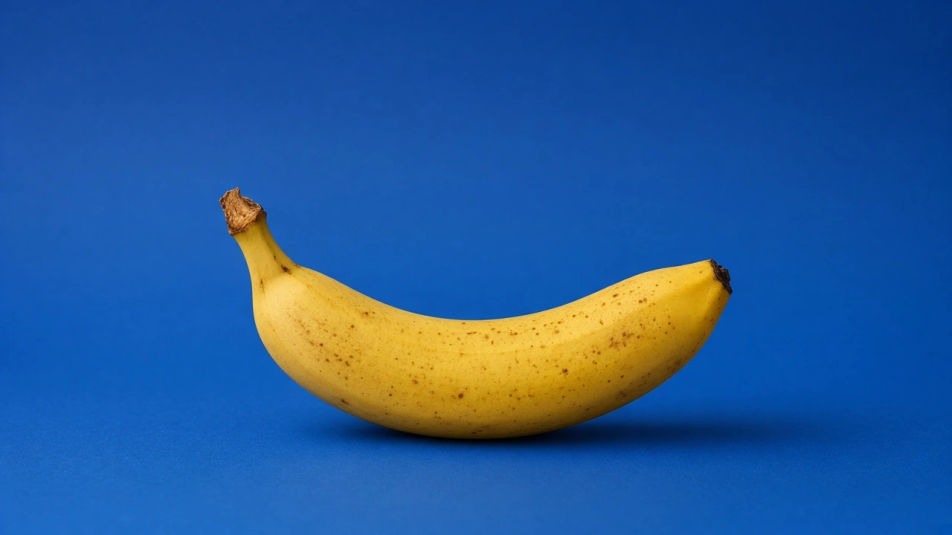
Make a banana meme in Morphic's Image tool by describing the scene and the joke, then generating a few versions so you can pick the one that actually lands. Set the art style, the expression, the caption space, and the crop, then download the picture ready to post.
A banana centred in frame with a wide blank band across the top of the image, clean flat backdrop, room for bold caption text.
Editar promptTwo panels side by side, the same cartoon banana calm on the left and wide-eyed on the right, matched lighting and palette.
Editar prompt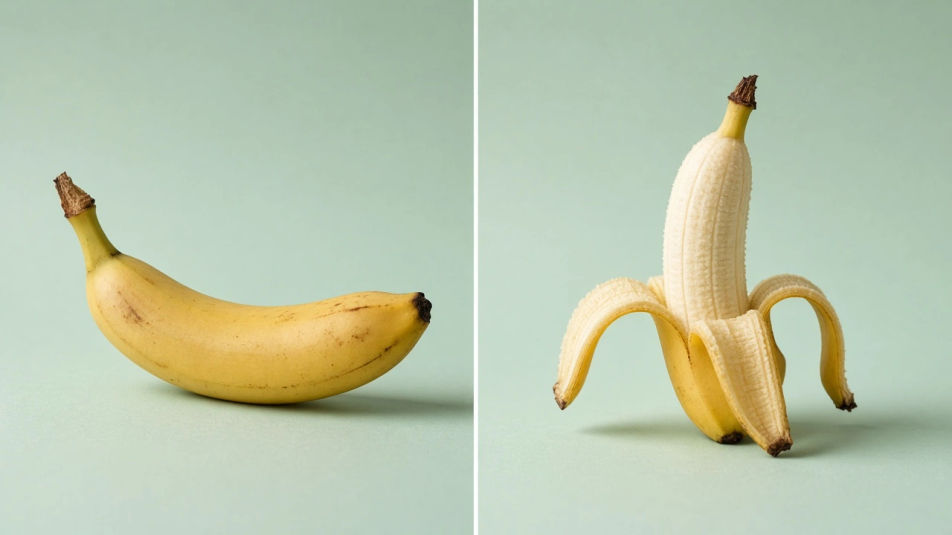
A real banana propped against a laptop on a messy desk, natural window light, shallow depth of field, quietly ridiculous framing.
Editar prompt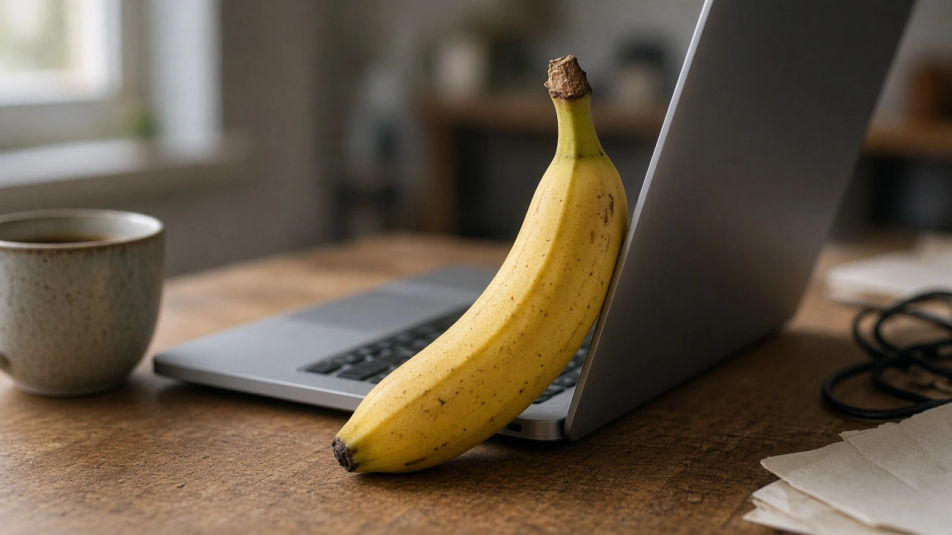
A single cartoon banana with a thick white sticker outline on a transparent background, bold flat colour, bright and post-ready.
Editar prompt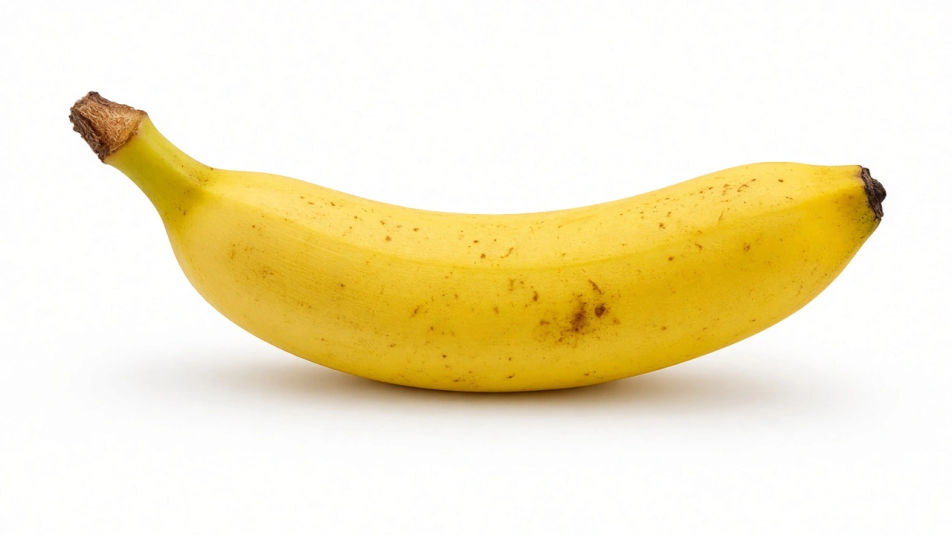
Descreva o Banana Meme que você quer, em poucas palavras.
A Morphic gera uma imagem limpa e pronta para publicar no seu Canvas em segundos.
Ajuste o prompt, gere novas variações e depois baixe ou compartilhe o quadro.
Pick a reference image, apply its visual style to your own photo or artwork.
Convert any image to a new aspect ratio. Smart crop or extend the edges to fit.

Turn any sketch or drawing into a finished render.

Take any character image and generate 6 distinct facial expressions on a single reference sheet.
Restyle any video in a completely new visual style. Every frame transforms, all motion stays intact.

Pick any anime illustration as your style guide. Apply its look to any image.
Cute memes generator
Make cute memes images in Morphic. Describe the scene and the joke, generate versions to compare, then refine the prompt until the picture lands.
Capybara meme generator
Make capybara meme images in Morphic. Describe the scene and the joke, generate versions to compare, then refine the prompt until the picture lands.
Angry face meme generator
Make angry face meme images in Morphic. Describe the scene and the joke, generate versions to compare, then refine the prompt until the picture lands.
Org Chart Graphic AI Images
Make org chart graphic from a text prompt. Produce a full family of assets, not a single file. Yours to use commercially.
Comece grátis hoje mesmo, com a opção de fazer upgrade ou cancelar quando quiser.
Basic
2400 mensal créditos
1 apenas usuário
Todos os modelos
Workflows
Standard
3625 mensal créditos
1 apenas usuário
Todos os modelos
Workflows
Pro
6350 compartilhado mensal créditos
1 usuário
Todos os modelos
Workflows
Max
24650 compartilhado mensal créditos
1 usuário
Todos os modelos
Workflows
Enterprise
Para limites maiores
Personalizado
termos de preços e cobrança

Free
Para experimentar
$0
grátis para sempre