Claro-escuro de estúdio com luz dura
Um estúdio preto: uma única fonte dura com grid varrendo o sujeito, sombra profunda e aveludada preenchendo o resto do quadro, brilhos especulares intensos, contraste monocromático dramático.
Editar prompt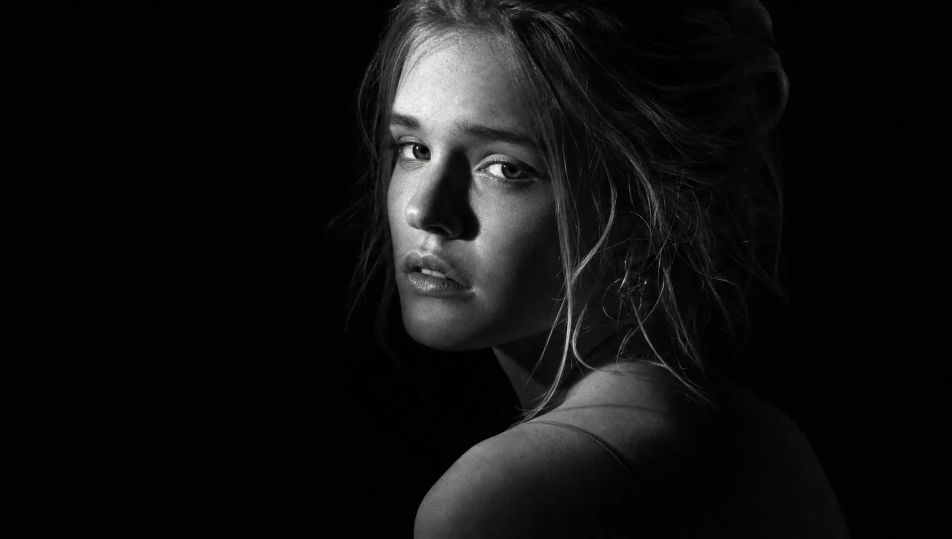
Crie retratos em preto e branco no navegador com o gerador de imagem com IA do Morphic. Gere um busto em claro-escuro, um estudo suave em película com grão fino ou um close documental com pretos profundos e aveludados. Trave um mesmo rosto com o Character Lineup e depois anime qualquer quadro com o Image to Video.
Um estúdio preto: uma única fonte dura com grid varrendo o sujeito, sombra profunda e aveludada preenchendo o resto do quadro, brilhos especulares intensos, contraste monocromático dramático.
Editar promptUm ambiente quieto com luz de janela suave e difusa, cortina transparente iluminada, gradação suave de cinza pelas paredes, grão analógico fino, clima monocromático calmo e contemplativo.
Editar prompt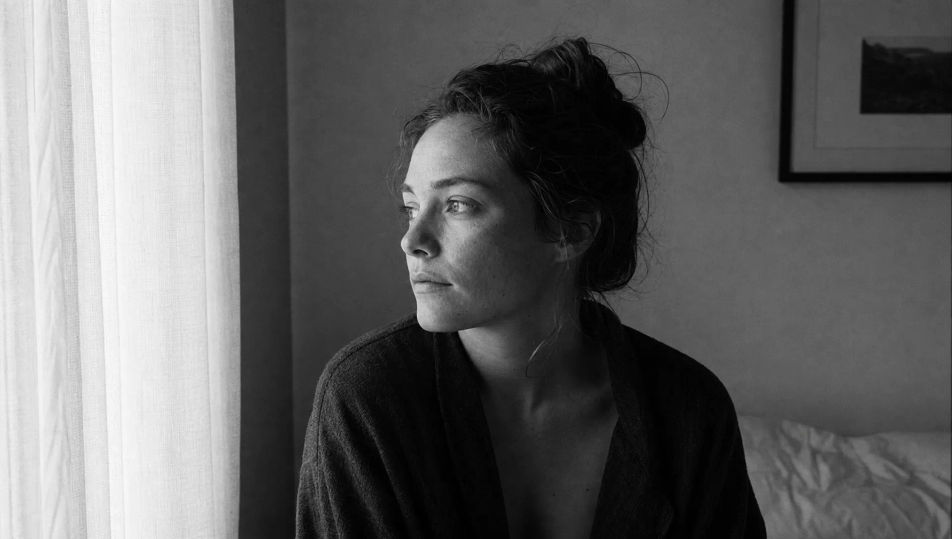
Um cenário de rua espontâneo em monocromático: transeuntes desfocados, luz do dia dura e sombra nítida, faixa tonal completa, textura marcada no calçamento, visual fotojornalístico em preto e branco.
Editar prompt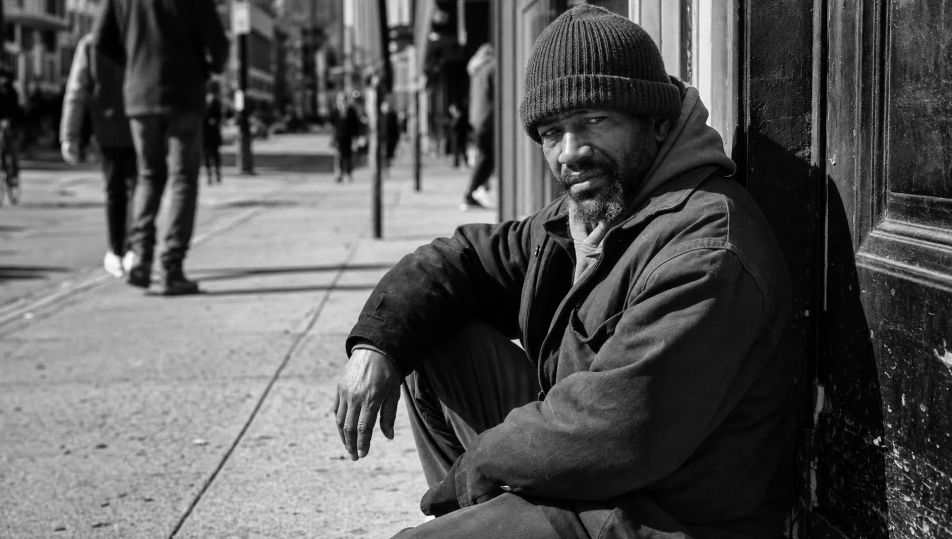
Um set high-key luminoso: fundo branco puro, luz suave envolvente, tons pálidos quase sem sombra, o sujeito lido como linhas escuras finas contra o branco monocromático intenso.
Editar prompt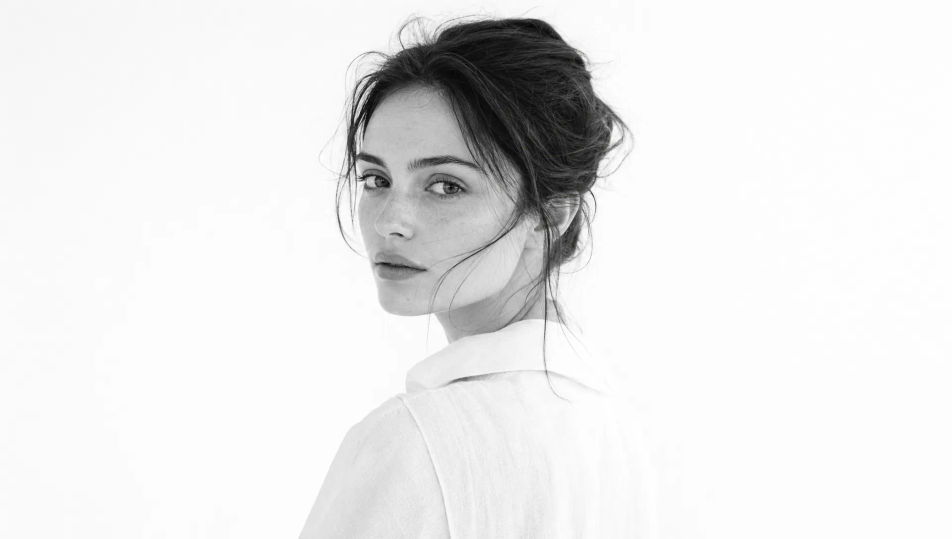
Descreva o Retrato em preto e branco que você quer, em poucas palavras.
A Morphic gera uma imagem limpa e pronta para publicar no seu Canvas em segundos.
Ajuste o prompt, gere novas variações e depois baixe ou compartilhe o quadro.
Fix plastic-looking AI skin. Adds natural texture, pores, and imperfections for realism.
One selfie becomes a set of professional headshots. Studio-quality, multiple styles.
Choose your viewing angles and get precise perspective shifts of any image with full camera control.
Convert any image to a new aspect ratio. Smart crop or extend the edges to fit.
Set the look with one reference image. Apply that exact grade to any scene or batch.
Bring back any damaged, blurry, or low-res image. Get a sharp, detailed 4K version with natural clarity restored.
Portrait Photography AI Images
Generate studio-quality AI portraits from a prompt. Realistic lighting, skin texture, and lens looks. Free HD, no watermark.
Studio Portrait AI Images
Create AI Studio Portrait images with Morphic. Generate Studio Portrait shots, portraits, and visuals for any project in seconds.
Environmental Portrait AI Images
Create AI Environmental Portrait images with Morphic. Generate Environmental Portrait shots, portraits, and visuals for any project in seconds.
Headshot AI Images
Create AI Headshot images with Morphic. Generate Headshot shots, portraits, and visuals for any project in seconds.
Comece grátis hoje mesmo, com a opção de fazer upgrade ou cancelar quando quiser.
Basic
2400 mensal créditos
1 apenas usuário
Todos os modelos
Workflows
Standard
3625 mensal créditos
1 apenas usuário
Todos os modelos
Workflows
Pro
6350 compartilhado mensal créditos
1 usuário
Todos os modelos
Workflows
Max
24650 compartilhado mensal créditos
1 usuário
Todos os modelos
Workflows
Enterprise
Para limites maiores
Personalizado
termos de preços e cobrança

Free
Para experimentar
$0
grátis para sempre