Soft-box studio setup
A clean studio frame: a single large soft box at 45 degrees, grey seamless backdrop, the subject seated on a stool, gentle shadow gradient behind, a roll of fill light from a white bounce.
Editar prompt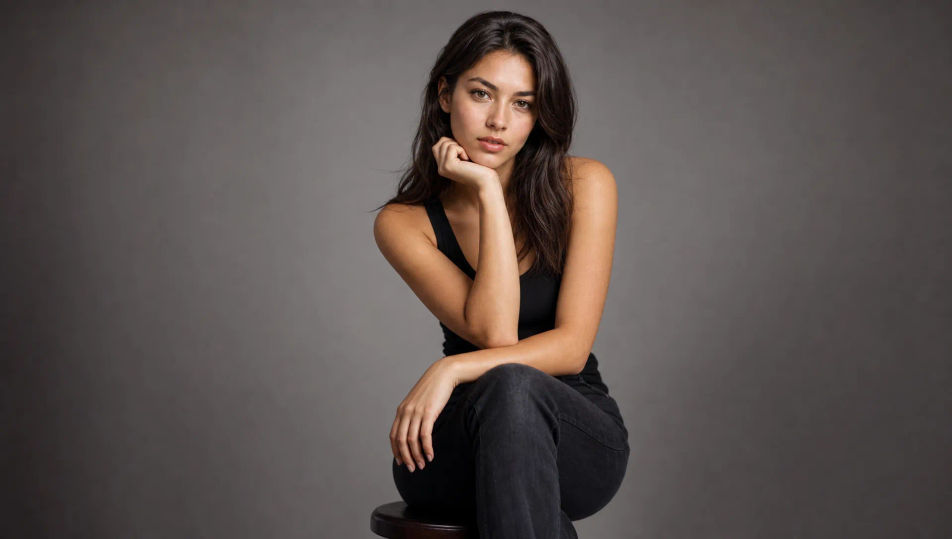
Create Portrait Photography images in your browser with Morphic's AI image generator. Generate a window-lit close-up, a moody low-key studio bust, or a golden-hour profile against city haze. Keep a face consistent with Character Lineup, then animate any still with Image to Video.
A clean studio frame: a single large soft box at 45 degrees, grey seamless backdrop, the subject seated on a stool, gentle shadow gradient behind, a roll of fill light from a white bounce.
Editar promptA rooftop at golden hour, the subject leaning on a railing, warm low sun flaring at the edge of frame, a soft city skyline melting into haze and amber bokeh behind.
Editar prompt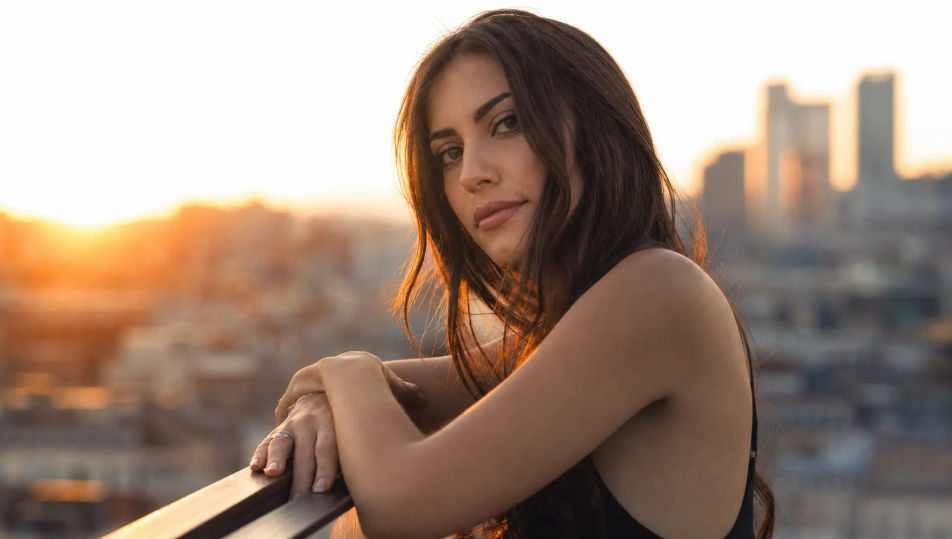
A subject by a rain-streaked window, soft grey daylight, water beads catching light on the glass, a reflective melancholy mood, muted blue-grey palette with shallow focus.
Editar prompt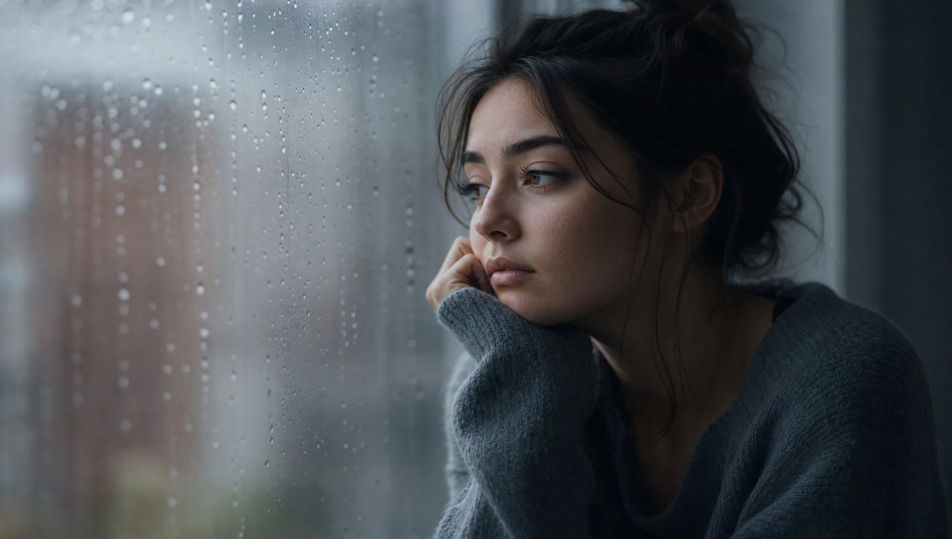
A subject standing under a forest canopy, dappled sunlight breaking through leaves and falling across the face in soft circles, deep green bokeh, a warm natural glow.
Editar prompt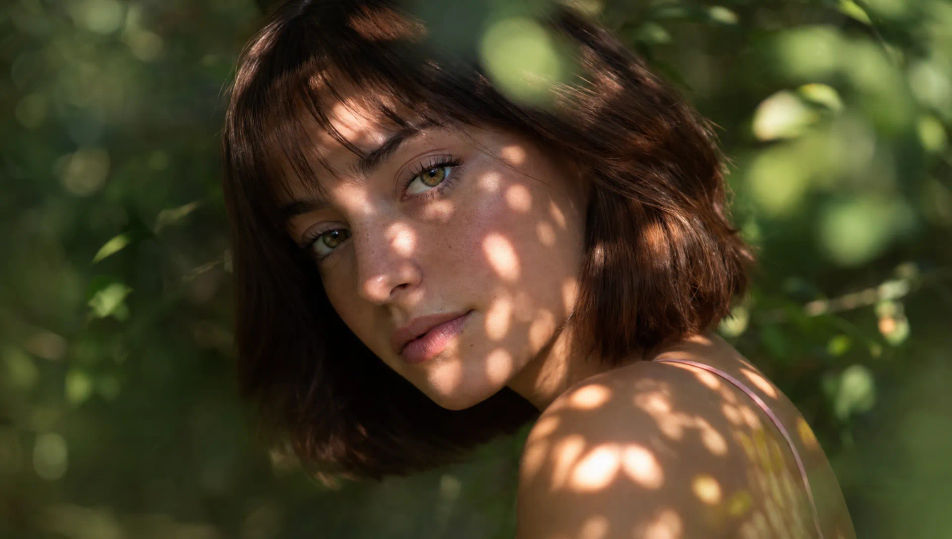
Descreva o Portrait Photography que você quer, em poucas palavras.
A Morphic gera uma imagem limpa e pronta para publicar no seu Canvas em segundos.
Ajuste o prompt, gere novas variações e depois baixe ou compartilhe o quadro.
Fix plastic-looking AI skin. Adds natural texture, pores, and imperfections for realism.
One selfie becomes a set of professional headshots. Studio-quality, multiple styles.
Choose your viewing angles and get precise perspective shifts of any image with full camera control.
Convert any image to a new aspect ratio. Smart crop or extend the edges to fit.
Full model photoshoot from one photo of you

Upload a photo of a person or character and get a single grid image showing them at different life stages, from baby to elderly.
Studio Portrait AI Images
Create AI Studio Portrait images with Morphic. Generate Studio Portrait shots, portraits, and visuals for any project in seconds.
Environmental Portrait AI Images
Create AI Environmental Portrait images with Morphic. Generate Environmental Portrait shots, portraits, and visuals for any project in seconds.
Retrato em preto e branco com IA
Crie retratos em preto e branco com o Morphic. Gere fotos em preto e branco, retratos e visuais para qualquer projeto em segundos, sem marca d’água.
Headshot AI Images
Create AI Headshot images with Morphic. Generate Headshot shots, portraits, and visuals for any project in seconds.
Comece grátis hoje mesmo, com a opção de fazer upgrade ou cancelar quando quiser.
Basic
2400 mensal créditos
1 apenas usuário
Todos os modelos
Workflows
Standard
3625 mensal créditos
1 apenas usuário
Todos os modelos
Workflows
Pro
6350 compartilhado mensal créditos
1 usuário
Todos os modelos
Workflows
Max
24650 compartilhado mensal créditos
1 usuário
Todos os modelos
Workflows
Enterprise
Para limites maiores
Personalizado
termos de preços e cobrança

Free
Para experimentar
$0
grátis para sempre