Door at the end of a corridor
A long corridor drawn in ink line with the door dead centre, the wall lines converging hard so the eye is pulled straight to the frame.
Editar prompt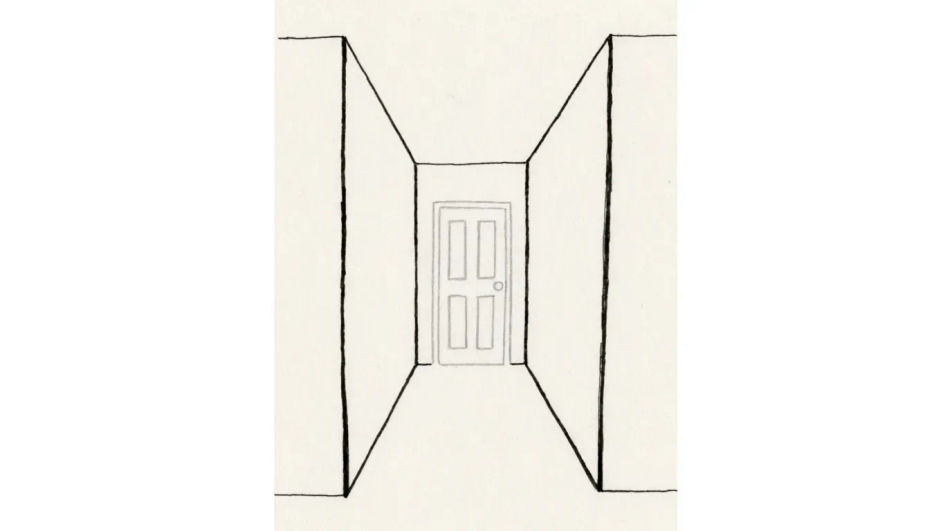
Describe the door you want in Morphic's Image tool, from a flat panelled elevation to a weathered cottage door in full tone, and get a finished drawing back. Set the panels, the hardware, the line weight and the paper, refine it on the Canvas, then download it in HD.
A long corridor drawn in ink line with the door dead centre, the wall lines converging hard so the eye is pulled straight to the frame.
Editar promptAn open door seen from indoors, the garden beyond drawn in light contour and the door frame kept dark so the opening reads as bright.
Editar prompt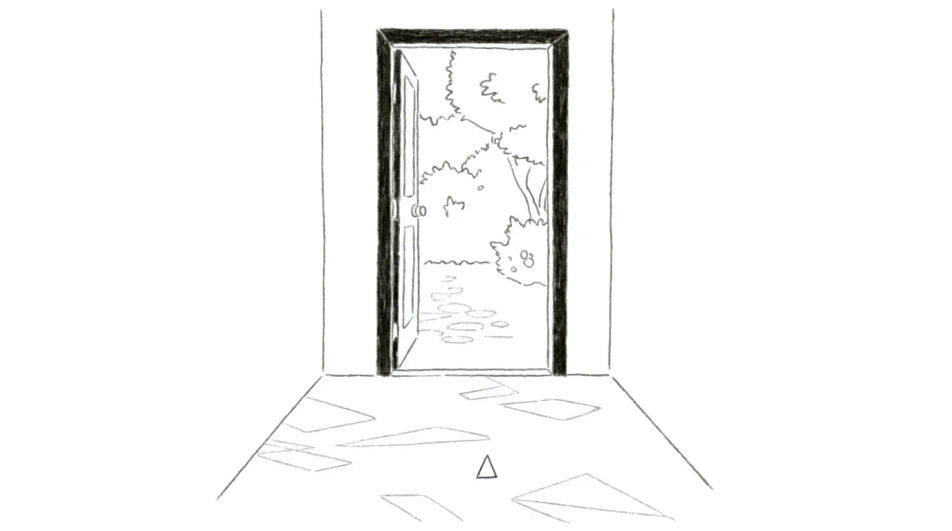
Four front doors side by side in pencil, each with different panelling and steps, the wall between them reduced to a single flat tone.
Editar prompt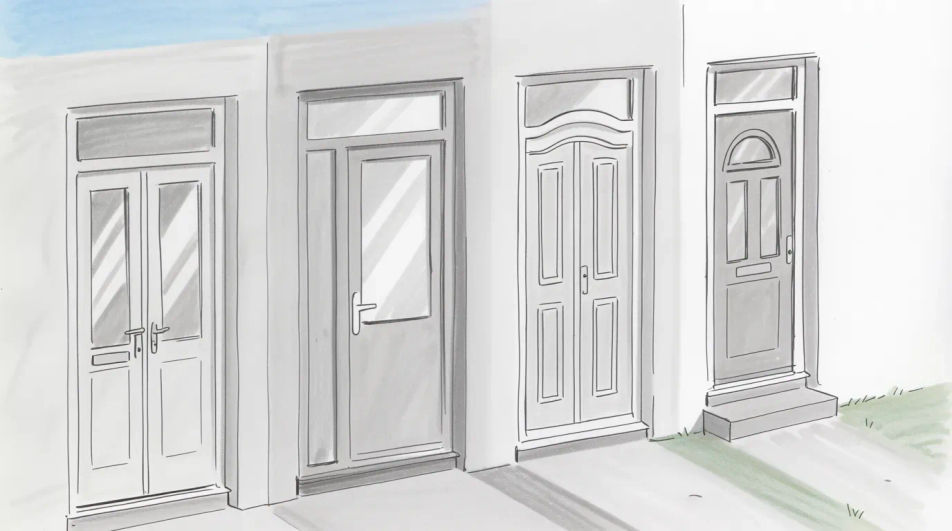
A half open door seen from the side, the spill of light drawn as a hard-edged shape on the floorboards that widens as it leaves the gap.
Editar prompt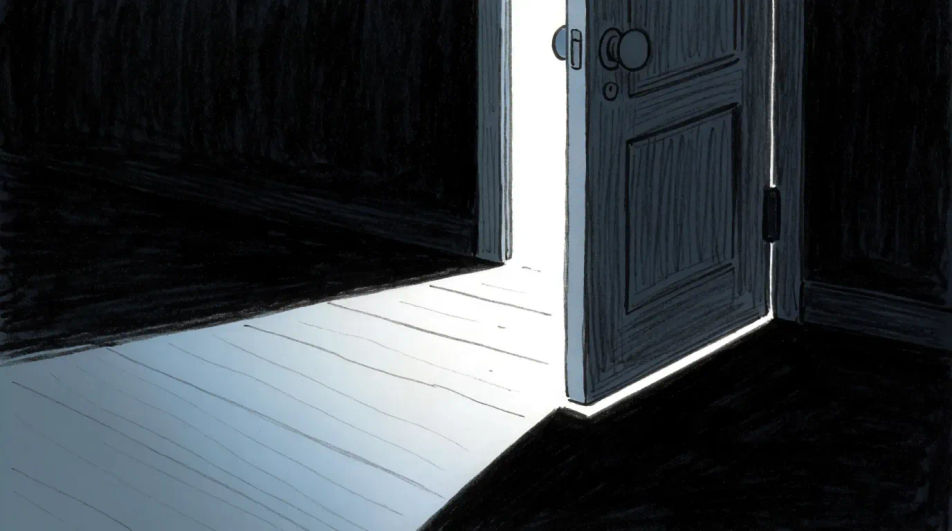
Descreva o Door drawing que você quer, em poucas palavras.
A Morphic gera uma imagem limpa e pronta para publicar no seu Canvas em segundos.
Ajuste o prompt, gere novas variações e depois baixe ou compartilhe o quadro.
Pick a reference image, apply its visual style to your own photo or artwork.

Turn any sketch or drawing into a finished render.
Convert any image to a new aspect ratio. Smart crop or extend the edges to fit.

Pick any anime illustration as your style guide. Apply its look to any image.
Restyle any video in a completely new visual style. Every frame transforms, all motion stays intact.

Take any character image and generate 6 distinct facial expressions on a single reference sheet.
Window drawing generator
Turn a window drawing idea into a finished image in Morphic. Describe the line work and style, generate variations, then refine it on the canvas.
House drawing generator
Turn a house drawing idea into a finished image in Morphic. Describe the line work and style, generate variations, then refine it on the canvas.
Key drawing generator
Turn a key drawing idea into a finished image in Morphic. Describe the line work and style, generate variations, then refine it on the canvas.
Fall aesthetic generator
Browse fall aesthetic ideas and generate your own in HD. Design amber-leaves, cosy-sweater, pumpkin-spice, or misty-forest looks, then regenerate each one in your own warm tones, mood, and aspect ratio for a matching autumn set with Morphic.
Comece grátis hoje mesmo, com a opção de fazer upgrade ou cancelar quando quiser.
Basic
2400 mensal créditos
1 apenas usuário
Todos os modelos
Workflows
Standard
3625 mensal créditos
1 apenas usuário
Todos os modelos
Workflows
Pro
6350 compartilhado mensal créditos
1 usuário
Todos os modelos
Workflows
Max
24650 compartilhado mensal créditos
1 usuário
Todos os modelos
Workflows
Enterprise
Para limites maiores
Personalizado
termos de preços e cobrança

Free
Para experimentar
$0
grátis para sempre