Jeweler bench still life
A jeweler bench in colored pencil with loose gems on a cloth, tweezers, a loupe and a ring setting under a desk lamp.
Editar prompt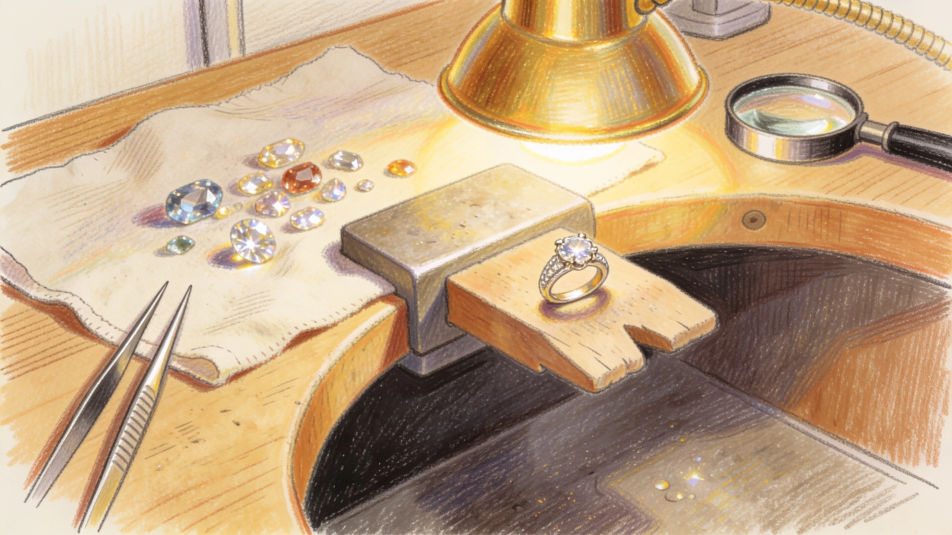
Describe the gem drawing you want in Morphic's Image tool, from a simple diamond outline to a glowing ruby in colored pencil. Set the cut, the color, the light and the medium, compare versions side by side on the Canvas, then download the drawing in HD.
A jeweler bench in colored pencil with loose gems on a cloth, tweezers, a loupe and a ring setting under a desk lamp.
Editar promptCut gems embedded in a dark cave wall in charcoal and white chalk, lantern light catching a few facets.
Editar prompt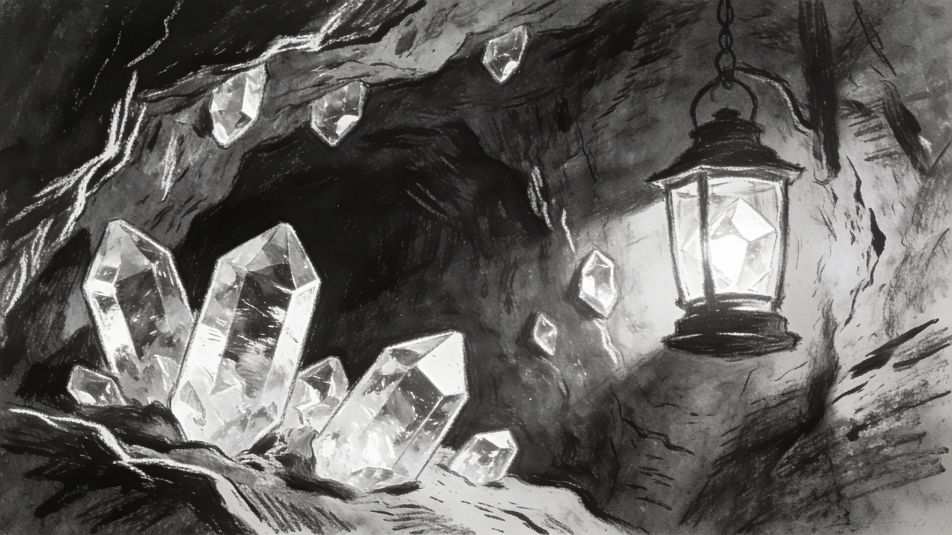
An old wooden chest spilling gems and coins in ink and watercolor, light bouncing off every stone.
Editar prompt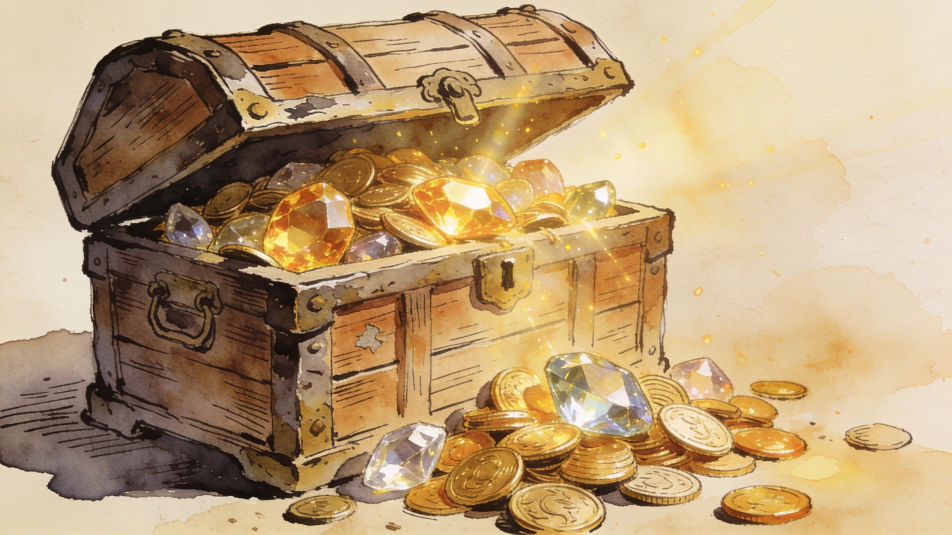
A reference sheet of eight gem cuts in fineliner arranged in two rows, round, oval, pear, heart, emerald, princess, marquise and cushion.
Editar prompt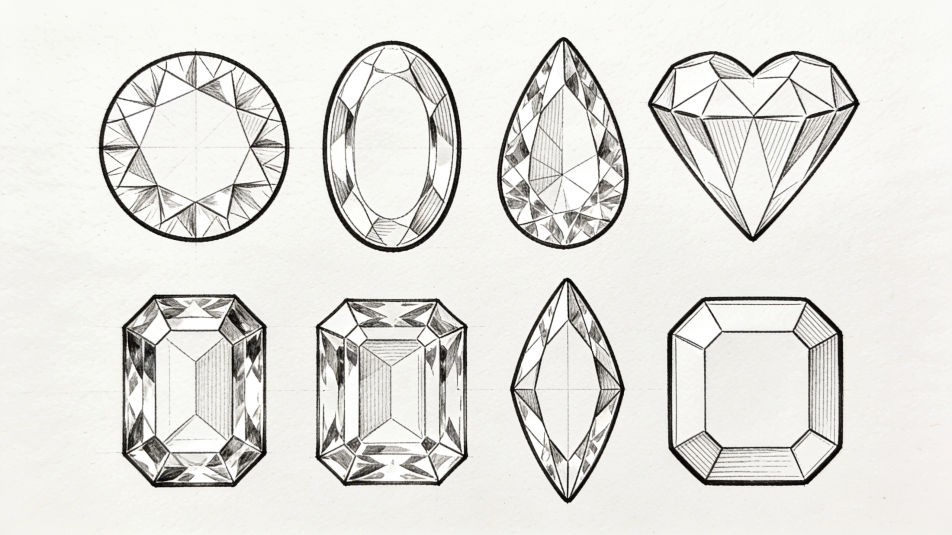
Descreva o Gem drawing que você quer, em poucas palavras.
A Morphic gera uma imagem limpa e pronta para publicar no seu Canvas em segundos.
Ajuste o prompt, gere novas variações e depois baixe ou compartilhe o quadro.
Pick a reference image, apply its visual style to your own photo or artwork.
Convert any image to a new aspect ratio. Smart crop or extend the edges to fit.

Turn any sketch or drawing into a finished render.
Restyle any video in a completely new visual style. Every frame transforms, all motion stays intact.
Reimagine any anime character as a photorealistic, high-fashion live-action portrait.
One selfie becomes a set of professional headshots. Studio-quality, multiple styles.
Imagens de cristais com IA
Crie imagens de cristais com IA usando nosso gerador de imagens de cristais. Encontre imagens originais de cristais para qualquer projeto em segundos.
Crown drawing generator
Turn a crown drawing idea into a finished image in Morphic. Describe the line work and style, generate variations, then refine it on the canvas.
Cube drawing maker
Turn a cube drawing idea into a finished image in Morphic. Describe the line work and style, generate variations, then refine it on the canvas.
Durga Devi drawing maker
Turn a Durga Devi drawing idea into a finished image in Morphic. Describe the line work and style, generate variations, then refine it on the canvas.
Comece grátis hoje mesmo, com a opção de fazer upgrade ou cancelar quando quiser.
Basic
2400 mensal créditos
1 apenas usuário
Todos os modelos
Workflows
Standard
3625 mensal créditos
1 apenas usuário
Todos os modelos
Workflows
Pro
6350 compartilhado mensal créditos
1 usuário
Todos os modelos
Workflows
Max
24650 compartilhado mensal créditos
1 usuário
Todos os modelos
Workflows
Enterprise
Para limites maiores
Personalizado
termos de preços e cobrança

Free
Para experimentar
$0
grátis para sempre