Desk setup
A desk with a keyboard, a monitor and a mug in colored pencil, a lamp casting warm light across the keys.
Editar prompt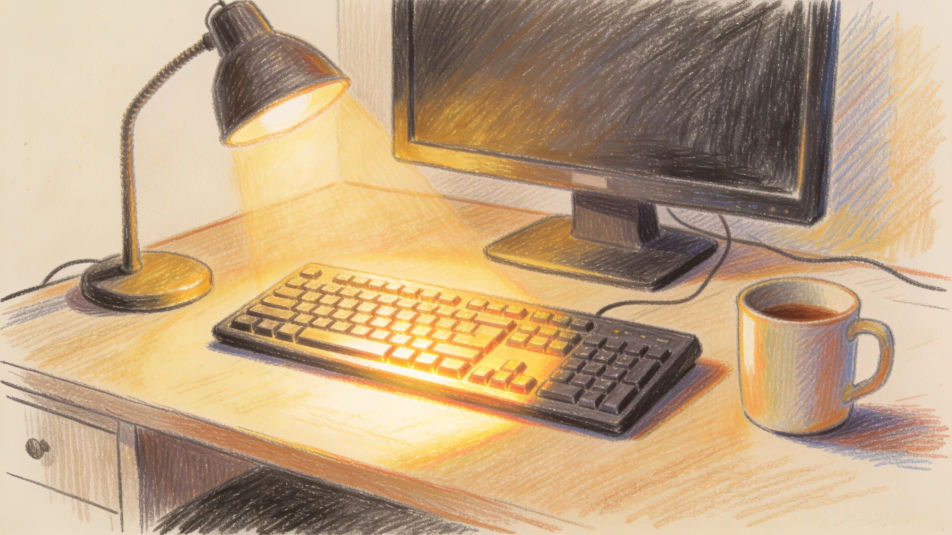
Describe the keyboard drawing you want in Morphic's Image tool, from a computer keyboard for a school project to a piano keyboard study. Set the key layout, the angle, the light and the medium, adjust it on the Canvas, then download the drawing in HD.
A desk with a keyboard, a monitor and a mug in colored pencil, a lamp casting warm light across the keys.
Editar promptTwo hands resting on a keyboard in ink line, fingers on the home row and the screen glow above.
Editar prompt
A piano keyboard with a sheet of music on the stand, drawn in pencil with soft window light.
Editar prompt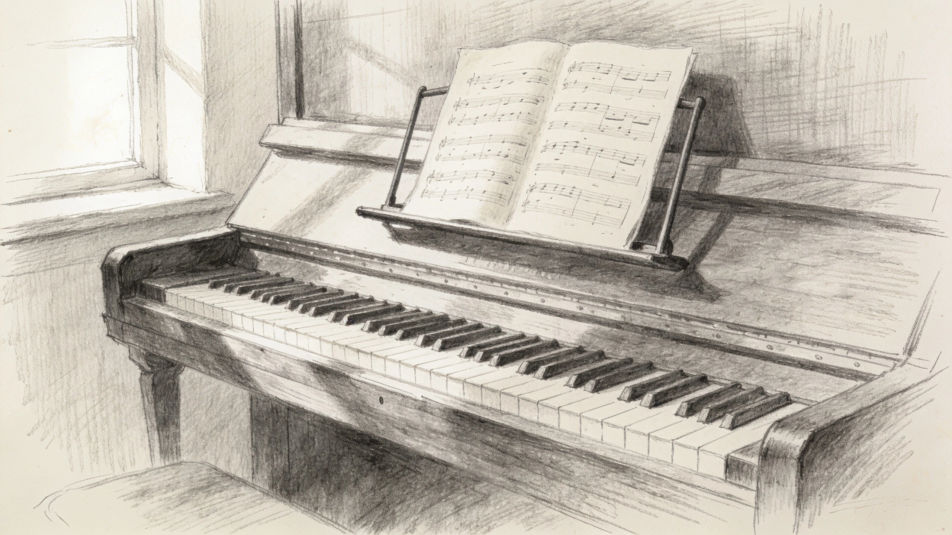
A row of desks with keyboards and screens in a school computer lab, drawn in ink with flat color.
Editar prompt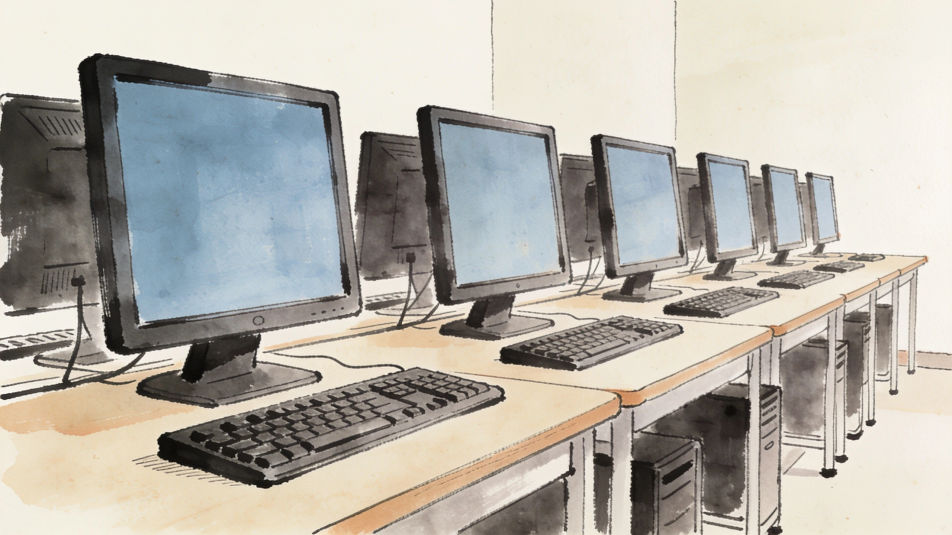
Descreva o Keyboard drawing que você quer, em poucas palavras.
A Morphic gera uma imagem limpa e pronta para publicar no seu Canvas em segundos.
Ajuste o prompt, gere novas variações e depois baixe ou compartilhe o quadro.
Pick a reference image, apply its visual style to your own photo or artwork.

Turn any sketch or drawing into a finished render.
Convert any image to a new aspect ratio. Smart crop or extend the edges to fit.

Pick any anime illustration as your style guide. Apply its look to any image.
Restyle any video in a completely new visual style. Every frame transforms, all motion stays intact.

Take any character image and generate 6 distinct facial expressions on a single reference sheet.
Record player drawing maker
Turn a record player drawing idea into a finished image in Morphic. Describe the line work and style, generate variations, then refine it on the canvas.
Alarm clock drawing maker
Turn an alarm clock drawing idea into a finished image in Morphic. Describe the line work and style, generate variations, then refine it on the canvas.
Guitar drawing generator
Turn a guitar drawing idea into a finished image in Morphic. Describe the line work and style, generate variations, then refine it on the canvas.
Digestive system drawing maker
Turn a digestive system drawing idea into a finished image in Morphic. Describe the line work and style, generate variations, then refine it on the canvas.
Comece grátis hoje mesmo, com a opção de fazer upgrade ou cancelar quando quiser.
Basic
2400 mensal créditos
1 apenas usuário
Todos os modelos
Workflows
Standard
3625 mensal créditos
1 apenas usuário
Todos os modelos
Workflows
Pro
6350 compartilhado mensal créditos
1 usuário
Todos os modelos
Workflows
Max
24650 compartilhado mensal créditos
1 usuário
Todos os modelos
Workflows
Enterprise
Para limites maiores
Personalizado
termos de preços e cobrança

Free
Para experimentar
$0
grátis para sempre