Doodle practice page
A page of twelve small kids drawing doodles in thick marker, each in its own box, animals and shapes, plain white paper.
Editar prompt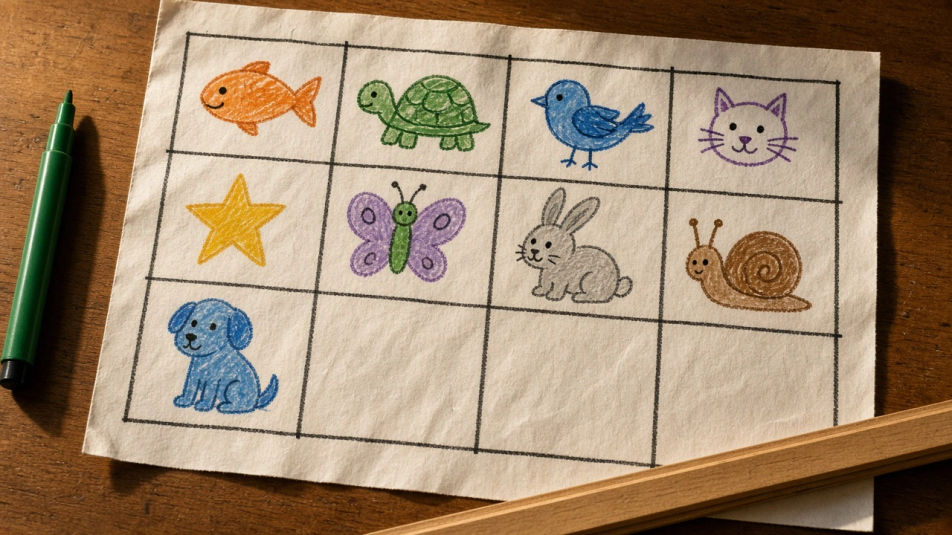
Turn a drawing for kids into a finished picture with Morphic's Image tool, whether you want a friendly animal, a rocket, or a page of doodles a child can copy. Set the line weight, the colour palette, and how much detail each shape carries, then download the drawing in HD.
A page of twelve small kids drawing doodles in thick marker, each in its own box, animals and shapes, plain white paper.
Editar promptA wide kids drawing of a garden in crayon and felt-tip, tall sunflowers, a bee, a watering can, grass along the bottom edge.
Editar prompt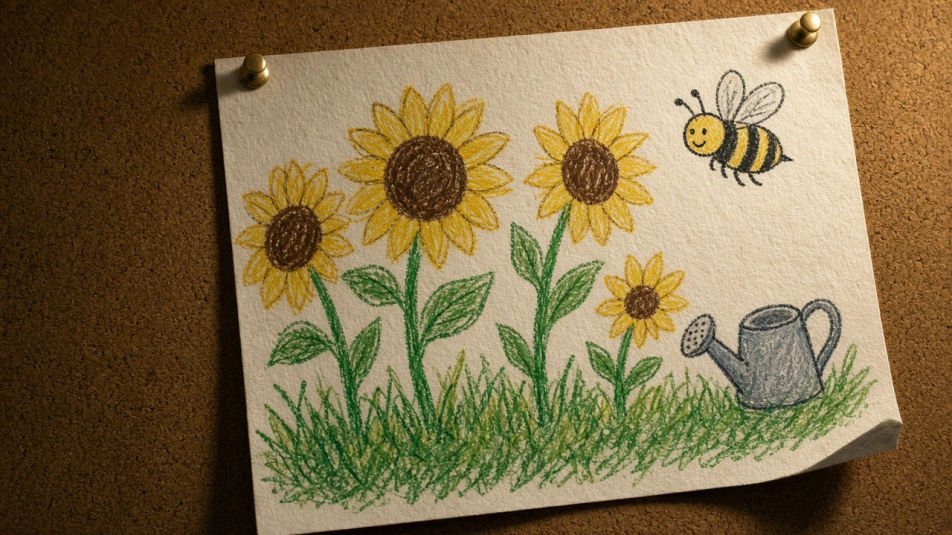
A kids drawing of an underwater scene in coloured pencil, three fish, a turtle, wavy seaweed, pale blue water washed behind.
Editar prompt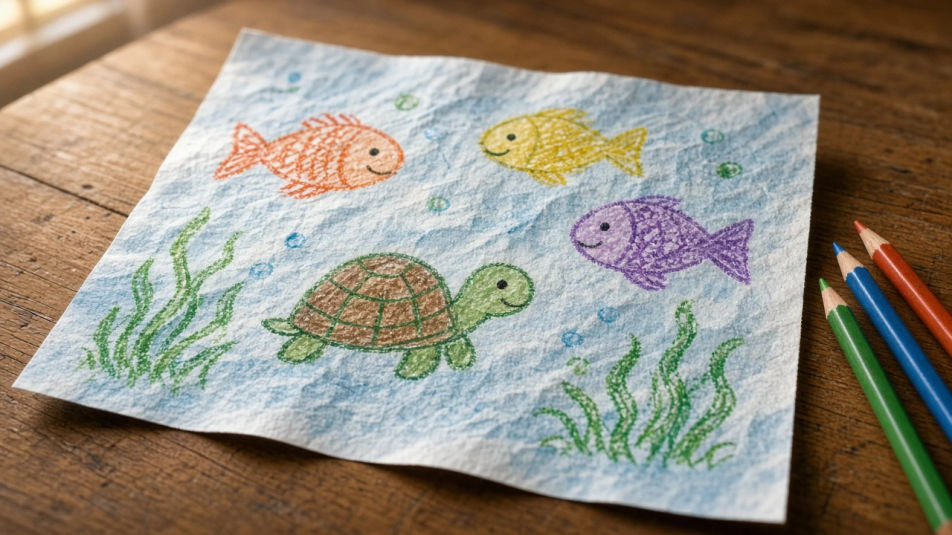
A kids drawing of space in chalk pastel on black paper, a planet with a ring, a small rocket, dotted stars scattered around.
Editar prompt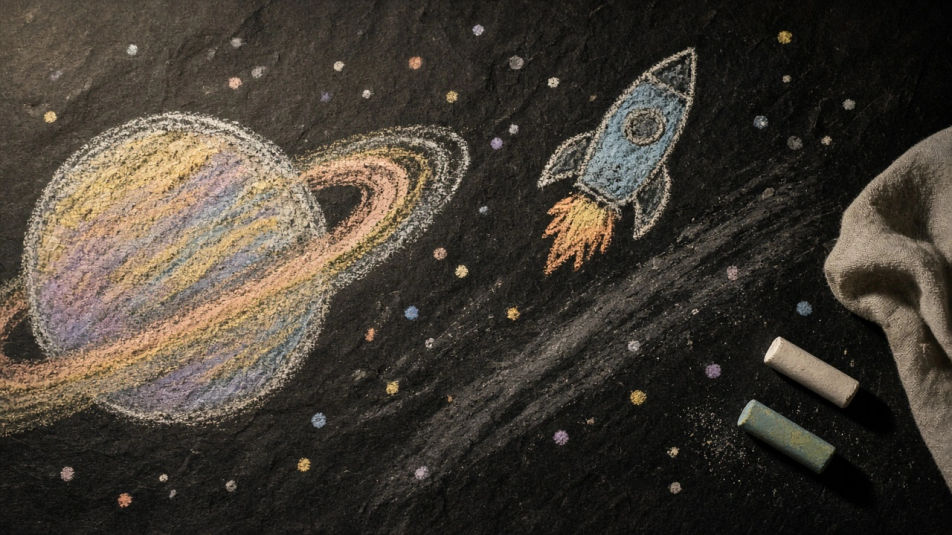
Descreva o Kids drawing que você quer, em poucas palavras.
A Morphic gera uma imagem limpa e pronta para publicar no seu Canvas em segundos.
Ajuste o prompt, gere novas variações e depois baixe ou compartilhe o quadro.
Pick a reference image, apply its visual style to your own photo or artwork.
Convert any image to a new aspect ratio. Smart crop or extend the edges to fit.

Turn any sketch or drawing into a finished render.
Restyle any video in a completely new visual style. Every frame transforms, all motion stays intact.
Reimagine any anime character as a photorealistic, high-fashion live-action portrait.
One selfie becomes a set of professional headshots. Studio-quality, multiple styles.
Easy drawing generator
Turn an easy drawing idea into a finished image in Morphic. Describe the line work and style, generate variations, then refine it on the canvas.
Cartoon drawing generator
Turn a drawing idea into a finished image in Morphic. Describe the line work and style, generate variations, then refine it on the canvas.
Animal drawing generator
Turn an animal drawing idea into a finished image in Morphic. Describe the line work and style, generate variations, then refine it on the canvas.
Graduation drawing maker
Turn a graduation drawing idea into a finished image in Morphic. Describe the line work and style, generate variations, then refine it on the canvas.
Comece grátis hoje mesmo, com a opção de fazer upgrade ou cancelar quando quiser.
Basic
2400 mensal créditos
1 apenas usuário
Todos os modelos
Workflows
Standard
3625 mensal créditos
1 apenas usuário
Todos os modelos
Workflows
Pro
6350 compartilhado mensal créditos
1 usuário
Todos os modelos
Workflows
Max
24650 compartilhado mensal créditos
1 usuário
Todos os modelos
Workflows
Enterprise
Para limites maiores
Personalizado
termos de preços e cobrança

Free
Para experimentar
$0
grátis para sempre