Clean grey profile backdrop
A profile-ready set: smooth light-grey backdrop, one soft key at 45 degrees, gentle fill, tight head-and-shoulders framing with room above the head, neutral and professional.
Editar prompt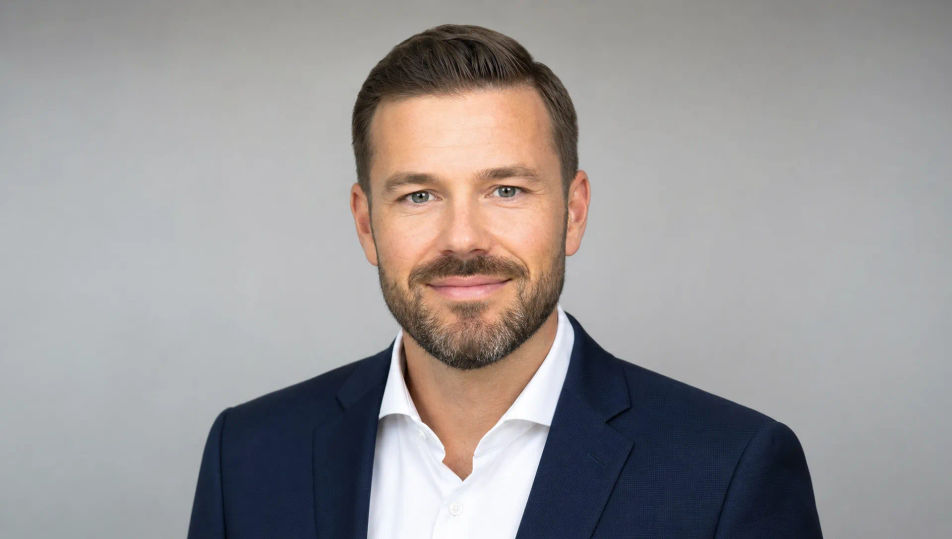
Create LinkedIn Headshot images in your browser with Morphic's AI image generator. Generate a tech professional on a grey backdrop or a consultant in a soft-focus office, keep one subject steady with Character Lineup, then animate frames with Image to Video.
A profile-ready set: smooth light-grey backdrop, one soft key at 45 degrees, gentle fill, tight head-and-shoulders framing with room above the head, neutral and professional.
Editar promptA blurred modern office behind the subject: glass walls, warm interior light, a hint of greenery, everything in gentle bokeh for an in-context professional profile photo.
Editar prompt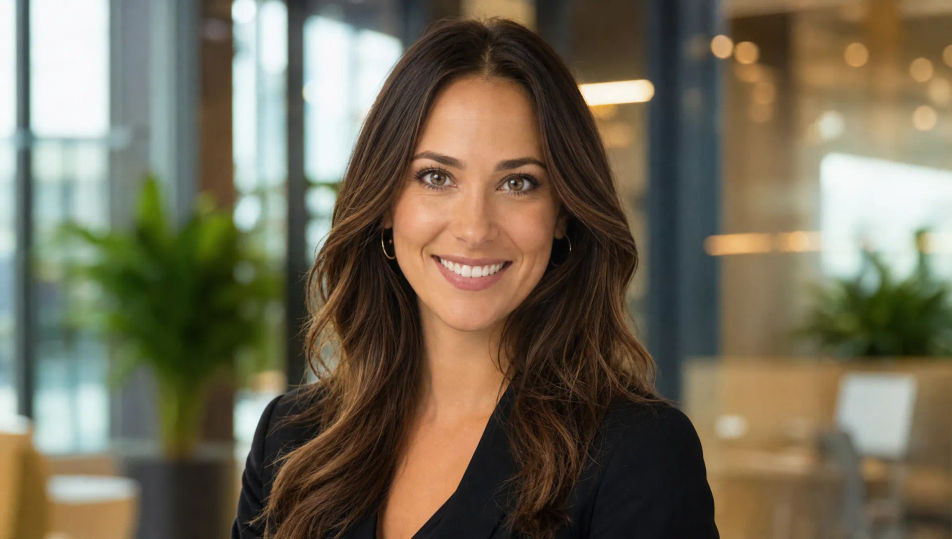
An outdoor profile spot in soft open shade: a blurred leafy or city background, even flattering daylight, gentle catchlights, a relaxed approachable modern setting.
Editar prompt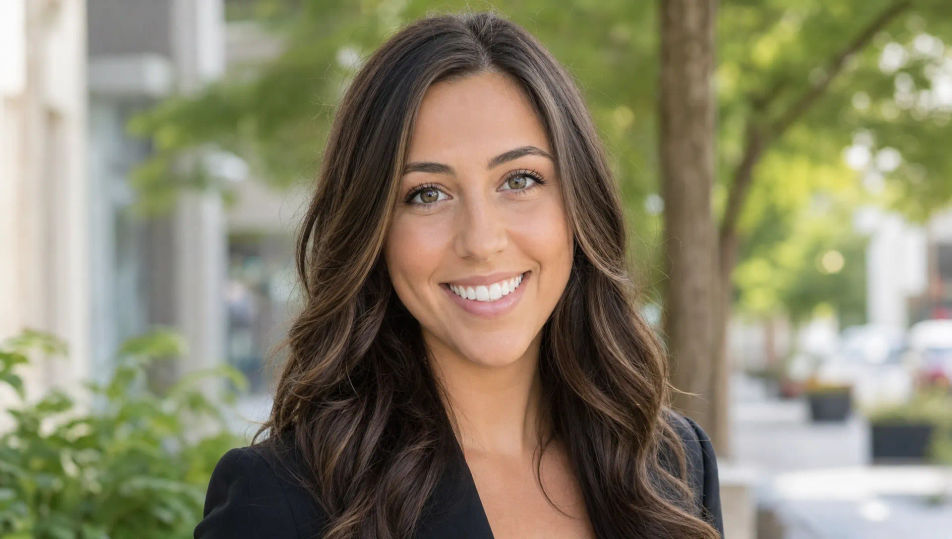
A high-key white studio: clean blown-white sweep, soft wraparound light, airy modern finish, the consistent crisp look used across a company team or about page.
Editar prompt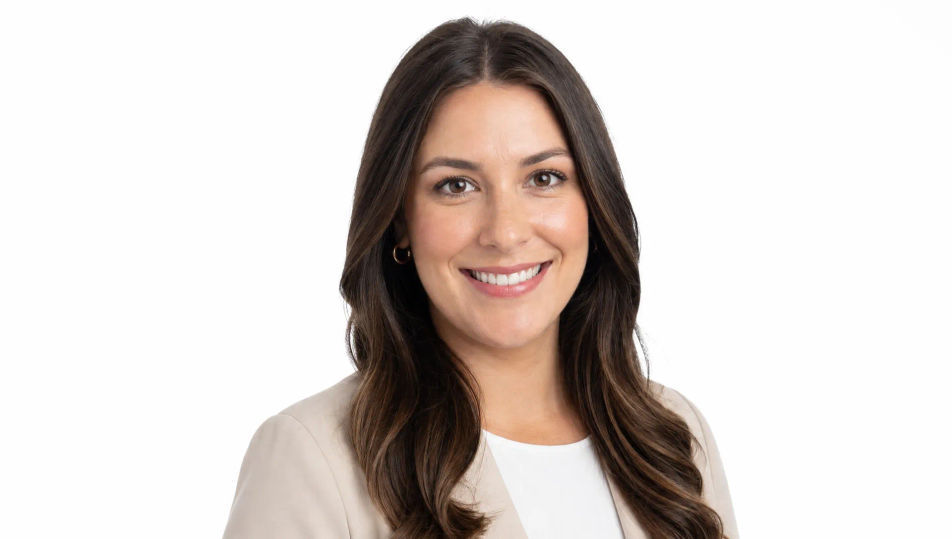
Descreva o LinkedIn Headshot que você quer, em poucas palavras.
A Morphic gera uma imagem limpa e pronta para publicar no seu Canvas em segundos.
Ajuste o prompt, gere novas variações e depois baixe ou compartilhe o quadro.
Fix plastic-looking AI skin. Adds natural texture, pores, and imperfections for realism.
One selfie becomes a set of professional headshots. Studio-quality, multiple styles.
Full model photoshoot from one photo of you
Choose your viewing angles and get precise perspective shifts of any image with full camera control.
Convert any image to a new aspect ratio. Smart crop or extend the edges to fit.
Set the look with one reference image. Apply that exact grade to any scene or batch.
Headshot AI Images
Create AI Headshot images with Morphic. Generate Headshot shots, portraits, and visuals for any project in seconds.
Portrait Photography AI Images
Generate studio-quality AI portraits from a prompt. Realistic lighting, skin texture, and lens looks. Free HD, no watermark.
Studio Portrait AI Images
Create AI Studio Portrait images with Morphic. Generate Studio Portrait shots, portraits, and visuals for any project in seconds.
Self Portrait AI Images
Create AI Self Portrait images with Morphic. Generate Self Portrait shots, portraits, and visuals for any project in seconds.
Comece grátis hoje mesmo, com a opção de fazer upgrade ou cancelar quando quiser.
Basic
2400 mensal créditos
1 apenas usuário
Todos os modelos
Workflows
Standard
3625 mensal créditos
1 apenas usuário
Todos os modelos
Workflows
Pro
6350 compartilhado mensal créditos
1 usuário
Todos os modelos
Workflows
Max
24650 compartilhado mensal créditos
1 usuário
Todos os modelos
Workflows
Enterprise
Para limites maiores
Personalizado
termos de preços e cobrança

Free
Para experimentar
$0
grátis para sempre