House and tree
A simple drawing of a small house with one tree beside it, single even line weight, no shading, generous white space around the subject.
Editar prompt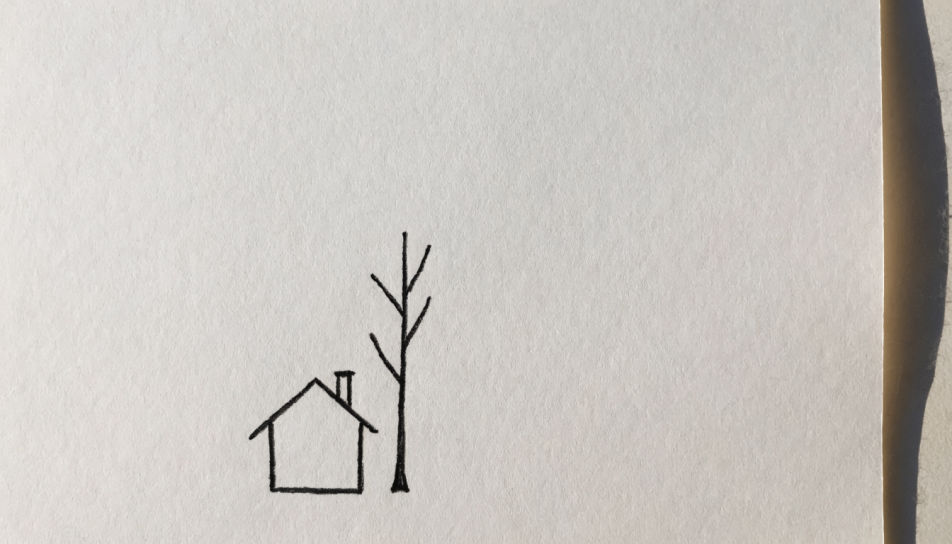
Turn a simple drawing idea into a finished picture in the Morphic Image tool by naming the subject, the line weight, and how much detail to leave out. Choose a clean single-weight outline or a soft pencil finish, set the paper tone, then download the drawing in HD.
A simple drawing of a small house with one tree beside it, single even line weight, no shading, generous white space around the subject.
Editar promptA simple pencil drawing of three pieces of fruit in a shallow bowl, light contour, one soft shadow beneath, pale sketchbook paper.
Editar prompt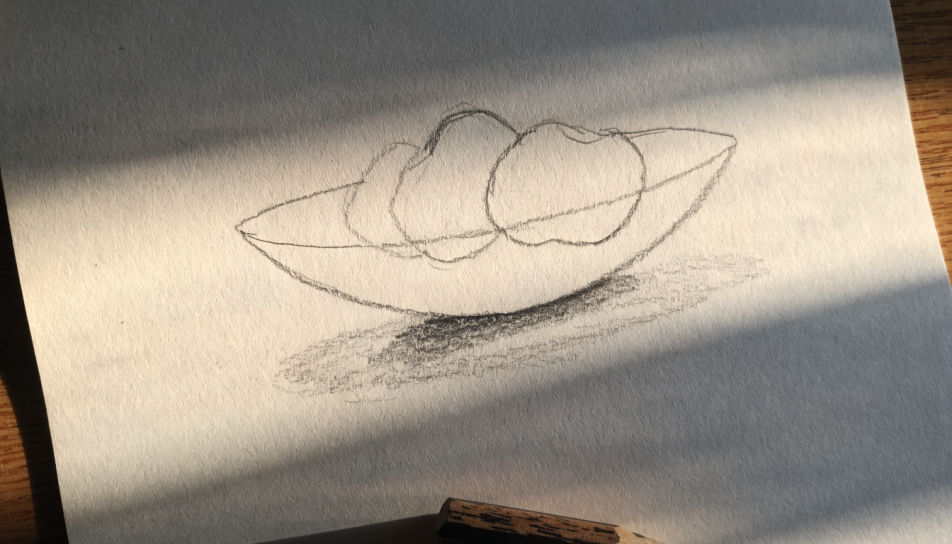
A simple felt-tip drawing of a cat sitting on a windowsill, wobbly hand-drawn strokes, flat shapes, two colours, off-white paper.
Editar prompt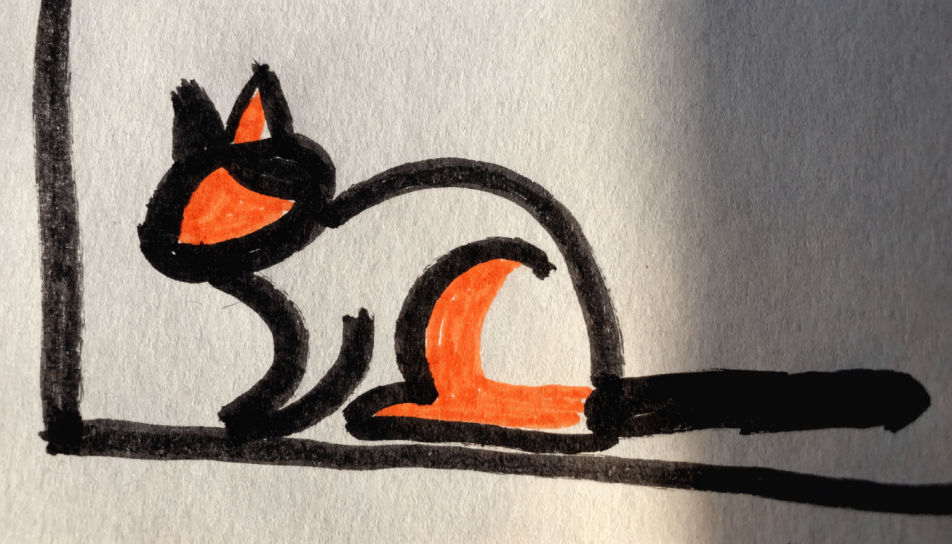
A simple ink drawing of a paper boat with three loose watercolour strokes for water, soft bleed past the outline, cold-press paper.
Editar prompt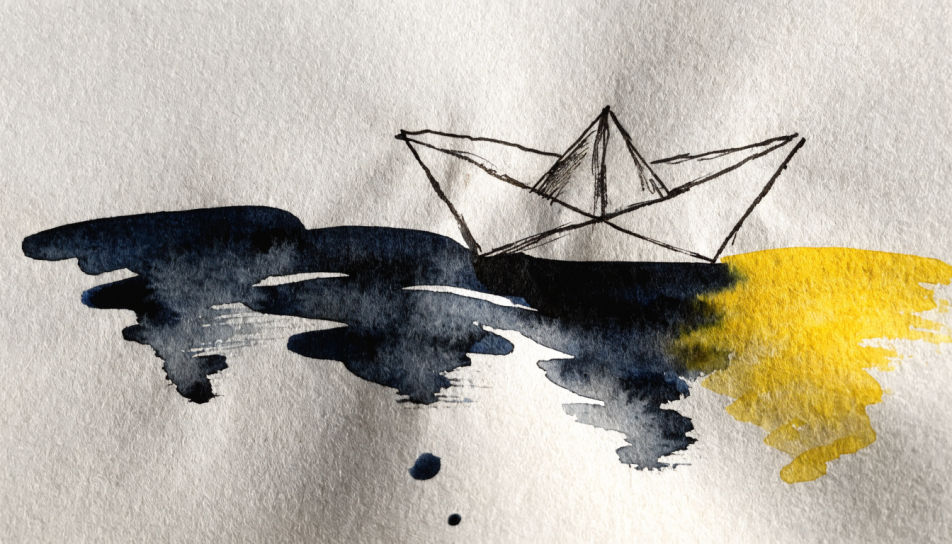
Descreva o Simple drawing que você quer, em poucas palavras.
A Morphic gera uma imagem limpa e pronta para publicar no seu Canvas em segundos.
Ajuste o prompt, gere novas variações e depois baixe ou compartilhe o quadro.
Pick a reference image, apply its visual style to your own photo or artwork.

Turn any sketch or drawing into a finished render.
Convert any image to a new aspect ratio. Smart crop or extend the edges to fit.

Pick any anime illustration as your style guide. Apply its look to any image.
Restyle any video in a completely new visual style. Every frame transforms, all motion stays intact.

Take any character image and generate 6 distinct facial expressions on a single reference sheet.
Simple drawing ideas generator
Turn a simple drawing idea into a finished image in Morphic. Describe the line work and style, generate variations, then refine it on the canvas.
Easy line drawing generator
Turn an easy line drawing idea into a finished image in Morphic. Describe the line work and style, generate variations, then refine it on the canvas.
Easy drawing generator
Turn an easy drawing idea into a finished image in Morphic. Describe the line work and style, generate variations, then refine it on the canvas.
Post-graffiti AI art
Create post-graffiti art with Morphic. Spray-can line, layered stencils, torn paste-up, bold cartoon figuration, and gallery-canvas grit from a single prompt.
Comece grátis hoje mesmo, com a opção de fazer upgrade ou cancelar quando quiser.
Basic
2400 mensal créditos
1 apenas usuário
Todos os modelos
Workflows
Standard
3625 mensal créditos
1 apenas usuário
Todos os modelos
Workflows
Pro
6350 compartilhado mensal créditos
1 usuário
Todos os modelos
Workflows
Max
24650 compartilhado mensal créditos
1 usuário
Todos os modelos
Workflows
Enterprise
Para limites maiores
Personalizado
termos de preços e cobrança

Free
Para experimentar
$0
grátis para sempre