Countdown over product shot
A large ticking countdown overlaid on a soft-focus product arrangement, the numbers sharp against the blurred background.
Editar prompt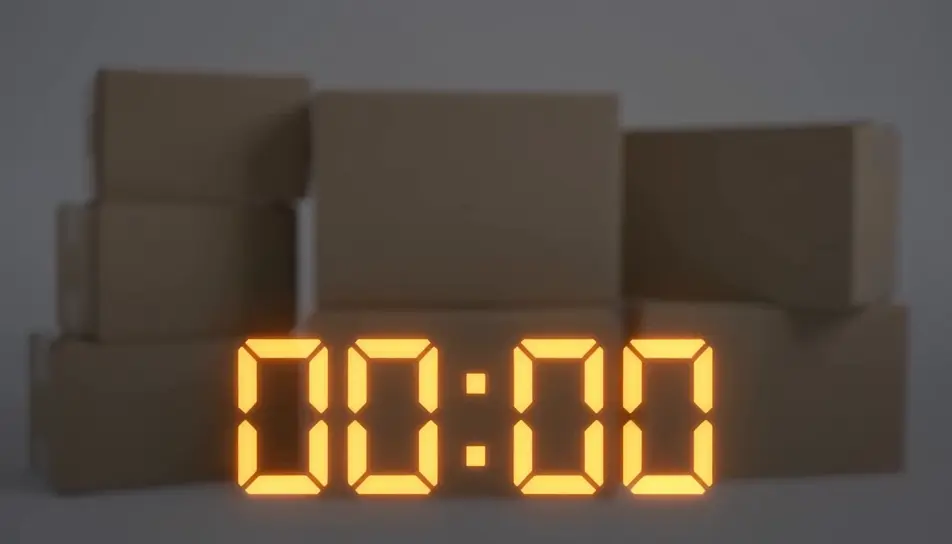
Generate a Black Friday countdown video in Morphic's AI video generator: ticking numbers over a product shot, a bold "sale ends in..." graphic, or a looping urgency clip sized for stories, reels or an email header. This is a rendered video clip you add your own offer to, not a live interactive timer — cut it together on Compose and post it everywhere your sale needs urgency.
A large ticking countdown overlaid on a soft-focus product arrangement, the numbers sharp against the blurred background.
Editar promptA vertical, loopable countdown graphic built for a story placement, numbers ticking center-frame with a pulsing background glow.
Editar prompt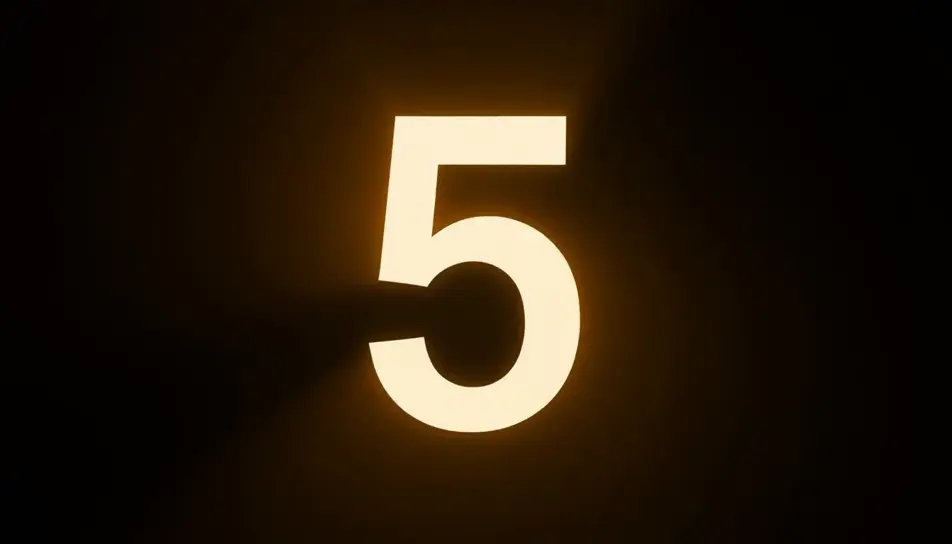
A wide, short countdown bar with ticking digits and a thin progress line beneath, designed to sit at the top of an email.
Editar prompt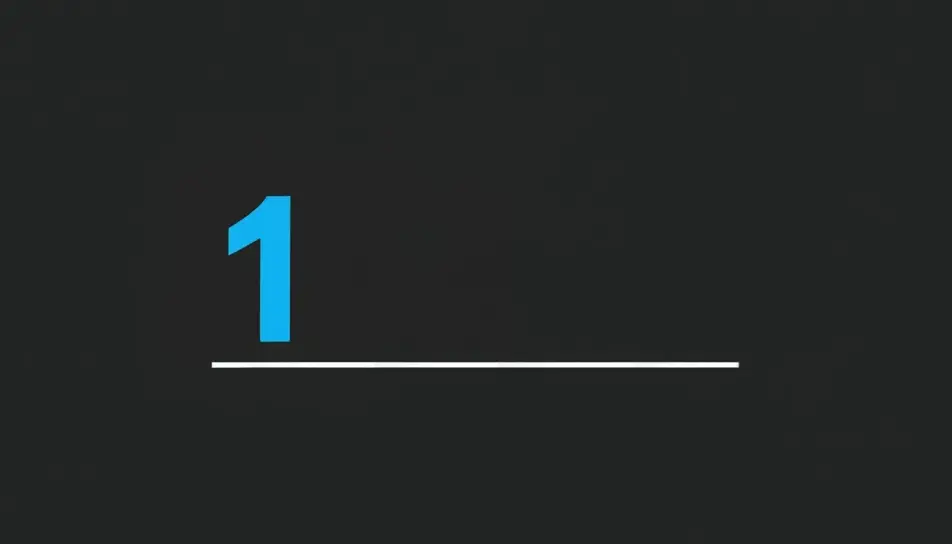
The countdown ticks down to zero, then wipes to reveal a blank offer card ready for the store's own text and price.
Editar prompt
Escreva a cena de Black Friday countdown video que você quer, em poucas palavras.
A Morphic gera um clipe cinematográfico e pronto para uso no seu Canvas em segundos.
Ajuste o prompt, gere novas variações e depois baixe ou compartilhe a cena.

Dramatize any text conversation into a cinematic multi-shot video.
Cinematic time-freeze short film for any scene
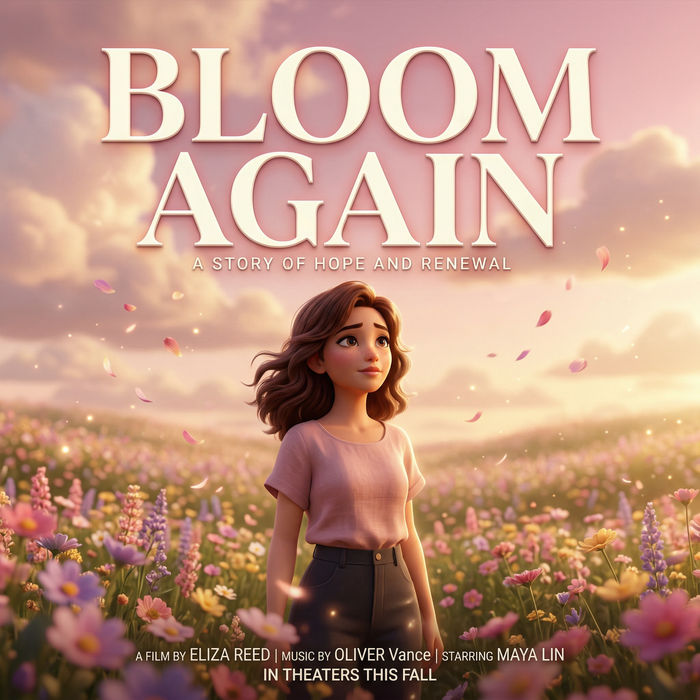
Generate a professional film title card from scratch, with optional cinematic animation.
Photo of any real-estate becomes a cinematic renovation timelapse video with construction SFX and music.
One image to a 9-scene cinematic video.
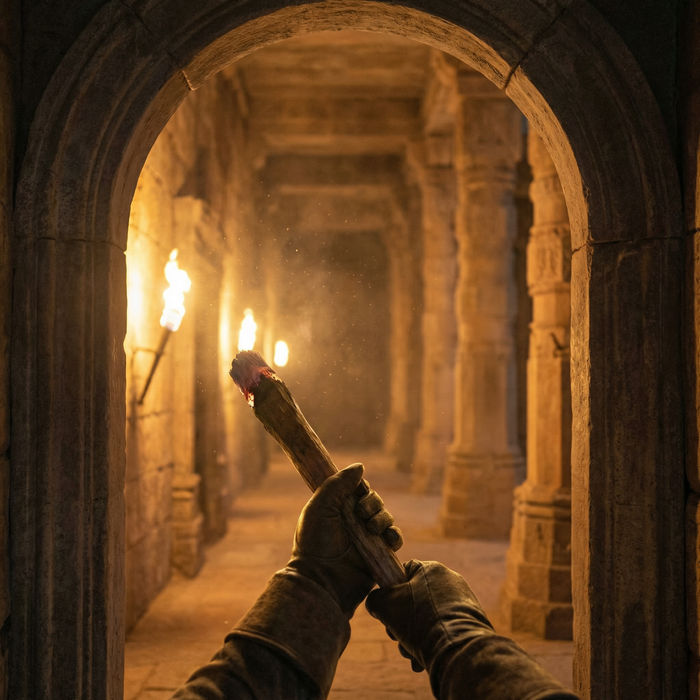
Describe a first-person scenario. Get sequential POV frames animated into video clips with audio.
Black Friday GIFs
Create Black Friday GIFs in Morphic for email headers, stories and ads. Animate your offer in a short loop that matches your brand.
Crie vídeos com o gerador de vídeo com IA
Gere vídeos incríveis com texto. Vídeo profissional em qualquer estilo.
AI Black Friday promo videos
Black Friday promo video maker with AI. Direct spotlight reveals, neon orbits, and confetti drops, no shoot and no stock. Own the rush, generate it today.
AI Countdown Timer videos
Generate AI countdown timer videos with Morphic. Atmospheric countdown backdrops, starting-soon screens, and focus-sprint timers with music and spoken cues.
Comece grátis hoje mesmo, com a opção de fazer upgrade ou cancelar quando quiser.
Basic
2400 mensal créditos
1 apenas usuário
Todos os modelos
Workflows
Standard
3625 mensal créditos
1 apenas usuário
Todos os modelos
Workflows
Pro
6350 compartilhado mensal créditos
1 usuário
Todos os modelos
Workflows
Max
24650 compartilhado mensal créditos
1 usuário
Todos os modelos
Workflows
Enterprise
Para limites maiores
Personalizado
termos de preços e cobrança

Free
Para experimentar
$0
grátis para sempre