Direct atmospheric countdown backdrops in your browser with Morphic's countdown timer AI video generator. Generate countdown timer clips like a soft neon number glowing over drifting particles or a serene focus scene ticking toward zero, and pair them with the Music tool for a building or calming bed and the Speech tool for spoken time cues. Stitch the countdown loops into one continuous starting-soon or focus screen on the Canvas.

Countdown timer styles you can direct

Countdown timer screens you can stage

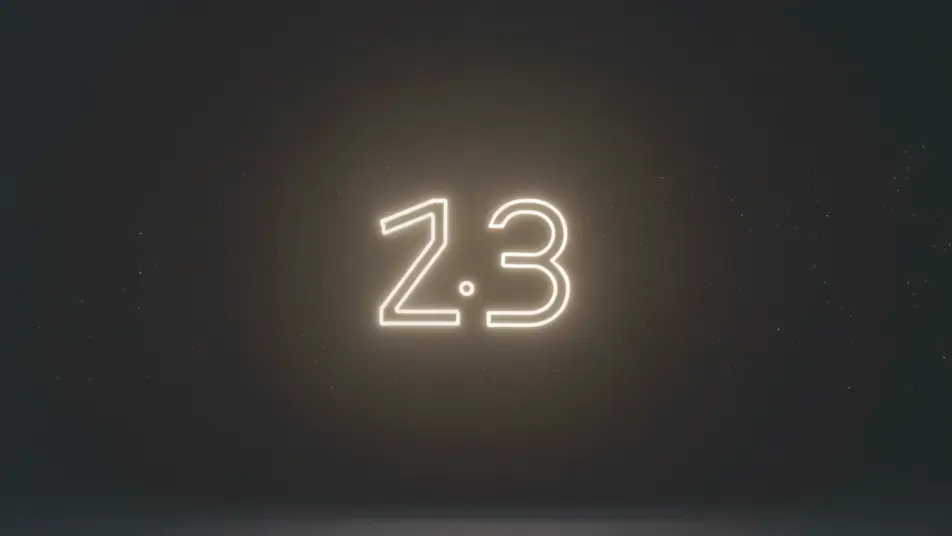
Neon countdown over particles

A locked full-frame shot of a soft neon number pulsing at center over a dark field of slowly drifting particles, the glow steady and the motion gentle, an easy-to-read backdrop that loops as the count falls.

Editar prompt
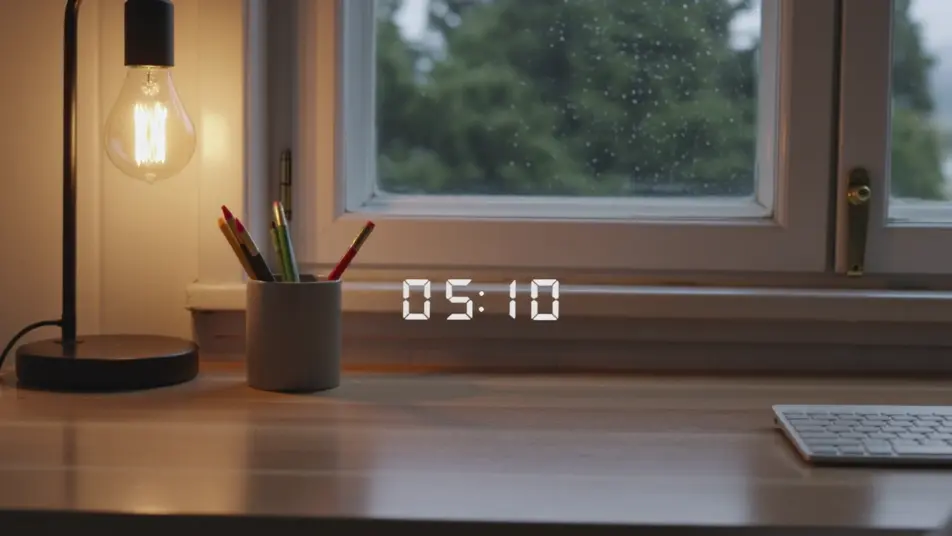
Cozy starting-soon screen

A static shot of a countdown number set over a warm lofi desk-and-window loop, lamplight and faint rain behind the glass, the inviting scene holding still while the timer ticks down for viewers arriving early.

Editar prompt

Focus-sprint gradient timer

A minimal, still frame of a clean number over a slow gradient wash of soft color, nothing else moving, the calm backdrop built to hold attention through a study or work sprint toward zero.

Editar prompt

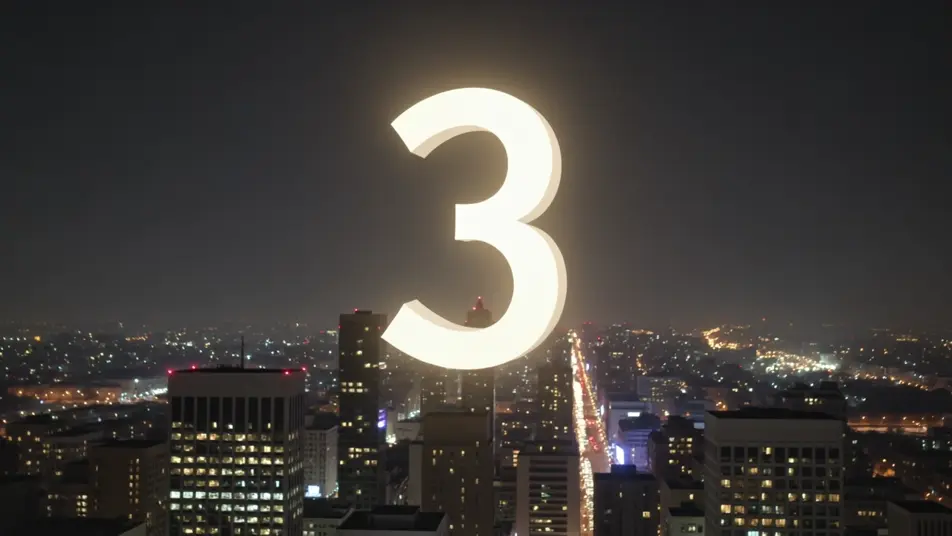
Midnight celebration countdown

A wide, static night shot of a countdown number over a city skyline with soft bokeh lights and drifting sparkle, the festive glow building steadily as the final seconds fall toward a zero moment.

Editar prompt

Crie vídeos de countdown timer em três passos

  1. 01

    Descreva sua cena de countdown timer

    Escreva a cena de countdown timer que você quer, em poucas palavras.

  2. 02

    Gere o vídeo

    A Morphic gera um clipe cinematográfico e pronto para uso no seu Canvas em segundos.

  3. 03

    Refine seu vídeo de countdown timer

    Ajuste o prompt, gere novas variações e depois baixe ou compartilhe a cena.

Workflows relacionados

Você também pode gostar

Preços simples

Comece grátis hoje mesmo, com a opção de fazer upgrade ou cancelar quando quiser.

Basic

$9/ mês
cobrado como $0 por ano

900 mensal créditos

1 apenas usuário

Todos os modelos

Workflows

Standard

$24/ mês
cobrado como $0 por ano

3200 mensal créditos

1 apenas usuário

Todos os modelos

Workflows

Pro

$45/ mês
cobrado como $0 por ano

6200 compartilhado mensal créditos

1 usuário

+ até 4 mais com custo adicional

Todos os modelos

Workflows

Pro Max

$170/ mês
cobrado como $0 por ano

24000 compartilhado mensal créditos

1 usuário

+ até 9 mais com custo adicional

Todos os modelos

Workflows

Enterprise

Para limites maiores

Personalizado

termos de preços e cobrança

Créditos ilimitados
Limites de vagas personalizados
Todos os modelos
Workflows
Pricing Gradient

Free

Para experimentar

$0

grátis para sempre

Até 20 créditos
apenas 1 usuário
Modelos limitados
Workflows

Perguntas frequentes

Where can I make countdown timer videos with AI?
You can create countdown timer backdrops directly in your browser on Morphic. Open the Text to Video tool, describe the mood, the backdrop, and the energy you want behind the number, and Morphic produces the looping scene. No installs and no editing software needed.
What kinds of countdown timer scenes work best with AI video?
Atmospheric, low-motion backdrops read best: a neon number over drifting particles, a calm gradient, a cozy starting-soon lofi scene, a turning starfield, a festive skyline. The strongest countdown loops keep the backdrop gentle so the number stays readable while the seconds fall.
How do I write a good prompt for a countdown timer video?
Name the backdrop, the energy of the moment, and that the number sits at frame center, then keep the motion slow. The calmer the background, the more readable the count. For a stream screen, lean cozy and welcoming; for a sprint or workout, lean bright and driving.
How do I keep the timer consistent across scenes?
Hold the backdrop style, color palette, and number placement steady from clip to clip. On the Canvas you can line the countdown segments up in sequence and tune each one until the tone and pace match into one continuous timer or starting-soon screen.
Can I add music and narration to my countdown timer videos?
Yes. The Music tool produces a building or calming bed to match the moment, tension for a sprint or a soft loop for focus. The Speech tool generates spoken time cues in the voice you choose, so you can layer a "ten seconds left" call or a warm intro over the countdown.
Do I need video editing experience to make a countdown timer video?
No. Morphic runs in your browser and you direct it with plain-language prompts. If you can describe the mood you want behind the number, you can produce a countdown backdrop. The prompts on this page are written so anyone can paste and run.