Direct dreamy out-of-focus light in your browser with Morphic's bokeh effect AI video generator. Generate clips like a city street dissolving into floating circles of neon, or fairy lights melting into soft creamy orbs behind a portrait, and pair them with the Music tool to let the lights pulse on the beat. Stitch the shimmering shallow-focus shots into one continuous sequence on the Canvas.

Bokeh variations you can direct

Bokeh sequences you can stage

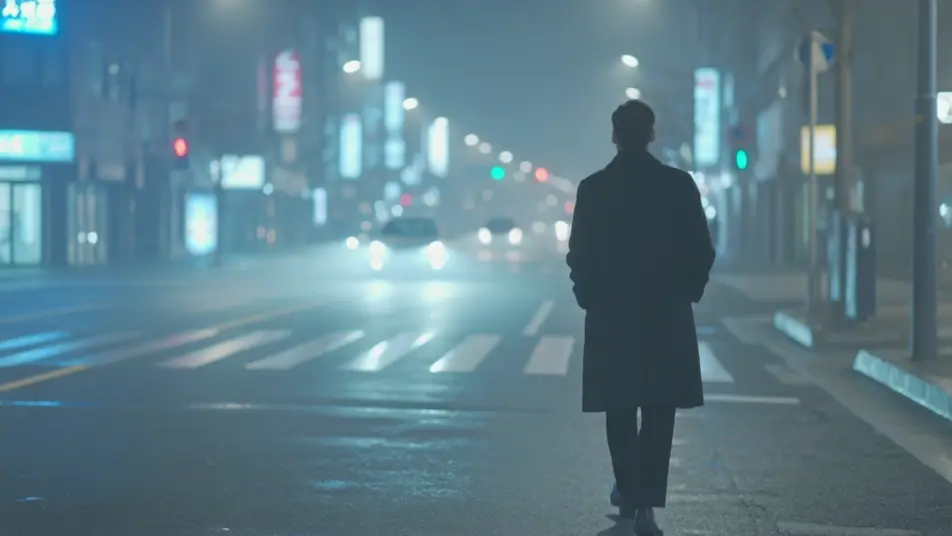
Night walk through neon bokeh

Slow tracking shot behind a figure strolling a wet city street at night where every distant sign and headlight melts into floating circular orbs, subject held sharp against a soft glowing field, cool neon key, gentle handheld sway.

Editar prompt
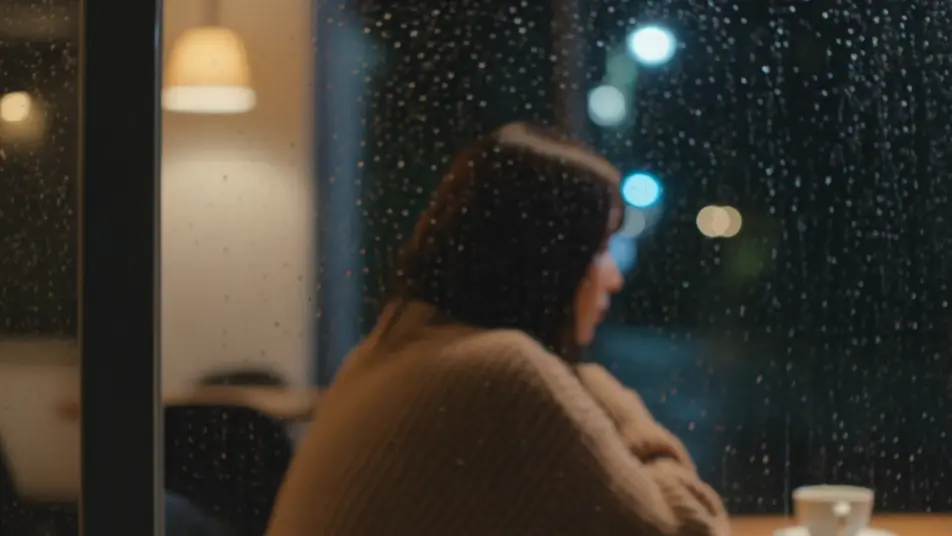
Cafe window in the rain

Intimate seated shot through a rain-streaked cafe window where the street lights outside scatter into trembling bokeh, warm interior glow on the subject, shallow focus, static frame as droplets slide.

Editar prompt

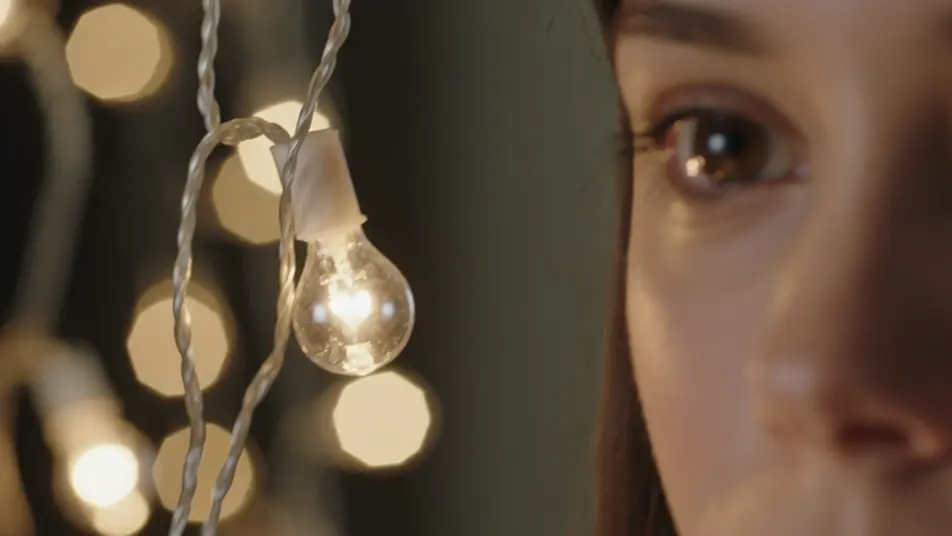
Portrait under fairy lights

Close-up of a face lit by strings of warm bulbs that dissolve into twinkling golden orbs behind them, soft key from the side, a slow rack focus pulling the eyes sharp as the lights fall away.

Editar prompt

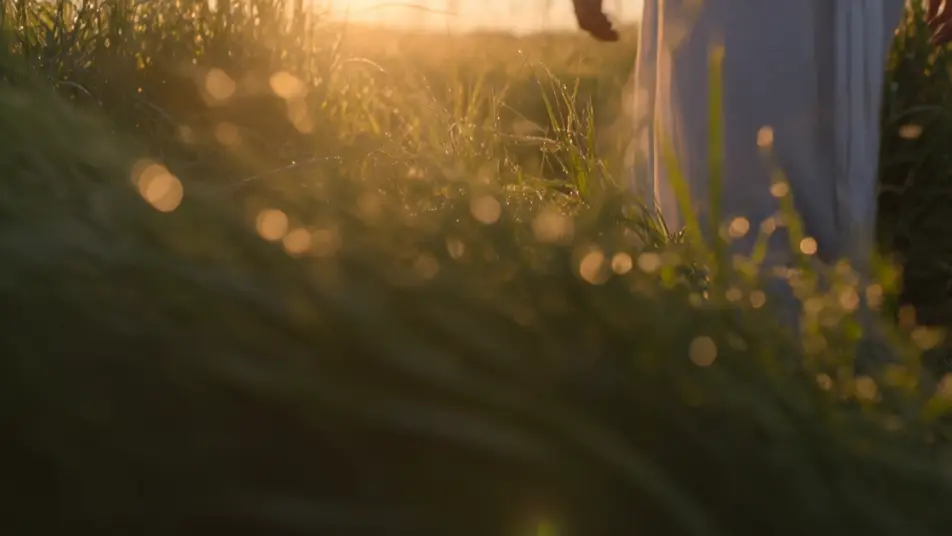
Golden-hour meadow

Backlit low shot through tall grass at sunset where dew and pollen catch the sun into a field of drifting warm orbs, the subject wading through soft foreground bokeh, camera rising slowly with the light.

Editar prompt

Crie vídeos de bokeh effect em três passos

  1. 01

    Descreva sua cena de bokeh effect

    Escreva a cena de bokeh effect que você quer, em poucas palavras.

  2. 02

    Gere o vídeo

    A Morphic gera um clipe cinematográfico e pronto para uso no seu Canvas em segundos.

  3. 03

    Refine seu vídeo de bokeh effect

    Ajuste o prompt, gere novas variações e depois baixe ou compartilhe a cena.

Workflows relacionados

Você também pode gostar

Preços simples

Comece grátis hoje mesmo, com a opção de fazer upgrade ou cancelar quando quiser.

Basic

$9/ mês
cobrado como $0 por ano

900 mensal créditos

1 apenas usuário

Todos os modelos

Workflows

Standard

$24/ mês
cobrado como $0 por ano

3200 mensal créditos

1 apenas usuário

Todos os modelos

Workflows

Pro

$45/ mês
cobrado como $0 por ano

6200 compartilhado mensal créditos

1 usuário

+ até 4 mais com custo adicional

Todos os modelos

Workflows

Pro Max

$170/ mês
cobrado como $0 por ano

24000 compartilhado mensal créditos

1 usuário

+ até 9 mais com custo adicional

Todos os modelos

Workflows

Enterprise

Para limites maiores

Personalizado

termos de preços e cobrança

Créditos ilimitados
Limites de vagas personalizados
Todos os modelos
Workflows
Pricing Gradient

Free

Para experimentar

$0

grátis para sempre

Até 20 créditos
apenas 1 usuário
Modelos limitados
Workflows

Perguntas frequentes

Where can I make bokeh videos with AI?
You can create bokeh videos directly in your browser on Morphic. Open the Text to Video tool, describe the background lights, the subject that stays sharp, and how much blur you want, and Morphic generates the shallow-focus clip. No fast lens and no manual blur pass needed.
What kinds of bokeh shots work best with AI video?
Shots with many small background lights against a clear foreground subject read best: night city streets, fairy-lit portraits, rain-streaked windows, and backlit golden-hour scenes. The strongest bokeh keeps one subject crisp while everything behind it melts into soft glowing orbs.
How do I write a good prompt for a bokeh video?
Name the background light source, the shape of the orbs, and what stays in focus. A prompt like "neon street lights blurred into large round orbs behind a sharp face" gives Morphic more than "blurry background." Adding orb shape, color, and mood tunes the look.
How do I keep the bokeh consistent between scenes?
Keep the orb shape, light color, and depth relationship the same across shots and describe them the same way. On the Canvas you can place bokeh clips side by side and refine each until the blur character and glow intensity match into one continuous look.
Can I add music and narration to my bokeh videos?
Yes. The Music tool produces an original soundtrack, and drifting orbs feel best when they pulse with a slow melody. The Speech tool generates narration in the voice you choose, layered onto the clip so an intimate portrait or night-walk sequence can carry a voiceover.
Do I need video editing experience to make a bokeh video?
No. Morphic runs in your browser and you direct it with plain-language prompts. If you can describe what stays sharp and what melts into glowing blur, you can produce the clip. The prompts on this page are written so anyone can paste and run.