Direct cinema-grade visual effects in your browser with Morphic's AI VFX video generator. Generate VFX shots like a shockwave tearing through a city street, blue energy crackling around a raised hand, or a glass tower folding into rubble, and pair them with the Music tool to score every impact. Composite-free, no green screen needed, the finished VFX sequence comes together on the Canvas.

VFX shots you can render

VFX scenes you can direct

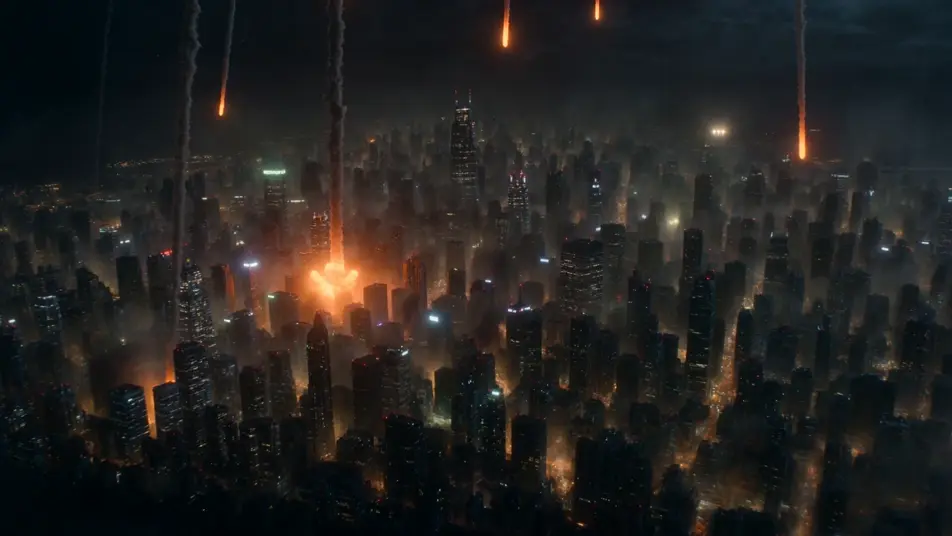
Sci-fi city under aerial bombardment

A neon megacity at night takes a barrage of energy fire from above, towers erupting in orange blooms while shockwave rings ripple between the buildings, drifting smoke catching the city glow, slow aerial push-in.

Editar prompt

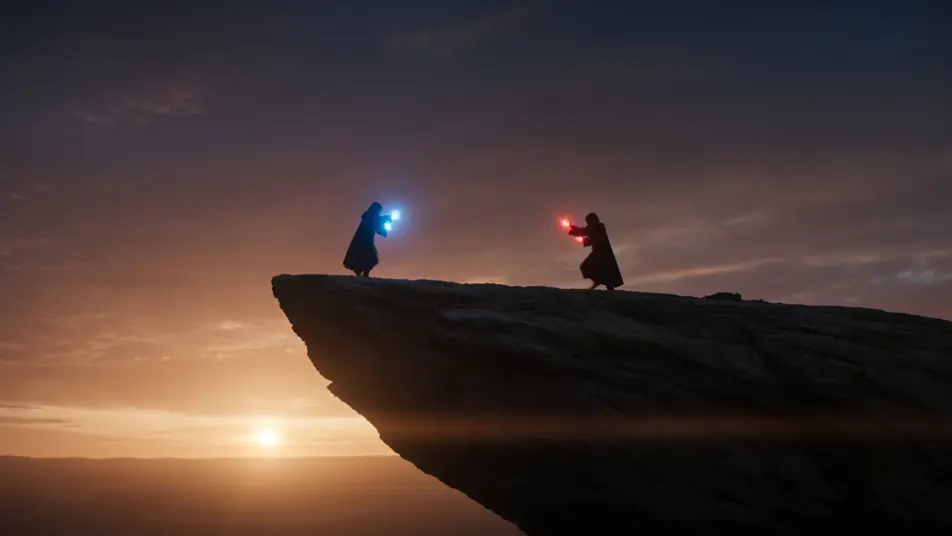
Sorcerer duel with clashing energy effects

Two robed figures face off on a cliff edge at dusk, beams of blue and crimson energy colliding in a spray of sparks at the midpoint, ground cracking and dust lifting, low wide shot framing both casters.

Editar prompt

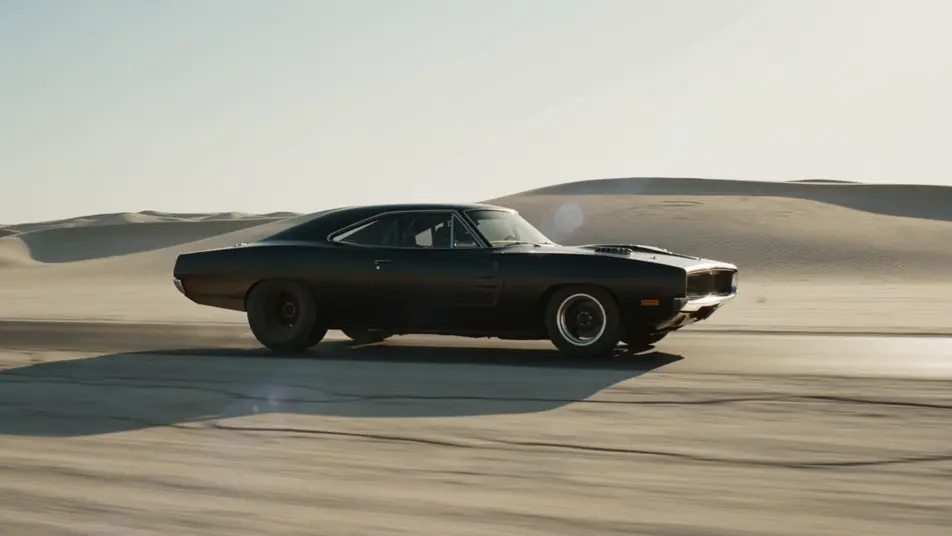
Highway chase with rolling explosions

A muscle car races down a desert highway as fireballs erupt behind it in sequence, a wall of flame and black smoke chasing the bumper, debris bouncing across the asphalt, fast tracking side shot.

Editar prompt

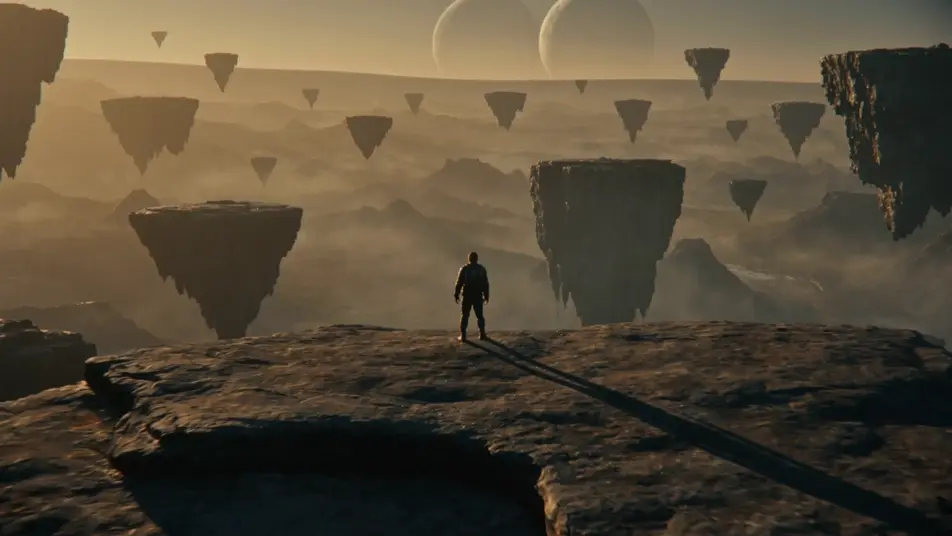
Set-extension reveal of a vast alien valley

A lone explorer stands on a ridge as the camera pulls back to reveal a colossal alien valley, floating rock islands and twin moons stitched cleanly into the foreground terrain, golden haze across the horizon.

Editar prompt

Crie vídeos de VFX em três passos

  1. 01

    Descreva sua cena de VFX

    Escreva a cena de VFX que você quer, em poucas palavras.

  2. 02

    Gere o vídeo

    A Morphic gera um clipe cinematográfico e pronto para uso no seu Canvas em segundos.

  3. 03

    Refine seu vídeo de VFX

    Ajuste o prompt, gere novas variações e depois baixe ou compartilhe a cena.

Workflows relacionados

Você também pode gostar

Preços simples

Comece grátis hoje mesmo, com a opção de fazer upgrade ou cancelar quando quiser.

Basic

$9/ mês
cobrado como $0 por ano

900 mensal créditos

1 apenas usuário

Todos os modelos

Workflows

Standard

$24/ mês
cobrado como $0 por ano

3200 mensal créditos

1 apenas usuário

Todos os modelos

Workflows

Pro

$45/ mês
cobrado como $0 por ano

6200 compartilhado mensal créditos

1 usuário

+ até 4 mais com custo adicional

Todos os modelos

Workflows

Pro Max

$170/ mês
cobrado como $0 por ano

24000 compartilhado mensal créditos

1 usuário

+ até 9 mais com custo adicional

Todos os modelos

Workflows

Enterprise

Para limites maiores

Personalizado

termos de preços e cobrança

Créditos ilimitados
Limites de vagas personalizados
Todos os modelos
Workflows
Pricing Gradient

Free

Para experimentar

$0

grátis para sempre

Até 20 créditos
apenas 1 usuário
Modelos limitados
Workflows

Perguntas frequentes

Where can I make AI VFX videos with AI?
You can create VFX shots directly in your browser on Morphic. Open the Text to Video tool, describe the effect, the physics, and the camera move, and Morphic produces the clip. No green screen, no compositing software, and no installs needed.
What kinds of VFX shots work best with AI video?
Explosions and blast waves, energy and magic effects, sci-fi destruction like collapsing buildings, particle and ember swarms, set extensions, and creature transformations all render well. Name the effect and the physics that sell it, and Morphic generates the VFX shot directly from the prompt.
Do I need green screen or compositing software for AI VFX videos?
No. Morphic generates the visual effect as part of the shot, so there is no green screen to key and no compositing rig to set up. Describe the explosion, the energy effect, or the destruction in plain language and the VFX comes back inside the finished clip.
How do I write a good prompt for a VFX shot?
Name the effect, then describe the physics that make it believable. For an explosion, specify the blast direction, the debris arc, and how the dust settles. For an energy effect, specify the color, where it gathers, and where it discharges. Adding a camera move grounds the VFX in a real shot.
How do I keep effects consistent across a VFX sequence?
Use the Character Lineup workflow to lock the look of any figure tied to an effect, then reference the same color, scale, and style language in every prompt. Morphic holds the energy palette and the destruction grammar across shots so the VFX sequence stays on-style.
Can I add a score and sound to my AI VFX videos?
Yes. The Music tool produces an original soundtrack that lands every impact and swell, and the Speech tool generates voiceover in the voice you choose. Layer both onto the generated VFX shots to publish a complete sequence without leaving the Canvas.