Replace any background in your browser with Morphic's green screen AI video generator. Generate a presenter dropped onto a city skyline or a host teleported to a rainforest canopy, narrate every cut with Speech, then swap sets and publish from the Canvas.

Green screen clips you can stage

Green screen backgrounds you can drop in

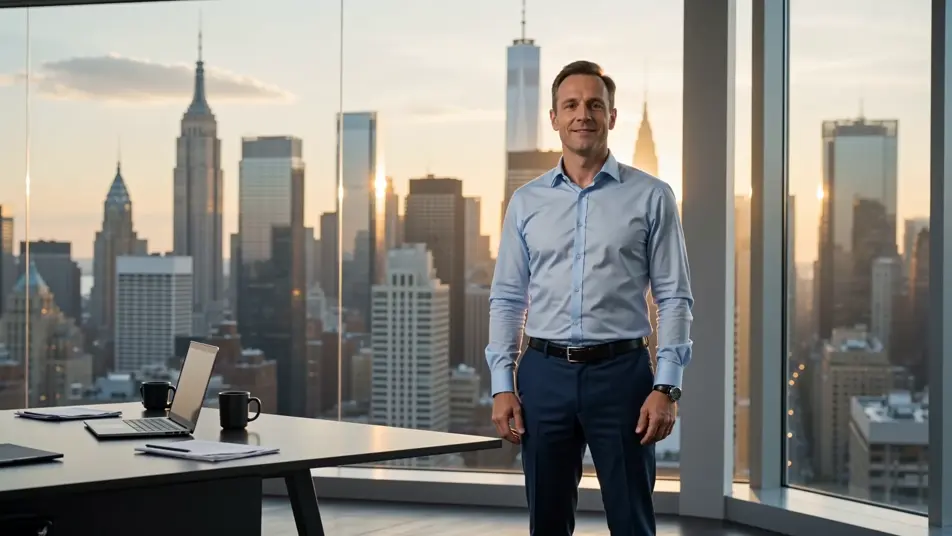
Green screen set swap to a glass office

A presenter speaking to camera is dropped into a sunlit glass office with a city view, soft daylight wrapping the subject, slow lateral dolly past the desk.

Editar prompt

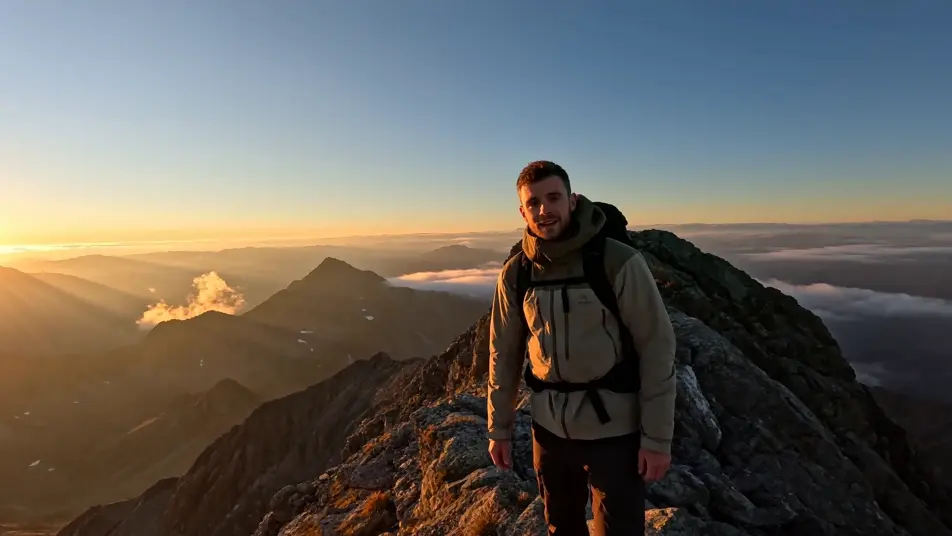
Green screen background change to a mountain ridge

A hiker-host stands talking while the original backdrop is replaced with a wide alpine ridge at golden hour, low clouds rolling past, gentle handheld sway.

Editar prompt

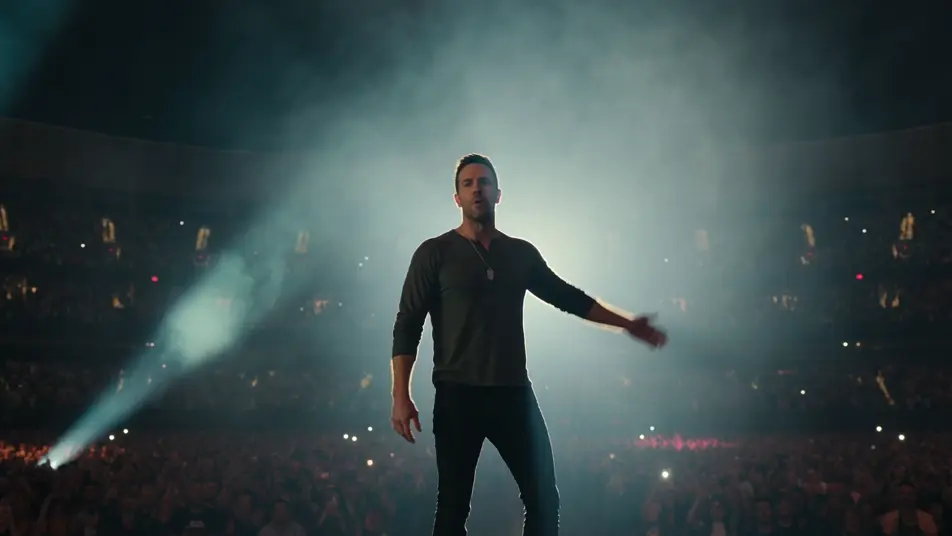
Green screen replacement onto a concert stage

A subject lifted from a plain room and placed centre-stage at a packed arena concert, stage lights sweeping, haze in the beams, a slow push-in from the crowd.

Editar prompt

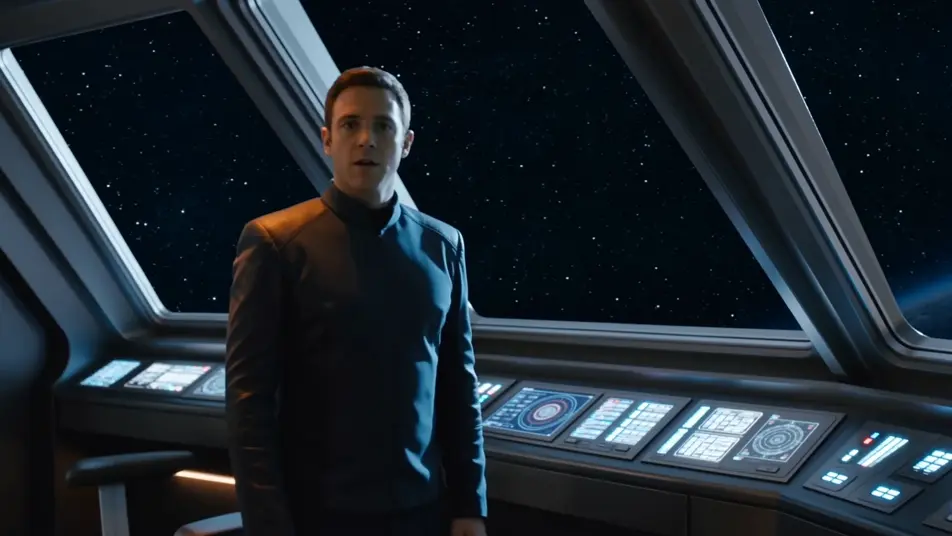
Green screen drop into a sci-fi spaceship bridge

A crew-member host framed mid-shot, dropped onto a sci-fi spaceship bridge with glowing consoles and a starfield window, cool blue key light, steady locked-off shot.

Editar prompt

Crie vídeos de green screen em três passos

  1. 01

    Descreva sua cena de green screen

    Escreva a cena de green screen que você quer, em poucas palavras.

  2. 02

    Gere o vídeo

    A Morphic gera um clipe cinematográfico e pronto para uso no seu Canvas em segundos.

  3. 03

    Refine seu vídeo de green screen

    Ajuste o prompt, gere novas variações e depois baixe ou compartilhe a cena.

Workflows relacionados

Você também pode gostar

Preços simples

Comece grátis hoje mesmo, com a opção de fazer upgrade ou cancelar quando quiser.

Basic

$9/ mês
cobrado como $0 por ano

900 mensal créditos

1 apenas usuário

Todos os modelos

Workflows

Standard

$24/ mês
cobrado como $0 por ano

3200 mensal créditos

1 apenas usuário

Todos os modelos

Workflows

Pro

$45/ mês
cobrado como $0 por ano

6200 compartilhado mensal créditos

1 usuário

+ até 4 mais com custo adicional

Todos os modelos

Workflows

Pro Max

$170/ mês
cobrado como $0 por ano

24000 compartilhado mensal créditos

1 usuário

+ até 9 mais com custo adicional

Todos os modelos

Workflows

Enterprise

Para limites maiores

Personalizado

termos de preços e cobrança

Créditos ilimitados
Limites de vagas personalizados
Todos os modelos
Workflows
Pricing Gradient

Free

Para experimentar

$0

grátis para sempre

Até 20 créditos
apenas 1 usuário
Modelos limitados
Workflows

Perguntas frequentes

Where can I make AI green screen videos?
You can make green screen videos directly in your browser on Morphic. Open the Text to Video tool, describe the subject and the background you want behind it, and Morphic produces the clip. No installs and no chroma-key software needed.
Do I need a physical green screen to make green screen videos?
No. Morphic replaces the background from your description, so there is no fabric backdrop, no lighting rig, and no keying step. Name the subject and the new setting and Morphic composites a clean green screen result for you.
What kinds of backgrounds work best for green screen videos?
Specific, well-lit settings key cleanest: a glass office, a neon skyline, a studio sweep, a mountain ridge, an arena stage, a spaceship bridge. Describe the light direction and depth of the background so the subject sits naturally inside the green screen composite.
How do I write a good prompt for a green screen scene?
Name three things: the subject and its action, the replacement background, and the camera move. A line like "a host talking to camera, dropped onto a rainforest canopy, slow push-in" gives Morphic everything it needs to stage the green screen shot.
How do I keep a presenter consistent across green screen scenes?
Use the Character Lineup workflow to lock the wardrobe, framing, and look of your presenter, then reference that card in every prompt. Morphic holds the subject steady while you swap the green screen background from shot to shot.
Can I add narration and music to my green screen videos?
Yes. The Speech tool generates voiceover in the voice you choose, and the Music tool scores the cut. Layer both onto your green screen clips on the Canvas to publish a finished video with sound.