AI Digital Art Timelapse videos

Direct sped-up creation reveals in your browser with Morphic's digital art timelapse AI video generator. Generate timelapse clips like a blank canvas filling in with a glowing portrait or a cityscape building up layer by layer, and pair them with the Music tool to sync each stroke to a rising beat. Stitch the process reveals into one continuous timelapse on the Canvas.

Timelapse styles you can direct

Timelapse reveals you can stage

Portrait building from blank canvas

A locked overhead view of an empty digital canvas where a portrait forms as sped-up strokes lay down under-painting, features, and highlights. Even light, no camera movement, the finished face landing on the final beat.

Editar prompt
Landscape rendering in fast forward

A steady head-on shot of a scene painting itself in, horizon then mountains then sky then water, atmosphere deepening with each pass. Soft ambient light, gentle push-in as the vista resolves to full color.

Editar prompt

Pixel scene clicking into place

A tight, flat view of a grid canvas filling one colored block at a time until a small retro scene appears. Crisp lighting, static frame, a rhythmic build that reads clearly as a mechanical timelapse.

Editar prompt

Sketch to polished render

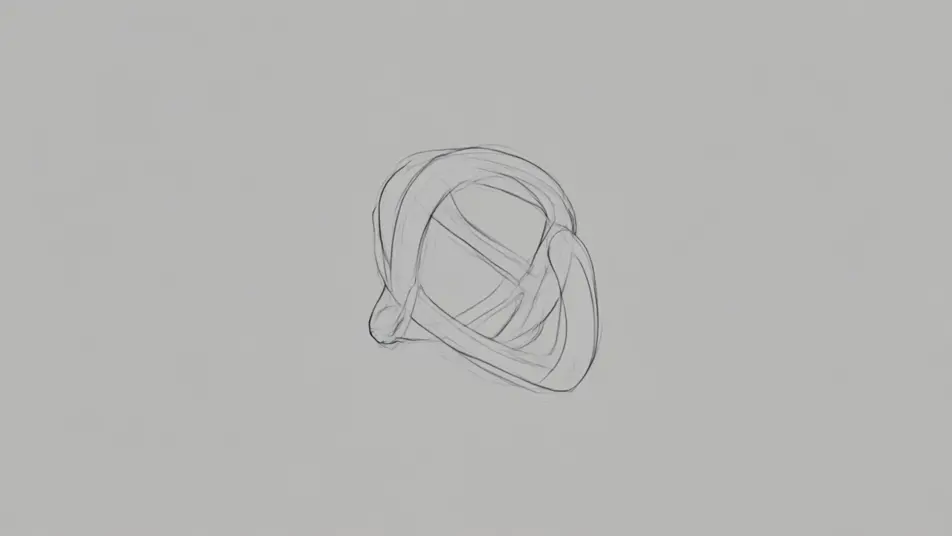
A centered shot of a rough gesture drawing that tightens into clean line-work and then renders into a lit, detailed final image. Neutral background, held camera, realism ramping up smoothly across the clip.

Editar prompt

Crie vídeos de digital art timelapse video em três passos

  1. 01

    Descreva sua cena de digital art timelapse video

    Escreva a cena de digital art timelapse video que você quer, em poucas palavras.

  2. 02

    Gere o vídeo

    A Morphic gera um clipe cinematográfico e pronto para uso no seu Canvas em segundos.

  3. 03

    Refine seu vídeo de digital art timelapse video

    Ajuste o prompt, gere novas variações e depois baixe ou compartilhe a cena.

Workflows relacionados

Você também pode gostar

Preços simples

Comece grátis hoje mesmo, com a opção de fazer upgrade ou cancelar quando quiser.

Basic

$9/ mês
cobrado como $0 por ano

900 mensal créditos

1 apenas usuário

Todos os modelos

Workflows

Standard

$24/ mês
cobrado como $0 por ano

3200 mensal créditos

1 apenas usuário

Todos os modelos

Workflows

Pro

$45/ mês
cobrado como $0 por ano

6200 compartilhado mensal créditos

1 usuário

+ até 4 mais com custo adicional

Todos os modelos

Workflows

Pro Max

$170/ mês
cobrado como $0 por ano

24000 compartilhado mensal créditos

1 usuário

+ até 9 mais com custo adicional

Todos os modelos

Workflows

Enterprise

Para limites maiores

Personalizado

termos de preços e cobrança

Créditos ilimitados
Limites de vagas personalizados
Todos os modelos
Workflows
Pricing Gradient

Free

Para experimentar

$0

grátis para sempre

Até 20 créditos
apenas 1 usuário
Modelos limitados
Workflows

Perguntas frequentes

Where can I make digital art timelapse videos with AI?
You can create digital art timelapse videos directly in your browser on Morphic. Open the Text to Video tool, describe the artwork and how it should build from blank canvas to finished piece, and Morphic produces the timelapse clip. No screen recording and no drawing skills needed.
What kinds of timelapse reveals work best with AI video?
Clear, staged builds read best: a speed-paint portrait, a landscape filling in from the horizon, a line drawing gaining color and shading, or a pixel scene assembling block by block. Timelapses with a visible start point and an obvious finished state feel most satisfying because the eye can track the progress.
How do I write a good prompt for a timelapse video?
Name the subject, the medium, and the process order, blank canvas to under-painting to details, and add "timelapse" or "sped-up strokes." Calling out what appears first and what lands last gives the clip a clear arc. The more specific the stages, the more convincing the build Morphic returns.
How do I keep the build consistent across the clip?
Keep the camera locked and describe a single continuous subject so the artwork grows in one place rather than jumping. On the Canvas you can place timelapse clips in sequence and trim them so the reveal ramps smoothly from rough to finished without a break.
Can I add music and narration to my timelapse videos?
Yes. The Music tool produces an original soundtrack, and timelapses land hardest when the final reveal hits a rising beat. The Speech tool generates narration in the voice you choose, so you can talk through the process over the sped-up strokes like a real speed-paint walkthrough.
Do I need video editing experience to make a timelapse video?
No. Morphic runs in your browser and you direct it with plain-language prompts. If you can describe the artwork and the order it comes together, you can produce a digital art timelapse. The prompts on this page are written so anyone can paste and run.