A light leak between two portraits
A soft close-up of a face in golden light where a warm orange leak floods in from the right edge and blooms across the frame to reveal a second portrait. Shallow depth of field, slow amber wash.
Editar prompt
Direct analog film burn transitions in your browser with Morphic's film burn AI video generator. Generate a frame scorching through to the next shot, a warm light leak between portraits, or a celluloid flare wipe. Swell the score with Music on the Canvas.
A soft close-up of a face in golden light where a warm orange leak floods in from the right edge and blooms across the frame to reveal a second portrait. Shallow depth of field, slow amber wash.
Editar promptA present-day interior shot where a bright hot spot ignites and burns outward through the frame, emerging into a warm sunlit garden of the past. Static framing, dramatic emulsion char across the cut.
Editar prompt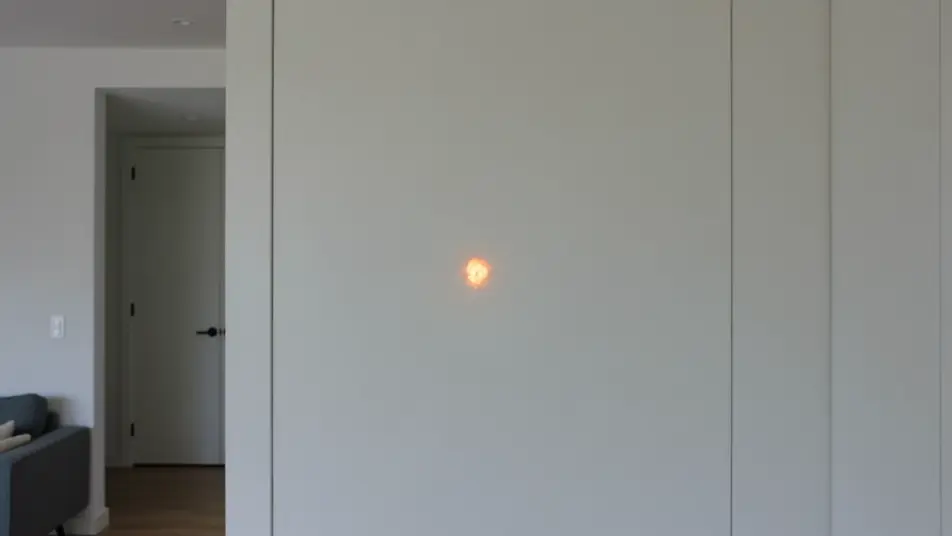
A wide of a desert highway where vertical light streaks rake down the frame and flare into a second road stretching to the horizon. Handheld drift, kinetic bands of light bridging the two shots.
Editar prompt
A dim night alley where a cool blue-green leak washes across the frame to reveal a rain-slicked moonlit street. Locked tripod, slow chilled flare for a melancholy, dreamlike transition.
Editar prompt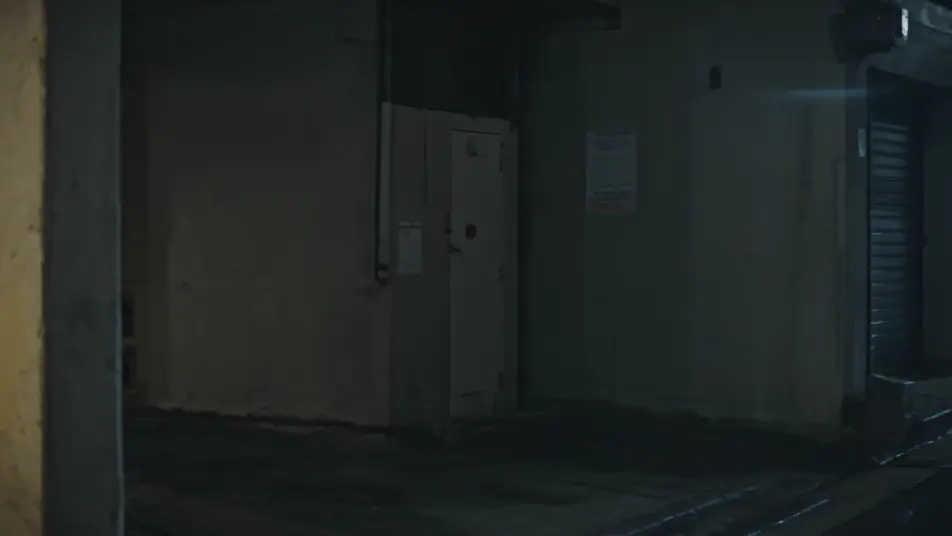
Escreva a cena de film burn transition que você quer, em poucas palavras.
A Morphic gera um clipe cinematográfico e pronto para uso no seu Canvas em segundos.
Ajuste o prompt, gere novas variações e depois baixe ou compartilhe a cena.

Dramatize any text conversation into a cinematic multi-shot video.
Cinematic time-freeze short film for any scene

Generate a professional film title card from scratch, with optional cinematic animation.
One image to a 9-scene cinematic video.
Drop in a photo of yourself. Get a 12-second cinematic movie with animation and a matched soundtrack.
Photo of any real-estate becomes a cinematic renovation timelapse video with construction SFX and music.
Vídeos de transição de tinta com IA
Gere transições de tinta com IA no Morphic. Manchas de tinta, respingos de aquarela e aberturas orgânicas entre planos, no tempo certo com a música.
AI Cross Dissolve videos
Generate AI cross dissolve videos with Morphic. Soft fades between shots, dreamlike overlaps, and time-passing dissolves timed to music that just run.
Vídeos de VFX com IA
Crie vídeos de VFX com IA no Morphic: explosões, energia, destruição e criaturas a partir de um prompt. Sem green screen, sem composição.
Vídeos morph com IA
Crie vídeos morph com IA no Morphic. Transições suaves, revelações com mudança de forma e cortes morph no ritmo, prontos para usar.
Comece grátis hoje mesmo, com a opção de fazer upgrade ou cancelar quando quiser.
Basic
2400 mensal créditos
1 apenas usuário
Todos os modelos
Workflows
Standard
3625 mensal créditos
1 apenas usuário
Todos os modelos
Workflows
Pro
6350 compartilhado mensal créditos
1 usuário
Todos os modelos
Workflows
Max
24650 compartilhado mensal créditos
1 usuário
Todos os modelos
Workflows
Enterprise
Para limites maiores
Personalizado
termos de preços e cobrança

Free
Para experimentar
$0
grátis para sempre