The skyline reveal
A city skyline at dusk as a colossal silhouette rises slowly behind the towers, lights winking out across the grid, a low horn sounding, the camera tilting up to take in the scale, slow and vast.
Editar prompt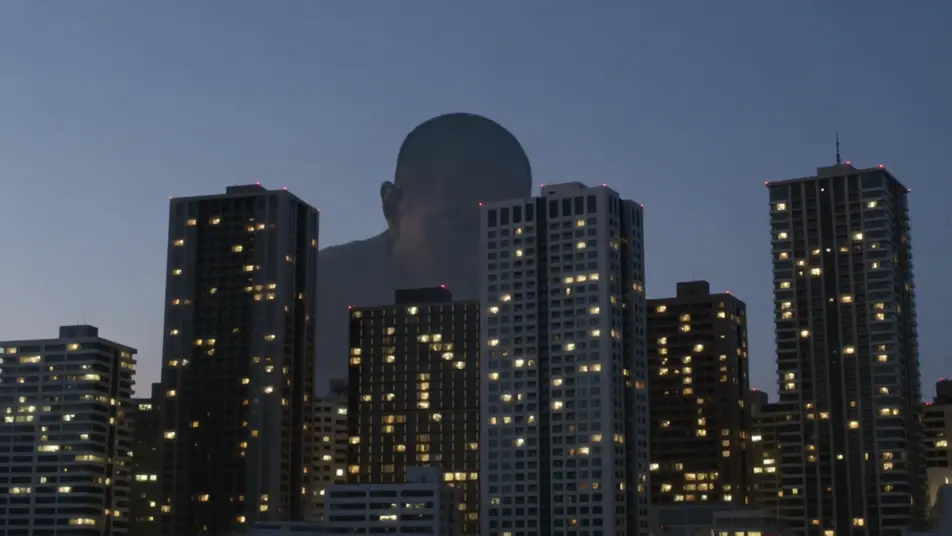
Direct city-crushing spectacle in your browser with Morphic's giant monster AI video generator. Generate a colossal silhouette behind a skyline, a vast foot crushing a crosswalk, or fighter jets banking around a towering beast. Add the broadcast voices and score with Speech and Music.
A city skyline at dusk as a colossal silhouette rises slowly behind the towers, lights winking out across the grid, a low horn sounding, the camera tilting up to take in the scale, slow and vast.
Editar promptA pedestrian-level view down a canyon of buildings as a vast foot crashes through a crosswalk, cars tossed and dust blasting toward camera, people scattering, low chaotic handheld.
Editar prompt
Fighter jets banking and firing around the towering beast amid skyscrapers, tracer streaks and missile smoke, the monster swatting through them, sweeping aerial camera, epic scale.
Editar prompt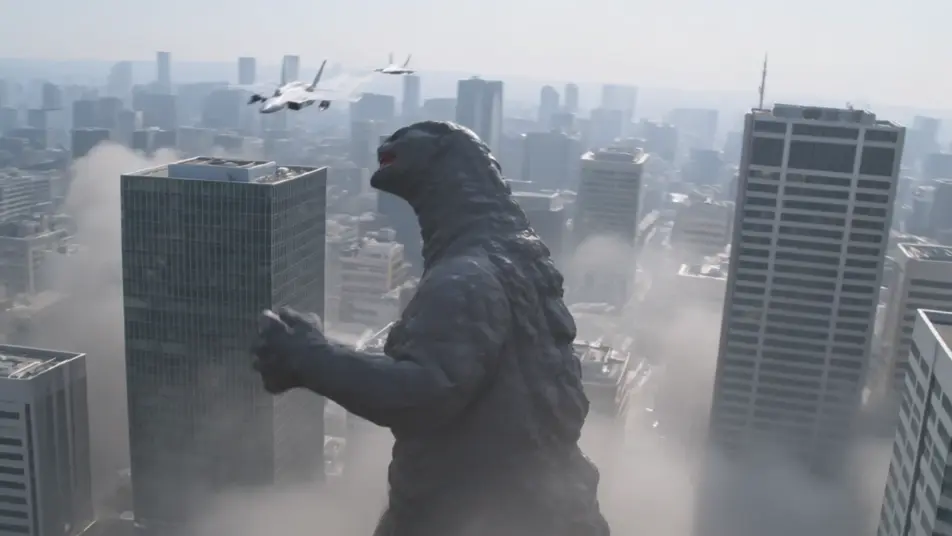
A ruined city at first light, skyscrapers sheared and smoking, a vast drag-trail through the rubble leading to the sea, tiny rescue figures picking through the wreckage, slow mournful crane up.
Editar prompt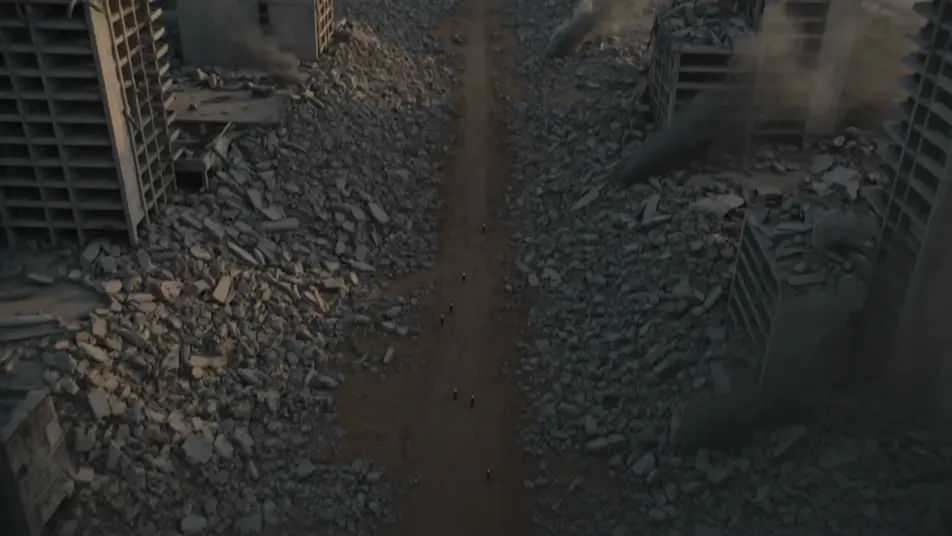
Escreva a cena de giant monster que você quer, em poucas palavras.
A Morphic gera um clipe cinematográfico e pronto para uso no seu Canvas em segundos.
Ajuste o prompt, gere novas variações e depois baixe ou compartilhe a cena.
Cinematic time-freeze short film for any scene

Dramatize any text conversation into a cinematic multi-shot video.
One image to a 9-scene cinematic video.
Drop in a photo of yourself. Get a 12-second cinematic movie with animation and a matched soundtrack.

Share a scene description with character references. Get a full storyboard with shot angles and mood.

Feed in a single image. Get 9 cinematic beats laid out as a 3x3 storyboard grid.
Vídeos de kaiju com IA
Crie vídeos de kaiju com IA no Morphic. Monstros gigantes destruindo cidades, batalhas e cenas de escala a partir de prompts, sem instalar nada.
Creature Feature AI Videos
Generate creature feature AI videos with Morphic. Lurking beasts, slow monster reveals, and confined-setting scene prompts you can direct in the browser.
Vídeos de monstro com IA
Crie vídeos de monstro no Morphic: criaturas originais, feras na neblina, monstros de lago e cenas de ameaça oculta a partir de prompts simples.
Vídeos de desastre com IA
Crie vídeos de desastre com IA no Morphic. Enchentes, deslizamentos, tempestades e evacuações a partir de um prompt em texto simples.
Comece grátis hoje mesmo, com a opção de fazer upgrade ou cancelar quando quiser.
Basic
2400 mensal créditos
1 apenas usuário
Todos os modelos
Workflows
Standard
3625 mensal créditos
1 apenas usuário
Todos os modelos
Workflows
Pro
6350 compartilhado mensal créditos
1 usuário
Todos os modelos
Workflows
Max
24650 compartilhado mensal créditos
1 usuário
Todos os modelos
Workflows
Enterprise
Para limites maiores
Personalizado
termos de preços e cobrança

Free
Para experimentar
$0
grátis para sempre