From storyboard to final shot
A split-feel sequence that opens on a hand-drawn storyboard panel and dissolves to the matching finished frame. Warm desk light on the boards, cooler light on the final shot, a matched slow push on both.
Editar prompt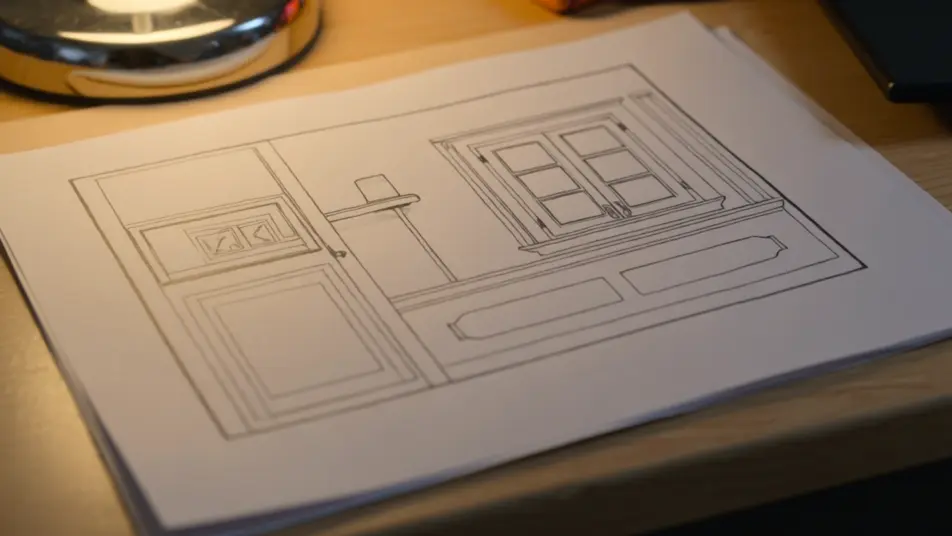
Direct the production diary in your browser with Morphic's making of AI video generator. Generate an artist pinning sketches to a corkboard, or a compositor pulling a green screen in a dim edit bay. Land a walkthrough with Speech, then stitch the segments into one featurette on the Canvas.
A split-feel sequence that opens on a hand-drawn storyboard panel and dissolves to the matching finished frame. Warm desk light on the boards, cooler light on the final shot, a matched slow push on both.
Editar promptA wide of a bright open studio where artists work at drawing tablets, reference pinned above each desk. Cool daylight through tall windows, a slow lateral track along the row of screens.
Editar prompt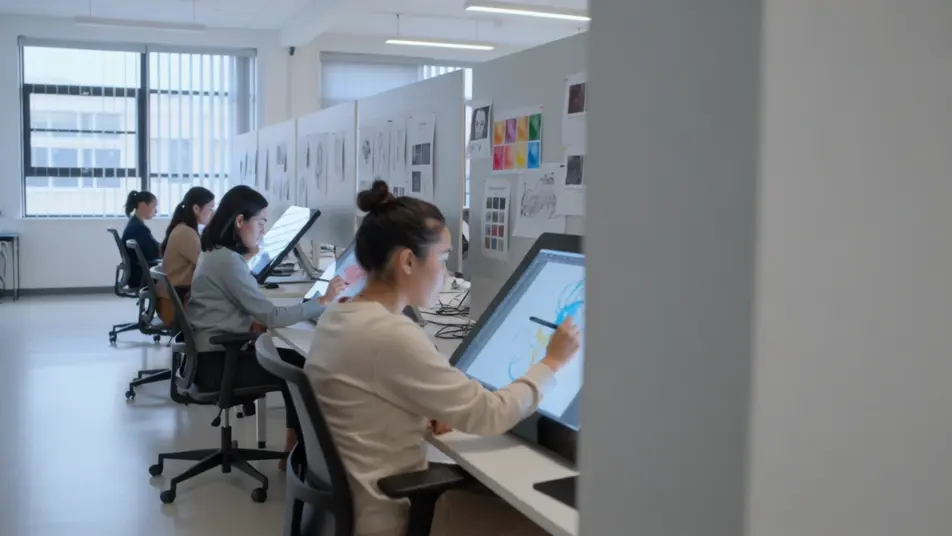
A cluttered practical-effects shop where a sculpted creature bust sits under work lights, tools and molds scattered around it. Warm tungsten pools, a slow arc that circles the finished piece.
Editar prompt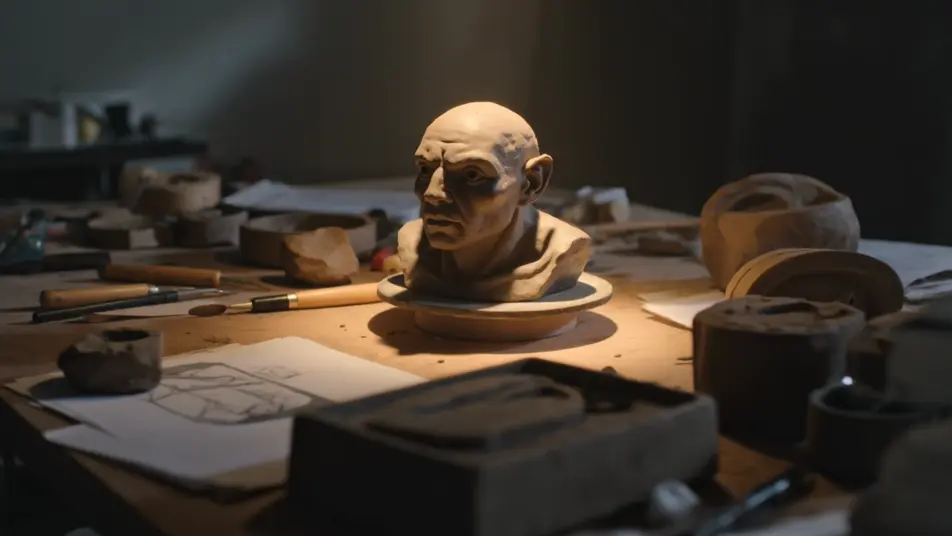
A recording room where a small ensemble plays to picture, a conductor cueing while a screen loops the scene above. Soft warm light, a drifting handheld that moves between the players.
Editar prompt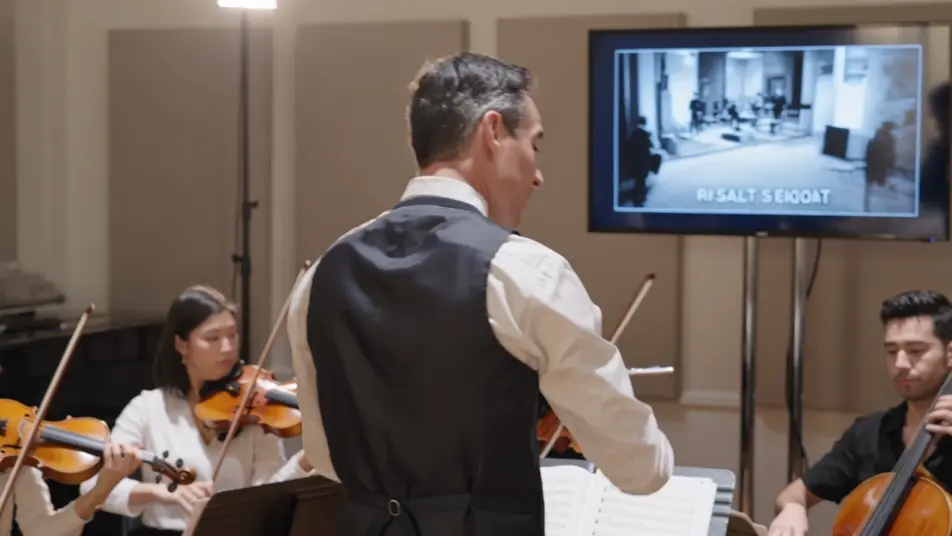
Escreva a cena de making of video que você quer, em poucas palavras.
A Morphic gera um clipe cinematográfico e pronto para uso no seu Canvas em segundos.
Ajuste o prompt, gere novas variações e depois baixe ou compartilhe a cena.

Dramatize any text conversation into a cinematic multi-shot video.
Cinematic time-freeze short film for any scene

Generate a professional film title card from scratch, with optional cinematic animation.
Photo of any real-estate becomes a cinematic renovation timelapse video with construction SFX and music.
One image to a 9-scene cinematic video.

Describe a first-person scenario. Get sequential POV frames animated into video clips with audio.
AI Behind The Scenes videos
Generate AI behind the scenes videos with Morphic. Crew-at-work clips, rehearsal blocking, take resets, and candid on-set prompts that just run.
AI Director's Commentary videos
Generate AI director's commentary videos with Morphic. Picture-in-picture talking heads, paused-frame breakdowns, and annotated-scene prompts that just run.
Vídeos de VFX com IA
Crie vídeos de VFX com IA no Morphic: explosões, energia, destruição e criaturas a partir de um prompt. Sem green screen, sem composição.
Vídeos morph com IA
Crie vídeos morph com IA no Morphic. Transições suaves, revelações com mudança de forma e cortes morph no ritmo, prontos para usar.
Comece grátis hoje mesmo, com a opção de fazer upgrade ou cancelar quando quiser.
Basic
2400 mensal créditos
1 apenas usuário
Todos os modelos
Workflows
Standard
3625 mensal créditos
1 apenas usuário
Todos os modelos
Workflows
Pro
6350 compartilhado mensal créditos
1 usuário
Todos os modelos
Workflows
Max
24650 compartilhado mensal créditos
1 usuário
Todos os modelos
Workflows
Enterprise
Para limites maiores
Personalizado
termos de preços e cobrança

Free
Para experimentar
$0
grátis para sempre