Hidden-camera stakeout
A living room framed from a concealed corner where the rigged prop waits and a subject drifts toward it. Warm lamp light, a locked wide shot, the tension building in the stillness.
Editar prompt
Direct a good-natured prank in your browser with Morphic's prank video AI generator. Generate a hidden-camera setup framed through a doorway, or a jump-scare reveal that dissolves into laughter. Build a playful score with Music, then stitch the prank into one sequence on the Canvas.
A living room framed from a concealed corner where the rigged prop waits and a subject drifts toward it. Warm lamp light, a locked wide shot, the tension building in the stillness.
Editar promptA tight setup on the trigger where the harmless gag springs and the subject jumps. Bright even light, a quick zoom that snaps to the startle, the comic beat landing hard.
Editar prompt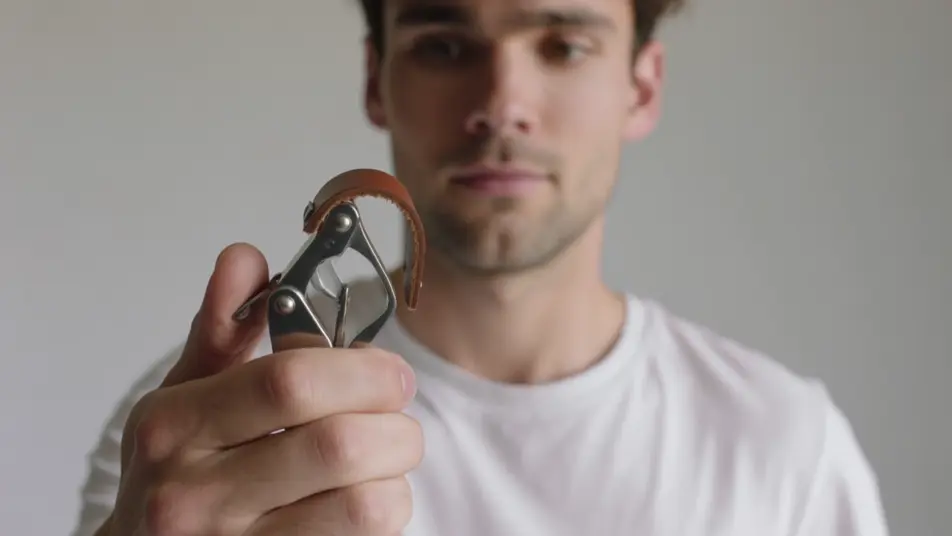
The moment the prankster steps in and both crack up together. Soft warm light, a slow push-in on the shared laughter, hands slapping knees as the joke lands.
Editar prompt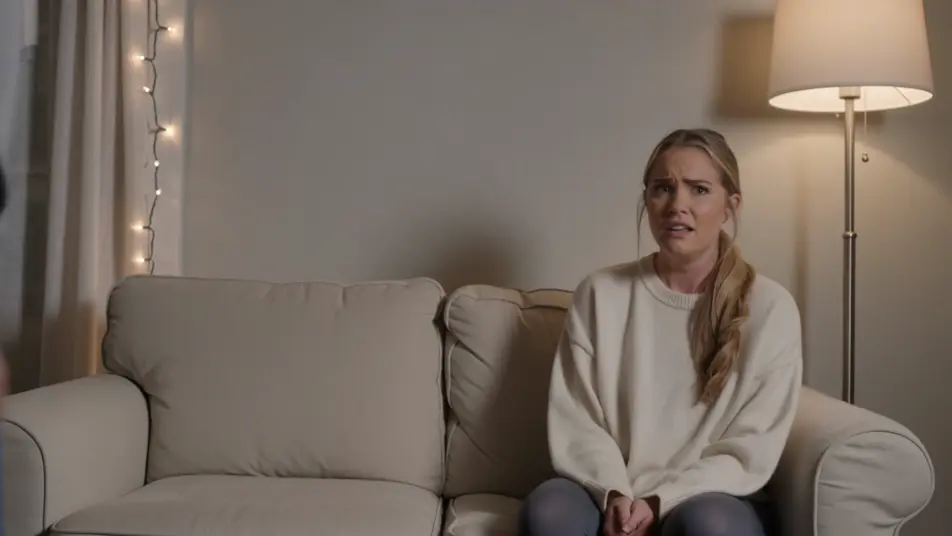
A stylized instant replay of the best startle, played back in slow motion. Punchy light, a tight frame on the wide-eyed jump, exaggerated just enough to be funny.
Editar prompt
Escreva a cena de prank video que você quer, em poucas palavras.
A Morphic gera um clipe cinematográfico e pronto para uso no seu Canvas em segundos.
Ajuste o prompt, gere novas variações e depois baixe ou compartilhe a cena.

Dramatize any text conversation into a cinematic multi-shot video.
Cinematic time-freeze short film for any scene

Generate a professional film title card from scratch, with optional cinematic animation.
Photo of any real-estate becomes a cinematic renovation timelapse video with construction SFX and music.
One image to a 9-scene cinematic video.

Describe a first-person scenario. Get sequential POV frames animated into video clips with audio.
AI Challenge videos
Generate AI challenge videos with Morphic. Rule setups, timed attempts, dramatic fails, and last-second win prompts that run end-to-end in your browser.
AI Social Experiment videos
Generate AI social experiment videos with Morphic. Premise cards, staged setups, candid bystander reactions, and narrated debrief prompts in your browser.
Vídeos POV com IA
Faça vídeos POV com IA no Morphic. Dirija caminhadas imersivas em primeira pessoa, beats de ação e momentos do dia a dia na altura dos olhos. Cenas de exemplo, sem experiência de edição.
Vídeos de VFX com IA
Crie vídeos de VFX com IA no Morphic: explosões, energia, destruição e criaturas a partir de um prompt. Sem green screen, sem composição.
Comece grátis hoje mesmo, com a opção de fazer upgrade ou cancelar quando quiser.
Basic
2400 mensal créditos
1 apenas usuário
Todos os modelos
Workflows
Standard
3625 mensal créditos
1 apenas usuário
Todos os modelos
Workflows
Pro
6350 compartilhado mensal créditos
1 usuário
Todos os modelos
Workflows
Max
24650 compartilhado mensal créditos
1 usuário
Todos os modelos
Workflows
Enterprise
Para limites maiores
Personalizado
termos de preços e cobrança

Free
Para experimentar
$0
grátis para sempre